
The Windows activation error code 0xC004C008 occurs when the activation server identifies your product key as already used on another device or when the key has reached its activation limit. This issue commonly arises after hardware upgrades, such as changing your motherboard, or when reinstalling Windows on a new device. Fortunately, there are several straightforward methods to resolve this issue and successfully activate your Windows.
Method 1: Activate Windows via Phone Activation
The most effective and widely recommended solution for the 0xC004C008 error is activating Windows through phone activation. Follow these detailed steps:
Windows key + R to open the Run dialog box. Type SLUI 4 and press Enter. This action opens the Phone Activation window.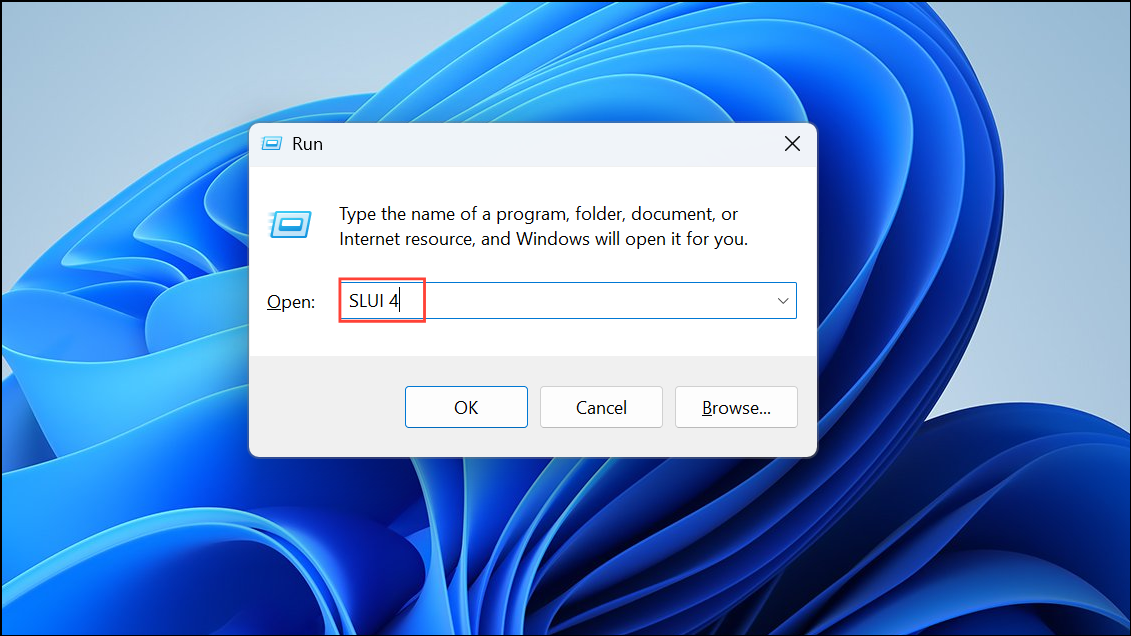
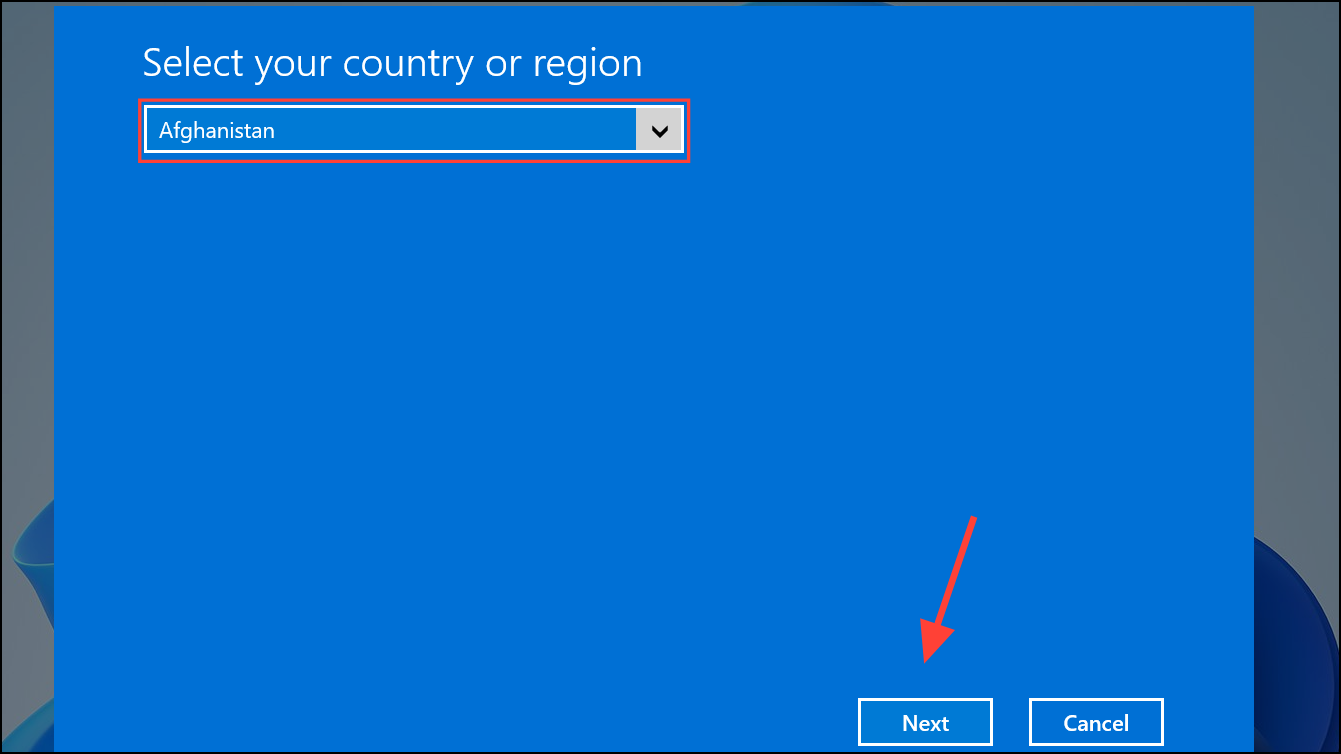
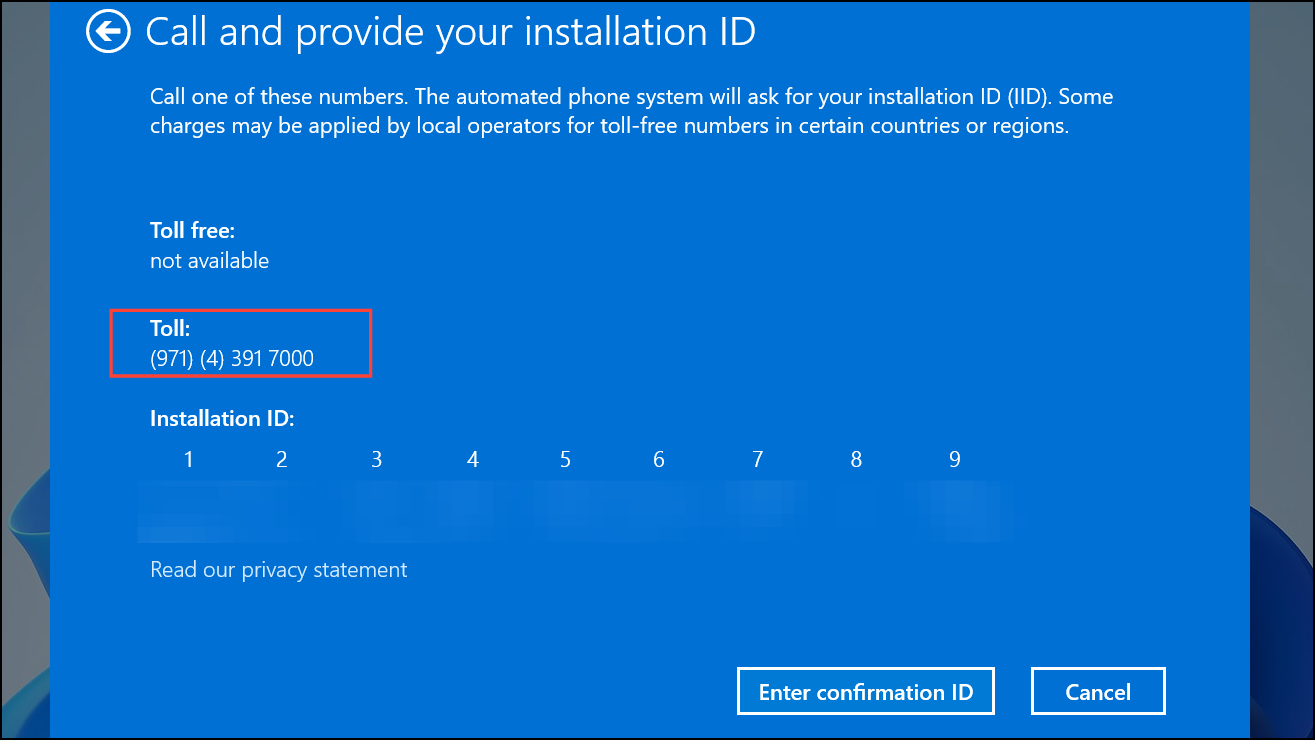
Method 2: Run the Windows Activation Troubleshooter
If phone activation isn’t an option, the built-in Windows Activation Troubleshooter can help resolve licensing issues automatically. Here’s how to use it:
Windows key + I to open Settings. Navigate to “Update & Security” and select “Activation” from the left pane.Method 3: Contact Microsoft Customer Support
If neither of the above methods resolves the issue, contacting Microsoft Customer Support directly is your next best step.
0xC004C008 and the circumstances under which it appeared (e.g., hardware upgrade, motherboard replacement).After following these methods, your Windows activation error 0xC004C008 should be resolved, allowing your system to run smoothly again.





