Windows 11 Insider Beta (26H1) Preview Build 28020.2539 landed on 20 July 2026 for testers in the Beta (26H1) channel. It is a small update that focuses on accessibility, with the headline change being faster, simpler support for refreshable braille displays in Narrator. Voice Access picks up three new languages, and a few Settings and Sounds fixes round out the release.
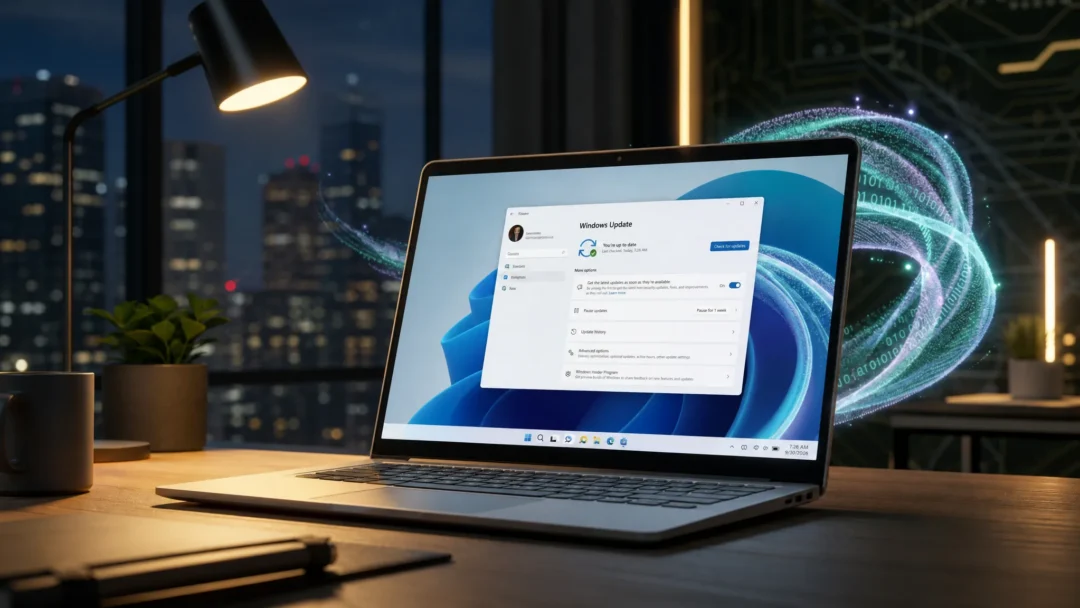
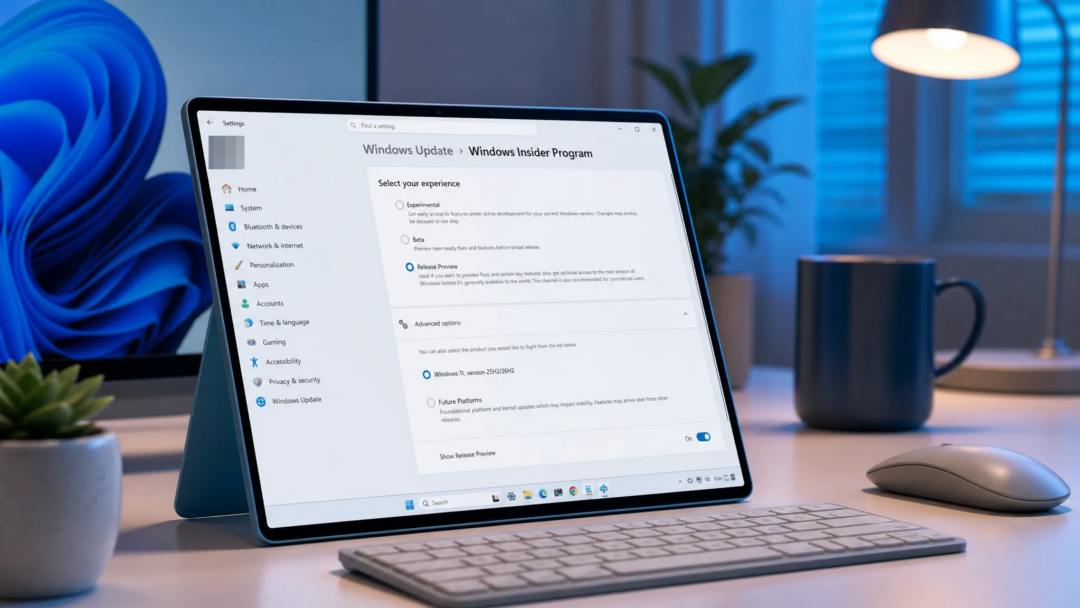
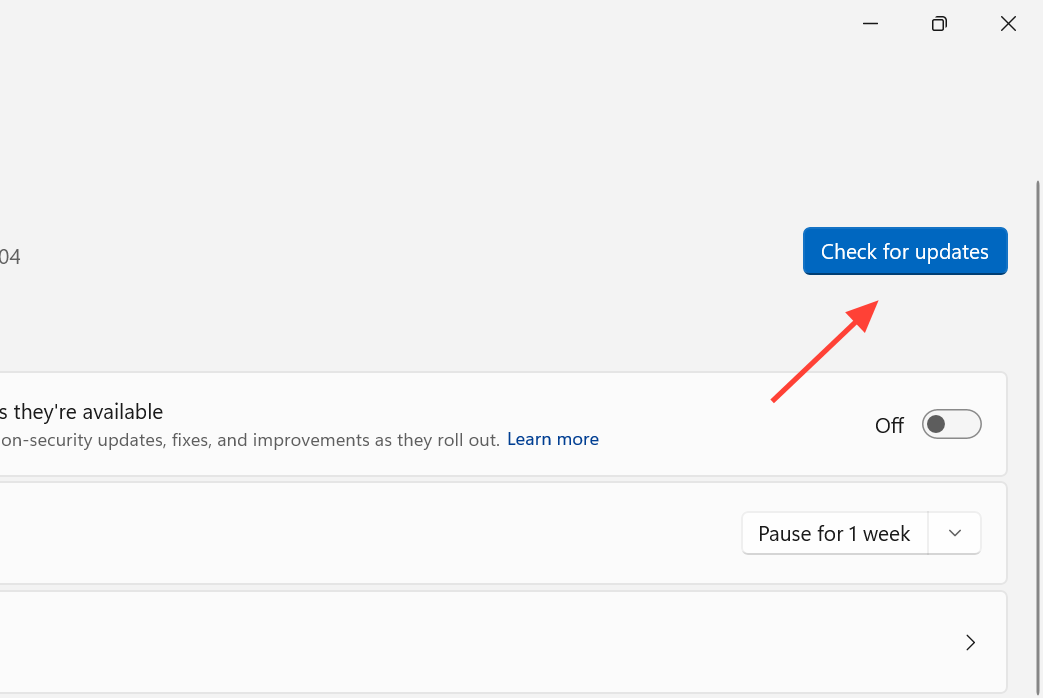
Quick answer: Install the build from the Beta (26H1) channel through Settings > Windows Update. Once it applies, the desktop watermark and build string will read 28020.2539, and Narrator will connect to HID braille displays over USB with no extra setup.
What changed in build 28020.2539
The changes roll out gradually, so not every device receives them at the same time. The full set of documented improvements is published in the official Beta (26H1) Preview Build 28020.2539 release notes.
| Area | Change |
|---|---|
| Narrator | Instant connection for braille displays; HID standard support over USB and Bluetooth; works during first-time setup (OOBE) |
| Voice Access | New language support for Portuguese (Portugal), Portuguese (Brazil), and Korean (South Korea) |
| Settings | Bluetooth quick settings page navigable with a gamepad; fix for the Graphics page crashing |
| Sounds | Improved system sounds when Windows is in dark mode |
Narrator braille display support over USB and Bluetooth
The biggest change is how quickly refreshable braille displays now connect with Narrator. Displays that use the HID standard, an open industry standard for braille hardware, work without any additional configuration. If your display supports HID, plug it in over USB and start reading right away.
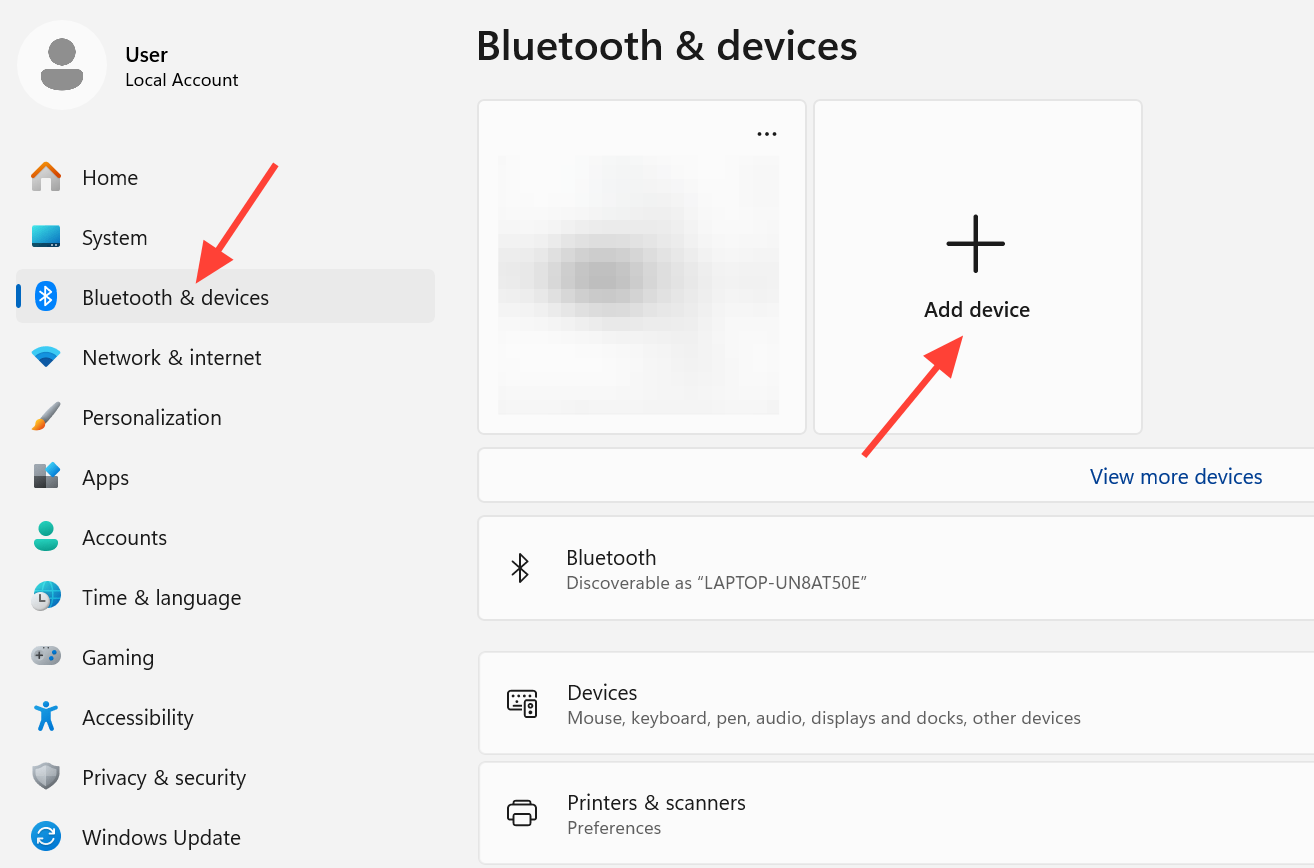
For a wireless setup, pair your HID braille display under Settings > Bluetooth & devices the same way you would add any other accessory. Once paired, you can work without being tethered to your PC.
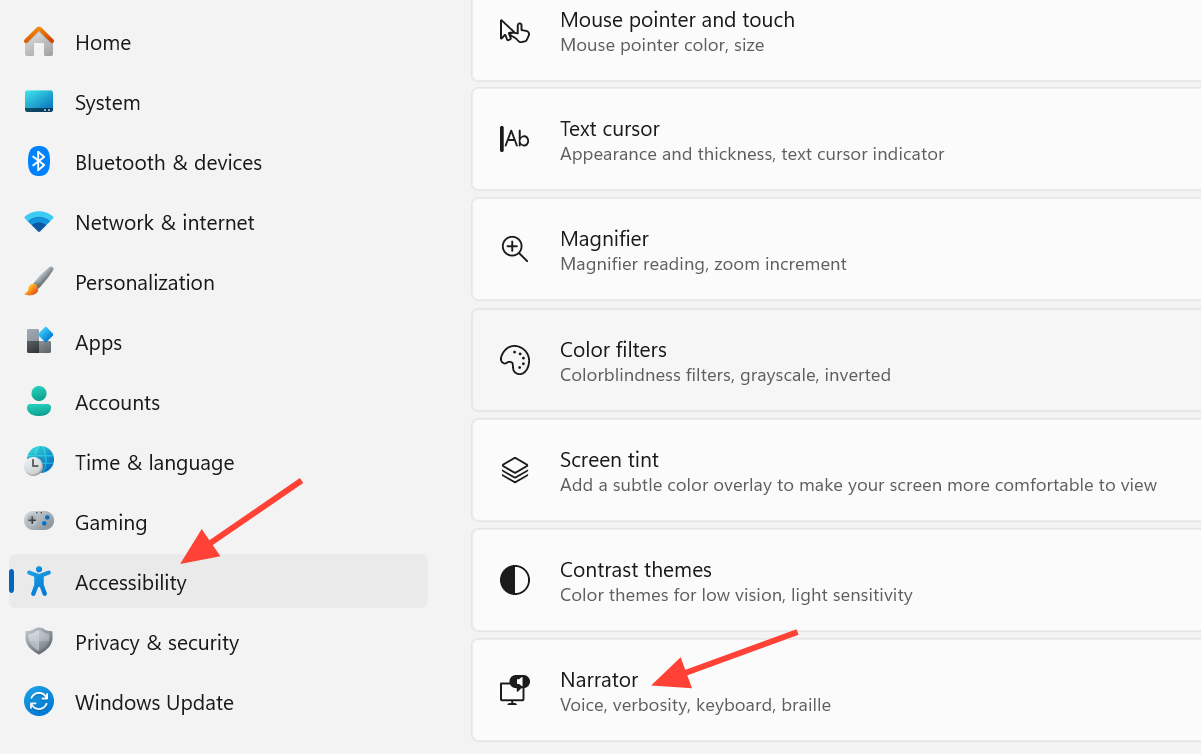
HID displays also function during the initial Windows setup experience (OOBE) over USB. That means people who are deaf-blind can set up a new PC on their own, starting from the very first screen. You can adjust braille input and output options at any time under Settings > Accessibility > Narrator > Braille.
Compatible HID braille displays
- Orbit Reader 20
- Orbit Slate 340
- Freedom Scientific Focus 40
- APH Mantis Q40
Voice Access adds Portuguese and Korean
Voice Access now supports Portuguese (Portugal), Portuguese (Brazil), and Korean (South Korea). Speakers of those languages can control their PC and dictate text with Voice Access without switching to a different display language.
Settings and Sounds fixes
The Bluetooth quick settings page can now be navigated with gamepad input, which helps on handheld and controller-first setups. This build also fixes a bug that caused the Graphics page in Settings to crash for some Insiders after recent updates.
System sounds have been adjusted so they fit better when Windows runs in dark mode.
How to get the build and confirm it installed
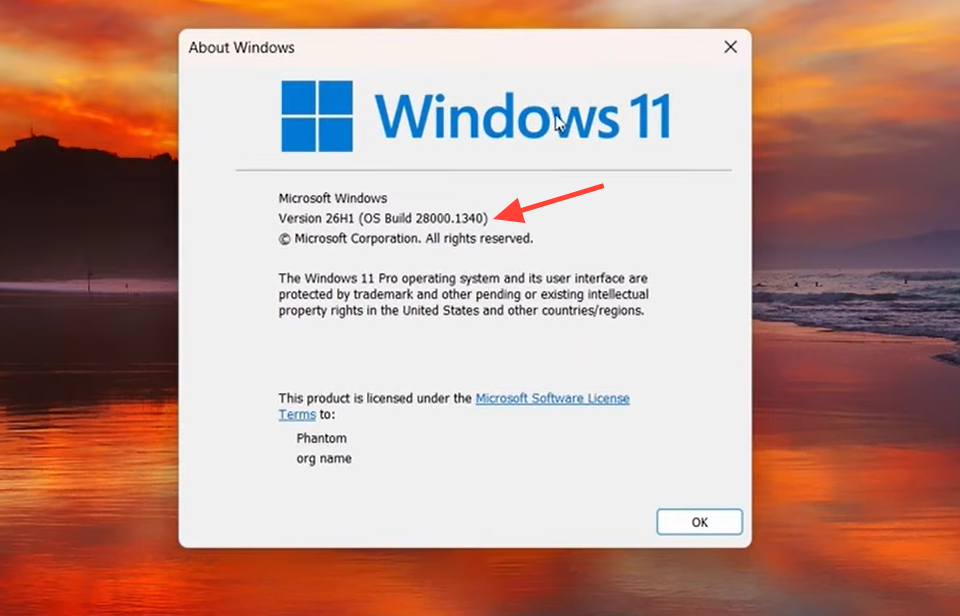
Because these changes are rolled out gradually, some features may not appear immediately even after the build installs. Preview features can also change, move, or be pulled before any wider release, so treat everything in this build as work in progress. If a feature is not fully localized in your language, you can report it through the Feedback Hub.