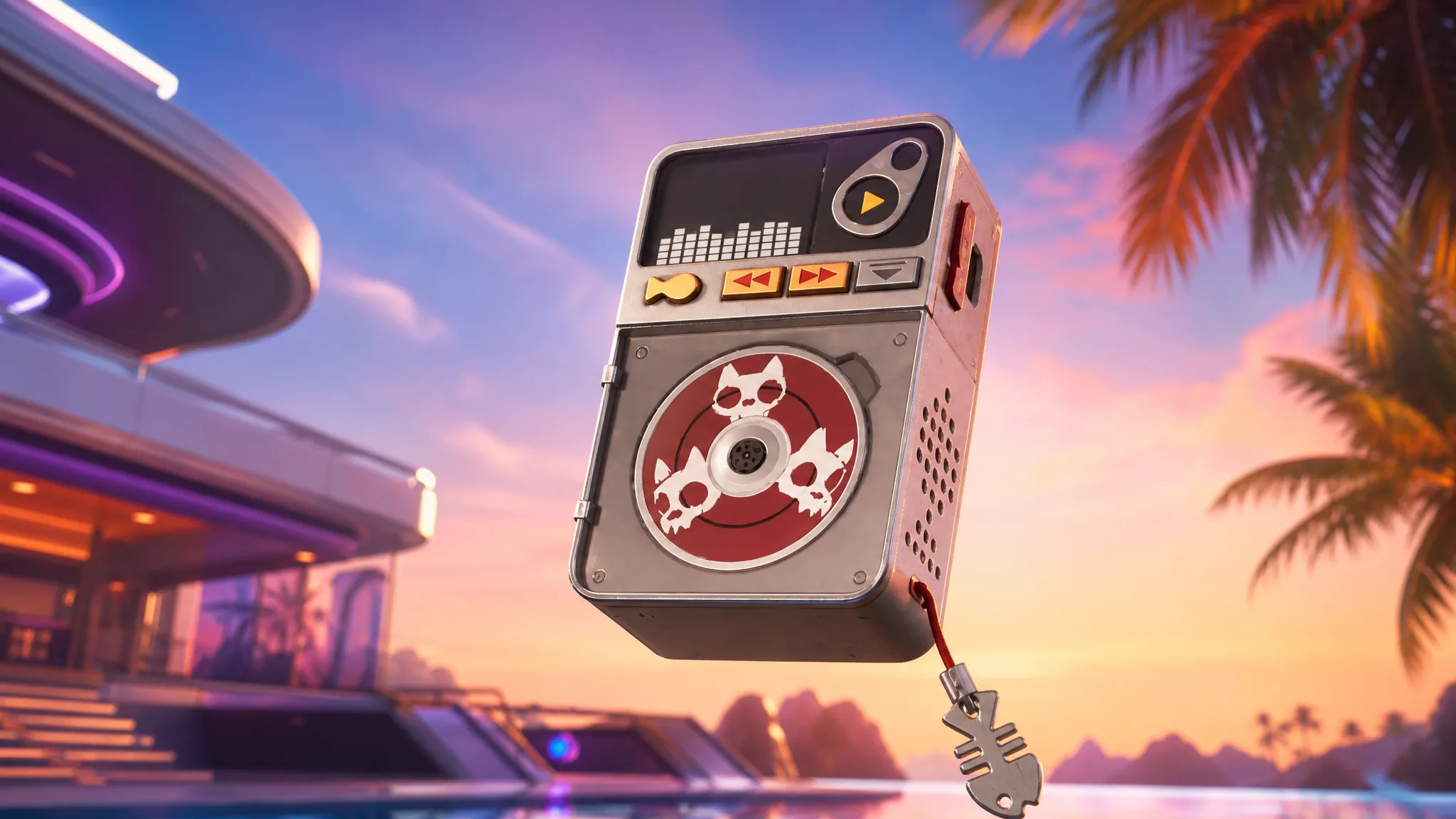
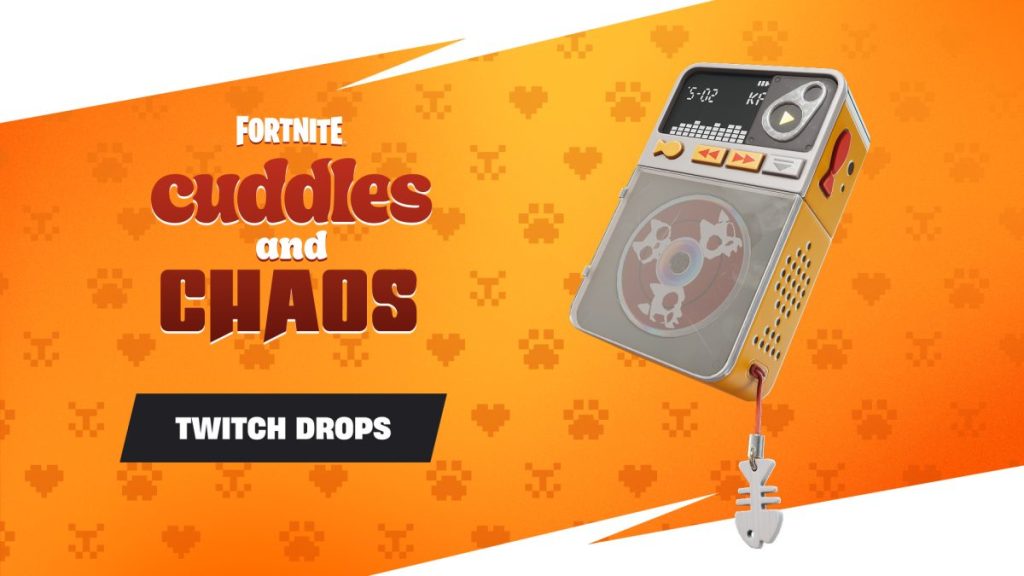
The KATS Turntable is a Rare Back Bling from the KATS Island Tour set, tied to the Cuddles and Chaos crossover with Maya Higa. It went live alongside the July 23, 2026 hotfix, and the fastest way to add it to your Locker costs nothing but time spent watching Twitch.
Quick answer: Link your Twitch account to your Epic Games account, then watch 30 minutes of any Fortnite stream tagged DropsEnabled before July 26, 2026 at 11:59 PM ET. Claim the drop from the Twitch Drops & Rewards page, and the KATS Turntable appears in your in-game Locker.
Claim window and requirements
This is a timed Twitch Drop, not an item shop purchase or a map quest. You need a Twitch account, an Epic Games account, and the two of them connected before your watch time counts toward the reward.
| Detail | Value |
|---|---|
| Item | KATS Turntable (Rare Back Bling) |
| Set | KATS Island Tour |
| How to earn | Twitch Drop, 30 minutes watched |
| Drop starts | July 23, 2026 |
| Deadline | July 26, 2026, 11:59 PM ET |
| Cost | Free |
Note: Maya Higa and several of the featured channels only begin streaming from July 24, 2026, so plan your viewing after that date if you want to watch a participating creator directly.
Link Twitch to your Epic Games account
Confirm the link shows as connected before you start watching. If Twitch and Epic are not connected, your viewing time will not register and the drop cannot be granted.
Watch 30 minutes and claim the drop
The following channels are confirmed as participating streams for this drop:
- Maya
- CarynandConnie
- BoxyFresh
- Ronnie
- Eeowna
Other Fortnite streamers also qualify as long as their channel displays the DropsEnabled tag. The 30 minutes can be spread across eligible streams; it does not have to be a single unbroken session on one channel.
How to confirm it worked
After claiming, the KATS Turntable is delivered to the Epic account you linked and shows up in your Fortnite Locker under Back Blings. If it does not appear immediately, restart Fortnite so the Locker refreshes.
If the drop never becomes claimable, the usual cause is a broken or missing account link, or watching a stream that is not tagged DropsEnabled. Reconnect Twitch to Epic, verify the tag on the channel, and make sure you reached the full 30 minutes.
Epic has not confirmed whether the KATS Turntable will return through the Fortnite Item Shop later. If it does, that would be a separate route with its own pricing, so earning it during the drop window is the surest way to secure it for free.