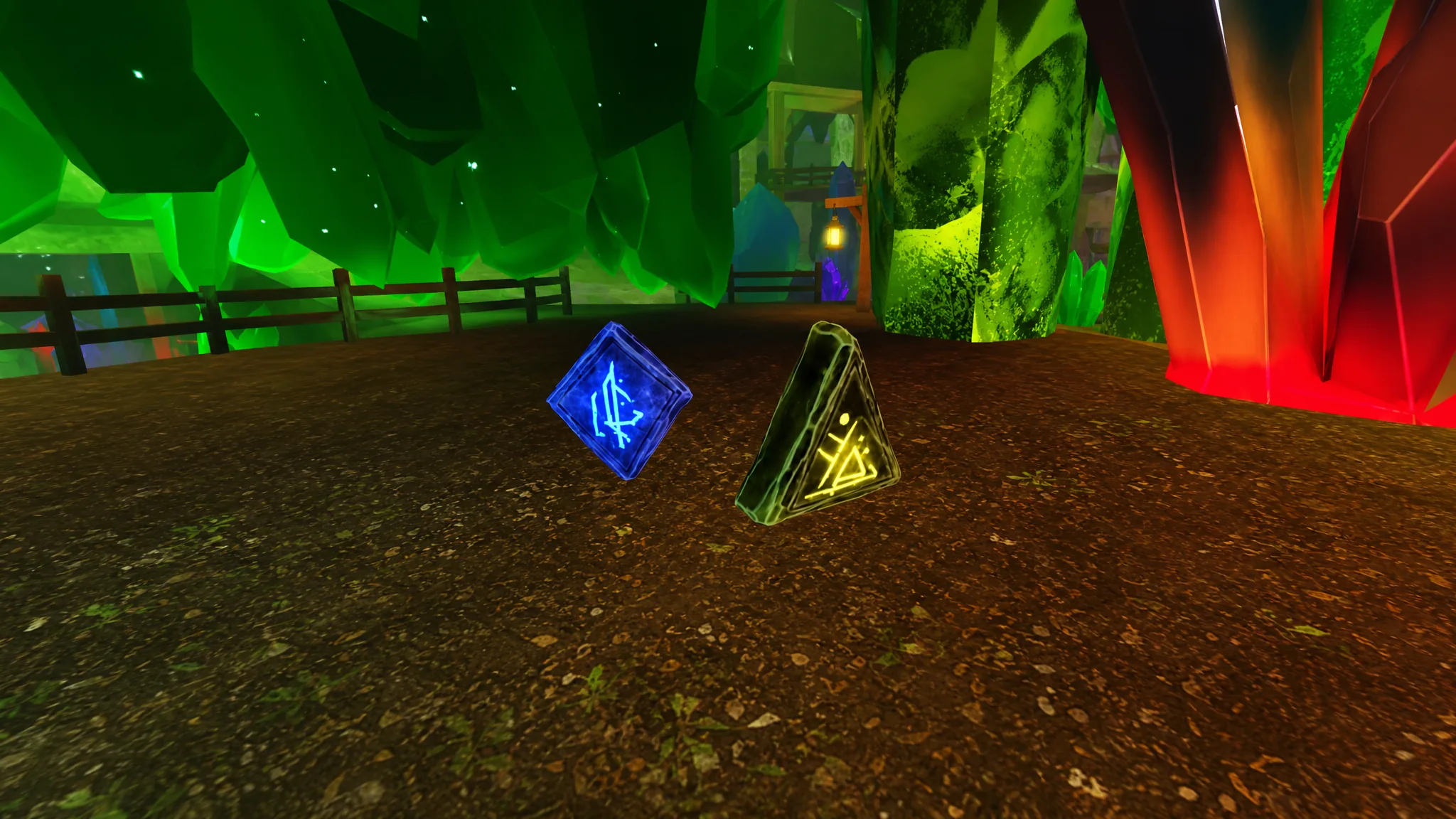
Runes are timed buff stones in Mine a Mountain that only work once you set them down on your plot. There are ten of them right now, and each one changes a specific part of your run, from mining speed to crystal sell value to how high you can climb before the cold stops you.
Quick answer: Mine Boulders deep inside the Mountain to drop Runes, then place a Rune on your plot to activate its buff. Hover the Rune to see its effect and the time left before it burns out.
What each Rune does in Mine a Mountain
All ten Runes apply a single, clear status effect for a limited time. The table below lists every Rune and the exact buff it grants while it is active on your plot.
| Rune | Effect |
|---|---|
| Luck | +150% plot luck |
| Haste | +35% mining speed |
| Storm | 2× weather mutation chance |
| Weight | 2× carry weight |
| Fortune | +50% crystal sell value |
| Detonation | Bombs spawn +40% more crystals |
| Preservation | Other active Runes drain 50% slower |
| Warmth | 2× warmth, letting you climb higher than your gear alone allows |
| Excavator | +30% bomb blast radius |
| Colossus | +68% chance to size crystals up, and can cascade toward Giant |
How to get Runes from Boulders
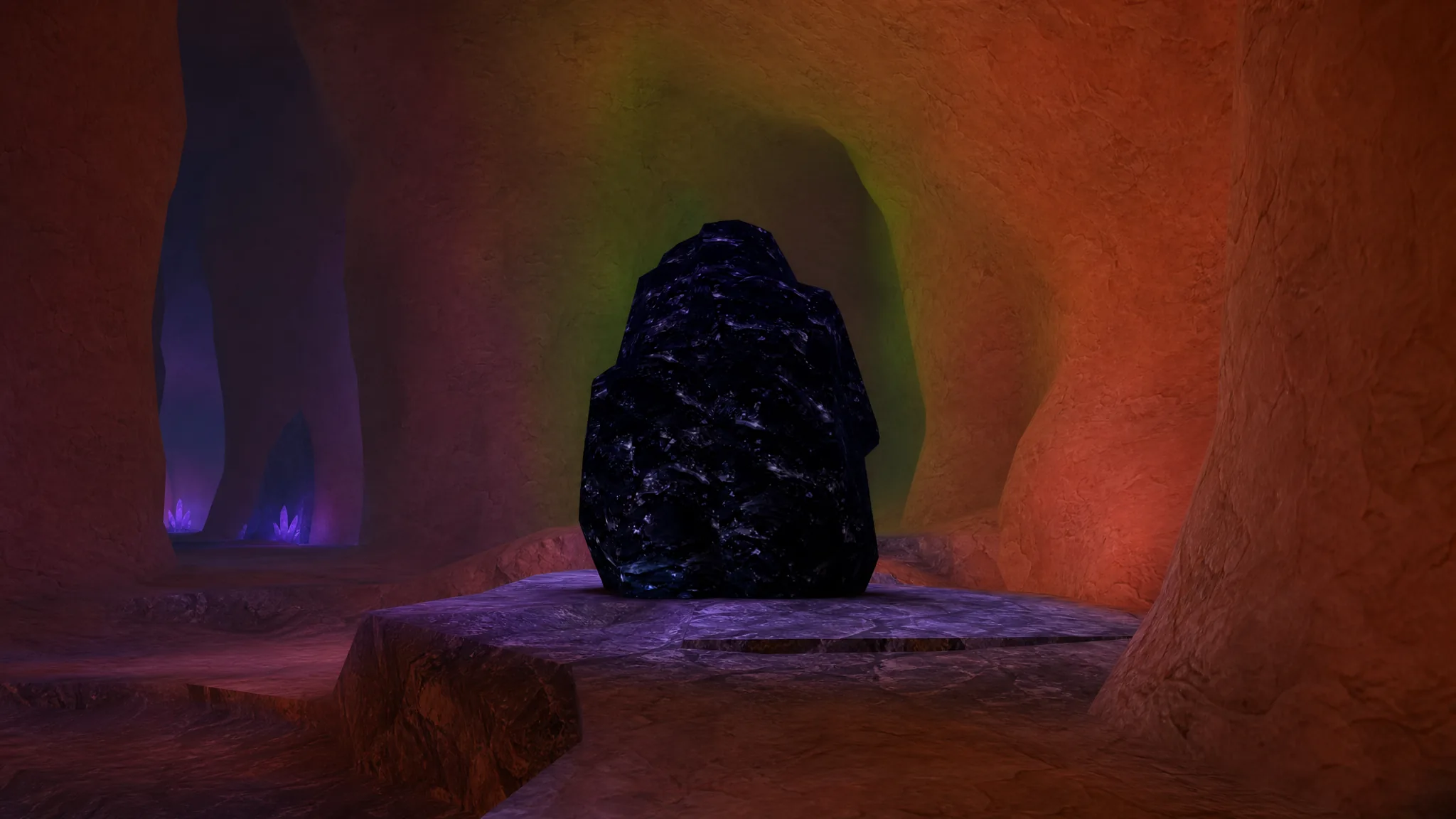
Runes drop only from Boulders, which sit deep inside the Mountain. When you find one, break it with a pickaxe strong enough for that Boulder’s rarity. Every Boulder gives rare crystals and has a chance to drop a Rune.
Each Boulder rarity is tied to a specific pickaxe and a pair of possible Runes. Use the table to match the Boulder you want to farm with the pickaxe you need and the Runes it can drop.
| Boulder (rarity) | Required pickaxe | Possible Runes |
|---|---|---|
| Mossite (Common) | Titanium Spike | Luck, Haste |
| Voltite (Uncommon) | Celestial Apex | Storm, Weight |
| Gildrite (Rare) | Eclipse Fang | Fortune, Detonation |
| Rimeveil (Epic) | Voidreign | Preservation, Warmth |
| Nocturnite (Legendary) | The Terminus | Excavator, Colossus |
Higher-rarity Boulders can also drop Runes from the lower tiers. A Nocturnite Boulder, for example, has a chance to drop any of the ten Runes. If you want access to every Rune from one source, the Terminus pickaxe lets you break every Boulder type.
Placing Runes and how the timer works
A Rune does nothing while it sits in your inventory. It only takes effect once placed on a plot, and from that point it burns down on a timer. When the timer hits zero, the Rune is gone for good.
You can confirm a Rune is working in two ways. Hover over it on your plot to see its effect and the remaining time, or hover over it on the Events Bar at the bottom of the screen to check the same details. If the buff appears there, it is active.
- Picking a Rune back up saves its remaining time, so you can re-place it later without losing progress.
- The countdown only runs while you are in the game. Logging off freezes the timer until you return, so offline time is safe.
Note: The Warmth Rune lets you climb higher than your gear would normally survive, but the moment its timer runs out while you are still up there, the cold catches up fast. Bank your progress before it expires.
Merging Runes vs stacking Luck
Duplicate Runes are not wasted. For nine of the ten Runes, dropping a second Rune of the same type onto one already on your plot merges them into a single, larger stone with more time on its clock, up to a cap. This is the way to stockpile duration before a summit climb or a bomb run.
Luck is the one exception. It does not merge. Instead, multiple Luck Runes sit side by side on the plot and stack their effect multiplicatively. Place four Luck Runes and you get a +600% luck boost. Every other Rune merges; only Luck stacks.
With the Runes system understood, the fastest way to broaden your collection is to push deeper for higher-rarity Boulders, since those can roll any Rune in the game. Keep a Preservation Rune running alongside your other buffs to stretch each session, and hover the Events Bar whenever you want to confirm what is still ticking.