Google Chrome’s 2023 Design Refresh introduced a modern look with rounded corners and revamped icons, aiming to enhance the browser’s touch-friendliness. While these changes bring a contemporary feel, they have also increased spacing between elements and expanded menu sizes, which might not be ideal for users on non-touch devices.
If you prefer the classic Chrome interface, you can revert to the older design without downgrading your browser version. By adjusting a few experimental settings, you can disable the new UI elements and restore the familiar appearance.
Reverting to the Classic Chrome Interface
chrome://flags and press Enter to access Chrome’s experimental features page.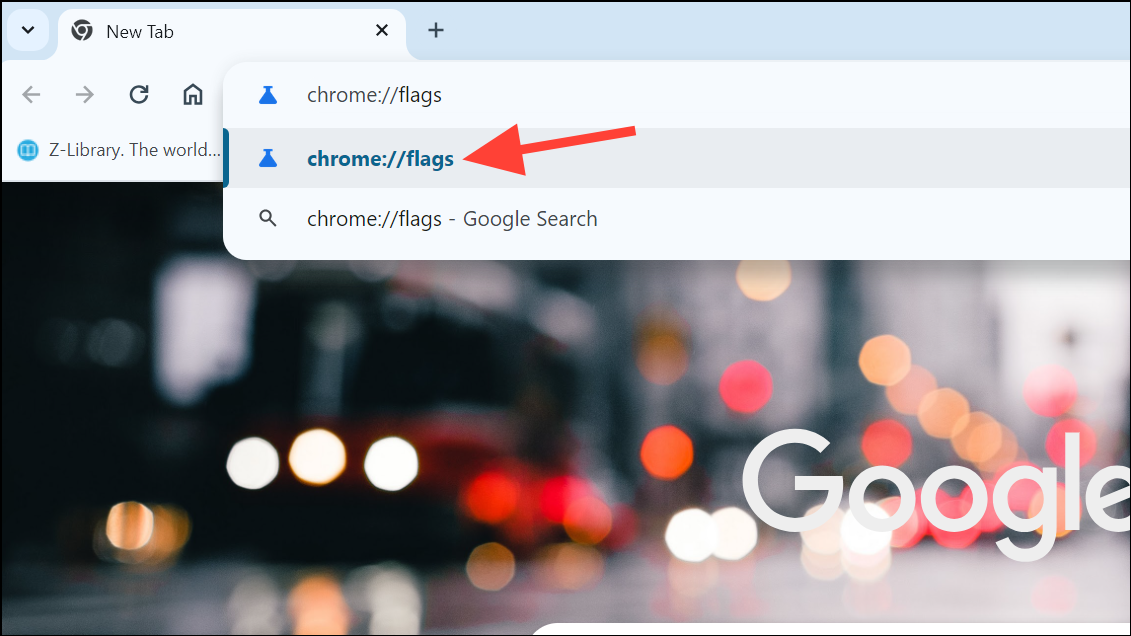
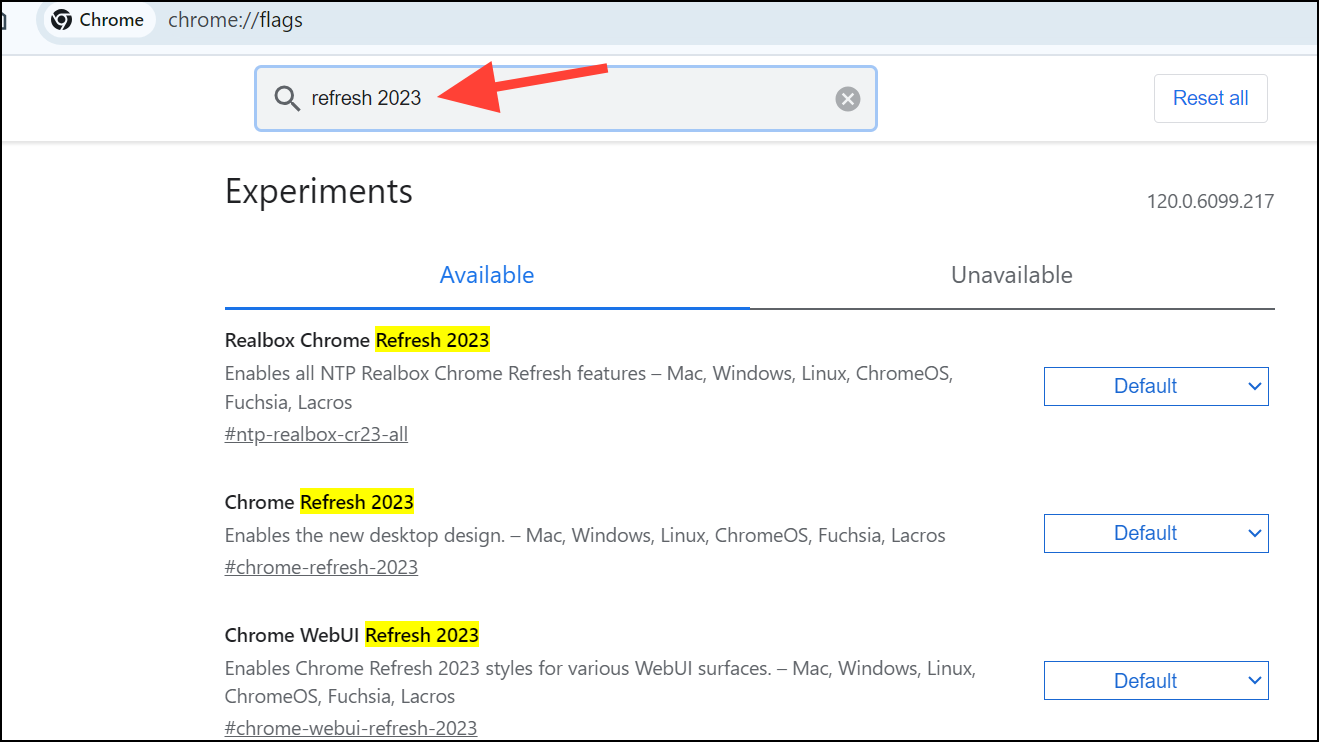
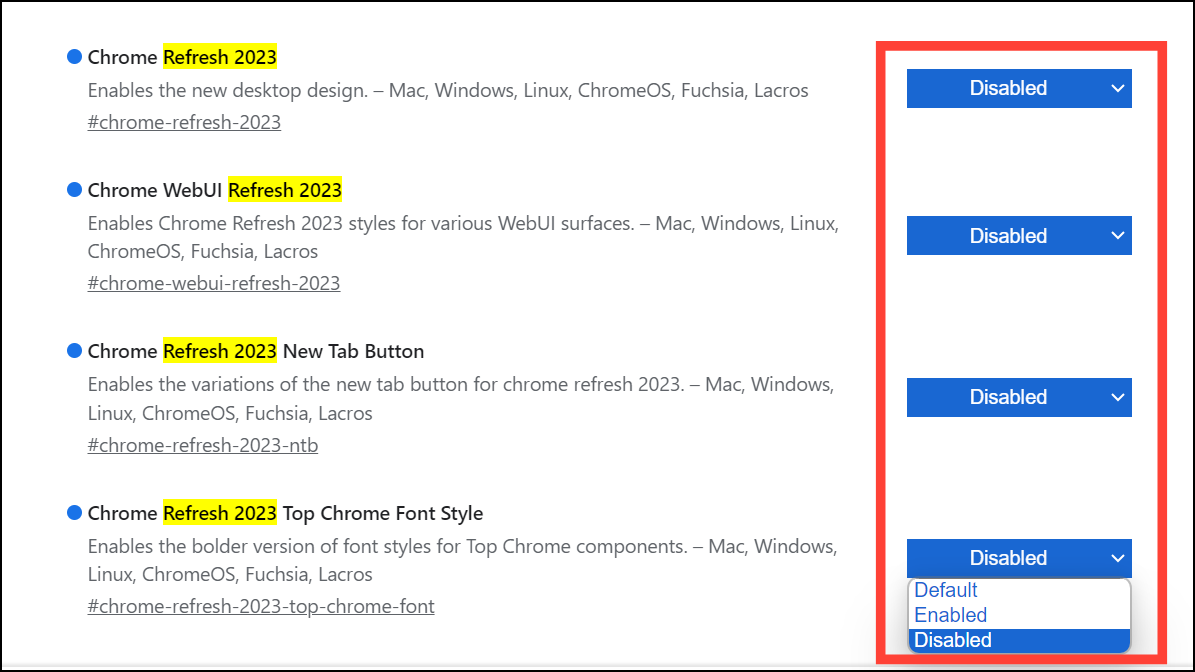
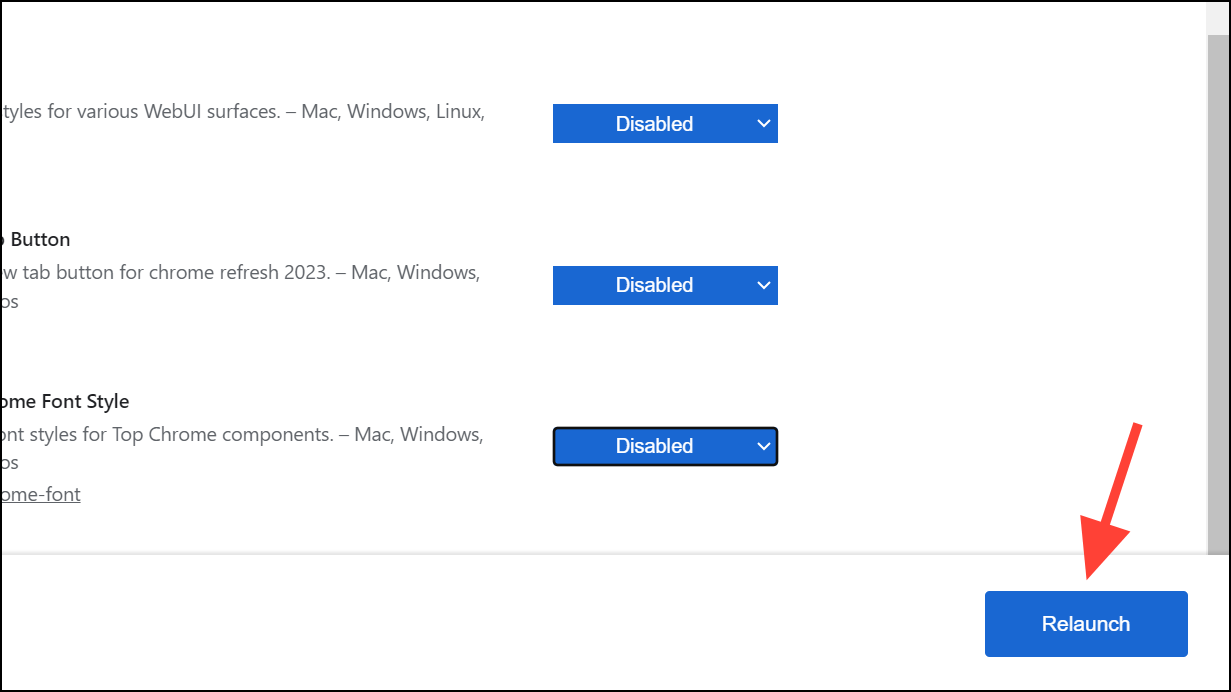
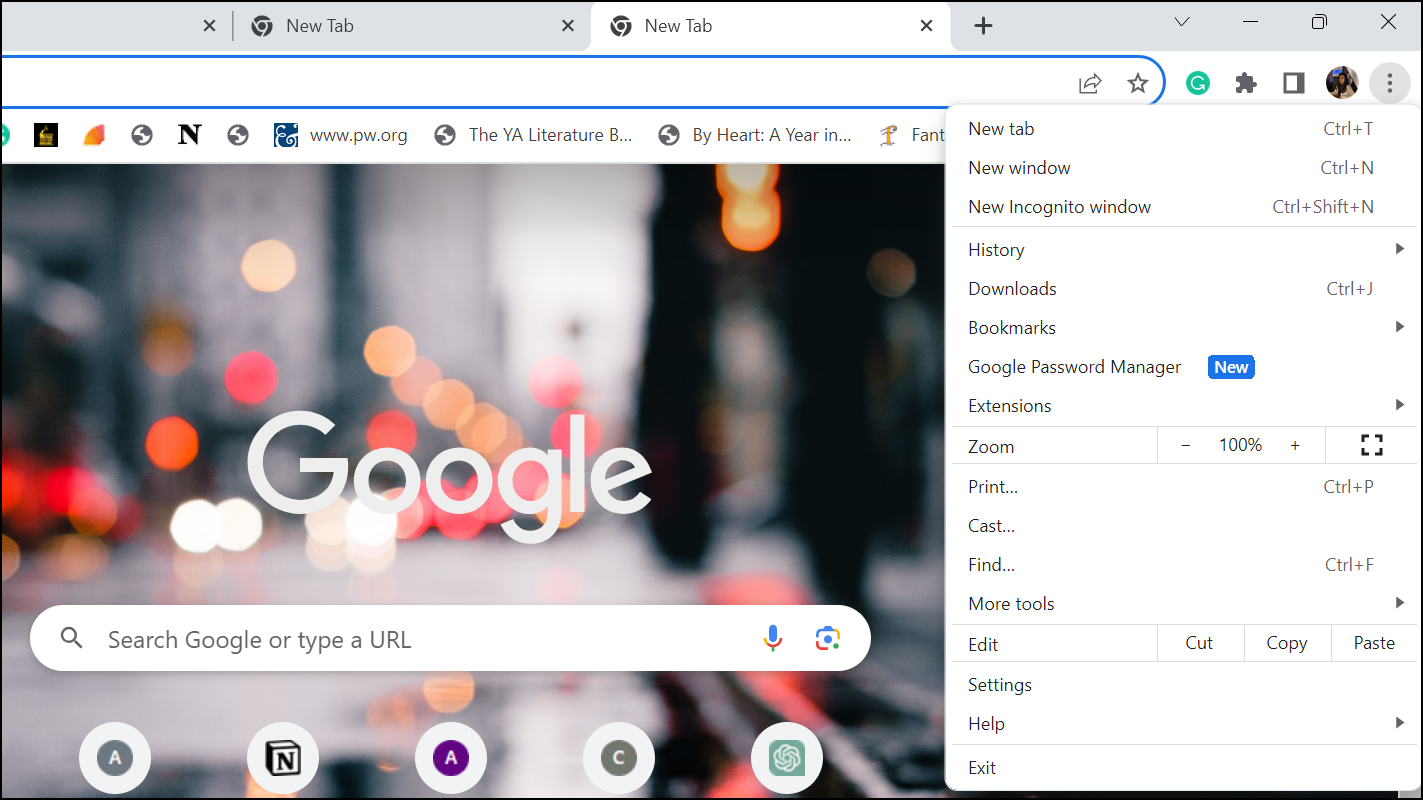
Adjusting these settings allows you to enjoy Chrome without the new design elements that may not align with your preferences. If you’d like to share your thoughts on the redesign, consider using the feedback option under Chrome’s Help menu to let the development team know.