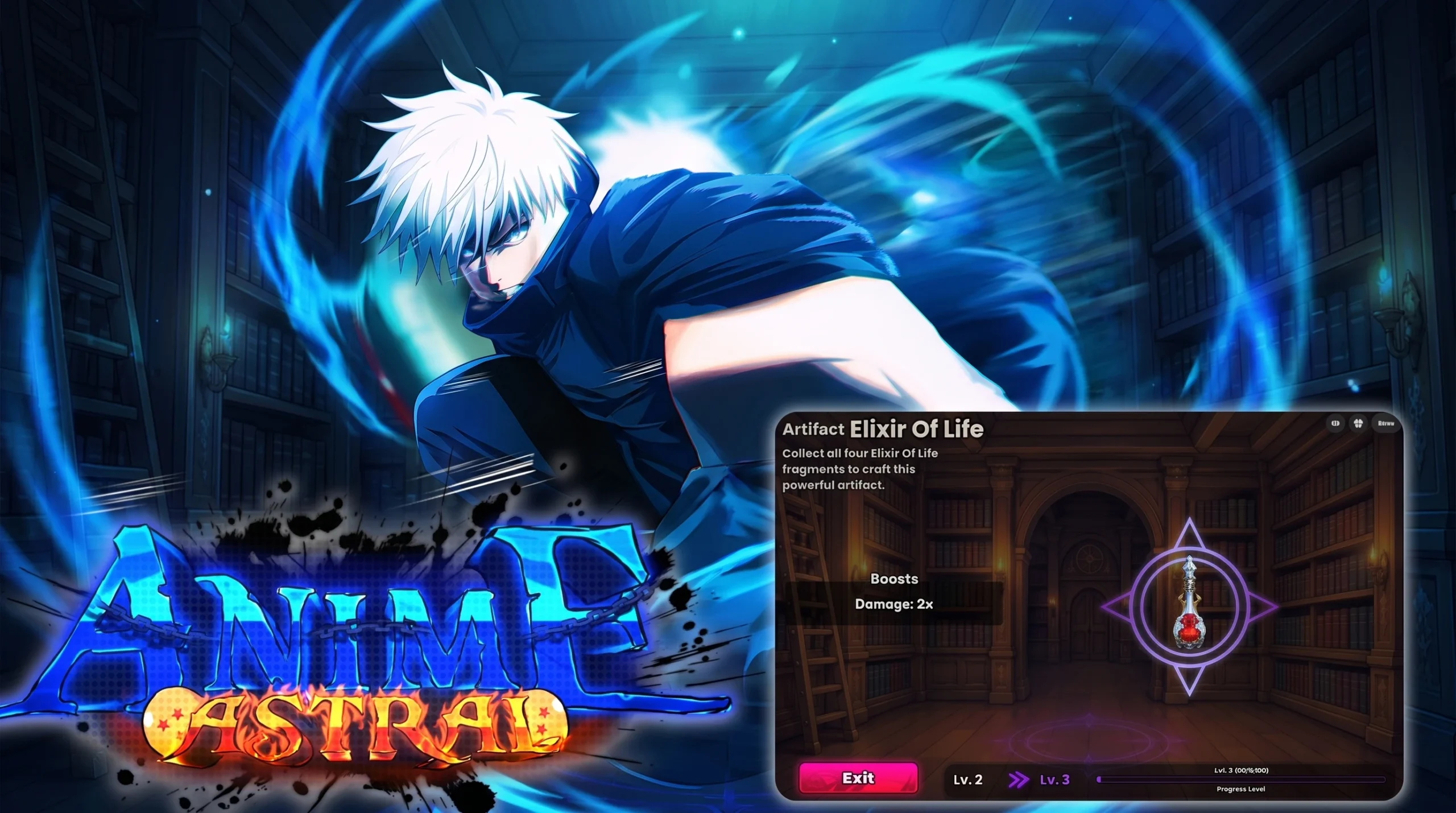
Anime Astral Simulator hands out free tickets, potions, and boosts through codes tied to updates and milestones, and the newest wave centers on the cursed-themed batch led by UPDATE7. Claiming these before you spend anything gives your roster the strongest early push, since fresh tickets and Tier II potions do the most work in your first sessions.
Quick answer: Launch the game on Roblox, open the Codes menu in the top right, type a working code such as UPDATE7, then press REDEEM CODE! to receive the rewards instantly.
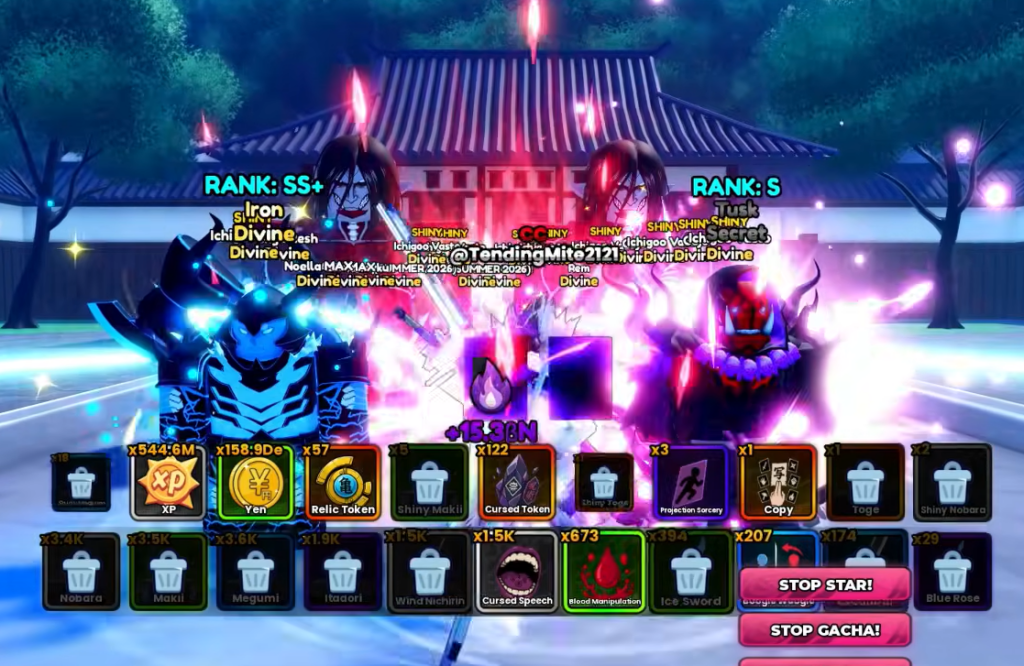
Newest Anime Astral Simulator codes and rewards
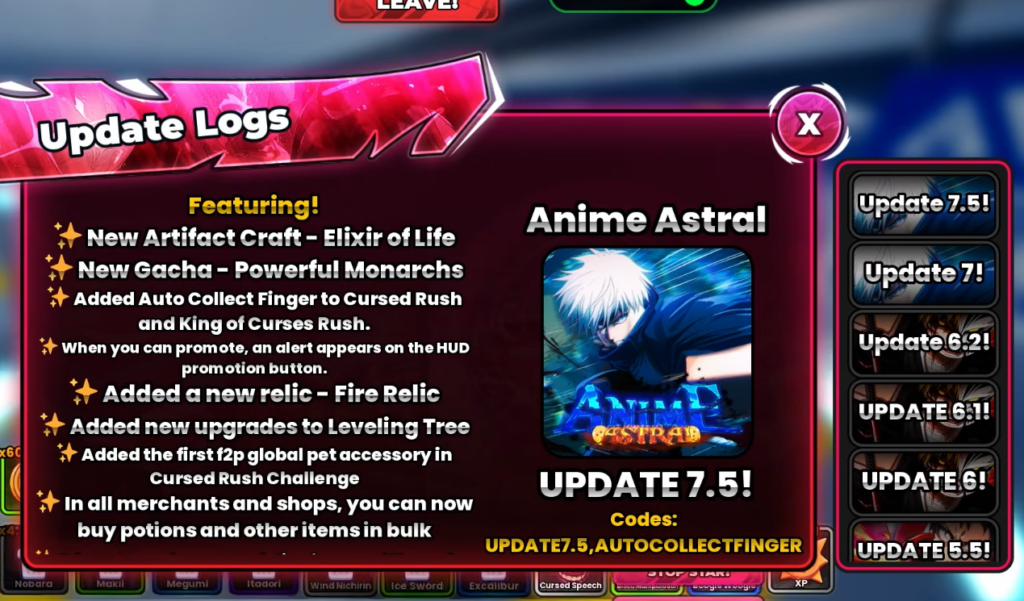
The freshest codes sit at the top of the active list. UPDATE7, CURSEDRUSH, and KINGOFCURSES are the latest additions. Many update-tagged codes credit the same package of 200 F2P Tickets plus one of each Tier II potion, so redeeming the whole run stacks your currency and buffs quickly.
| Code | Reward |
|---|---|
| UPDATE7 | Tickets, Potions, or Boosts |
| CURSEDRUSH | Tickets, Potions, or Boosts |
| KINGOFCURSES | Tickets, Potions, or Boosts |
| OPTIMIZATIONS | 200 F2P Tickets, plus 1 Damage II, Power II, XP II, Yen II, and Luck II Potion |
| FIXEDWHITEBEARDQUEST | 200 F2P Tickets, plus 1 of each Tier II Potion |
| UPD6.2FIXES | 200 F2P Tickets, plus 1 of each Tier II Potion |
| UPDATE6.2 | 200 F2P Tickets, plus 1 of each Tier II Potion |
| PROMOTION | 200 F2P Tickets, plus 1 of each Tier II Potion |
| TOMBRAID | 200 F2P Tickets, plus 1 of each Tier II Potion |
Beyond these, a long backlog of milestone codes remains active, including LIKES5K, 10KLIKESALREADY, 5MVISITSINGAME, VISITSASTRAL10M, 10KFAVORITESINTHEGAME, ASTRAL20KFAVORITES, UPDATE6RELEASE, BACKTOASTRAL, and the FIXEDAVATAR code that grants 150 F2P Tickets and 5 potions. Each rewards tickets, potions, or boosts, so it is worth clearing the full list.
How to redeem codes in Anime Astral Simulator
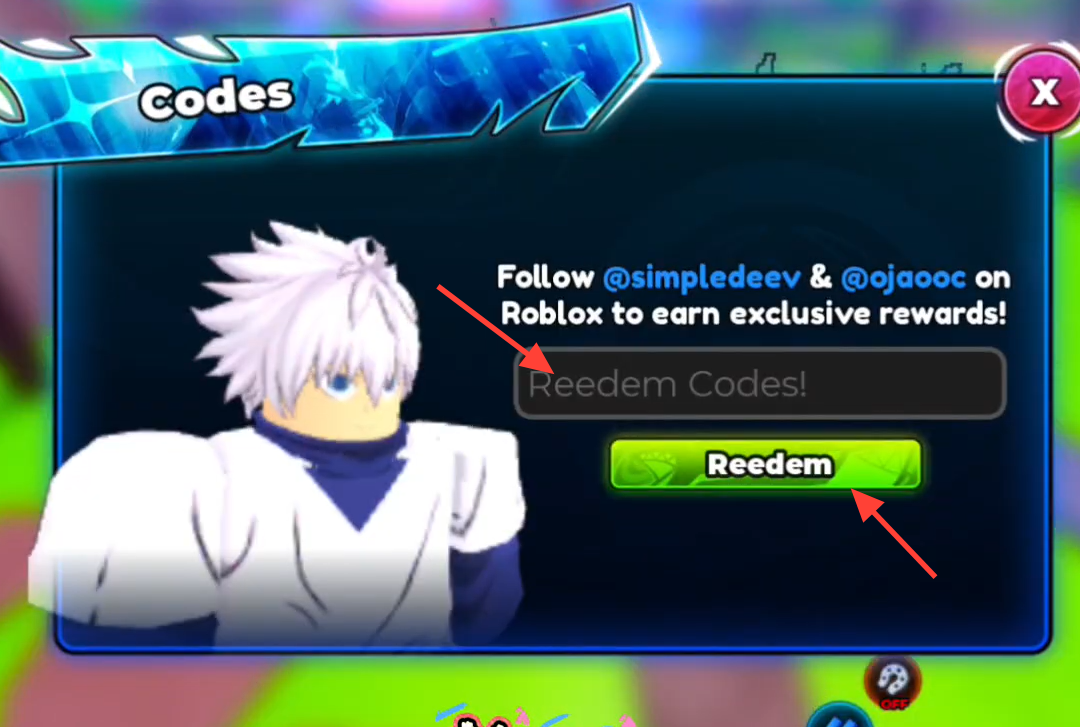
How to confirm a code worked
A successful redemption applies the reward right away and marks the code as used, so your ticket count rises, and any potions appear in your inventory. If nothing changes after you press redeem, the code did not register, and you can move on to the next one.
Why a code is not working
Most failures trace back to a small set of causes. Work through these before assuming a code is dead.
- The code has expired. Only codes that are still active will register a reward.
- A typo or wrong capitalization. Copy and paste the exact string instead of typing it by hand.
- The code needs a fresh server. Restart the game, or start a private server, so a newly released code is recognized.
Where to find new codes
New codes usually drop alongside updates, like counts, visit totals, and favorite milestones, so activity spikes are a good signal to check again. The developers post them through the game’s community channels, and following the codes and announcements posts in the official Anime Astral Simulator Discord is the most direct way to catch each release. Re-checking after a new update label appears keeps you from grinding a weak run before the easy rewards are claimed.