ChatGPT has revolutionized the way people approach coding, essay writing, summarizing lengthy documents, and a host of other tasks. In just a short span of time, its widespread adoption and diverse applications have made it an integral tool for both professionals and students.
For those unfamiliar, ChatGPT is an AI-powered language model, essentially a sophisticated chatbot. Its functionalities expand daily, and beyond the tasks mentioned earlier, it can assist you in picking out a gift for your niece or engage in discussions about politics and abstract concepts purely for entertainment.
If you find yourself frequently turning to ChatGPT, repeatedly navigating to its website can become cumbersome.
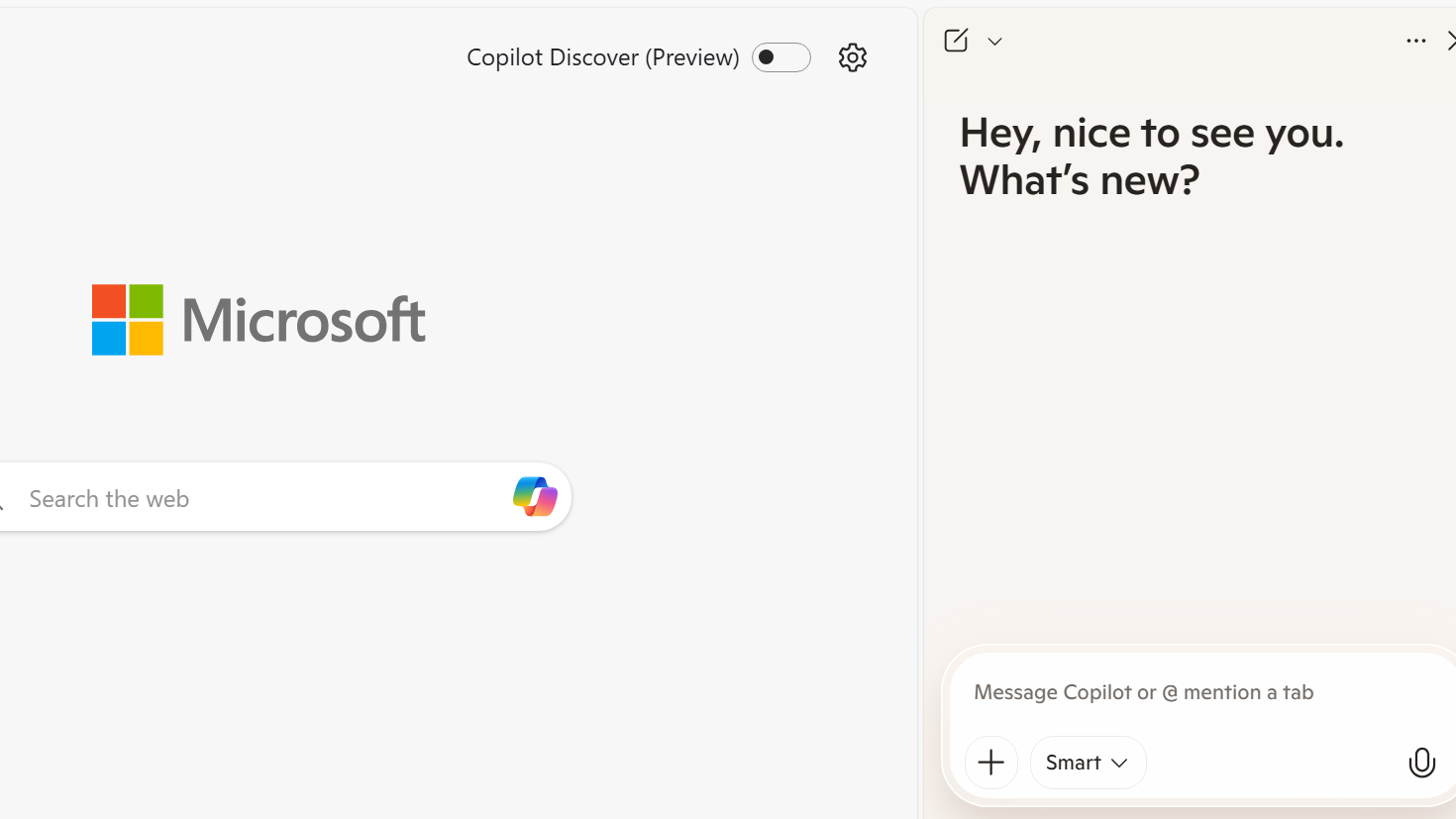
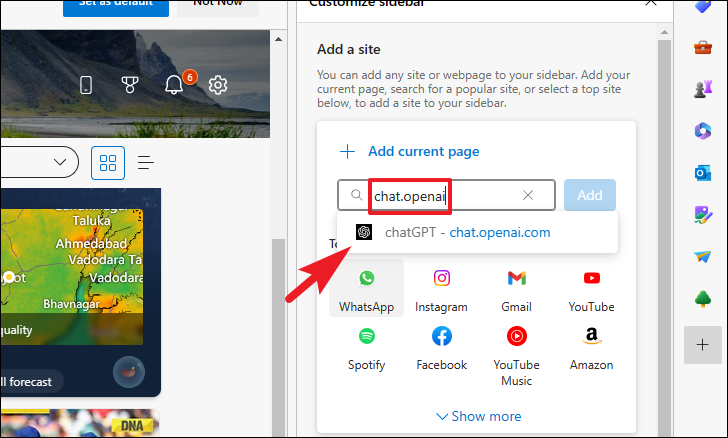
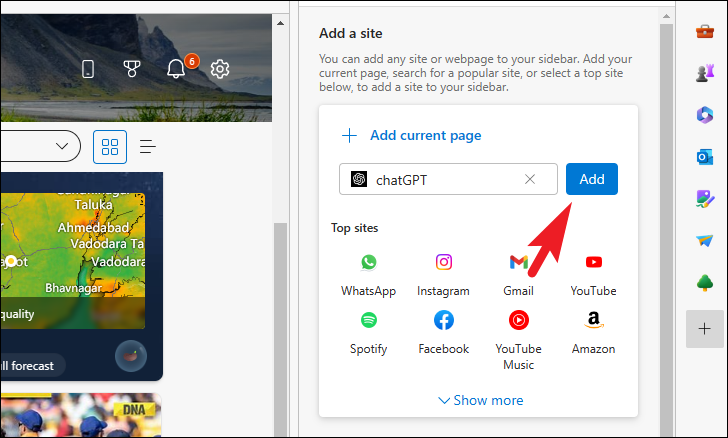
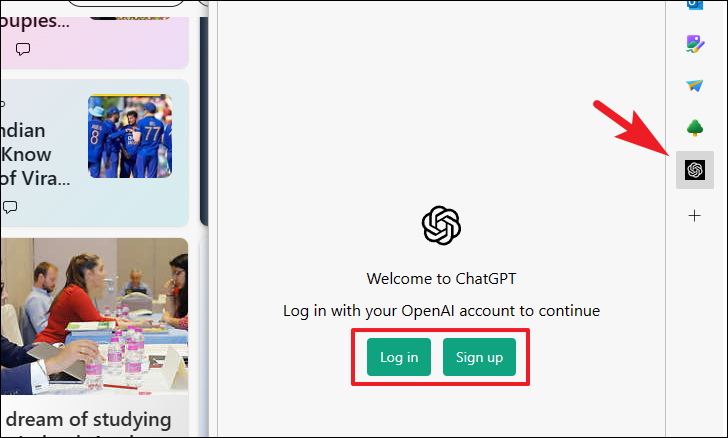
Luckily, if you’re using Microsoft Edge—the default browser on Windows (also available on Mac)—you can add ChatGPT directly to your sidebar. This means instant access to the chatbot whenever you need it, all within a few clicks.
Adding ChatGPT to Microsoft Edge sidebar
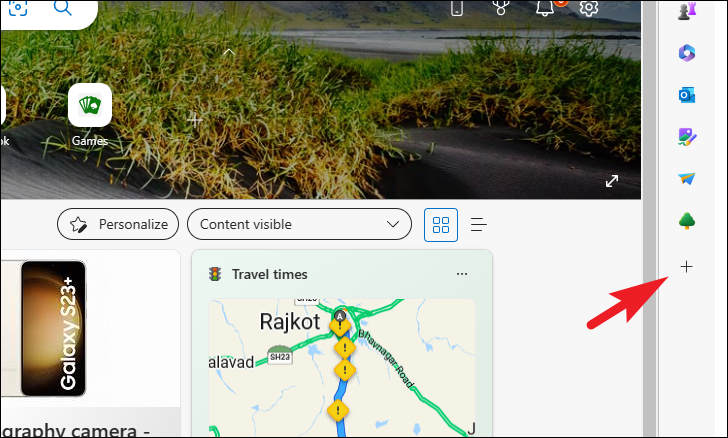
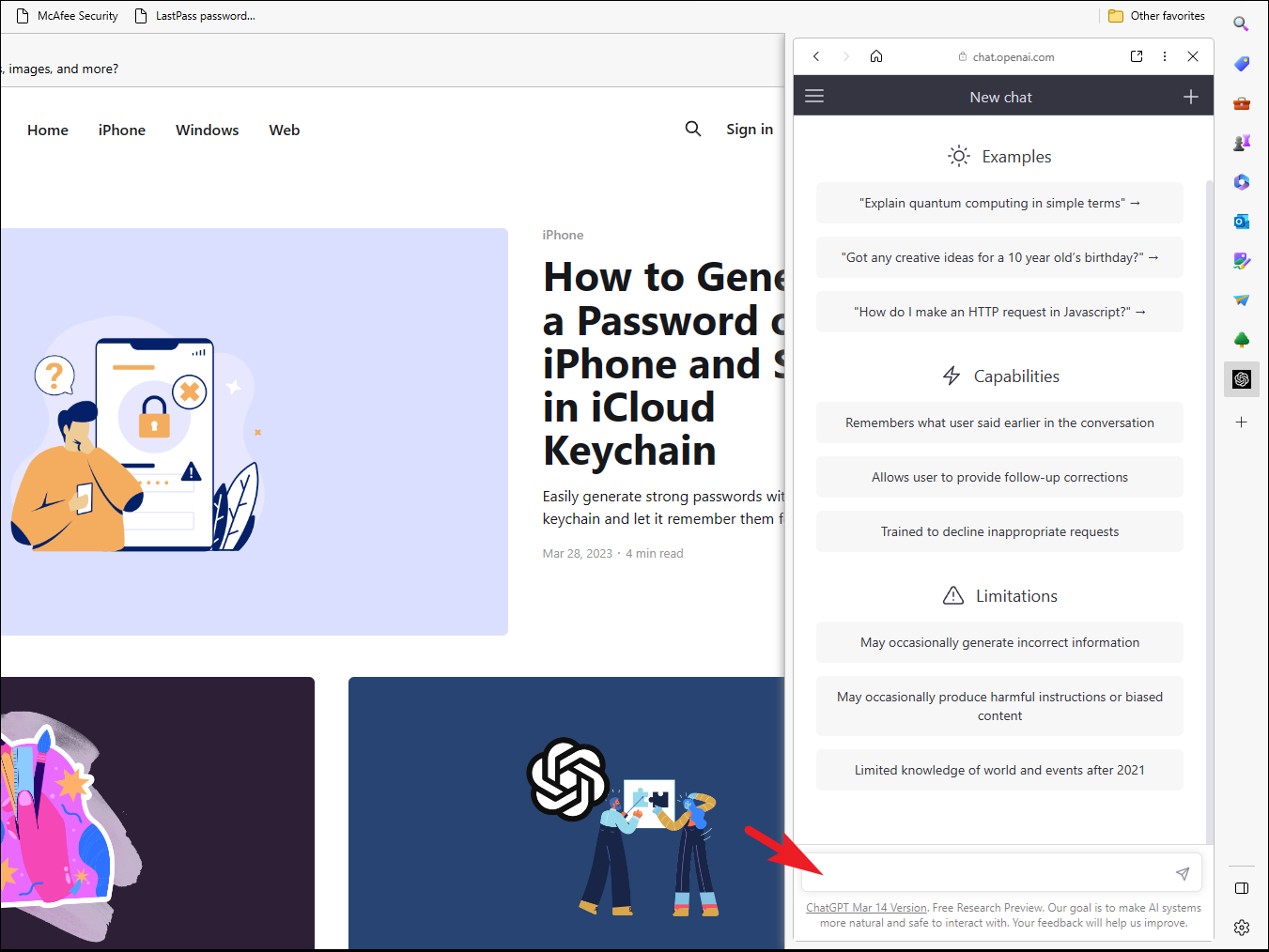
That’s it! With just a few clicks, you can now interact with ChatGPT directly from your Microsoft Edge sidebar, enhancing your productivity and convenience.