The Version 7.0 special program handed out three redemption codes that together grant 300 Primogems, along with a mix of upgrade materials. Each code works once per account, and all three run on a short timer, so they need to go into your account well before the deadline.
Quick answer: Redeem Everwinter, OntoSnezhnaya, and Odette0812 at the official gift page or through the in-game menu before 12:00 AM on August 3, 2026 (UTC-4) to collect all 300 Primogems.
The three 7.0 livestream codes and their rewards
Every code delivers 100 Primogems on its own. The extra items differ, so redeeming all three is the only way to collect the full 300 Primogems plus the bonus materials.
| Code | Rewards |
|---|---|
| Everwinter | 100 Primogems, 10 Mystic Enhancement Ore |
| OntoSnezhnaya | 100 Primogems, 5 Hero’s Wit |
| Odette0812 | 100 Primogems, 50,000 Mora |
Note: A capped number of players can redeem each of these codes. If you see a “Redemption Code has reached max usage limit” message, the code has hit its ceiling and can no longer be claimed.
Requirements before you redeem
You must reach Adventure Rank 10 to unlock the in-game mailbox, which is where redeemed rewards land. Finishing the Prologue chapter takes you there quickly. iOS players cannot use the in-game redemption option and must use the website method instead.
Redeem through the official website
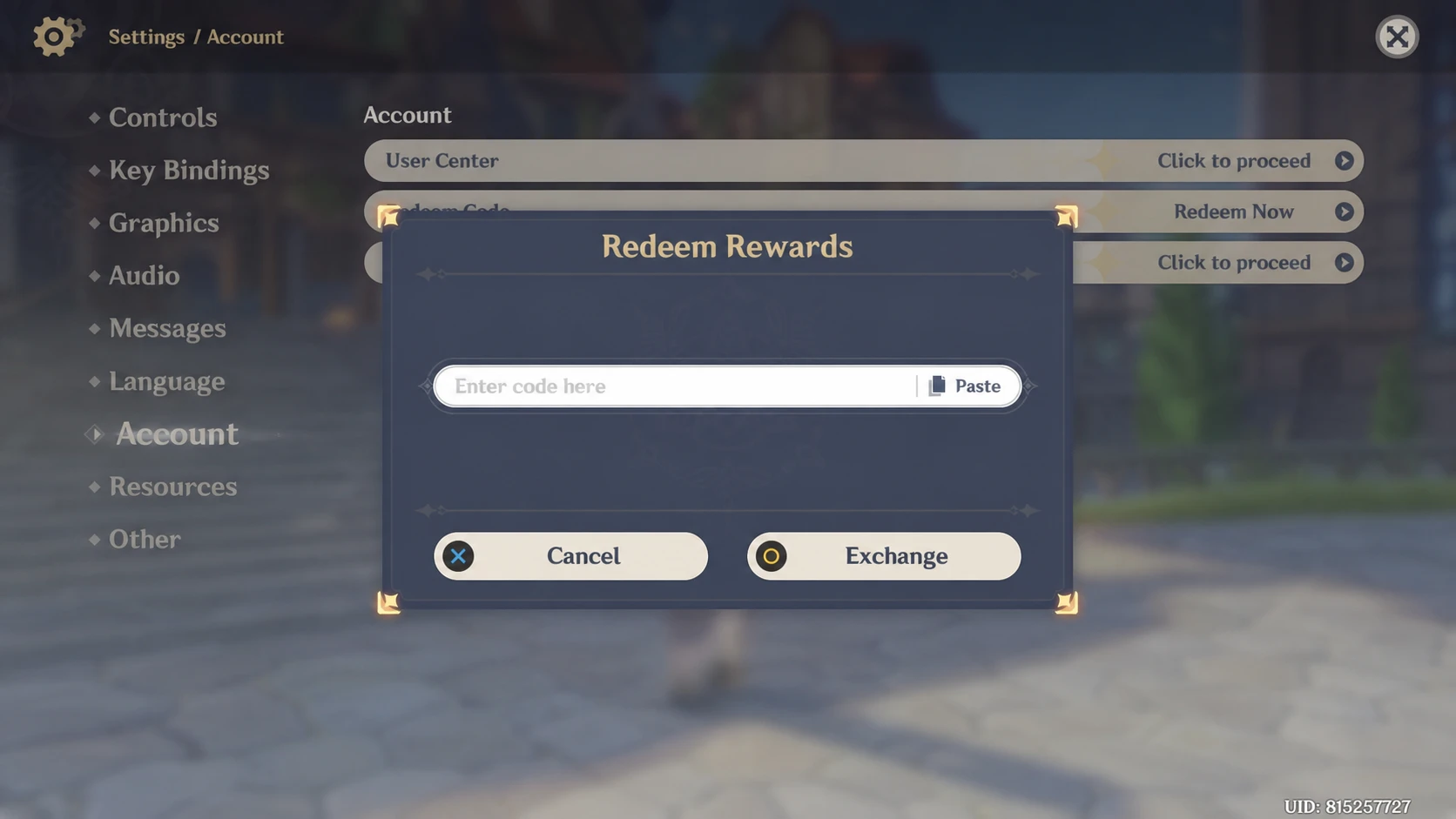
Redeem inside the game
How to confirm the codes worked
A successful redemption sends a mail entry containing the Primogems and items straight to your in-game mailbox. If the reward is not visible yet, check the mailbox again, since claiming there is the final step.
Common failure messages tell you exactly what went wrong. “Redemption code has already been used” means the code is already on your account. “Invalid redemption code” points to a typo or wrong entry. “Redemption in cooldown” appears when codes are entered too fast, so wait a moment and try again.
When the codes expire
All three codes stop working at 12:00 AM on August 3, 2026 (UTC-4). That converts to 5 AM in the UK and 9 PM on Sunday, August 2 on the US West Coast. Once the window closes, the codes turn invalid and the 300 Primogems can no longer be claimed.
Version 7.0 itself goes live on August 12, 2026, bringing Snezhnaya as Teyvat’s seventh nation. Locking in these codes now means the Primogems are sitting in your mailbox and ready to spend once the new banners arrive.