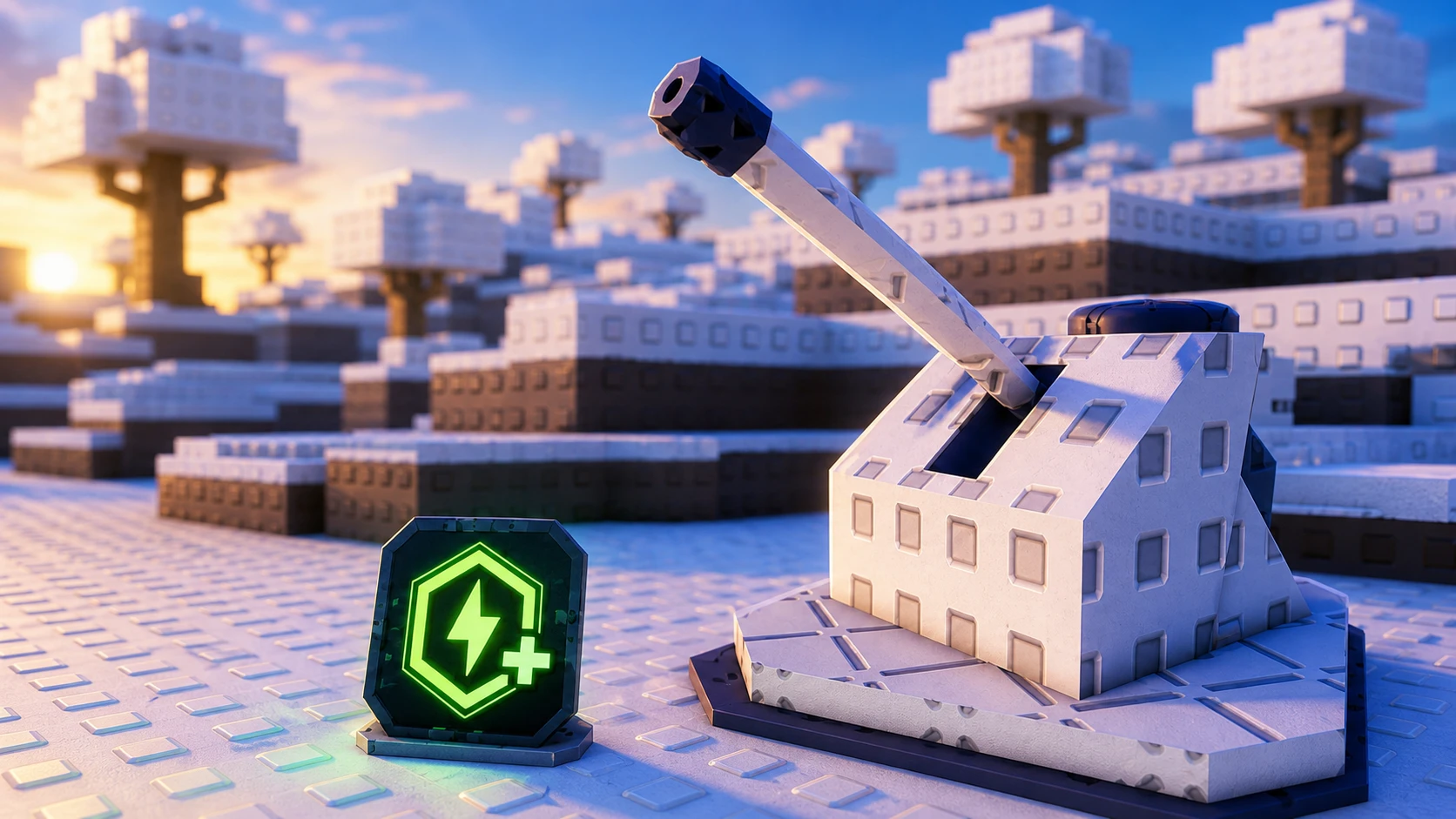
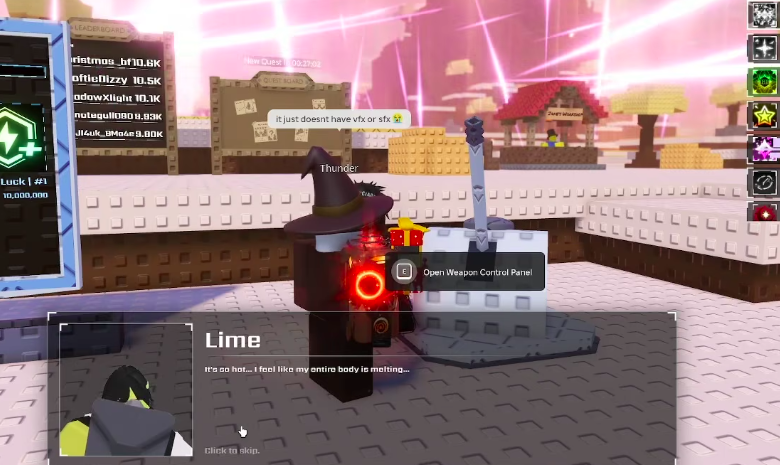
The Event Turret is the centerpiece of the Sol’s RNG Summer Event. It sits next to the NPC Lime and fires at the event’s Sun, converting stored charge into damage that pays out Summer Points (SP) and event aura luck. Firing it is not free-form. The turret runs on a charge system that limits you to a set number of shots each day, so knowing when to take a standard shot versus a stronger Overcharged one is the whole decision.
Quick answer: Talk to Lime and accept the quest “A sweltering summer” to unlock the turret. Let it reach 100% charge, open the “Ice Gun” Weapon Control Panel, and fire a standard shot. To Overcharge, wait until you hold 200% charge (two full bars), toggle “Overcharge ON,” then fire to launch two projectiles at once for two daily uses.
Unlock the turret with Lime’s quest
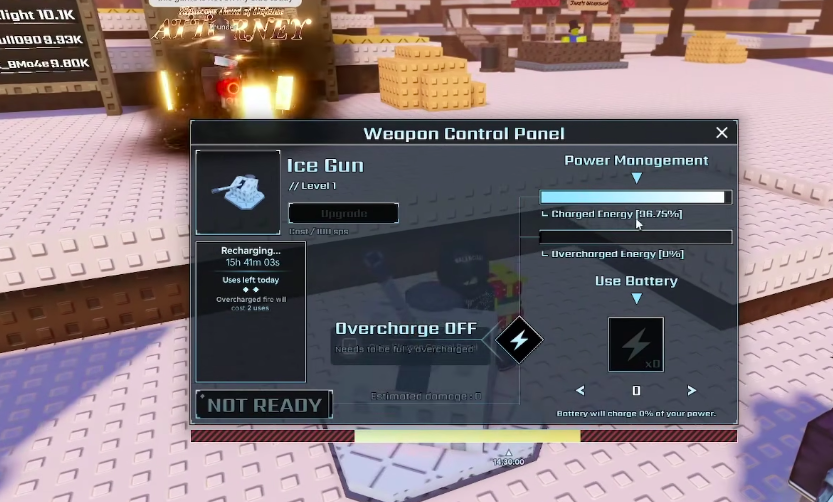
The turret is locked until you complete a quest from Lime, the NPC standing right beside it. Without accepting and progressing his quest, you cannot upgrade the weapon or fire it.
How the turret charges
The turret builds charge on its own over time. You do not click to charge it. It ticks up automatically every four seconds, and the amount it gains depends on the biome that is active and the current time of day. A single standard shot needs a full 100% charge, and you can bank up to two full charges, or 200% total, in a day.
| Detail | Value |
|---|---|
| Charge tick interval | Every 4 seconds |
| Charge rate depends on | Active biome and time of day |
| Standard shot cost | 100% charge |
| Maximum stored charge | 200% (two full charges per day) |
| Daily uses | Two once fully charged |
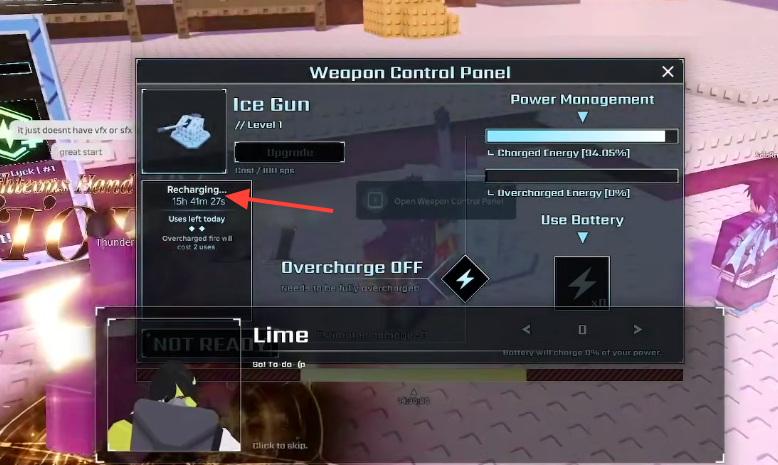
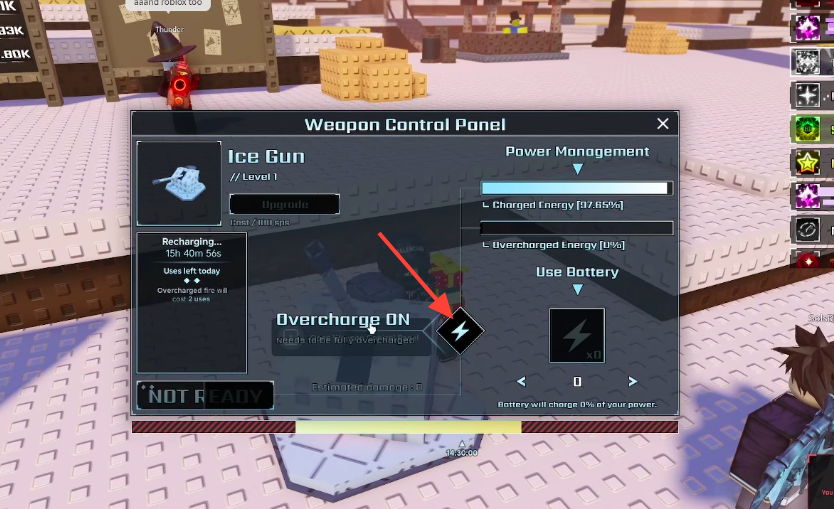
Because the fill speed shifts with the biome and the day/night cycle, it pays to check the panel before committing. When the weapon is still filling, the control panel shows a “Recharging…” state and lists your “Uses left today.”
Fire a standard shot
Use Overcharge for a double shot
Overcharge trades both of your daily charges for a single stronger attack. Instead of two separate 100% shots, it spends the full 200% at once and fires two projectiles together for a more efficient hit against the Sun. The panel warns you directly that “Overcharged fire will cost 2 uses.”
Note: The Power Management area of the panel also lets you feed stored energy with “Use Battery,” which reports how much of your power the battery will charge before you commit.
Standard shot vs. Overcharge
| Standard shot | Overcharged shot | |
|---|---|---|
| Charge cost | 100% | 200% |
| Daily uses spent | 1 | 2 |
| Projectiles fired | 1 | 2 at once |
| Efficiency | Standard | Higher, more Sun damage |
The choice comes down to timing. Two standard shots let you fire twice across the day, while a single Overcharged shot concentrates all your charge into one harder hit. If you want maximum damage in one moment, save for the Overcharge. If you would rather spread your damage out, take two normal shots.
Rewards and upgrading the turret
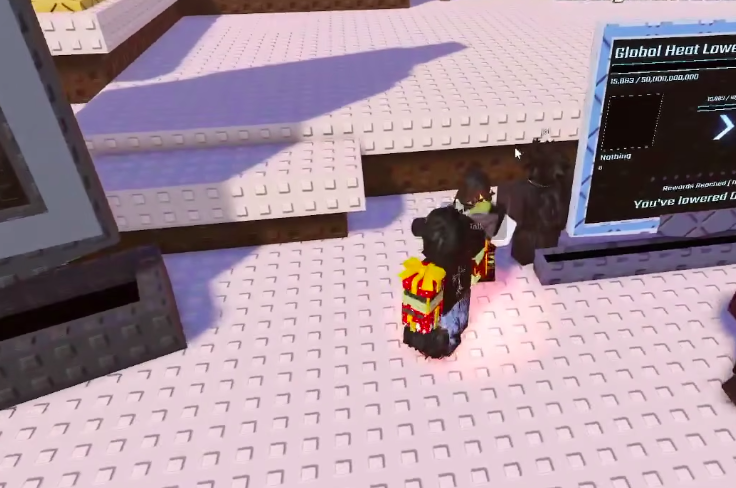
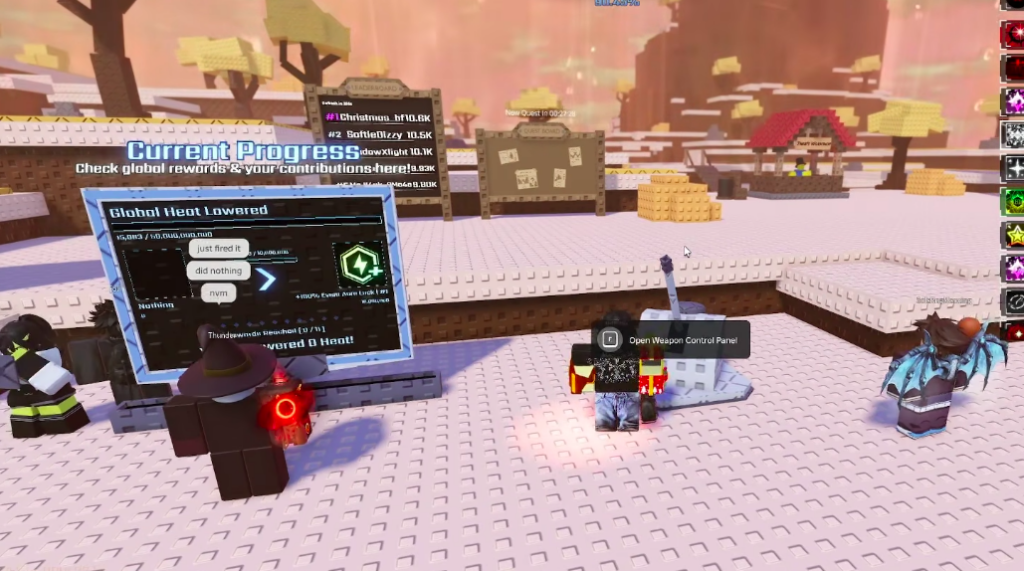
Every hit on the Sun lowers its heat and pays out rewards scaled to the damage you deal. You earn Summer Points and progress the event’s reward track, which is shown on screen as “Rewards Reached.” The Sun’s health bar climbs into the billions, so consistent daily firing is how the whole server chips it down.
Spend those Summer Points on the “Upgrade” button in the Ice Gun panel to push the turret through its four levels. Each upgrade lists its cost in SP. Higher levels increase the damage your shots do, which in turn raises the rewards you pull from each hit.
If the turret will not fire
- You have not completed Lime’s “A sweltering summer” quest, so the panel stays locked.
- The charge has not reached 100% yet and the panel still shows “Recharging…”
- You tried to Overcharge without a full 200% charge, so the toggle reports “Needs to be fully overcharged.”
- You have already used both daily shots, leaving zero uses left today.
You will know a shot registered when the Sun takes damage, your Summer Point total climbs, and the “Uses left today” count drops. Once both uses are gone, the turret simply refills its charge again for the next day, so plan your Overcharge around the biome and time window that fills it fastest.