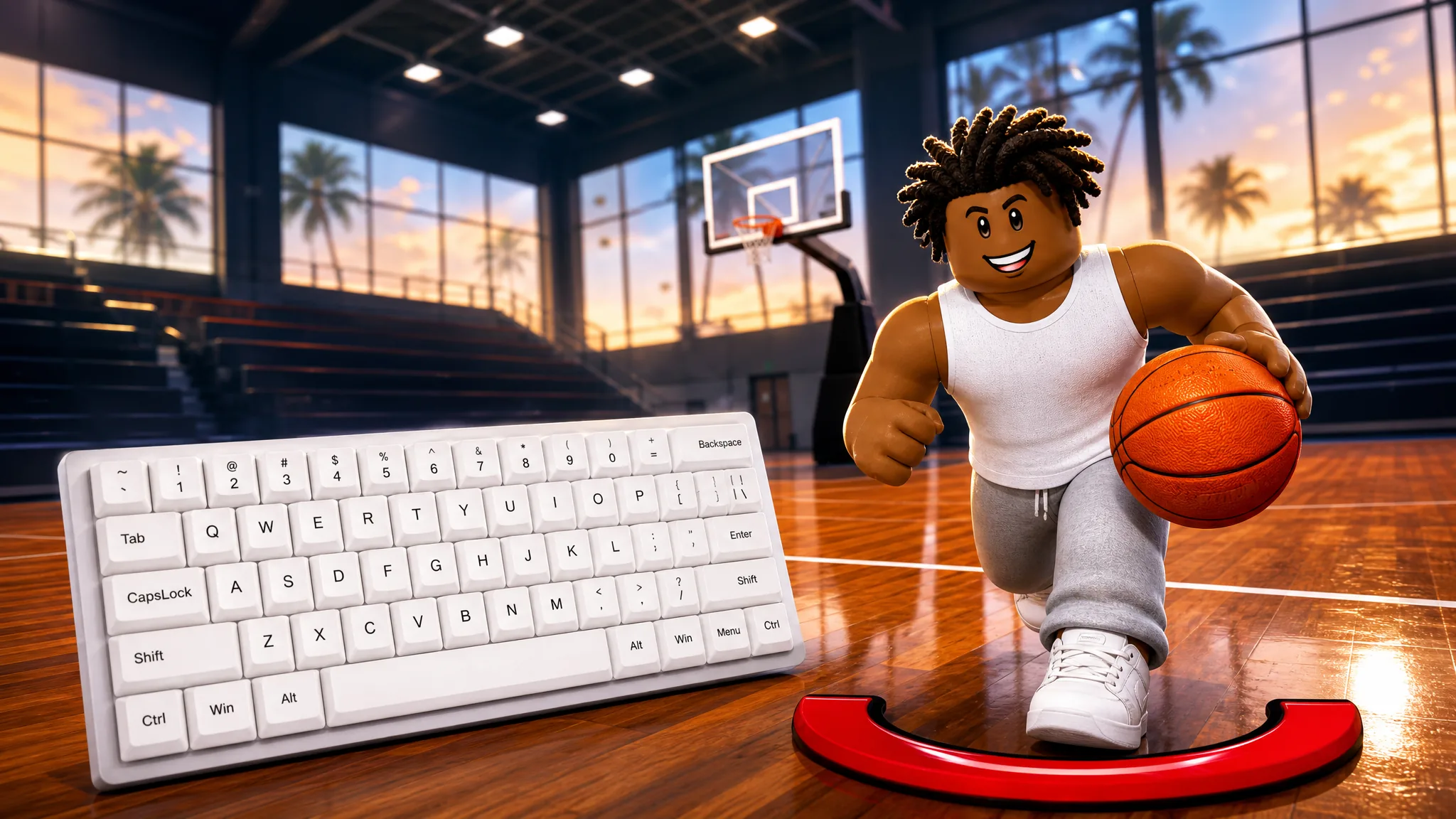
Practical Basketball leans on real keyboard inputs rather than a single “do everything” button, so every action from a step-back to a lob has its own key. The layout keeps movement on your left hand and actions on your right, which lets you chain dribble moves into a shot without fumbling for keys.
Quick answer: Move with W A S D, hold Shift to sprint, hold Space (or E) and release in the green to shoot, press R to pass, press F for a self lob, use C/Z to switch hands, and X, V, and H for dribble moves.
You can try every input below inside the game on Roblox.
Movement and utility keys
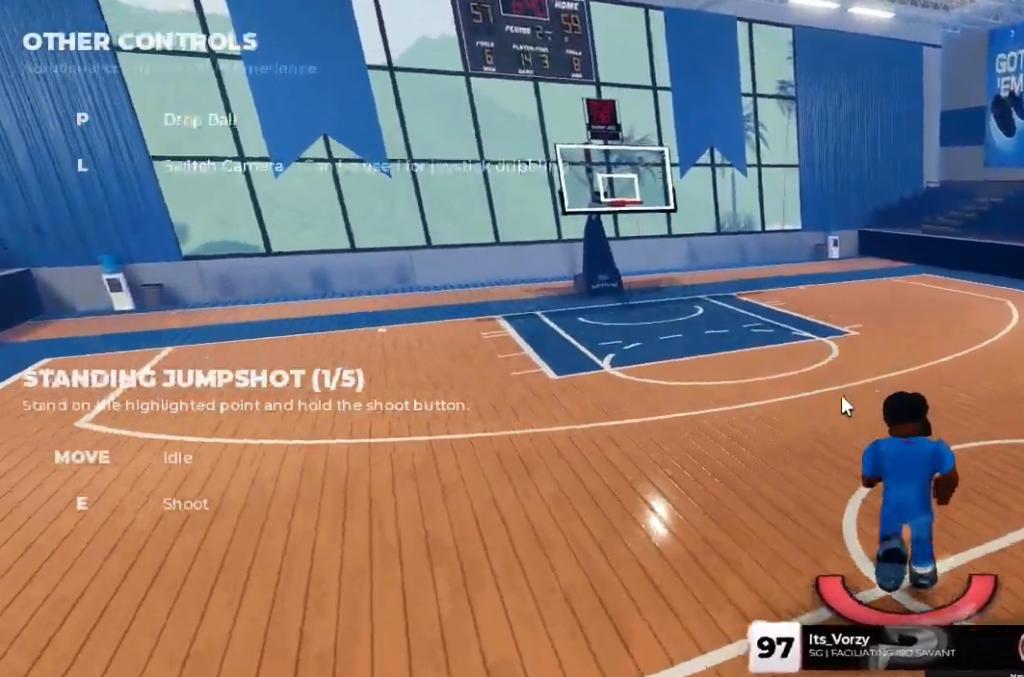
You pick up the ball automatically by walking into it, so there is no grab button. Sprinting drains stamina, so short bursts work better than holding it through a whole possession.
| Action | Input |
|---|---|
| Move (forward, left, back, right) | W / A / S / D |
| Sprint | Hold Shift |
| Pick up ball | Walk into the ball |
| Drop ball | P |
| Switch camera | L (also enables joystick dribbling) |
Shooting and finishing controls
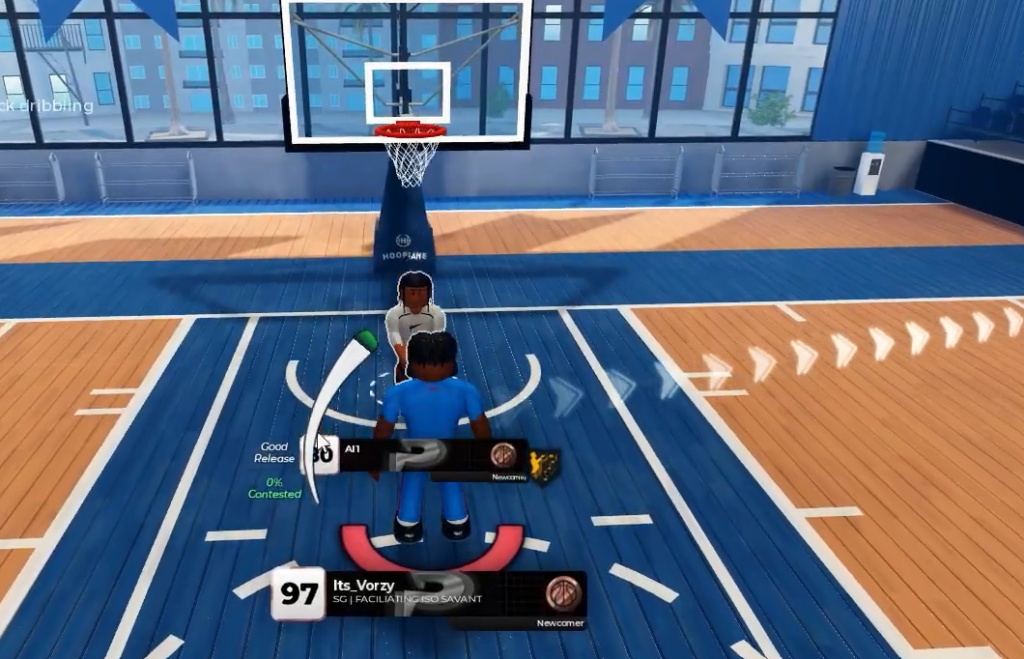
Shots run on a release-timing meter, not a hidden percentage. Hold the shoot key to start the jumper, then let go when the meter reaches the green section at the top. The game shows direct feedback such as “Good Release” or “Very Late Release” so you can adjust your timing.
| Action | Input |
|---|---|
| Jump shot | Hold Space (or E), release in the green |
| Pump fake | Tap E |
| Jelly layup | Drive to the rim, finish with E |
Dunks and lob dunks
Dunks are not automatic. You need speed and the right approach angle, and you still have to time a meter as you take off.
Space near the white line, then release it with the right timing to finish clean.Space and F together at the correct moment and release inside the green area. This is the harder finish, since a missed window usually comes from bad spacing or an early release rather than the wrong keys.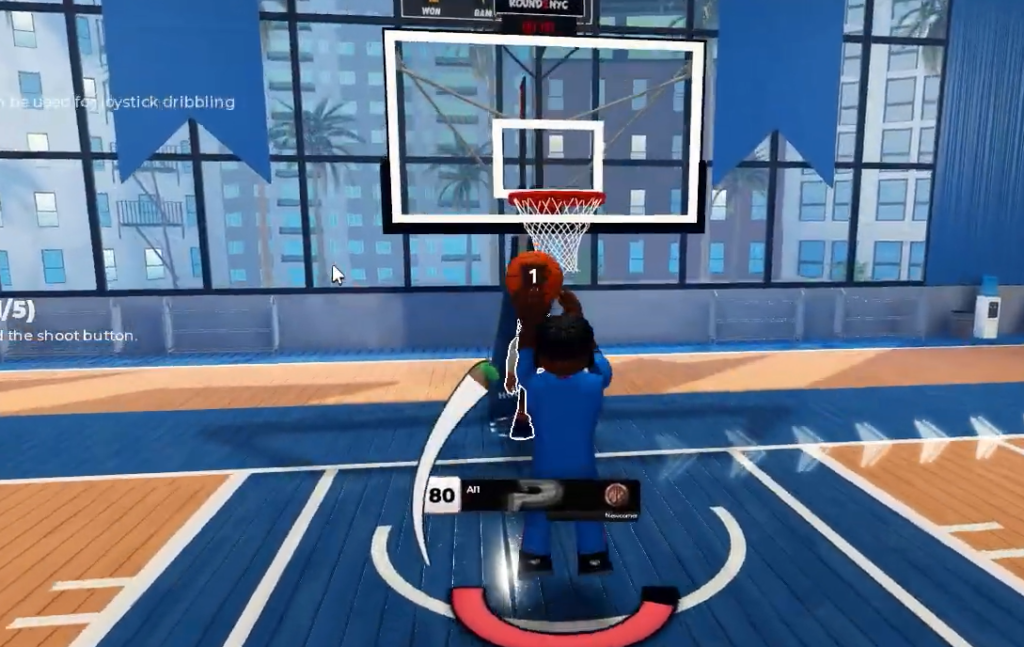
Dribble move keybinds
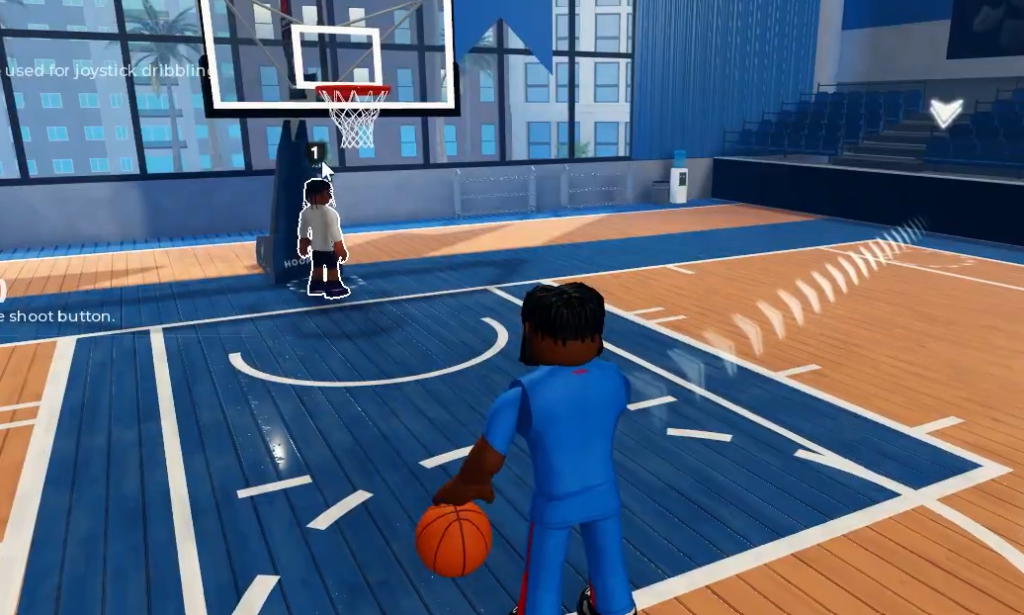
Ball handling is hand-dependent, so the same move changes based on which hand holds the ball. Switching hands is the foundation for chaining crossovers, spins, and step-backs into space for a shot.
| Move | Input |
|---|---|
| Ball to right hand | C |
| Ball to left hand | Z |
| Step-back | X |
| Double step-back | Double-tap X |
| Switch hands moving backward | Z, then X |
| Spin / juke | V |
| Shammgod (Sham) | V twice |
| Full 360 spin | C, X, Z |
| Quick hand switch | H |
| Slower spin | G |
Dribble moves only fire when you have the ball and are not stuck in a defensive stance. If a move fails to activate, check that you have the ball and enough stamina, since moves consume energy.
Passing and alley-oops
Standard passing runs off a single key, while lobs use a numbered target system. Each teammate is assigned a number shown in game, and you pass directly to that player by pressing F and then their number.
| Action | Input |
|---|---|
| Normal pass | R |
| Self alley-oop | F |
| Lob to a specific teammate | F + teammate number |
Post moves on keyboard
Post scoring matters when a smaller defender switches onto you. You hold a single key to back a defender down, then release it to spin out in the direction you choose.
| Action | Input |
|---|---|
| Enter post up | Hold G (release to leave the stance) |
| Post spin one direction | Release G, hold A |
| Post spin the opposite direction | Release G, hold D |
How to confirm your inputs are working
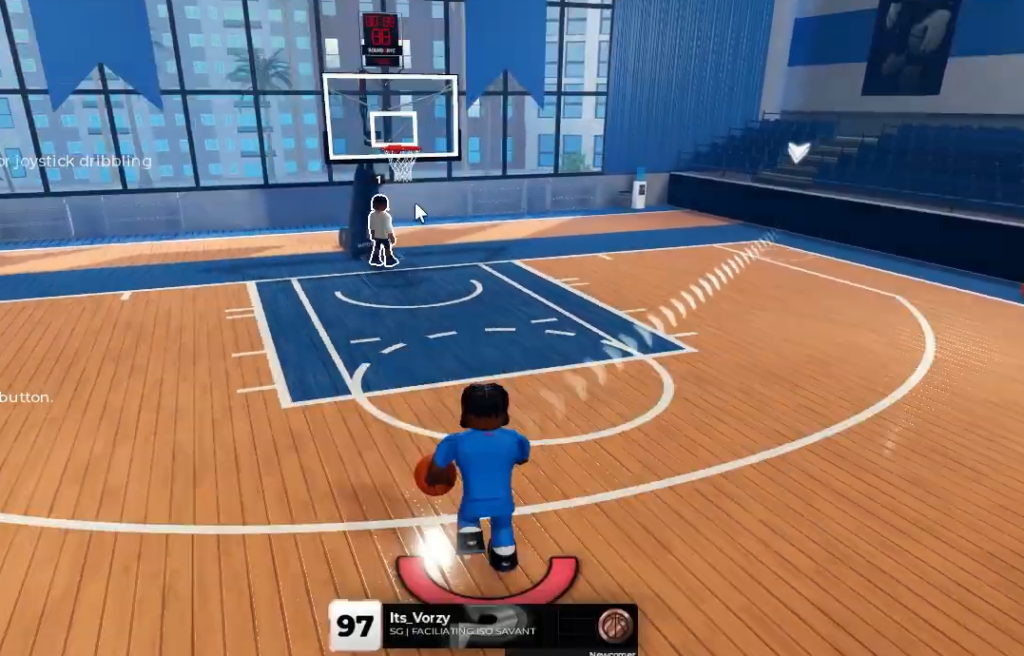
Every shot returns on-screen feedback, so you know a jumper registered when a label such as “Good Release,” “Slightly Early Release,” or “Very Late Release” appears over the meter. A clean make in the green window confirms your timing landed. Dunks complete only when your approach and takeoff line up near the white line, and lob dunks require hitting the green area, so a whiff usually points to spacing or timing rather than a wrong key.
Learning all of these at once is a lot, so start with sprinting, shooting, passing, and basic hand switches. Once those feel automatic, layer in dunks, step-backs, spins, and post moves until each input is muscle memory.