The Picture This: Neon CD Demo Player duty in Disney Dreamlight Valley asks you to photograph a specific item you may not already own. That is what trips most players up, because the Neon CD Demo Player only exists inside the Pop City Star Path and cannot be tracked down anywhere else in the valley.
Quick answer: Redeem the Neon CD Demo Player for 75 Tokens on the second page of the Pop City Star Path rewards, place it in your home or the valley, then open the camera and take any photo with the item in frame to complete the duty and earn 50 Tokens.
How to get the Neon CD Demo Player
The Neon CD Demo Player is a Pop City Star Path exclusive reward. You obtain it by spending Tokens to redeem it, not by crafting, buying from a shop, or finding it in the world. It sits on the second page of the event rewards, so you first need to claim three rewards from page one before that page opens up.
Look for a tall CD player and shelf topped with a glowing “Listen Here” sign. It is positioned in the middle of the top row on the second page. That row holds three separate furniture pieces, but only the Neon CD Demo Player counts toward the duty, so pick the correct one.
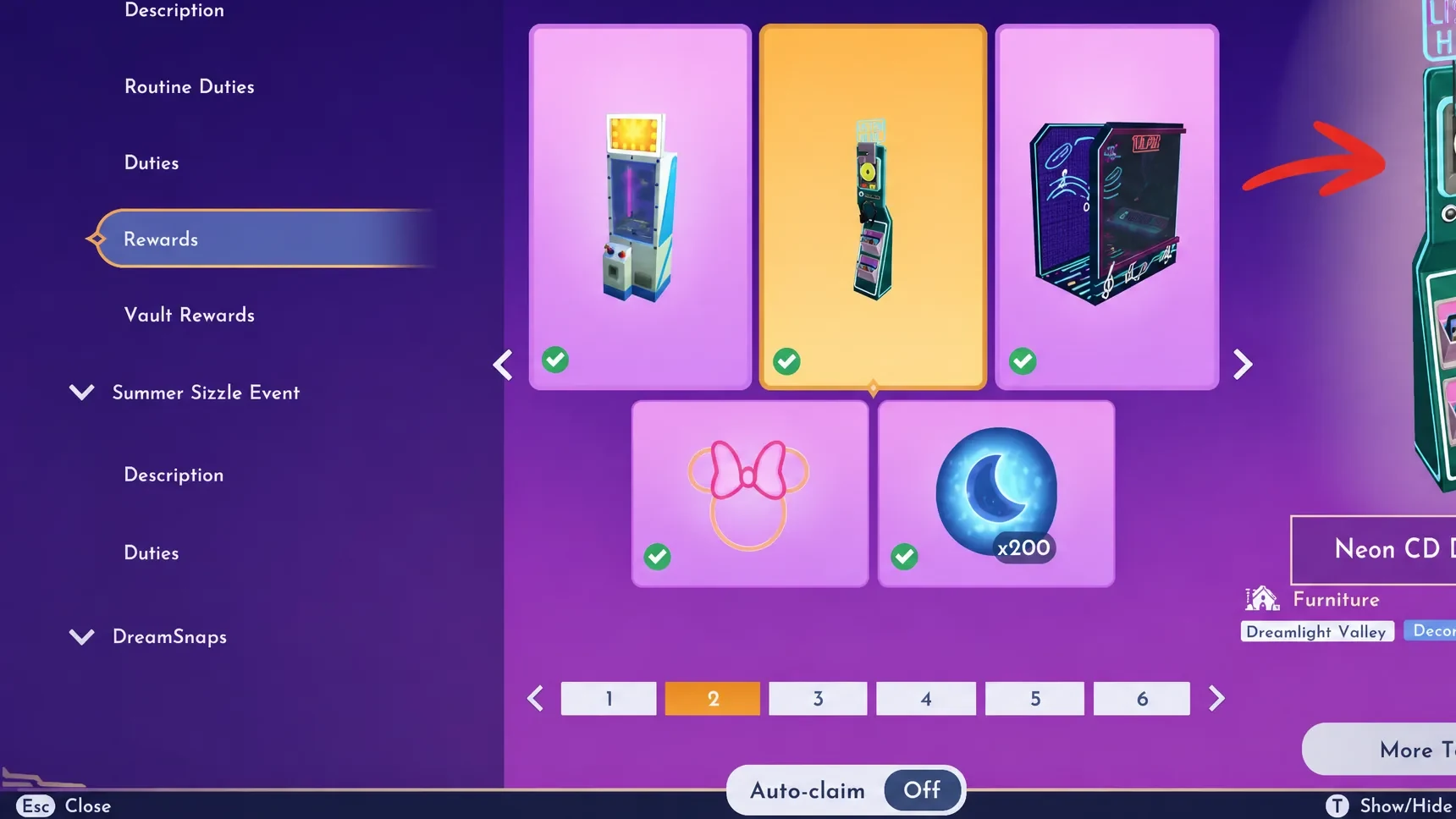
The item costs 75 Tokens. Building up that many takes some grinding, which you can do through the main event duties and the Pop City Star Path routine duties that refresh weekly. Once you have enough Tokens, open the Star Path menu, go to the rewards tab, and redeem the piece.
Take the photo to complete the duty
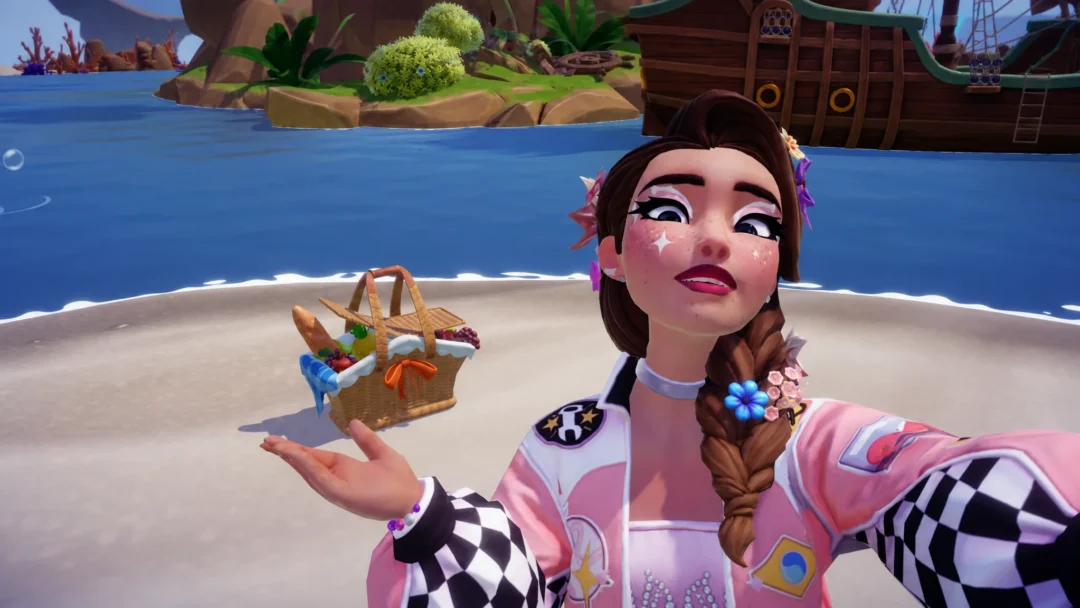
The duty completes when you take a single picture that includes the Neon CD Demo Player. Any type of photo works, whether it is a selfie with you in the shot or a plain view of the furniture. The only requirement is that the item is in frame.
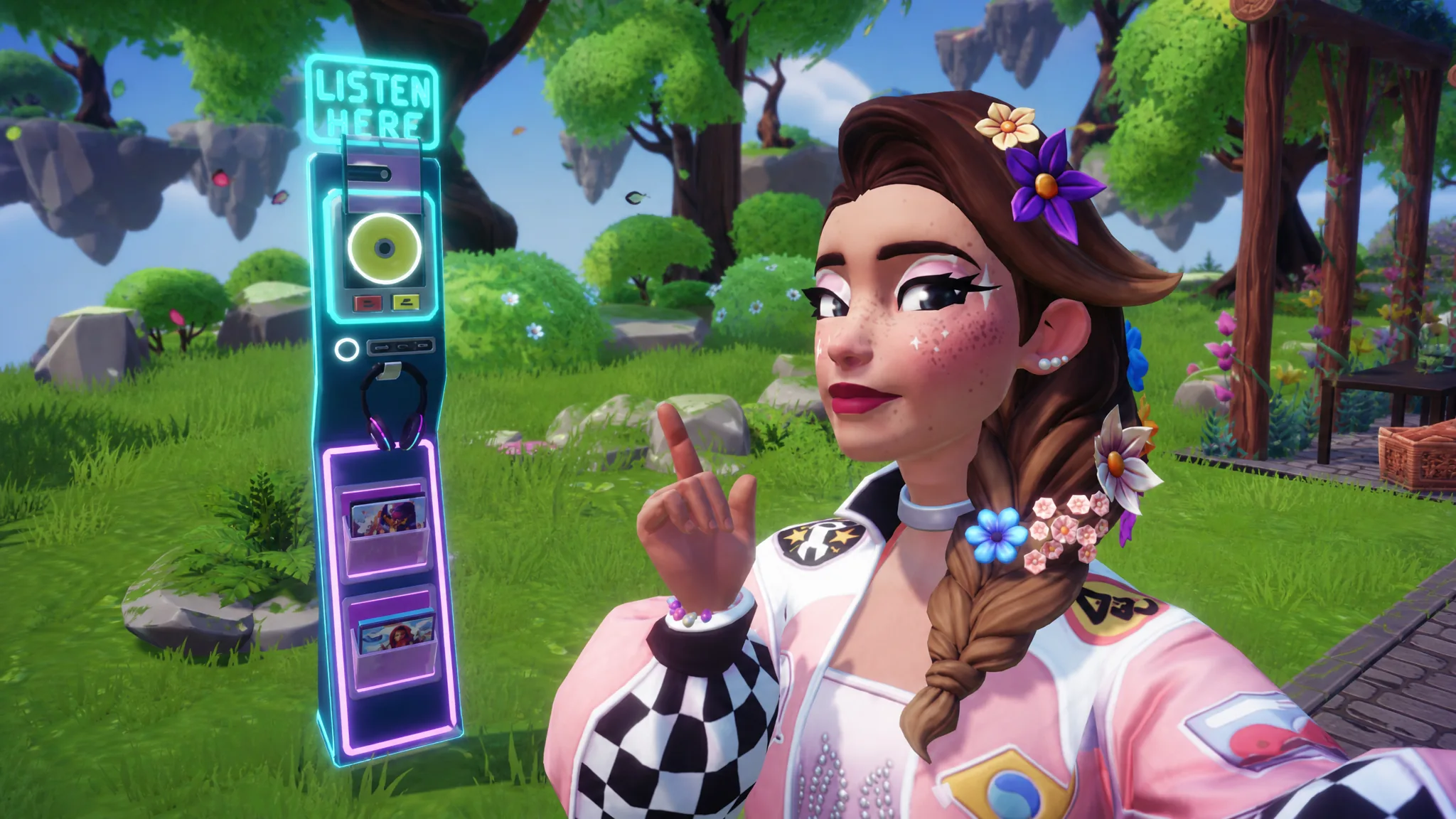
You will know it worked when the duty registers as complete and the 50 Tokens are added to your event balance.
If the photo does not count
Photo tasks can be finicky. If the first picture fails to register, move around and take a few more from different angles so the item is clearly captured. Since the shots do not need to be saved, keep taking them until one triggers the completion.
The most common reasons the duty stays incomplete are simple. Make sure the Neon CD Demo Player itself is in frame rather than one of the other two furniture pieces from the same row, and check that the item is placed before you try to photograph it.
The 50 Tokens from this task are a solid payout for a single duty, though they still fall short of most rewards on their own. Fold this one into your regular run of event duties and routine tasks, and you will keep the Token count climbing toward whichever Pop City prize you are chasing next.