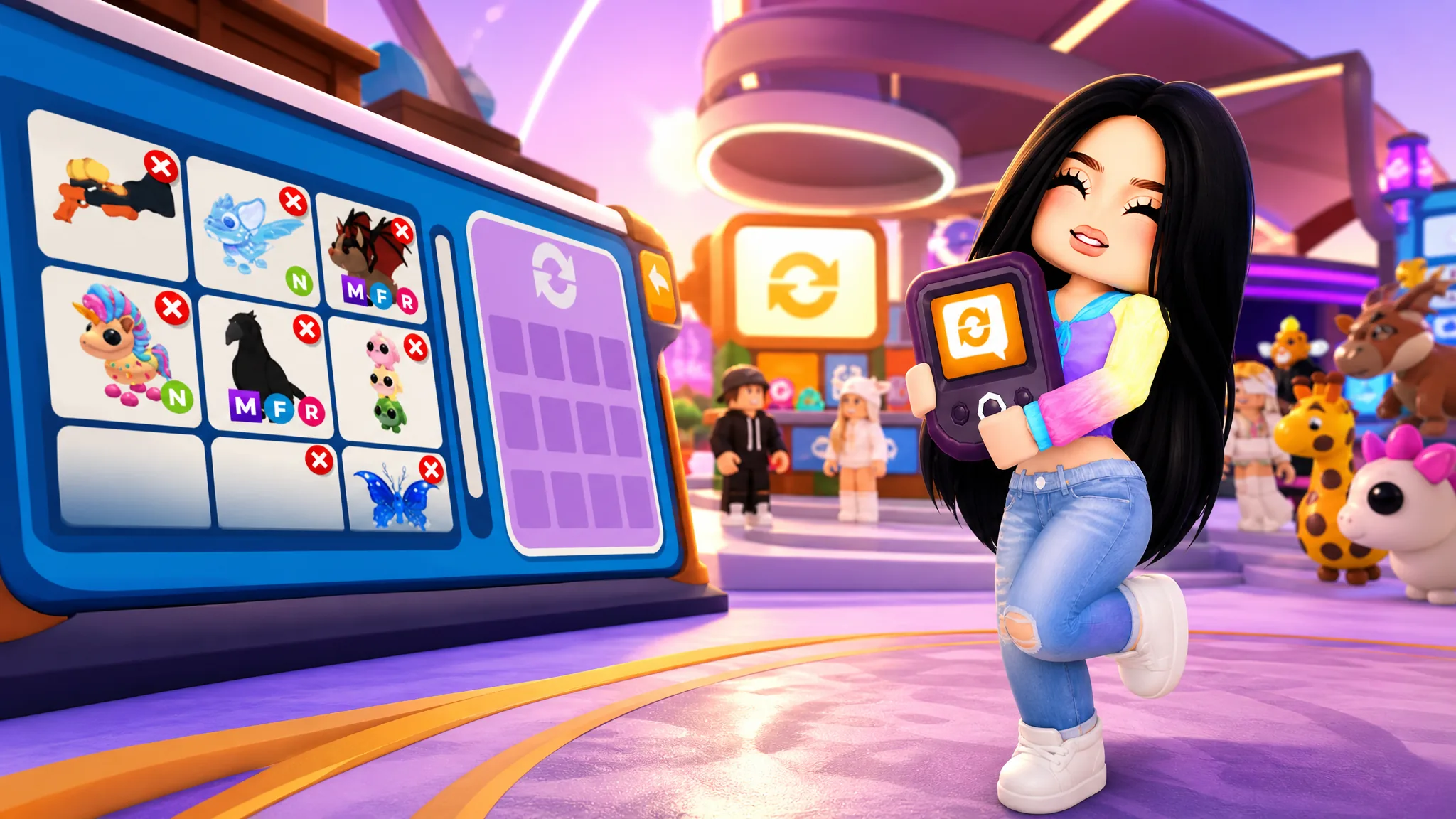
The Trading Hub in Adopt Me is a dedicated location where you post trade listings, search other players’ listings, and complete cross-server trades from a single phone interface. It runs on its own hub server that you reach by hot air balloon, and it works alongside classic trading rather than replacing it.
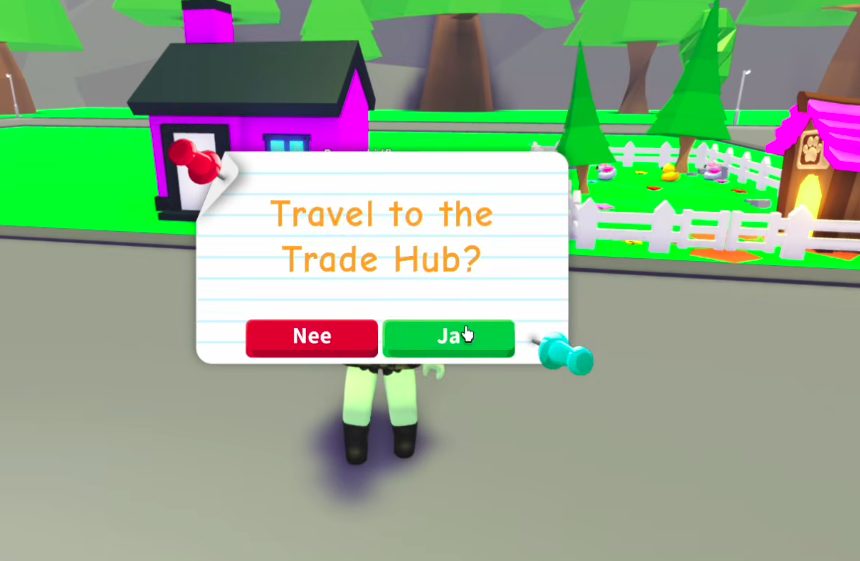
Quick answer: Unlock the Trading Phone in the Guide by playing for two hours, complete the Trade License in the Safety Hub, and own at least one Neon pet. Then tap the Trading Phone in your toy inventory to summon a hot air balloon that takes you to the Trading Hub.
Requirements to unlock the Trading Phone
Access is gated behind three conditions. All three must be met before the phone appears in your toy inventory and before you can travel to the hub.
| Requirement | How to complete it |
|---|---|
| Trading Phone | Free through the Guide after playing for two hours |
| Trade License | Earned in the Safety Hub |
| First Neon pet | Own at least one Neon pet on your account |
The Neon pet requirement is the one that stops newer players. A Neon pet is made by aging four copies of the same pet to Full Grown and combining them. If you do not have four matching pets yet, opening eggs until you collect four is the fastest way to get there.
How to travel to the Trading Hub
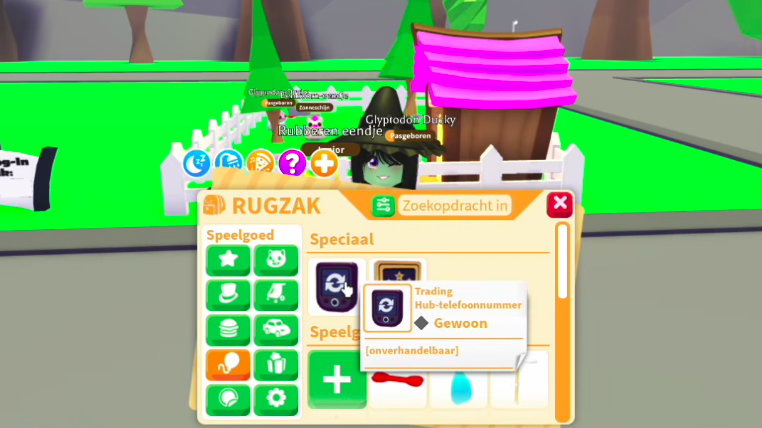
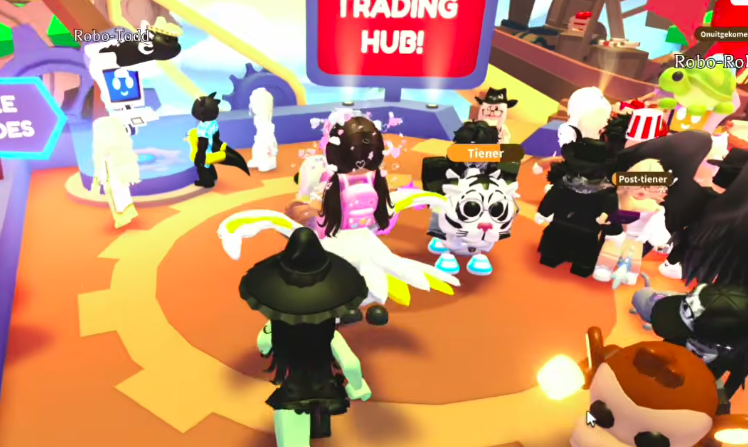
You know the trip worked when you land in the hub environment with both robots present. Posting new listings and editing existing ones can only happen here, not in a normal server.
What Robo Todd and Robo Rob do
The two robots split the work between posting and searching. Robo Todd handles your own listings, and Robo Rob handles finding what other players have listed.
| Robot | What it does |
|---|---|
| Robo Todd | Post a trade to the cross-server boards, choose what you offer and what you want, view offers on your trade, and modify a listing |
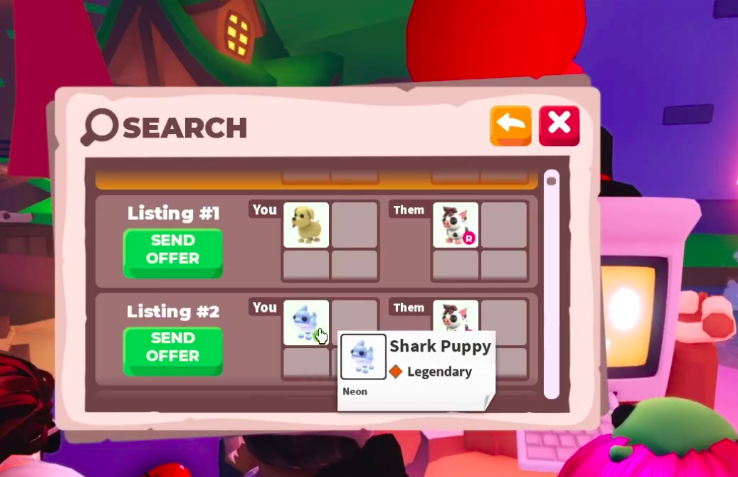
| Robo Rob | Search listings for a specific trade; if no exact match exists, the search returns similar offers instead |
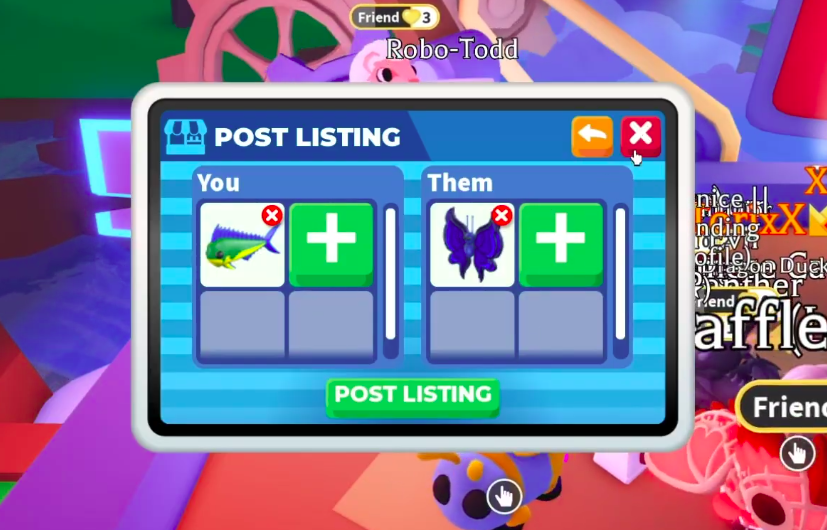
Listing costs and limits
Each listing has a cost, and you are capped on how many can be live at once. Plan what you post, since a poorly valued listing wastes both a slot and the Bucks fee.
| Detail | Value |
|---|---|
| Cost per listing | 100 Bucks each time you post |
| Active listings | Two at once |
| Extra listing slot | 49 Robux for an additional listing |
Before you list a pet, search that same pet with Robo Rob first. Seeing what other players already ask for it gives you a realistic sense of value, so your listing gets offers instead of sitting untouched.
How pets get locked during a trade
When you list a pet for trade, or offer one or more pets on someone else’s listing, those pets lock in your inventory. While locked, you cannot equip them, modify them, or trade them any other way.
The lock keeps every listing and offer real, so the trades shown can actually be completed. To free a locked pet, remove your listing or cancel the offer.
The value guardrails
The hub blocks listings and offers that are very imbalanced. This is not an official value chart, and it does not mean every trade on the board is equal in value. The purpose is to cut down on spam offers, so you will not see something like a sandwich offered for a Shadow Dragon.
The guardrail can reject an offer as imbalanced even when you feel your side is fair, which is a known point of frustration among players. If an offer is refused, adjust the pets involved until it clears the check.
Using the phone in a normal server
The Trading Phone is not only a travel ticket. In any regular Adopt Me server you can use it to check your current listings, see offers players have made, and view your trade history.
What you cannot do outside the hub is create a new listing or edit an existing one. Those two actions require you to be physically inside the Trading Hub with Robo Todd.
Completing a trade for a dream pet
Searching is where the hub is most useful. Type the exact pet you want, and every current listing asking for it appears. Players usually list several pets they would accept in return, which gives you more than one route to the same target.
Compare a few listings before you commit, since some are far more generous than others. Once you send an offer and the other player agrees, the trade completes and the pet leaves your inventory. Only send offers you are genuinely willing to complete.
You can confirm a finished trade by checking your trade history through the phone, where completed trades are recorded. Classic trade requests and trading stands still work exactly as before, so the hub simply adds a faster, searchable layer for anyone hunting a specific pet.