The Halloween 2026 event in Adopt Me adds a new sticker pack that you buy with Candy Corn inside the Manor. The update notes describe it this way:
“Purchase the new Halloween 2026 Sticker Pack from the Manor to decorate your profile with some spooky Halloween friends!”
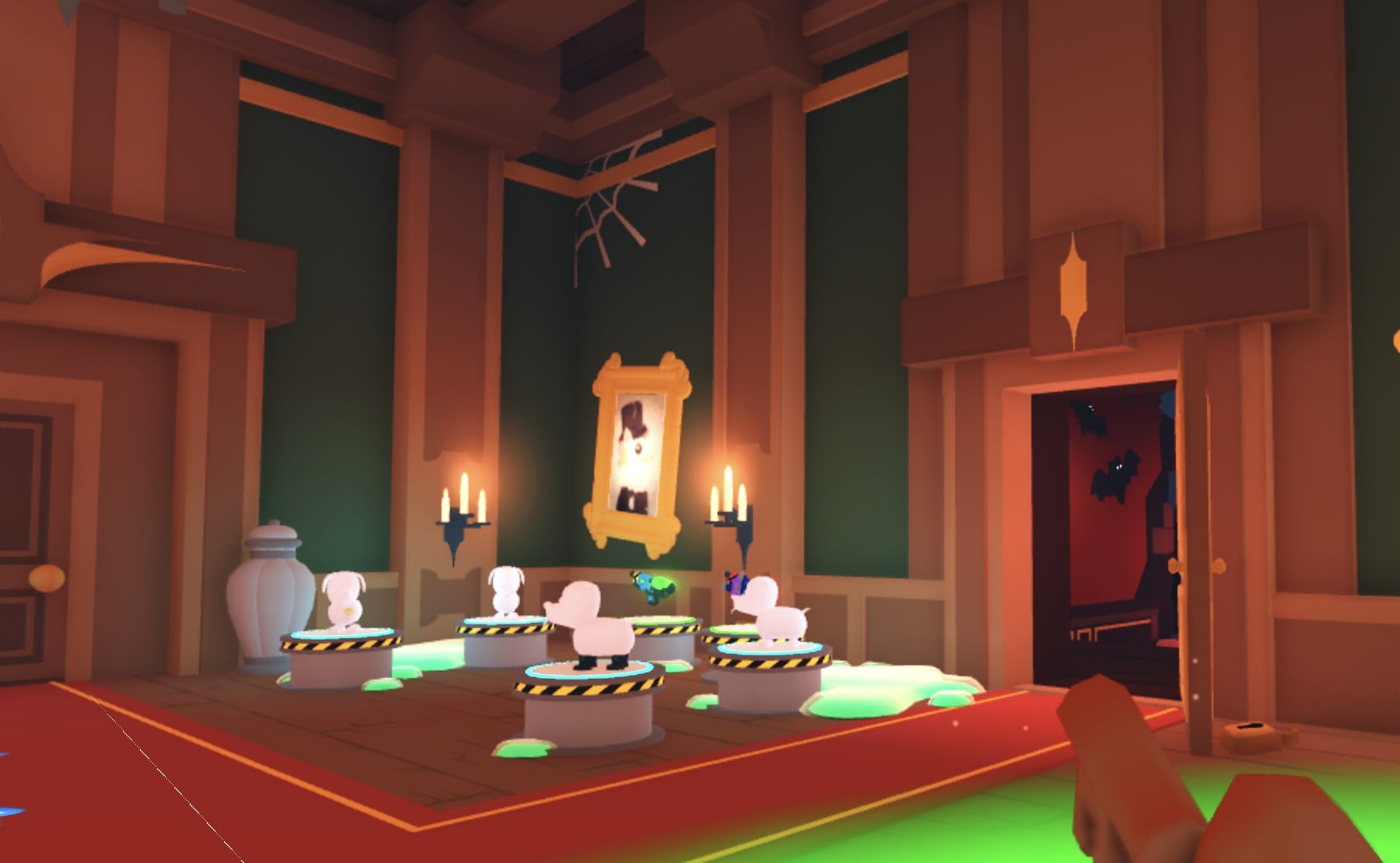
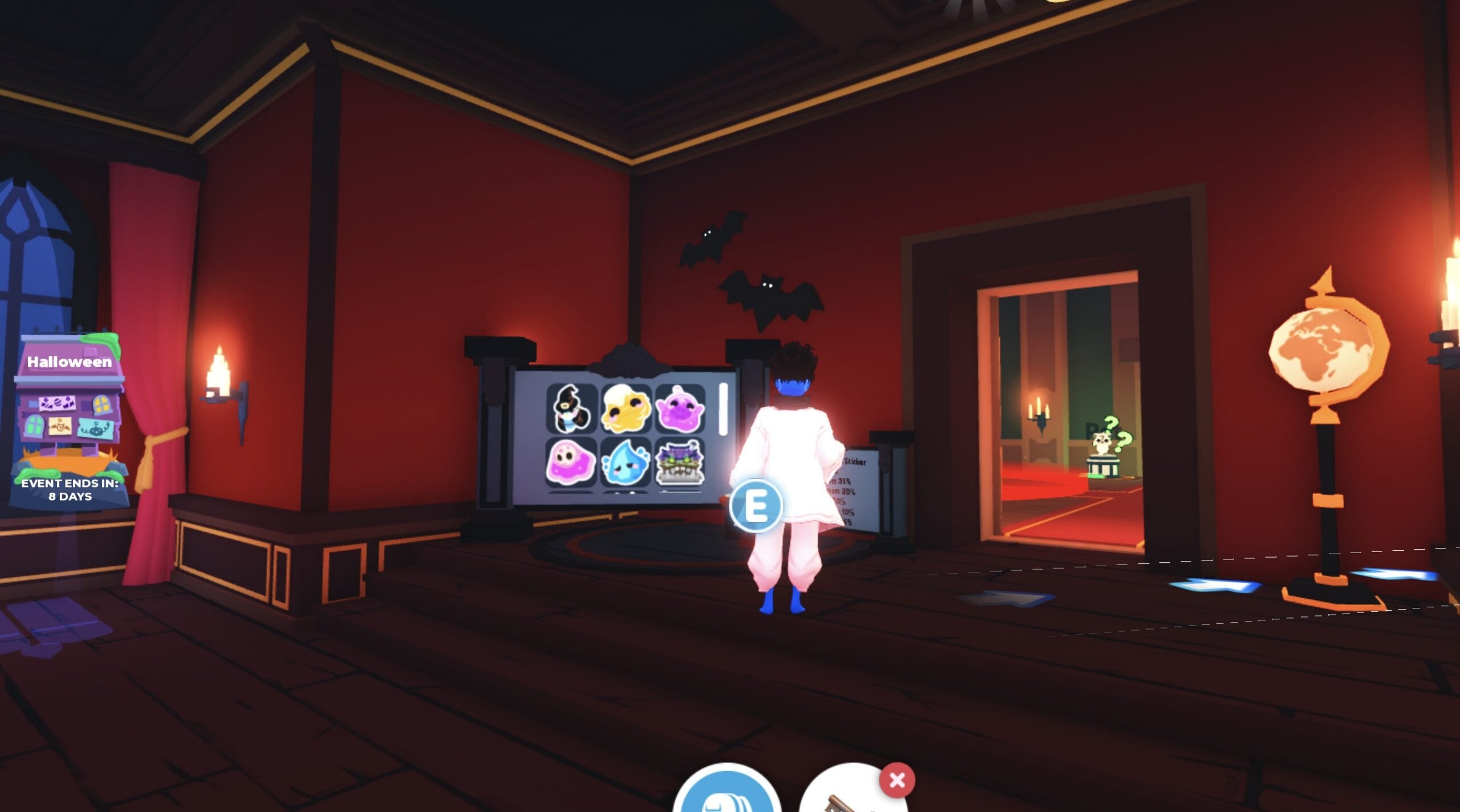
Quick answer: Walk from the Manor’s Ghost Gallery room into Count Slothula’s red room, go to the pedestal beside the sticker display board, and press E. One pack costs 750 Candy Corn.
Where to buy the Halloween 2026 Sticker Pack
The pack is listed as a Rare item. Bring at least 750 Candy Corn for each pack you plan to buy.
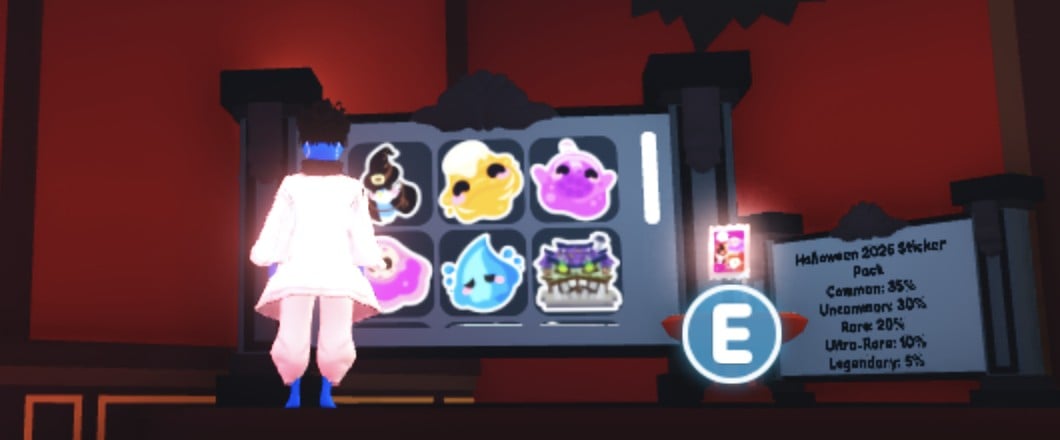
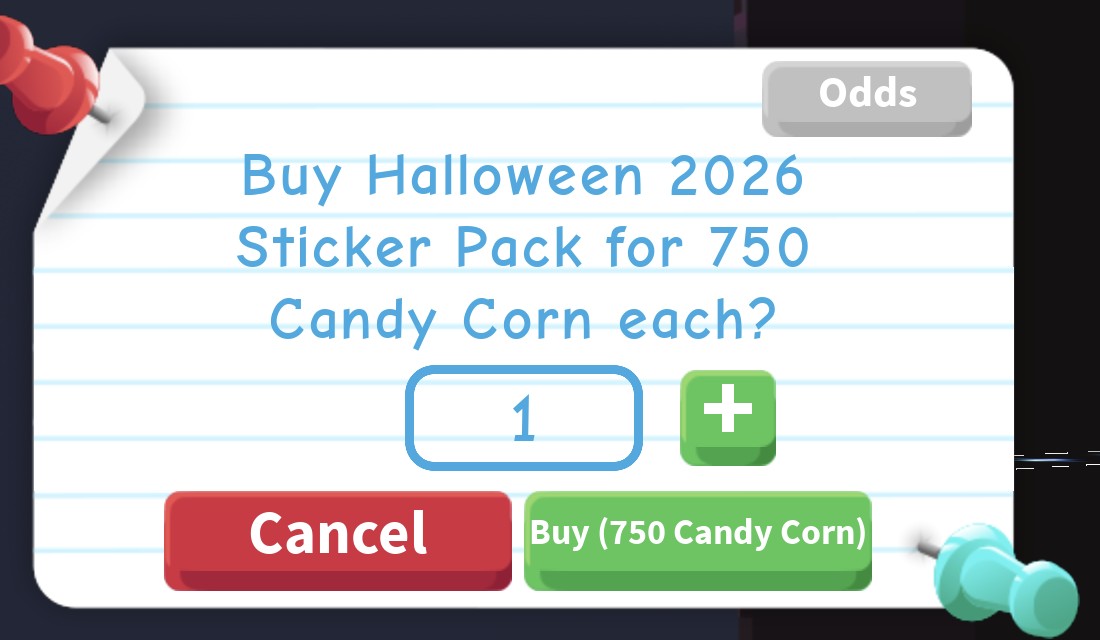
Buying and opening the pack
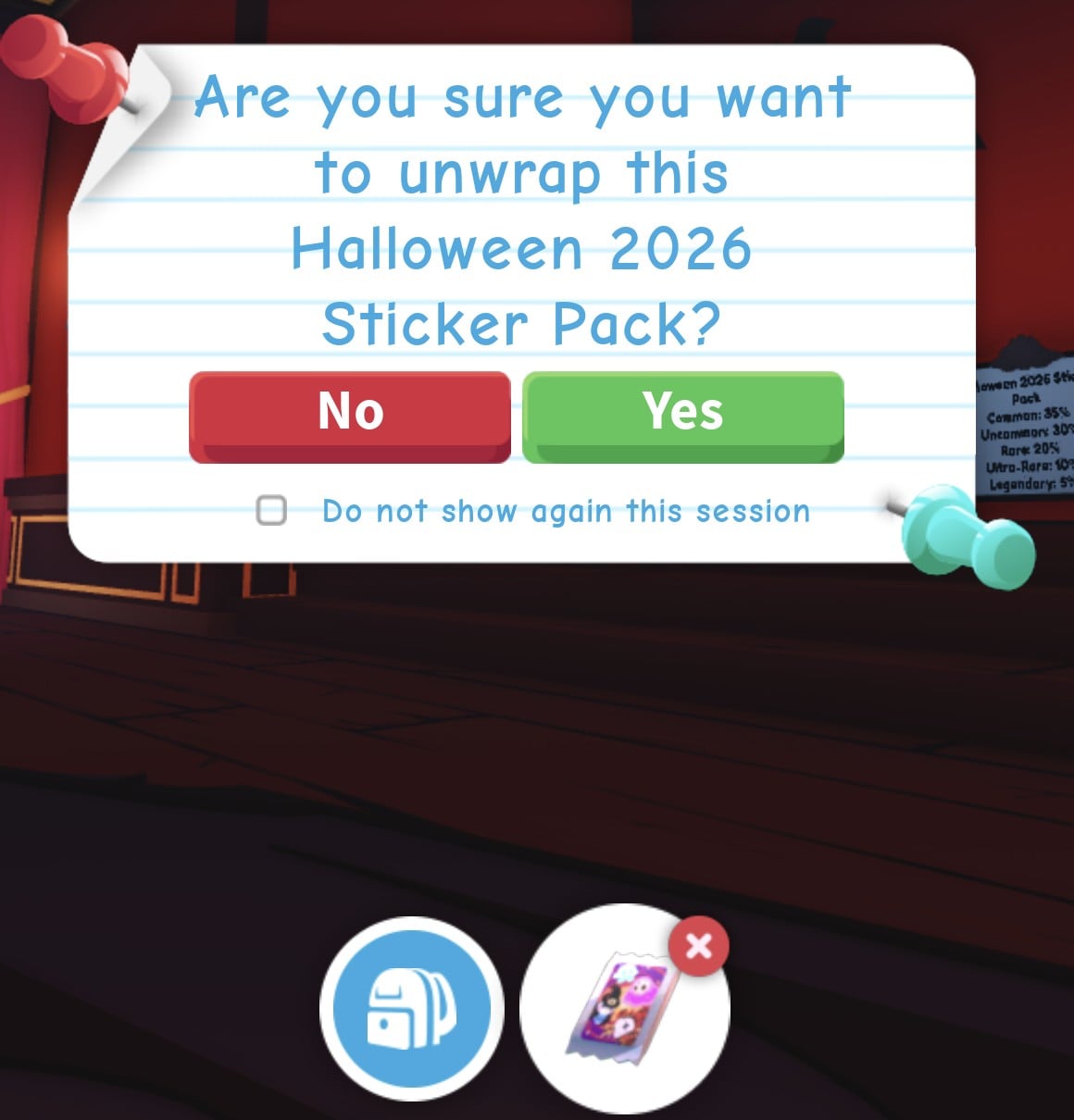
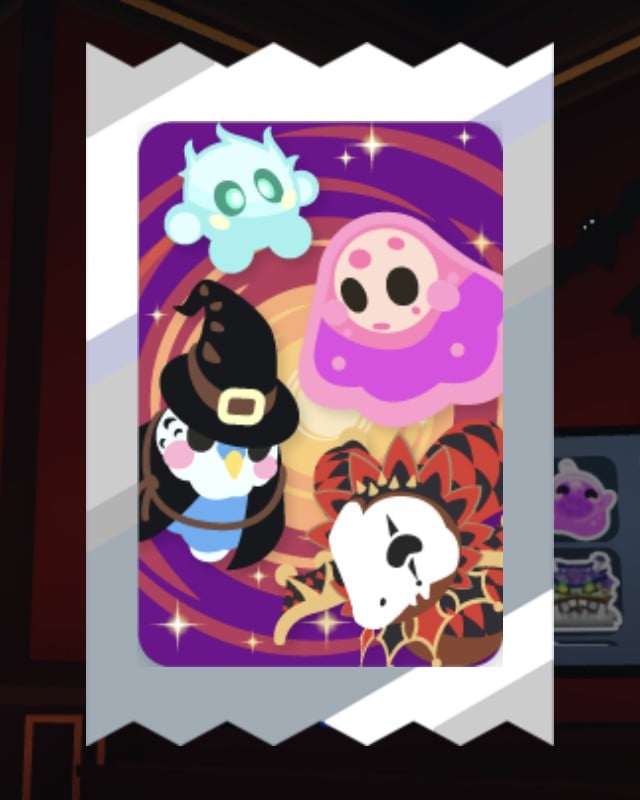
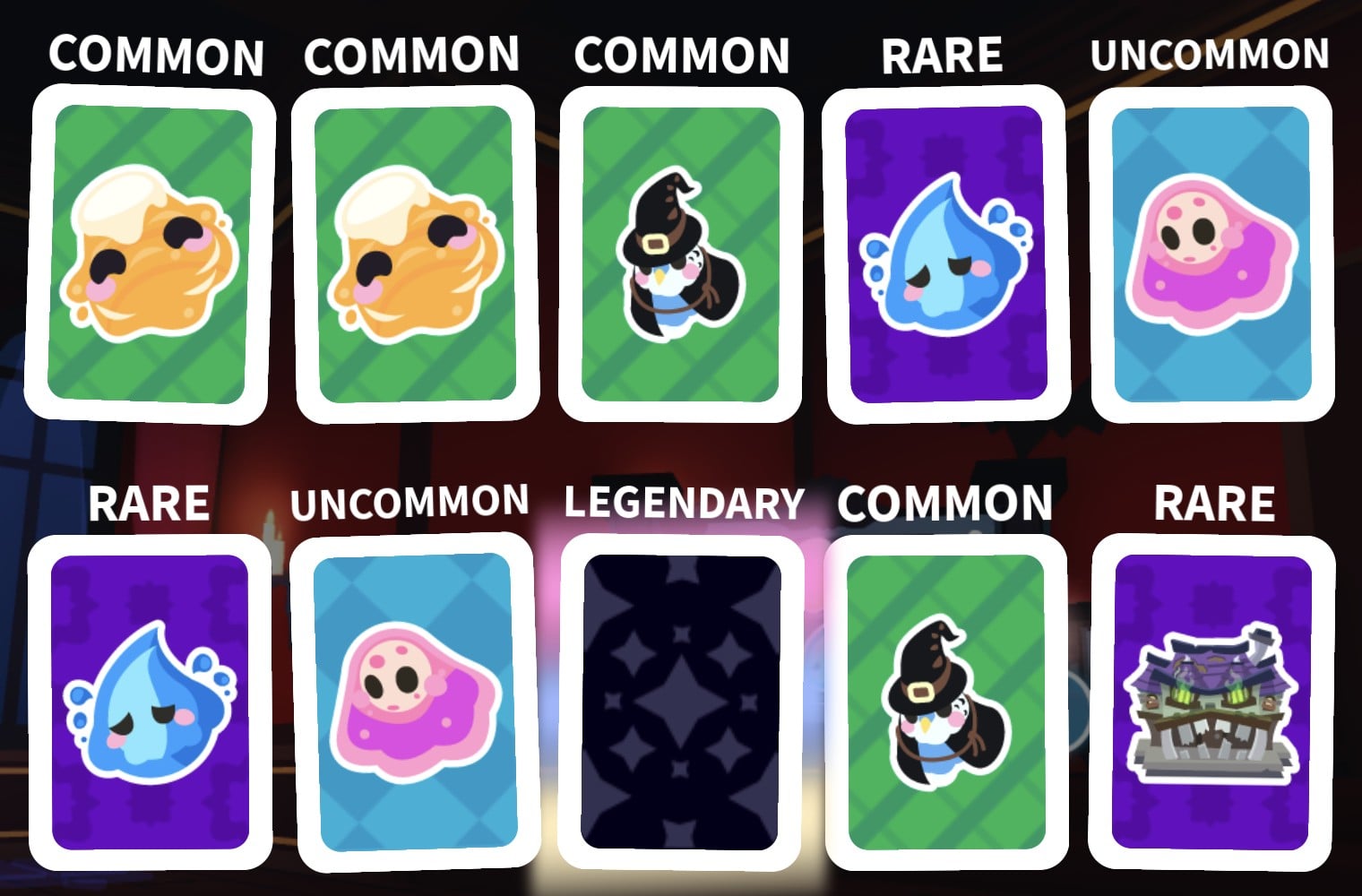
Duplicates happen. A single pack can hand you two copies of the same sticker, such as a pair of Caramelgeist or Boohoo stickers.
Halloween 2026 Sticker Pack odds
Press the Odds button on the purchase prompt to open the drop-rate panel. It’s labeled “10 Rolls:” and splits each rarity tier evenly between its stickers. The exception is the Legendary tier, where the animated sticker takes a tiny slice.
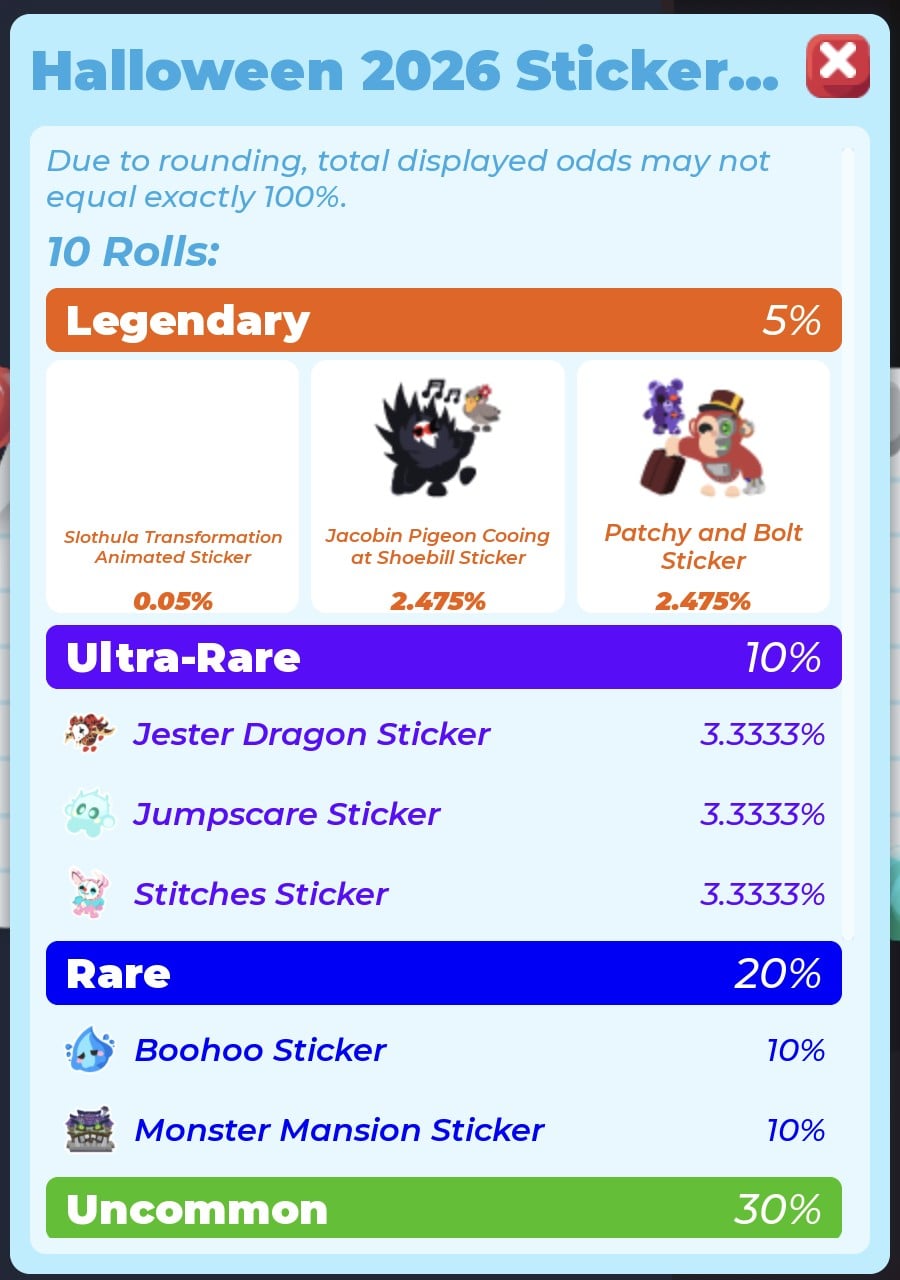
| Sticker | Rarity (tier odds) | Per-sticker odds |
|---|---|---|
| Slothula Transformation Animated Sticker | Legendary (5%) | 0.05% |
| Jacobin Pigeon Cooing at Shoebill Sticker | Legendary (5%) | 2.475% |
| Patchy and Bolt Sticker | Legendary (5%) | 2.475% |
| Jester Dragon Sticker | Ultra-Rare (10%) | 3.3333% |
| Jumpscare Sticker | Ultra-Rare (10%) | 3.3333% |
| Stitches Sticker | Ultra-Rare (10%) | 3.3333% |
| Boohoo Sticker | Rare (20%) | 10% |
| Monster Mansion Sticker | Rare (20%) | 10% |
| Bobageist Sticker | Uncommon (30%) | 15% |
| Bubblegeist Sticker | Uncommon (30%) | 15% |
| Budgie Witch Sticker | Common (35%) | 17.5% |
| Caramelgeist Sticker | Common (35%) | 17.5% |
The update notes list the two regular Legendary stickers together at 4.95% and give the Slothula Transformation Animated Sticker its own 0.05% line. That’s a Legendary-rarity animated sticker, and it’s the rarest pull in the pack. The panel itself warns, “Due to rounding, total displayed odds may not equal exactly 100%.”
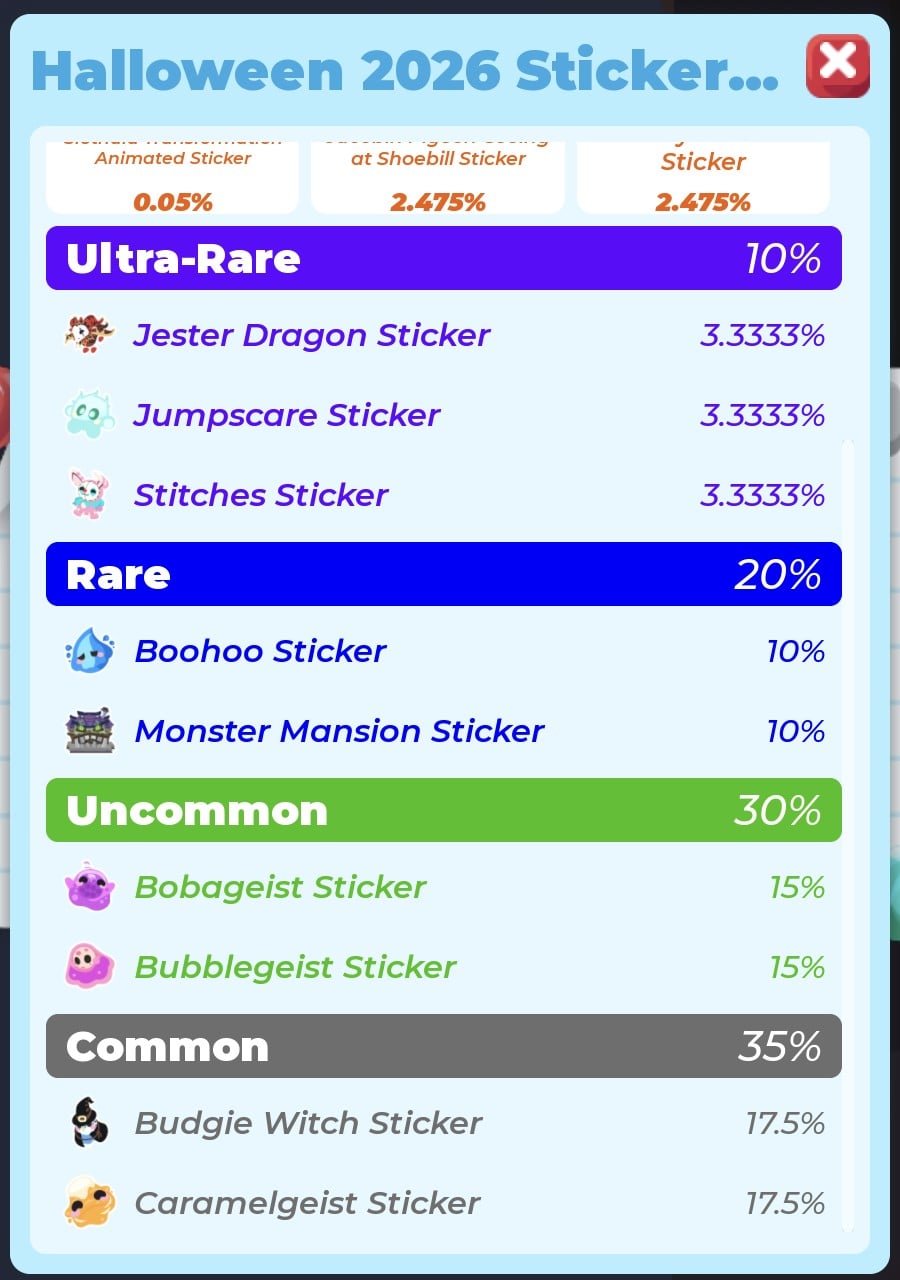
When we opened Odds and scrolled down the list, the odds panel’s red X stopped responding to clicks and keys. Respawning did not close it; only leaving and rejoining the game did. Buy your pack first, and read the odds without scrolling, or skip the Odds button.
What we got from one pack
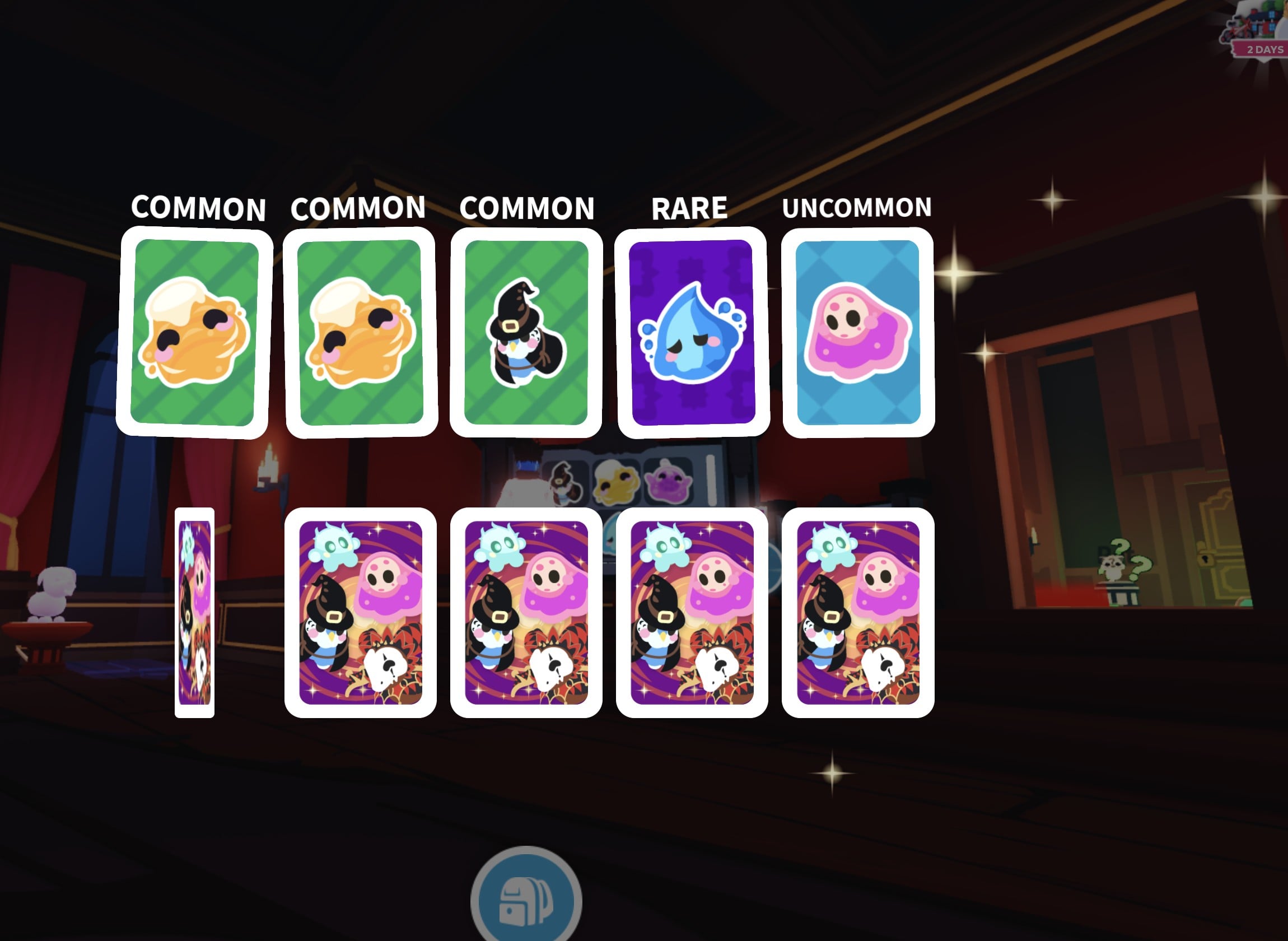
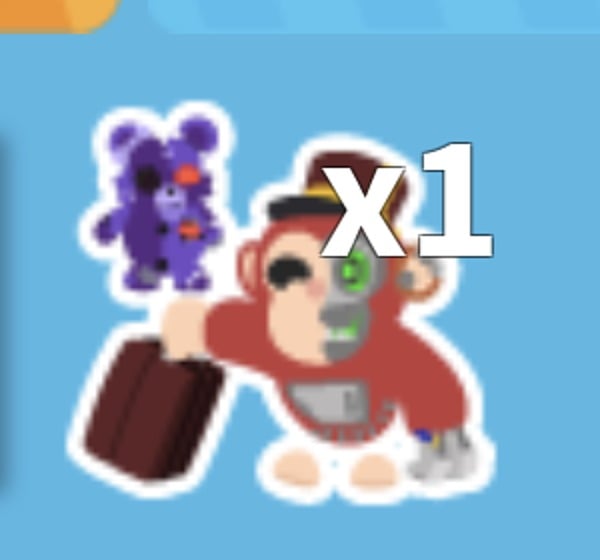
Our one pack gave 10 stickers, including four pairs of the same sticker. The Legendary card stayed dark on the result screen; we identified it afterwards in the sticker book as the Patchy and Bolt Sticker by its picture, a monkey in a red outfit with a suitcase and a purple teddy bear, the same picture as on the odds panel. The sticker book shows no sticker names.
| Sticker | Rarity | Copies |
|---|---|---|
| Caramelgeist Sticker | Common | 2 |
| Budgie Witch Sticker | Common | 2 |
| Bubblegeist Sticker | Uncommon | 2 |
| Boohoo Sticker | Rare | 2 |
| Monster Mansion Sticker | Rare | 1 |
| Patchy and Bolt Sticker | Legendary | 1 |
Finding your new stickers in the sticker book
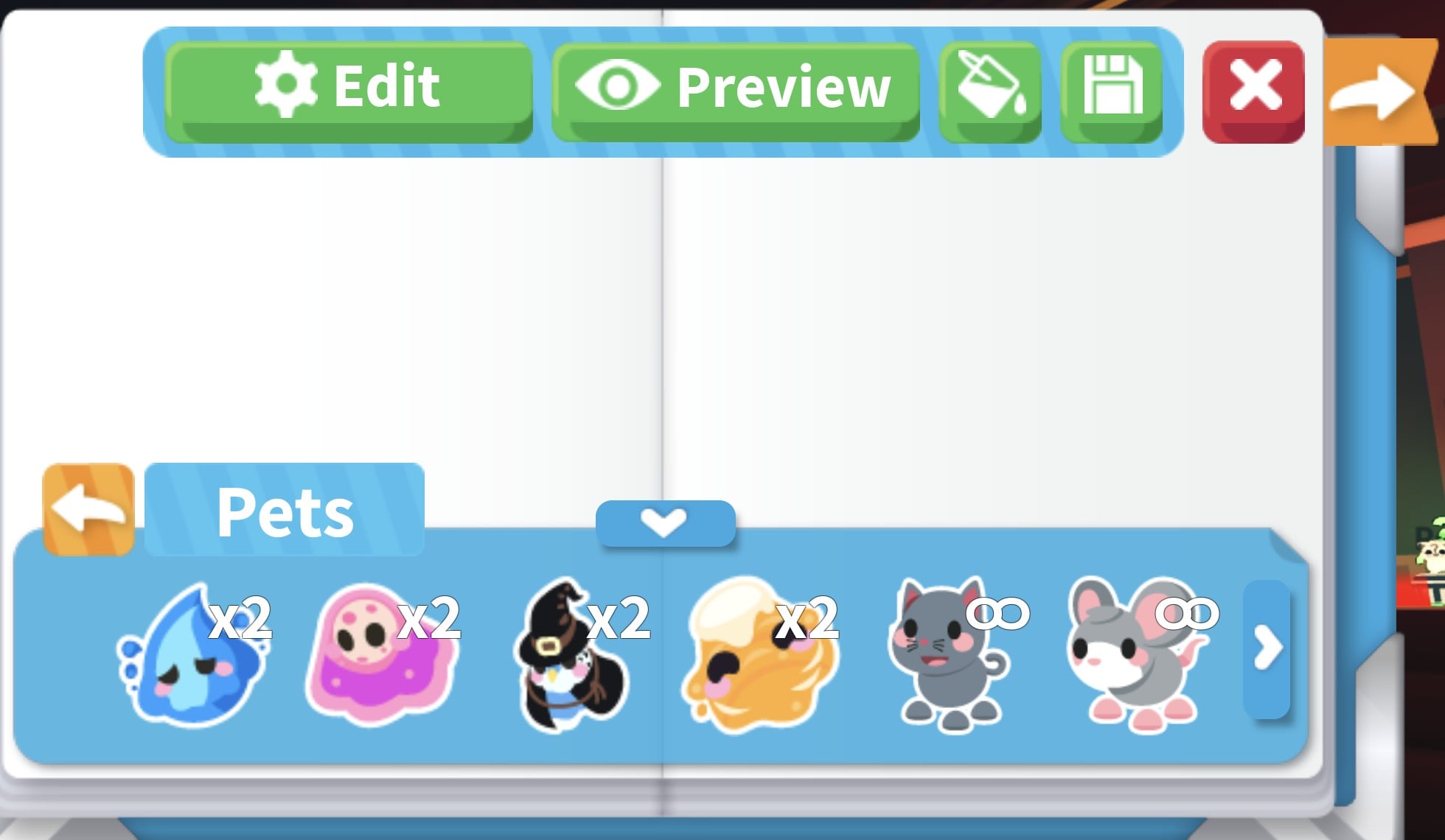
Open the sticker book with the small book button in the bottom-right button group, just left of the gear. The top bar holds Stickers (which turns into Edit), Preview, a paint bucket, a save button and a red X. The Stickers tray sorts everything into categories, including ALL, PETS, EMOTES, ENVIRONMENT, FOOD and ITEMS, with more past the arrow.
The tray lists your count for each sticker, for example, “x2” or “x1”; free default stickers instead have an infinity sign. Most stickers from the pack appear in the Pets tab, where their pictures help you identify their names:
| Sticker | What it looks like |
|---|---|
| Boohoo Sticker | Blue teardrop ghost |
| Bubblegeist Sticker | Pink ghost |
| Budgie Witch Sticker | Witch bird |
| Caramelgeist Sticker | Orange swirl ghost |
| Patchy and Bolt Sticker | Half-robot monkey in red with a suitcase, beside a purple stitched teddy bear |
Click any sticker in the tray to place it on the open page. Once it’s down, handles let you delete, rotate or resize it.