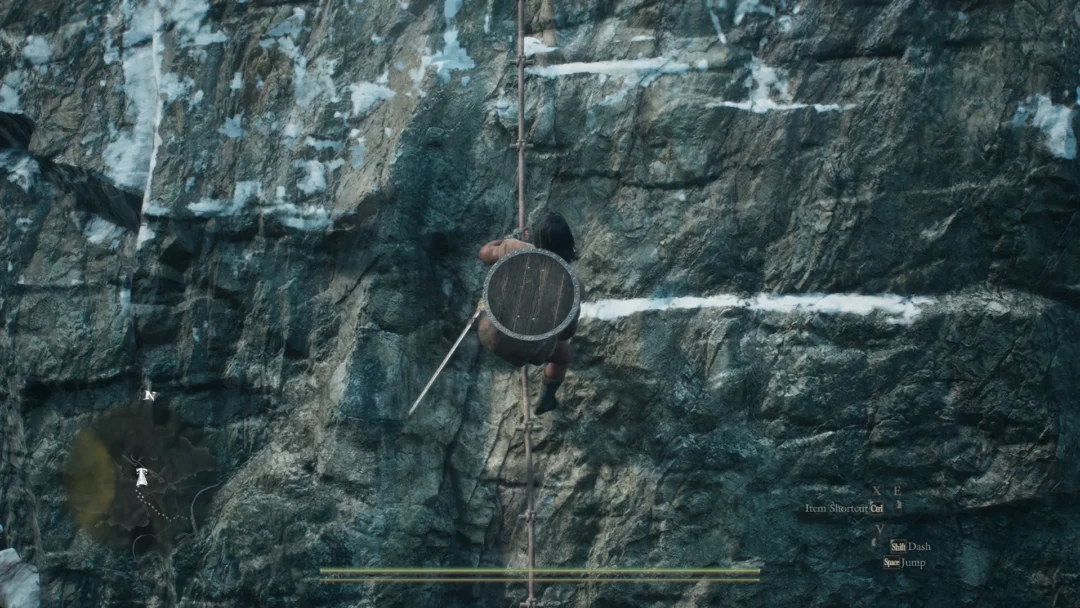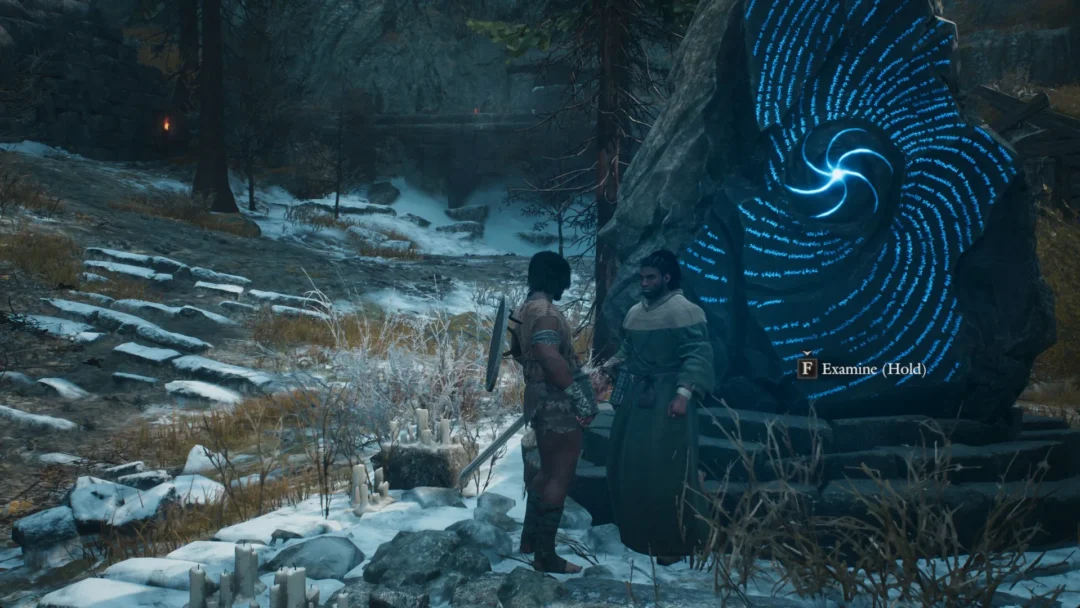
Leaving a dungeon in AION 2 does not require clearing every boss or abandoning your party. The game keeps the exit control on the mini-map, and once you trigger it you drop back to the instance entrance in a few seconds.
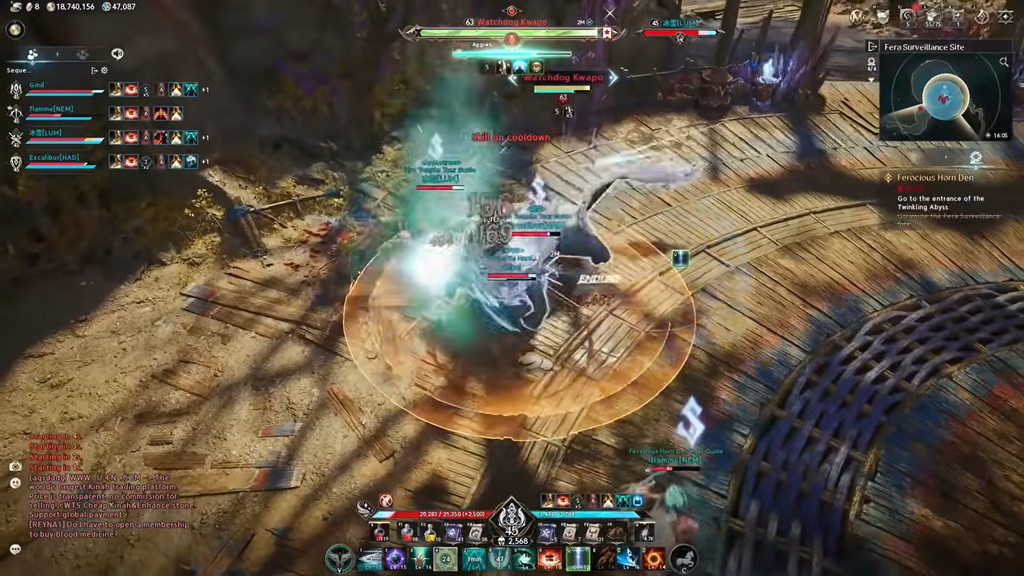
Quick answer: Press the door icon next to the dungeon’s name on the top-right map, just below the shop icon, then press Confirm while you are out of combat.
Leave a dungeon manually with the door icon
Every instance shows an exit control on the map in the upper-right corner of the screen. Use it whenever you want to leave before the run is finished.
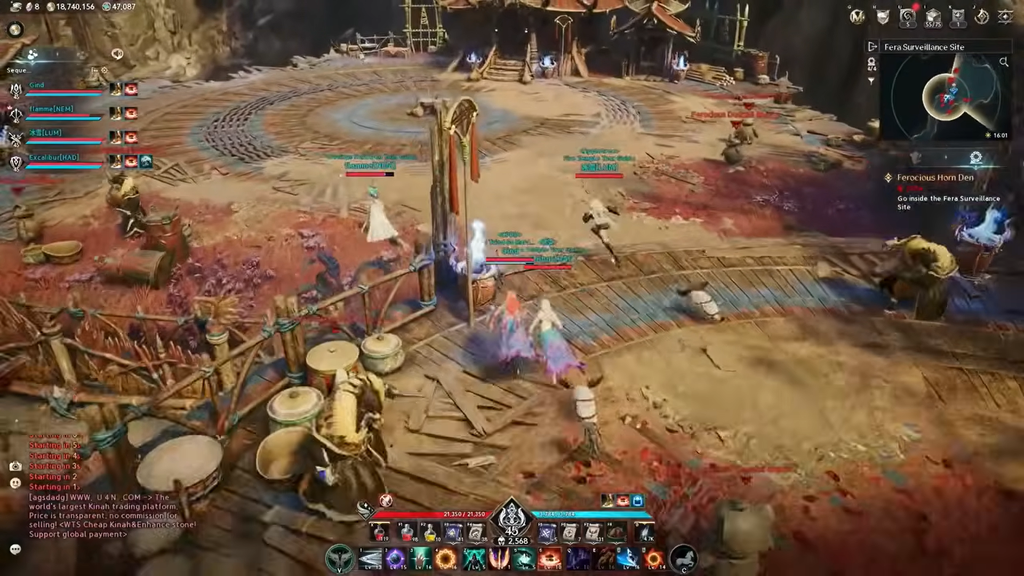
This same instance exit button is what you should use across expeditions, sealed dungeons, and daily dungeons. Do not try to leave party content by dropping the group and waiting to be teleported out automatically, since that is not how the instance exit works.
Break combat before the exit works
The exit button only responds when you are not fighting. If enemies are still attacking you, disengage from them first, then press the door icon to return to the original field.
If you cannot cleanly break combat, logging out and back in is an alternative way to pull yourself out of the fight and leave the area.
Leaving during Abyss fights
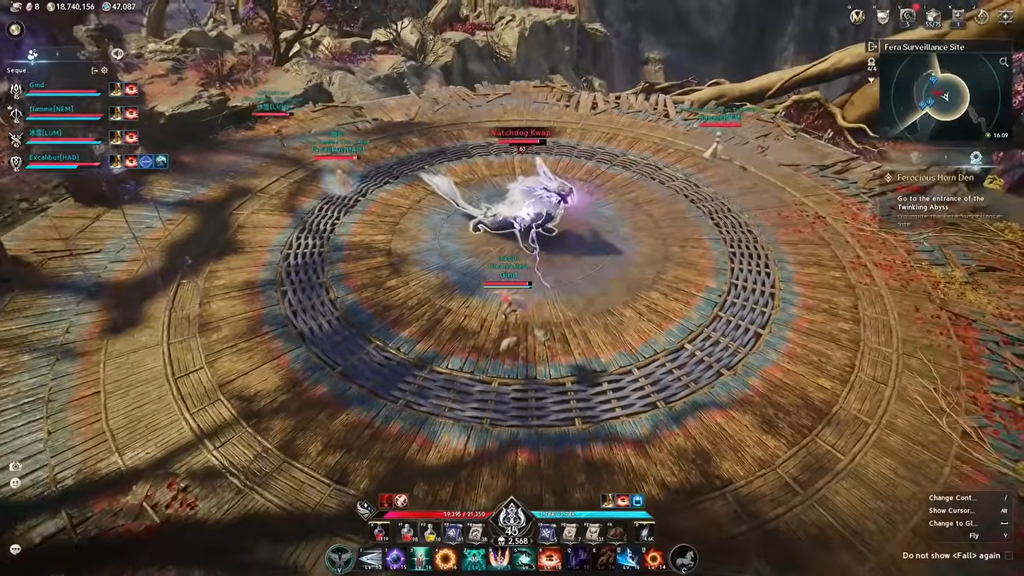
Abyss encounters keep you in combat for long stretches, which makes the exit button harder to reach. Using an invincibility skill creates a safe window to hit the top-right exit button mid-fight without taking damage.
Gliding off a ledge to shake off enemies before exiting the Abyss counts as a field exit, not an instance exit. The two behave differently, so use the instance exit button when your goal is to leave the dungeon itself.
Automatic exit after you clear a dungeon
You do not have to hunt for the door icon once a run is complete. Finishing a dungeon brings up a prompt asking whether you want to leave the area. Press Confirm, and you are returned to the dungeon entrance quickly.
Either way, you know the exit worked when the loading finishes and your character is standing at the entrance of the dungeon rather than inside it. Dying during a run can also place you back at the dungeon entrance.