The Missing Freight quest in Storage Hunters: Open World asks for 10 packages, but only three of them sit out in the world as fixed pickups. Those are the Map Packages, and they never move. The other seven come from auctions and weather events, so the three on the map are the fastest part of the quest to knock out.
Quick answer: The three Map Packages sit at the Museum entrance, behind the gas station’s white storage tanks, and behind the Auto Dealership. Drive to each one and choose Add to Vehicle to claim it.
How to start the Missing Freight quest
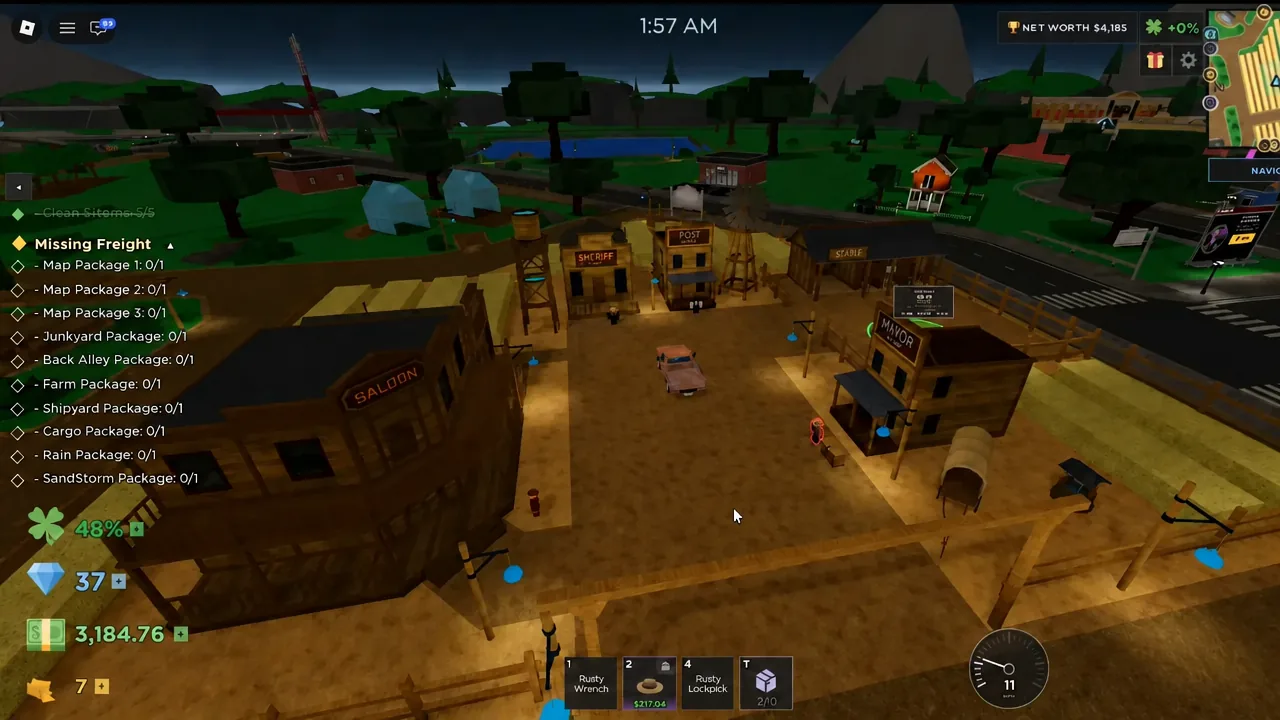
The quest giver stands outside the Sheriff Office in the Wild West event area, next to the post office at the Farmyard. Look for the red exclamation mark above his head and talk to him. His opening line is a complaint about losing 10 packages, and choosing “I’ll find your packages.” accepts the job.
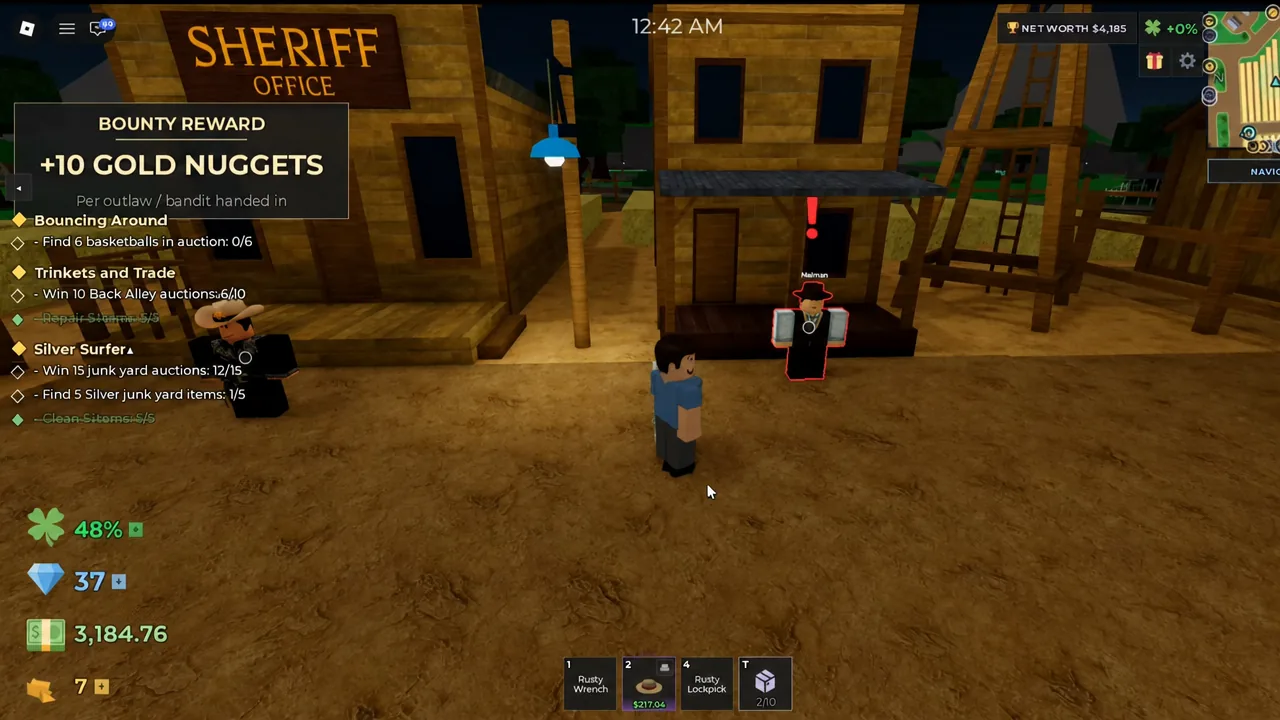
Accepting it pops a NEW QUEST! banner and adds a tracker listing all 10 packages at 0/1 each: Map Package 1, 2 and 3, then the Junkyard, Back Alley, Farm, Shipyard, Cargo, Rain and SandStorm packages.
Take a vehicle before you set off. Packages are collected with an Add to Vehicle prompt, so you need one parked nearby with space in the basket.
All 3 Map Packages locations
Each of the three is tucked behind a building rather than sitting in the open, and a red arrow appears over the box once you are close enough.
| Package | Area | Exact spot |
|---|---|---|
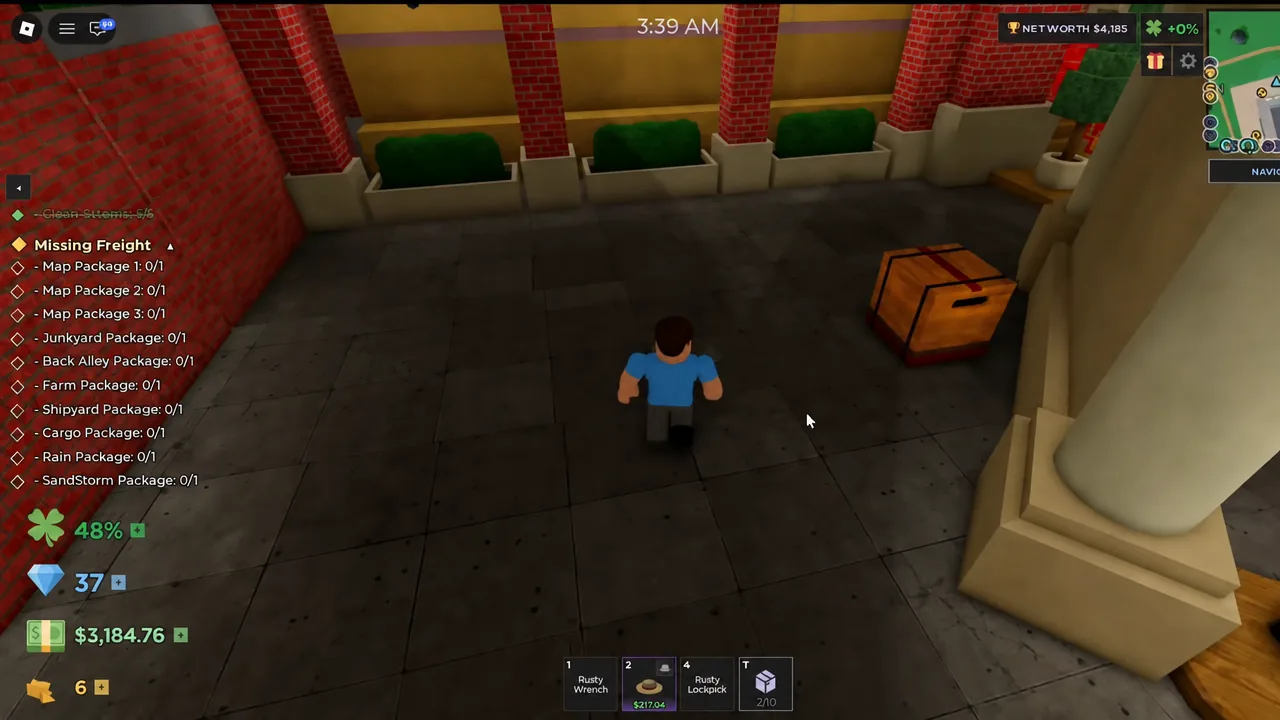
| Map Package 1 (Museum Package) | Museum, Shopping Mall | Behind the right-hand entrance pillar, by the Top Net Worth leaderboard |
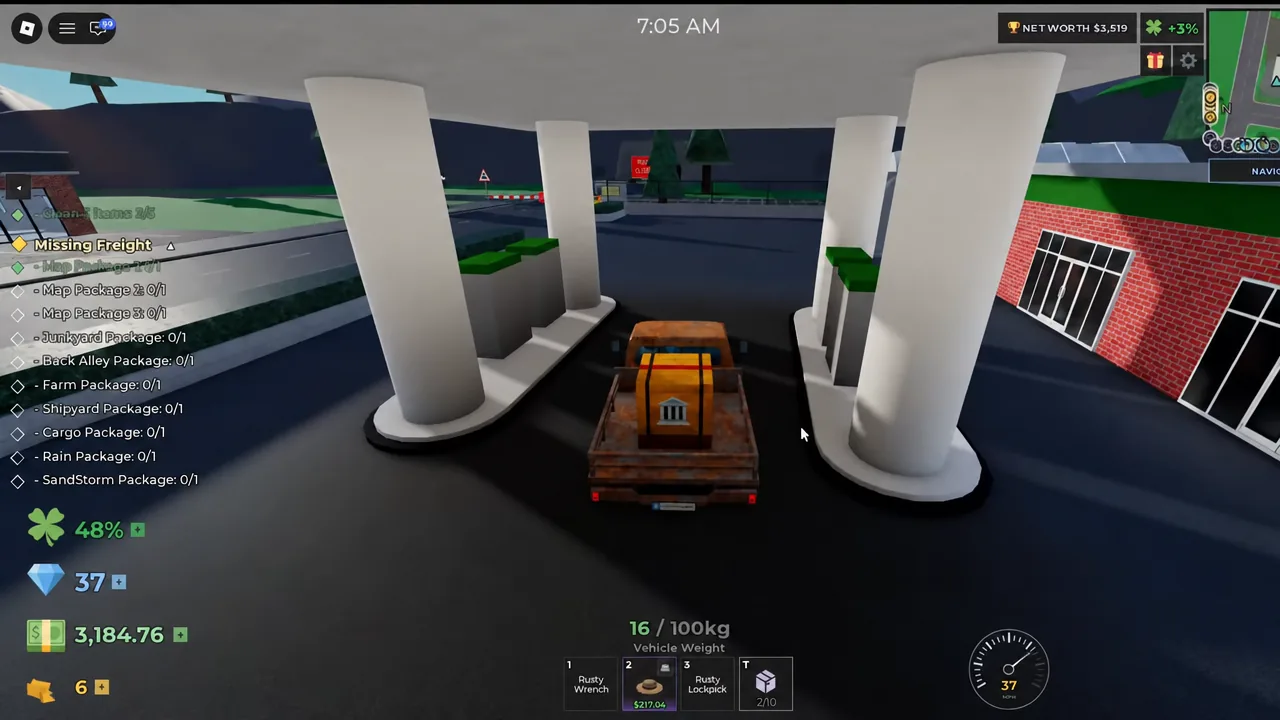
| Map Package 2 (Gas Station Package) | Gas station near the warehouse | Wedged between the large white horizontal tanks out back |
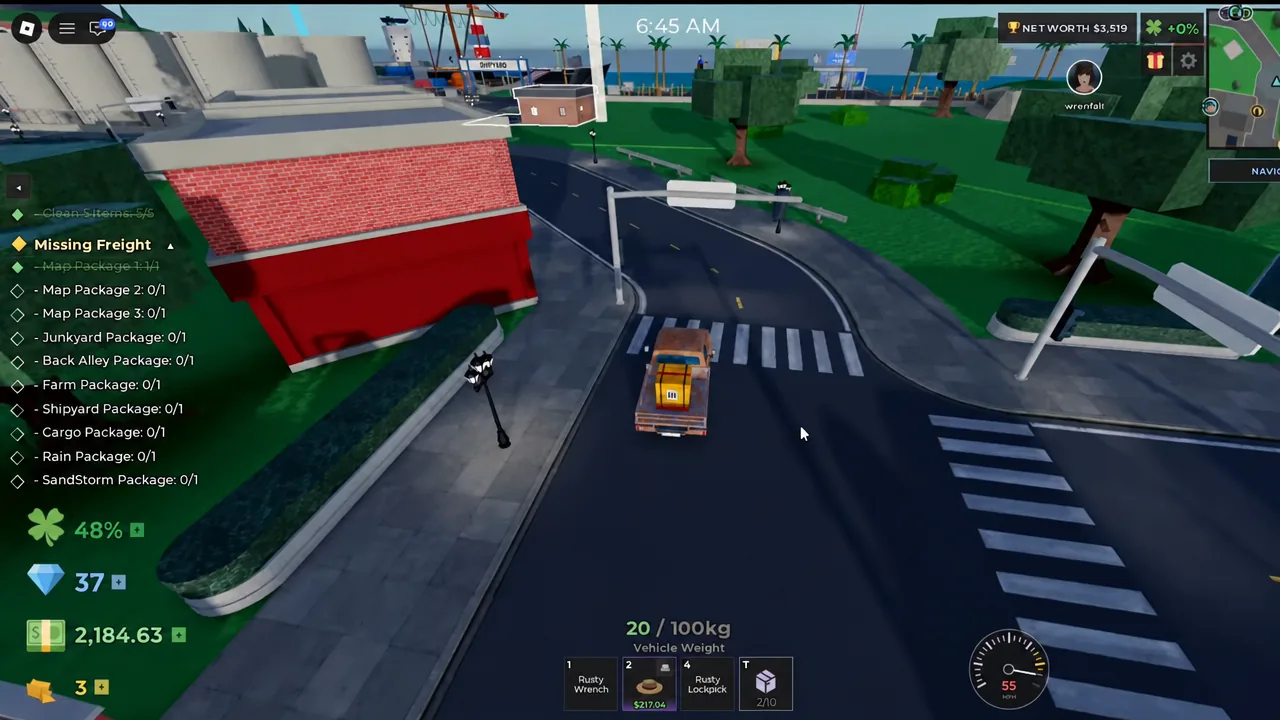
| Map Package 3 (Car Dealership Package) | Auto Dealership | On the sidewalk behind the building, beside the black metal fence |
Map Package 1: Museum Package
Drive into the Shopping Mall area and head for the Museum entrance. The box is on the right side of the main doors, pressed against the outermost pillar and partly hidden by the leaderboard boards, so you will not see it from the parking lot. Walk around the pillar and the pickup prompt appears.
Map Package 2: Gas Station Package
From the Museum, head for the gas station and refinery area near the warehouse. Do not stop at the pumps. Drive around to the rear of the building where the row of large white horizontal storage tanks sits, then squeeze into the gap between them. The green package is jammed in there at ground level.
Map Package 3: Car Dealership Package
The last one is at the Auto Dealership. Skip the showroom front and follow the building around to the rear wall. The blue box sits on the strip of sidewalk that runs between the building and the black metal fence, close enough to the wall that it is easy to drive straight past.
What the packages look like when you find them
All three share the same item card, so if the prompt does not match this, you are looking at ordinary loot rather than a quest item.
- Tagged [Quest] [Mint] in front of the package name
- Common rarity, Condition 100%, valued at $40 each
- Weight of 20kg for the Museum Package and 25kg for the other two
- A single Add to Vehicle action, not a normal pickup
- Each carries its own icon, so they are easy to tell apart in the basket
Picking the box up is not enough on its own. The package has to go into the vehicle for the quest to register it.
How to confirm the Map Packages counted
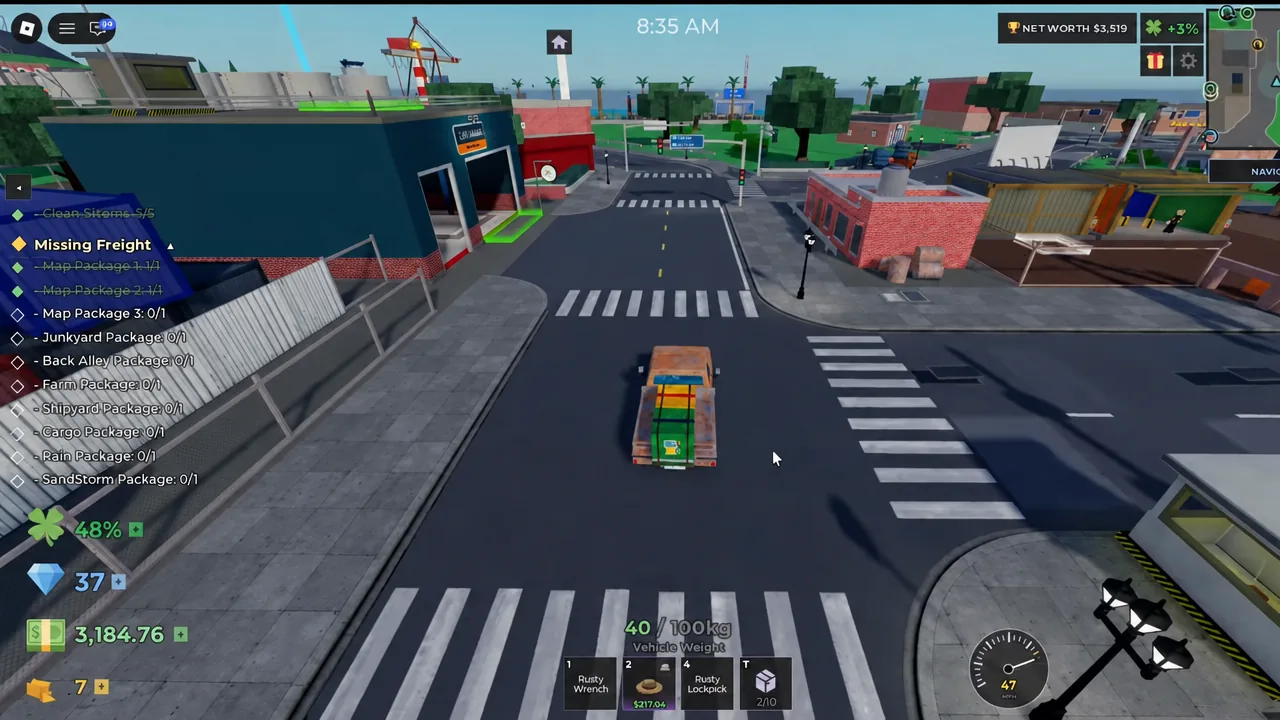
Open the quest tracker after each pickup. The matching line flips from 0/1 to 1/1, and once all three are loaded, Map Package 1, Map Package 2 and Map Package 3 all read as complete. The boxes also stay visible in your vehicle basket, which is a quick second check before you drive off.
The remaining 7 Missing Freight packages
The other seven are not hidden on the map at all. The Junkyard, Back Alley, Farm and Shipyard packages turn up as loot in auctions in those areas, and the Cargo Package comes from Cargo Ship auctions, with Tier 4 luxury containers being the usual route. The Rain and SandStorm packages drop from any auction won while that weather event is running on your server.
Once all 10 are in hand, return to the quest giver at the Wild West post office to hand them in. Completing Missing Freight pays out 750 Gold Nuggets, which the Barista inside the Saloon accepts in exchange for event potions and items.