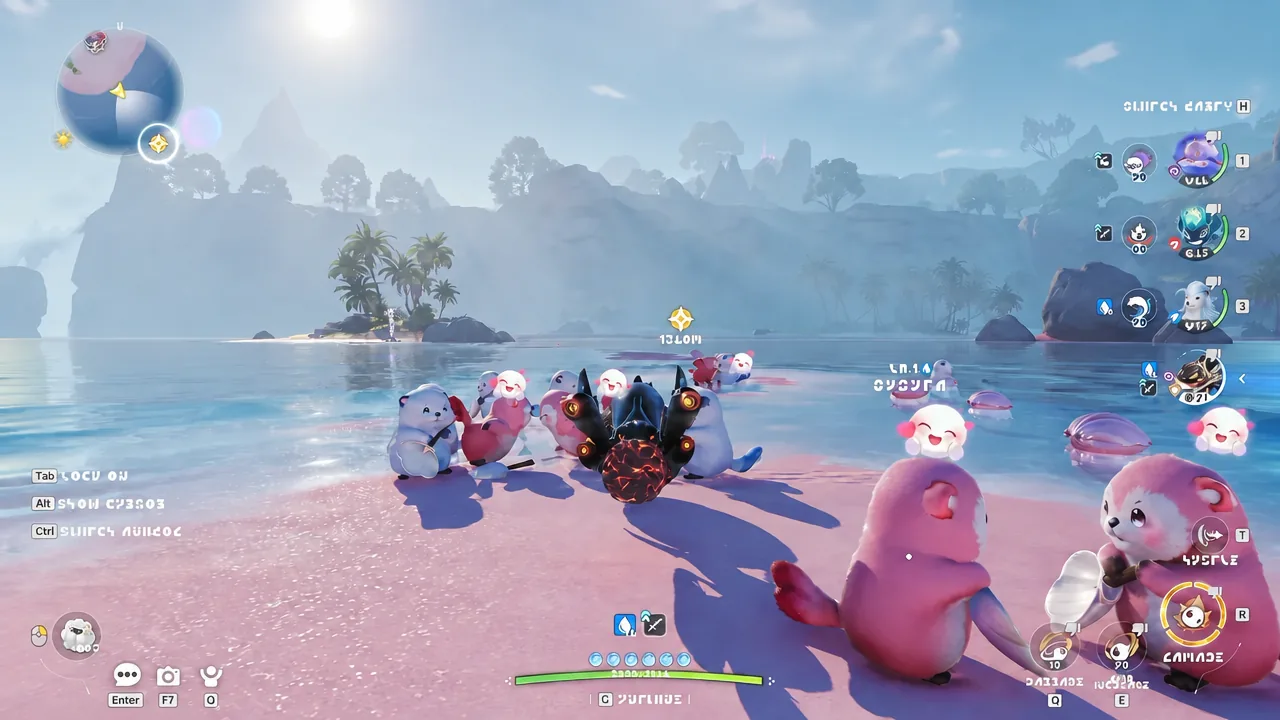
Aniimo, the free-to-play creature-catching open-world RPG from Pawprint Studio, opened its pre-download on September 14, 2026, ahead of a full launch on PC and consoles. Getting the files down early means you can jump straight in the moment servers open instead of waiting on a download.
Quick answer: Preloading is live now. On PC it’s free through the official launcher or Steam. On PS5 and Xbox you must buy the $9.99 Advanced or $19.99 Collector’s pack before you can download.
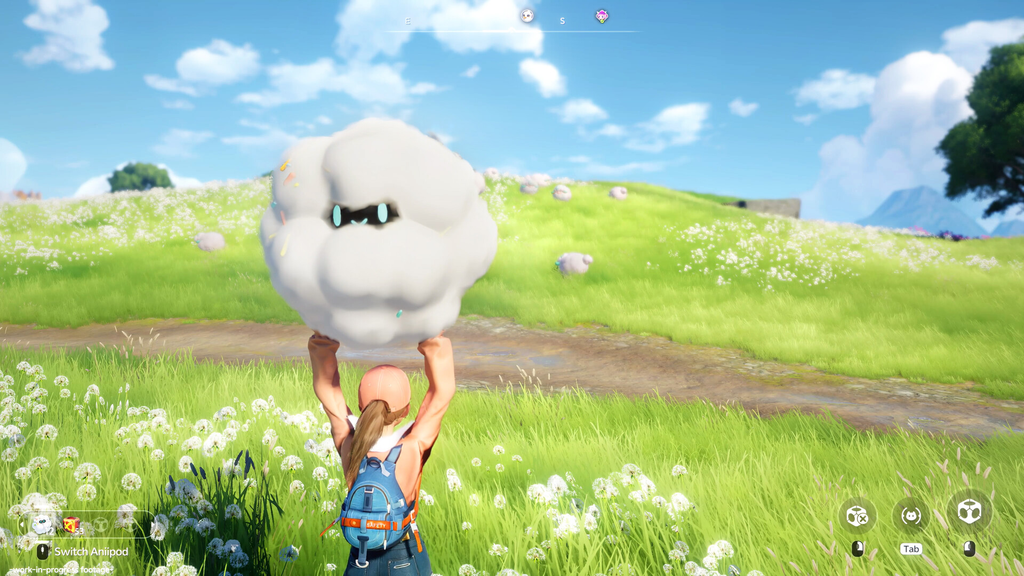
Preload schedule and server launch times
Pre-download opened on September 14, 2026, at 10:00 (UTC+8) across Windows PC, PlayStation 5, and Xbox Series X|S. The game goes live on those platforms on September 16, 2026, at 10:00 (UTC+8). Mobile players on iOS and Android get their release one week later, on September 23, 2026.
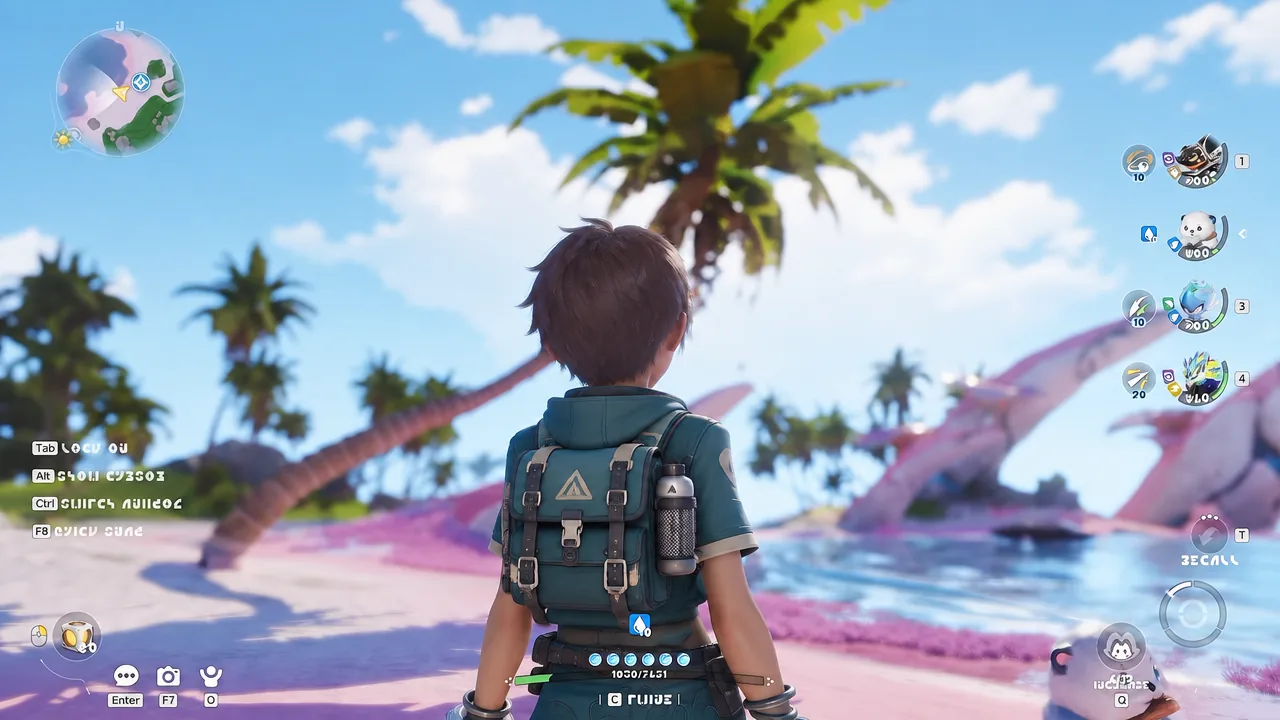
The unlock rolls out by regional server, so your exact start time depends on which server you play on.
| Server | Launch time |
|---|---|
| Aniimo-America | September 15, 2026, 22:00 (UTC-4) |
| Aniimo-Europe | September 16, 2026, 02:00 (UTC+0) |
| Aniimo-Apac | September 16, 2026, 10:00 (UTC+8) |
Preload Aniimo on PC for free
PC is the only platform where you can preload without paying anything. You have two options: the standalone launcher from the official site, or a straight preload on Steam. Both pull down the same client, so pick whichever fits how you plan to play.
Official PC launcher
Keep your install path in English characters only. A directory with non-alphabetic characters can cause login errors on some systems.
Steam preload
Preload Aniimo on PS5 and Xbox
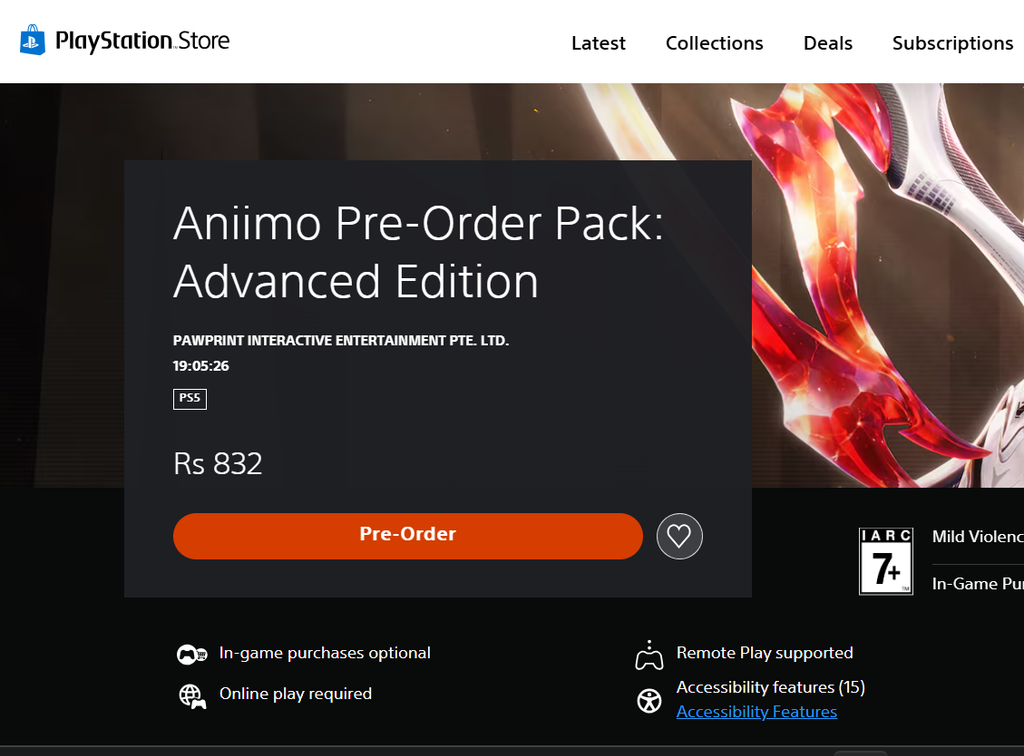
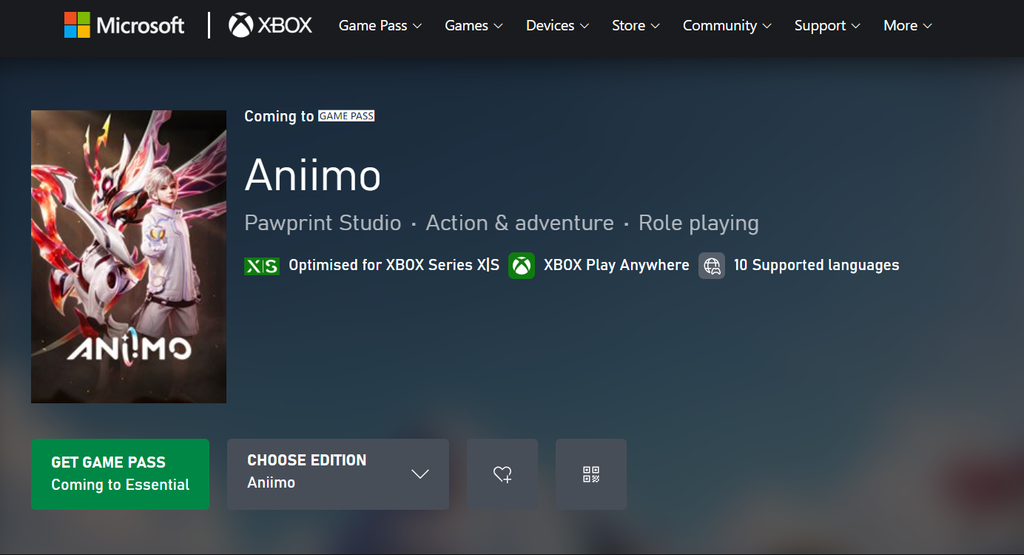
On consoles the preload is locked behind a purchase. Even though the base game is free to play once it launches, PS5 and Xbox players can only download early after buying one of the two pre-order packs. Both editions include a platform-exclusive accessory and a battle pass.
| Edition | Price | Included extras |
|---|---|---|
| Advanced Edition | $9.99 | Exclusive accessory + Companion Handbook (Premium Pass) |
| Collector’s Edition | $19.99 | Exclusive accessory + Collector’s Pass, plus an exclusive Doll and Avatar Frame |
The exclusive accessory differs by platform. PS5 pre-orders get the Fluffy Friend, while Xbox pre-orders get the Doggo Dude.
PlayStation 5
Xbox Series X|S
Storage space and PC system requirements
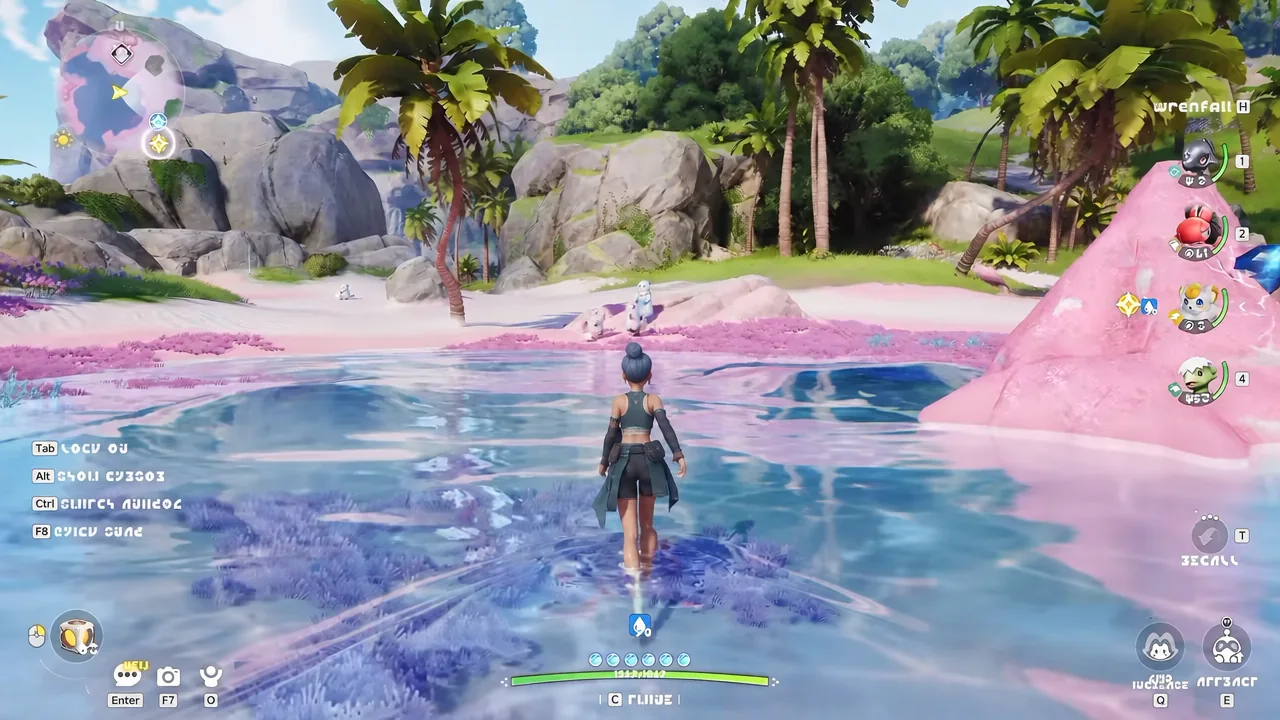
Before you start any download, confirm you have room and that your PC meets the specs. Falling short on storage or dropping below the minimum spec can stall the install or cause the game to fail on launch.
- PC: 40 GB of available space, SSD recommended
- PS5 and Xbox: roughly 30–35 GB of free space
- Operating system: 64-bit Windows 10 or newer with DirectX 11
- A broadband internet connection
| Component | Minimum | Recommended |
|---|---|---|
| CPU | Intel Core i7-4770 / AMD Ryzen 7 2700 | Intel Core i7-10700 / AMD Ryzen 5 5600 |
| GPU | NVIDIA GTX 970 / AMD RX 5600 | NVIDIA RTX 3060 / AMD RX 6700 |
| RAM | 8 GB | 16 GB |
| Storage | 40 GB | 40 GB |
Confirm the preload worked
You will know the preload finished when the launcher or your console library shows the game fully downloaded and ready rather than mid-update. At that point there is nothing left to do but wait for your server to open.
If you try to start the game before the launch window, you will hit a login error at the server connection step. That is expected behavior while servers are still closed, and it clears automatically once your region unlocks at the times listed above.