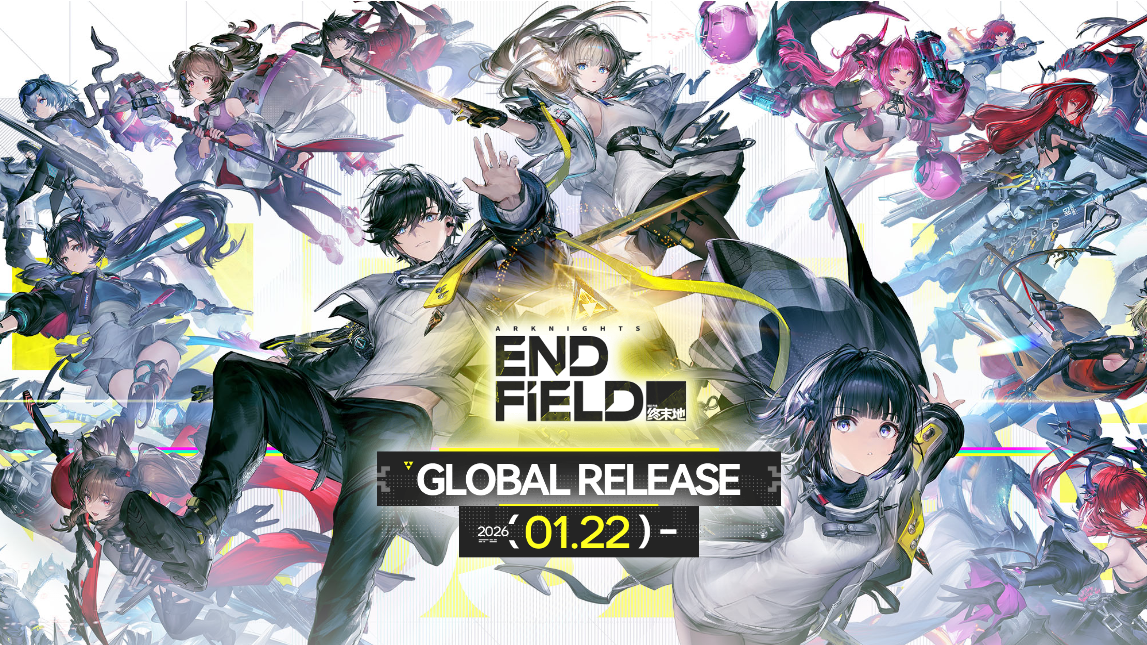
Arknights: Endfield lets you download most of the game before launch, so you can log in as soon as the servers open. Preload is shared across PC, mobile, and PS5, with slightly different rules and storage needs on each platform.
Arknights: Endfield preload date and time
Preload for Arknights: Endfield opens on January 20, 2026, at 10:00 AM (UTC+8). That is two days before the global launch on January 22, 2026 (UTC+8), giving enough time to download the full client even on slower connections.
Once your preload finishes, the client will sit on the title screen until servers go live on January 22. Expect a small day-one patch on launch morning before you can start playing.
Preload download size and storage requirements
Endfield is large, especially on PC. Make sure you have enough free space before you start the download.
| Platform | Download size | Recommended free space |
|---|---|---|
| PC (launcher / Epic) | ~60 GB main download or ~78 GB preload package | At least 100–120 GB free to cover unpacking and patches |
| PlayStation 5 | ~60 GB (estimated) | At least 80 GB free |
| Android | ~28 GB for full data | 30+ GB free |
| iOS | ~28 GB for full data | 30+ GB free |
On PC, the effective space used during installation can temporarily exceed the final install size because the game unpacks compressed data. Keeping extra headroom also helps with future patches.
How Arknights: Endfield preload works on PC
On PC, you can choose between the official launcher and the Epic Games Store. Both eventually give you the same game client and cross‑platform account support.
Preload on PC with the official launcher
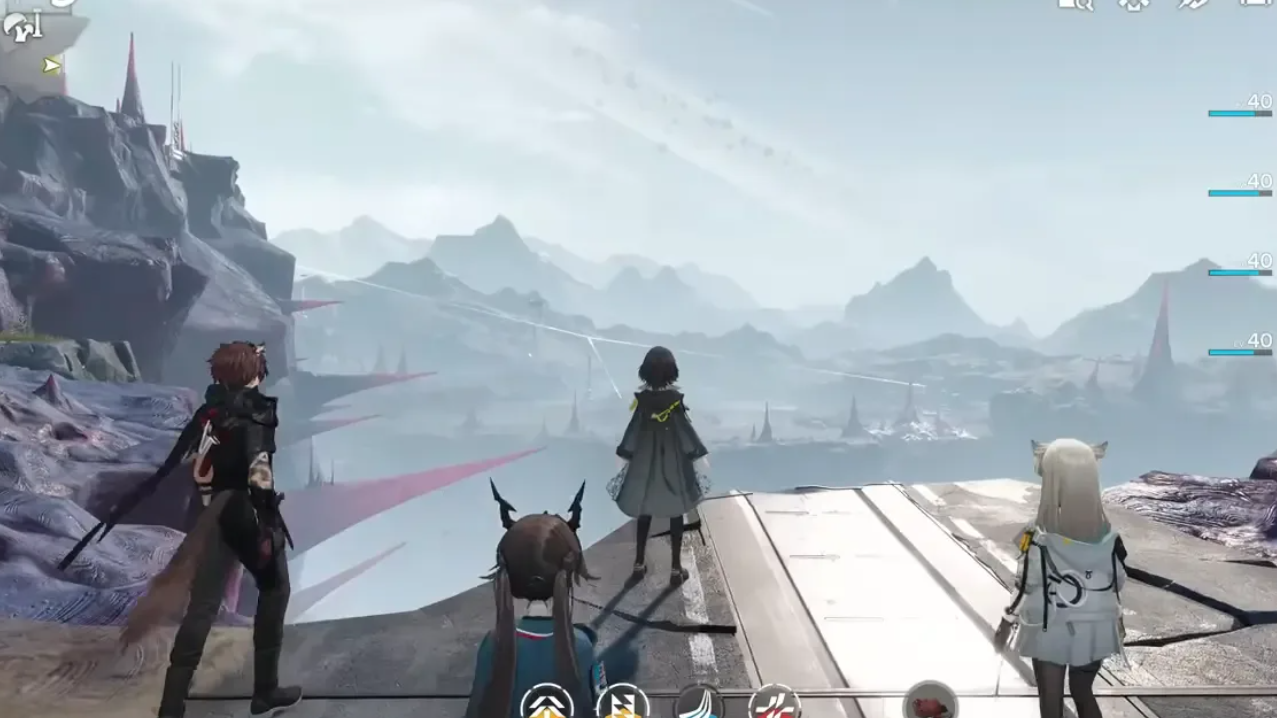
Preload on PC from Epic Games Store
Epic handles patching after launch, so you will get the day‑one update and future patches through Epic’s normal update pipeline.
How to preload Arknights: Endfield on Android
On Android, preload is essentially a normal install followed by an in‑app data download.
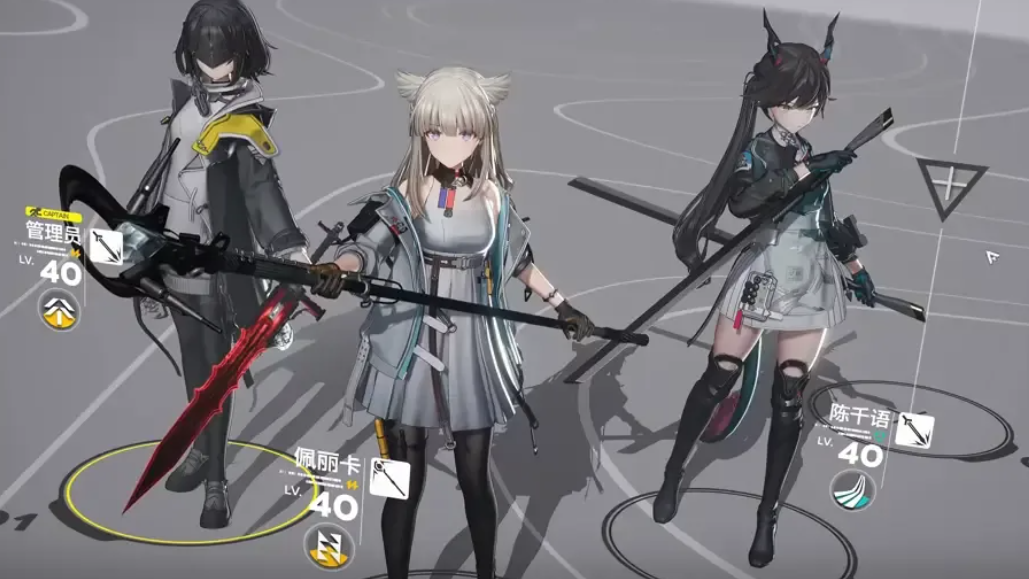
How to preload Arknights: Endfield on iOS
The process on iPhone and iPad mirrors Android, but through the App Store.
If you see an error such as “exception encountered during file retrieval” while downloading in‑game data, restarting the app or switching from mobile data to Wi‑Fi usually resolves transient network issues. If it persists, wait and try again closer to launch.
How to preload Arknights: Endfield on PS5
On PlayStation 5, preload is tied to a paid pre‑order bundle before launch. The base game itself is free‑to‑play at release.
Settings > Saved Data and Game/App Settings > Automatic Updates and make sure auto‑download is enabled. This lets the system pull the Endfield client in the background, including when the console is in Rest Mode.If you prefer not to pay for the bundle, you can simply wait until launch day; the free base game will be downloadable then, but you will not have the same early preload window.
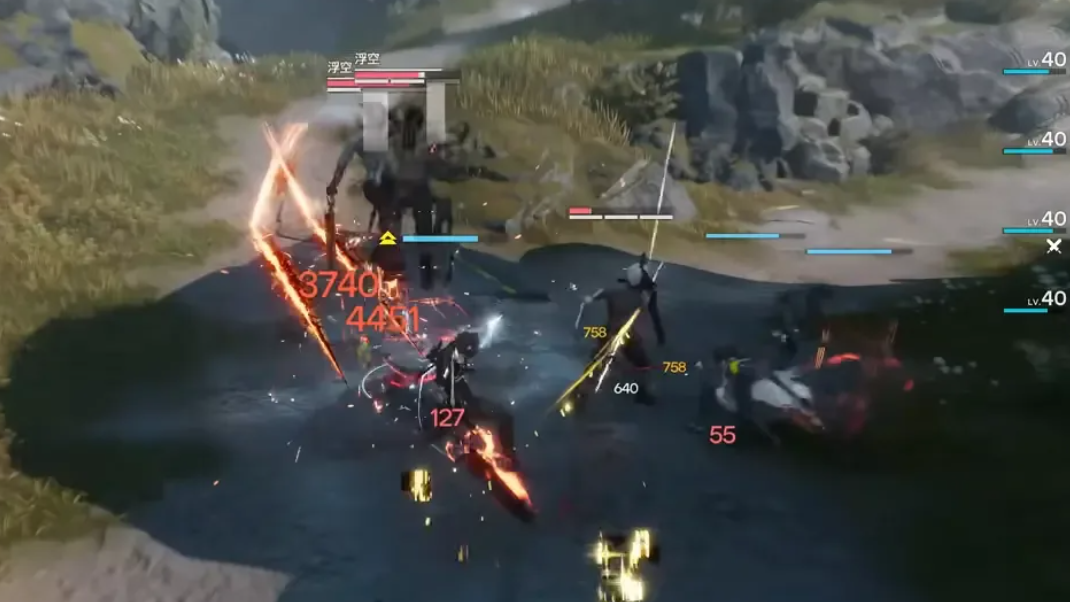
Preload on third‑party Android emulators
Endfield does not ship a dedicated PC emulator client, but Android emulators such as BlueStacks or MuMu Player can be used on capable Windows PCs.
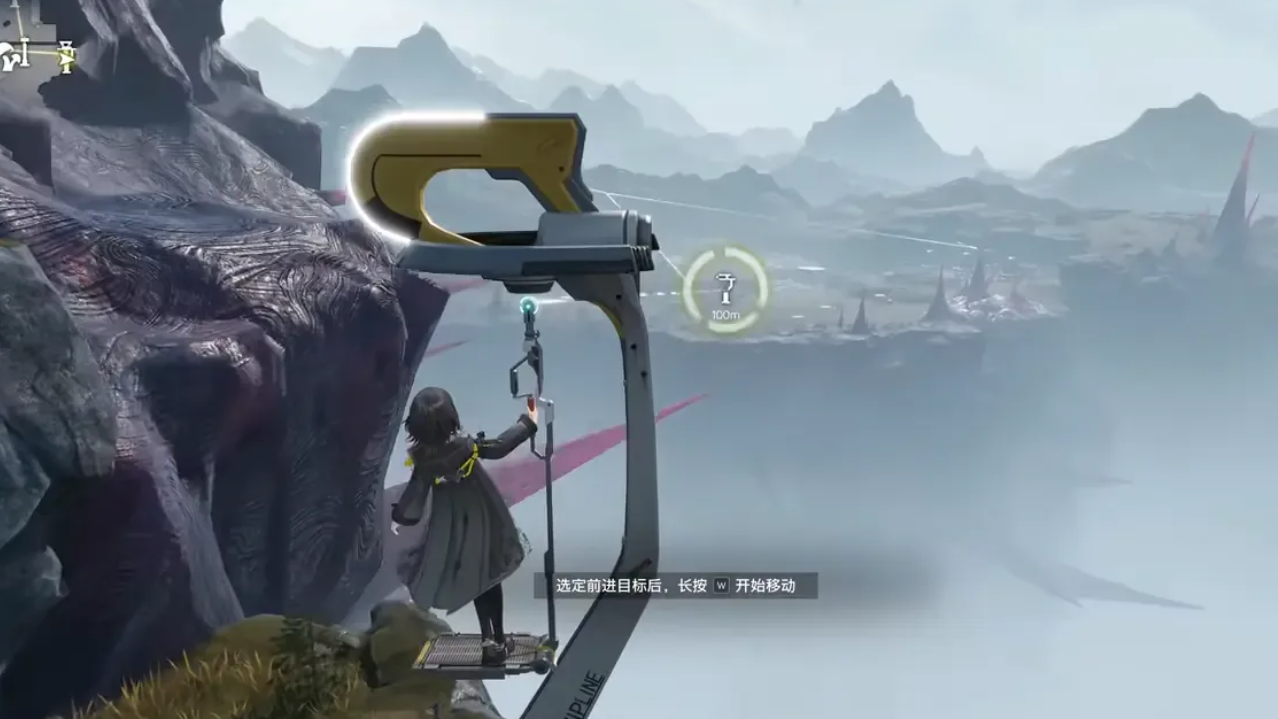
System requirements and why preload matters
Because Endfield targets PC, mobile, and PS5 with modern 3D visuals, minimum and recommended specs matter. Before preloading on PC in particular, check the official system requirements on the Endfield site so you do not download a client your machine cannot run comfortably.
Preloading is especially useful here for three reasons. First, the file size is large enough that a launch‑day download can easily collide with saturated servers and slower speeds. Second, initial patches and hotfixes often arrive in the first hours of release; having the base client in place means you only need to grab small deltas. Third, if you plan to race through early story content to reach dailies and launch rewards quickly, being in‑game the moment servers open is a real advantage.
Once preload is done and your device meets the requirements, there is nothing more to manage. When January 22 rolls around, and servers unlock, log in with your Gryphline account on any platform you have preloaded, grab the day‑one patch if prompted, and you are ready to start pulling for Operators and exploring Talos‑II.