

Sakshi Garg
-

How to record videos with background music on iPhone with iOS 18
Capturing videos on your iPhone even when you’re the designated DJ for a road trip or a party won’t be a nightmare anymore.
-

How to use Distraction Control in Safari in iOS 18
Snap away those annoying ads and banners with distraction control in Safari in iOS 18.
-

How to use Drag to Search – Google Chrome’s desktop solution for Android’s Circle to Search
With Google Lens integration in Google Chrome, you can search for anything on your page.
-

How to reverse image search from your phone
Got an image you’d like to search from your phone? It’s a piece of cake.
-

10 tips to maintain your iPhone’s battery health and maximize its lifespan
Take good care of your iPhone’s battery so you don’t have to get it replaced too soon.
-

How to check if your carrier supports RCS messaging on iPhone
More and more carriers are adding support for RCS in iOS 18. Here’s how to check if yours does.
-
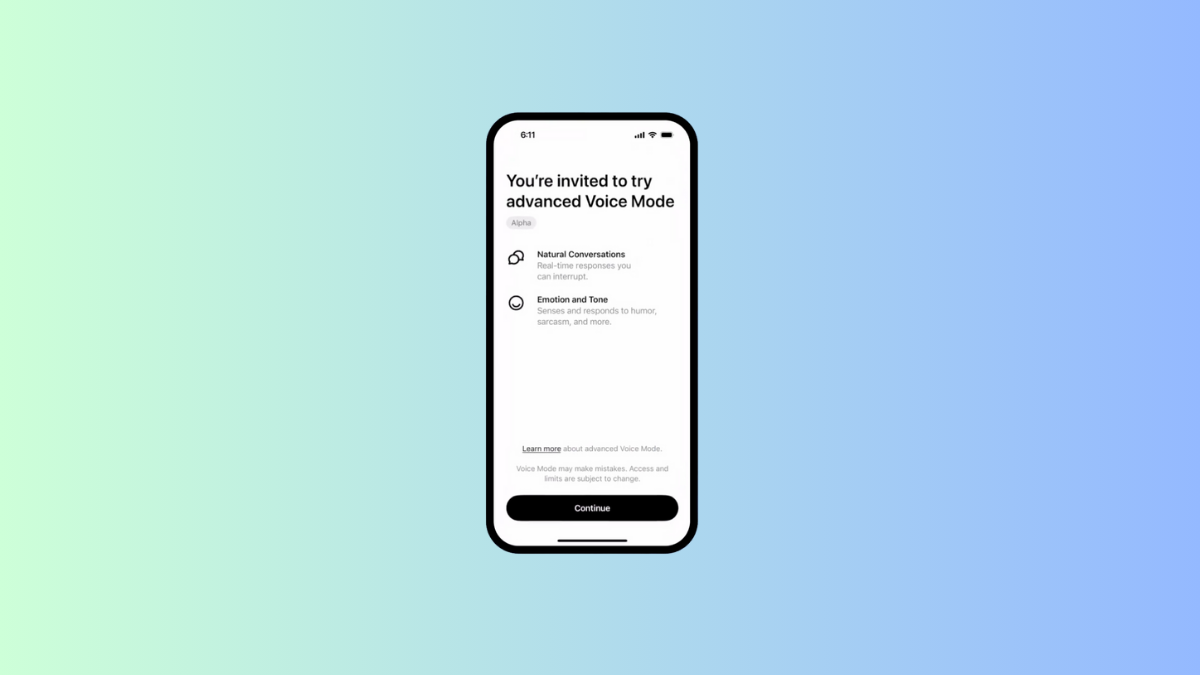
OpenAI begins rolling out the advanced Voice Mode to ChatGPT Plus users
We have officially entered the era of natural human-machine interactions.
-
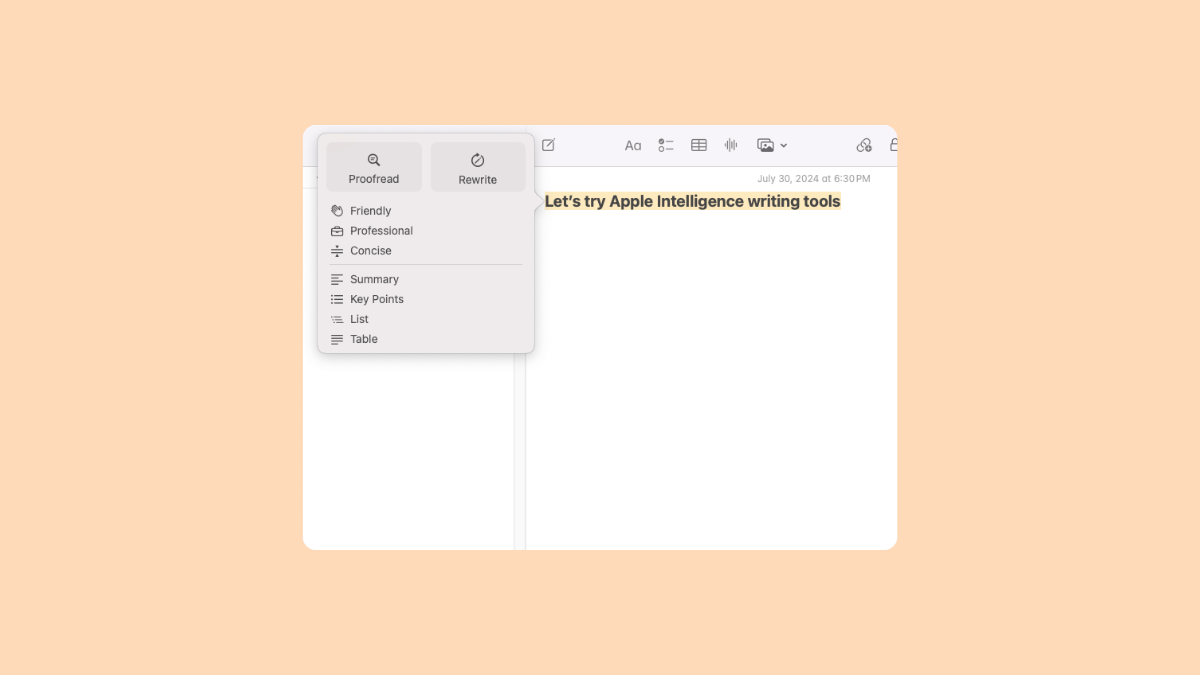
How to use Apple Intelligence Writing Tools
Apple Intelligence writing tools are here to assist in your (re)writing endeavors.
-
How to get access to Apple Intelligence with iOS 18.1, iPadOS 18.1, and macOS Sequoia 15.1 betas
Here’s how you can try some Apple Intelligence features on your device right now.
-

How to opt out of X (Twitter) using your data to train Grok AI
If you’re an X user, your data is already being used to train Grok AI but you can still opt out.