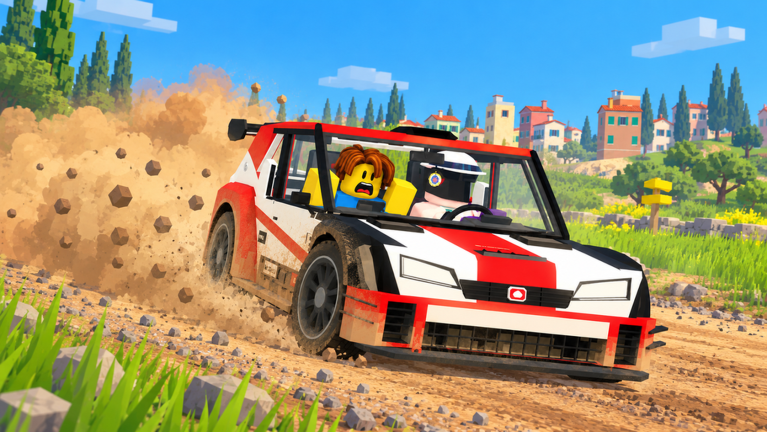
Every Backseat Rally driver starts in the same car. The ORSO 4 is a lifted, rear-wheel-drive city car with 75 horsepower and a 149 km/h top speed. It works for learning your co-driver’s calls, but anything faster in the garage is locked behind your profile level. You can get past that wall in two ways: grind it out for free or pay to skip it.
Quick answer: Finish rally stages to earn XP and level up. Cars unlock automatically at levels 3, 5, 8, and 10. You can also hit “UNLOCK NOW” on any locked car to buy it with Robux.
Backseat Rally car unlock levels and Robux prices
Each car after the ORSO 4 has two prices. One is a level gate and the other is a Robux fee. Reaching the level costs nothing, and paying the Robux skips the level entirely.
| Car | Class | Free unlock | Instant unlock |
|---|---|---|---|
| ORSO 4 | Starter, RWD city car | Owned from the start | — |
| FRECCIA HF | Group 4, FWD coupe | Level 3 | 49 Robux |
| RASCAL S | Group 2, FWD mini saloon | Level 5 | 79 Robux |
| SAETTA HF | Group A, 4WD hatchback | Level 8 | 99 Robux |
| FALKE E3 | Group A, RWD saloon | Level 8 | 99 Robux |
| KAZE RS | Group N, 4WD turbo saloon | Level 10 | 149 Robux |
The garage roster also lists the BAZIR 65, KONG B1, OCELOT GT, and DRAGA B5 further down. Open each one’s card in the car browser to see what it asks for before you plan around it.
What each unlock gets you
A higher level doesn’t always mean a faster car. The roster mixes drivetrains and weights, so it helps to know what you’re working toward.
| Car | Top speed | Power / torque | Weight, drive, gears |
|---|---|---|---|
| ORSO 4 | 149 km/h | 75 hp / 110 Nm | 830 kg, RWD, 5 |
| FRECCIA HF | 177 km/h | 130 hp / 160 Nm | 880 kg, FWD, 5 |
| RASCAL S | 157 km/h | 110 hp / 120 Nm | 690 kg, FWD, 4 |
| SAETTA HF | 175 km/h | 215 hp / 300 Nm | 1,200 kg, AWD 45/55, 6 |
| FALKE E3 | 178 km/h | 230 hp / 240 Nm | 1,150 kg, RWD, 5 |
| KAZE RS | 191 km/h | 300 hp / 400 Nm | 1,350 kg, AWD 38/62, 6 |
FRECCIA HF is the first real step up from the starter. It adds almost 30 km/h of top speed and nearly doubles your power, and you only need to reach level 3 to get it.
RASCAL S unlocks later but has a lower top speed than the Freccia. It is the lightest car on the list and has only four gears, so it trades straight-line pace for a small, light package.
SAETTA HF and FALKE E3 both open at level 8, which gives you a real choice. The Saetta brings all-wheel drive, more torque, and a sixth gear. The Falke is lighter, slightly quicker at the top end, and keeps rear-wheel drive.
KAZE RS sits at the top of the level-gated group. It has the most power, the most torque, the highest top speed, and all-wheel drive.
Unlock cars for free by leveling up
The free route has one rule. You need to finish stages to earn XP. Every locked car card spells this out, for example “Unlocks at level 3: finish stages to earn XP.” As your profile level climbs, each car unlocks automatically once you hit its threshold. You don’t have to claim or buy anything.
Stages are run with a co-driver calling the road, either a friend or, if you’re playing solo, an AI co-driver that uses a friend’s avatar. The first stage is Pine Forest in the Northern Woodland, a 1.5 km run with 19 corners and a gold medal time of 1:12.0. To start a run, open the menu and pick Co-Drive or Continue under Play.
Skip the level requirement with Robux
Every locked car shows an “UNLOCK NOW” button with a Robux price next to it. Paying unlocks the car right away, no matter what level you are. Prices go up with the tier, from 49 Robux for the FRECCIA HF to 149 Robux for the KAZE RS.
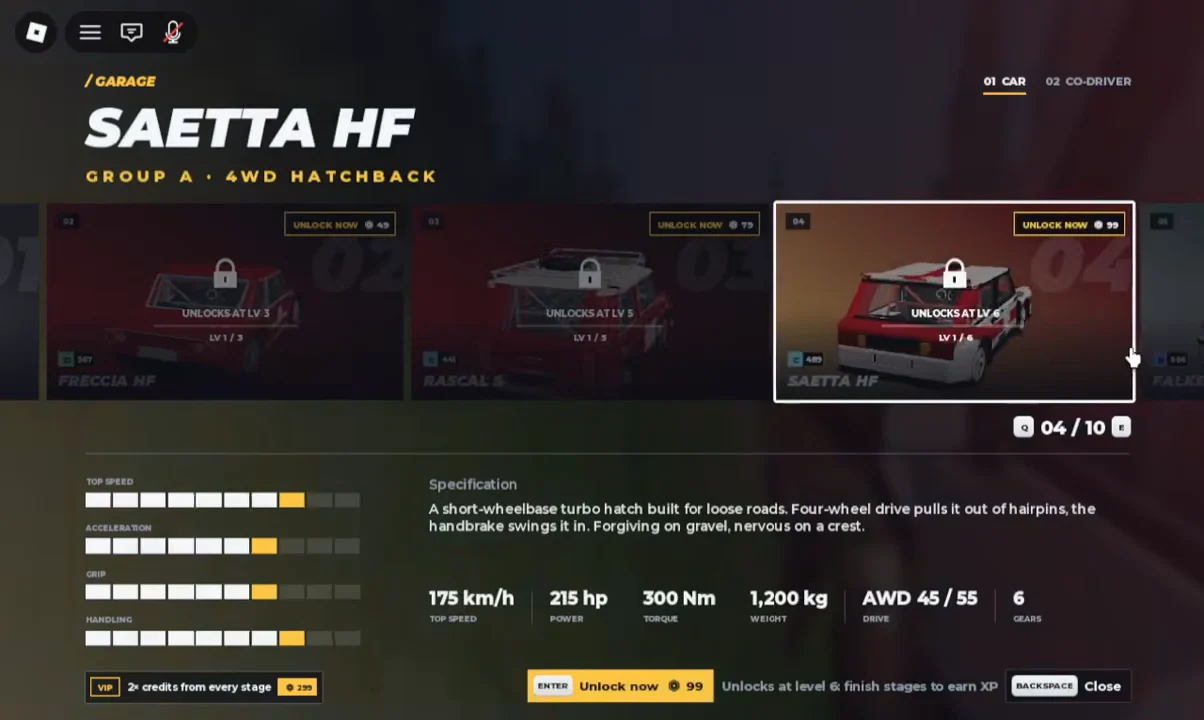
The two level 8 cars cost the same 99 Robux. If you’re paying to skip ahead, compare their drivetrains in the stats table first.
How to check your unlocks and switch cars
Your progress is easiest to see in the car browser, and you can get there from the in-game menu.
B. The menu presents Play and Shop, then My Garage and Contracts, followed by Stages and Settings.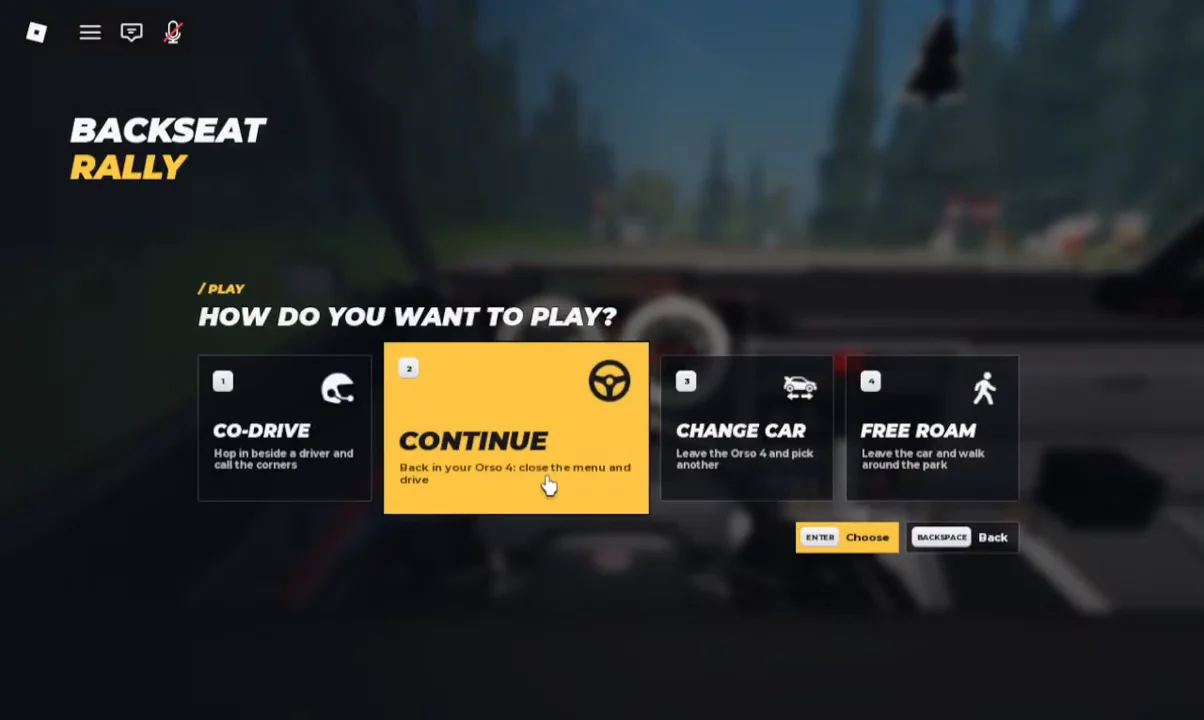
To bypass the menu, select “MY GARAGE” from the top bar or press C. A 3D garage appears, with your avatar beside your current car. The tabs are Customize and Change Car, followed by Driver and Crates.
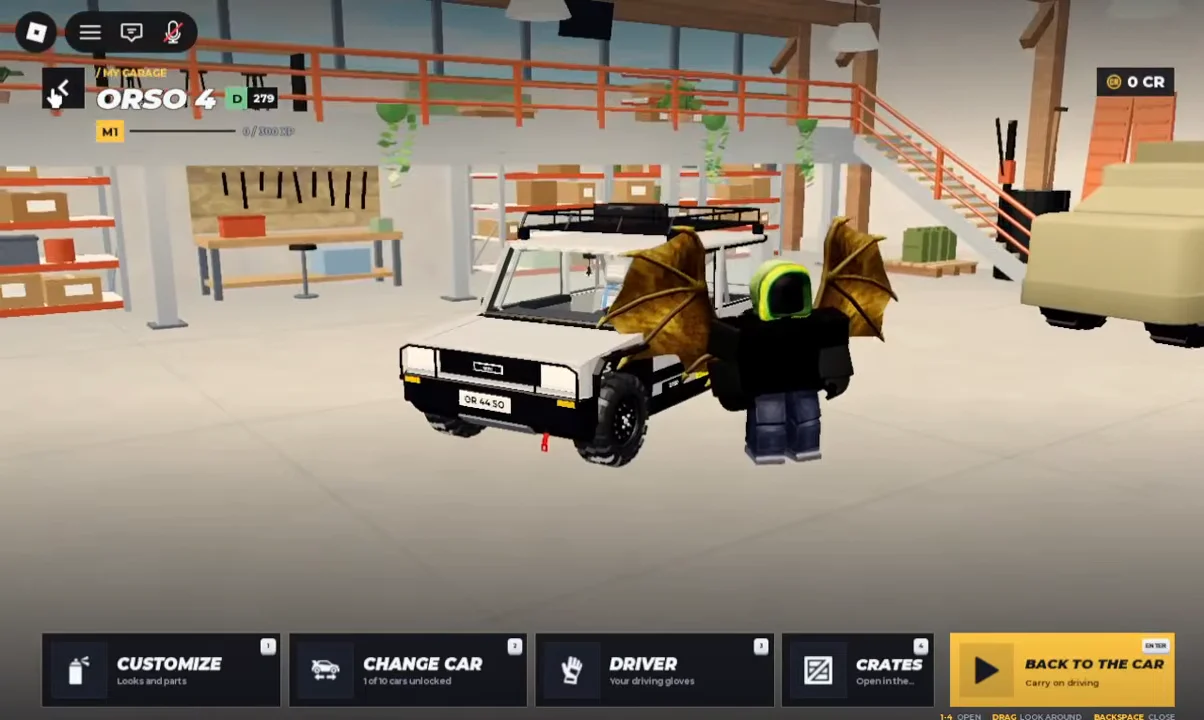
An unlock has worked when the car’s level gate and Robux button are gone and you can pick it in Change Car. If a car still shows “UNLOCKS AT LV” with a number above your current level, you need more finished stages before it opens up for free.