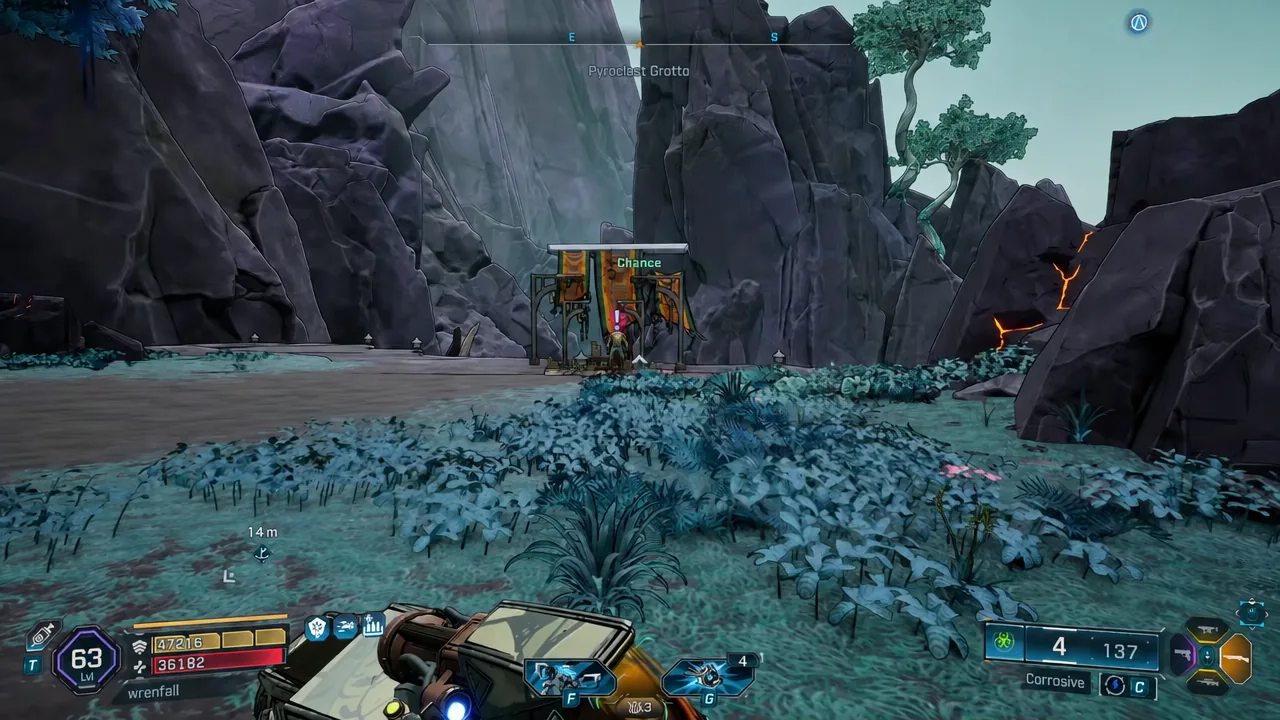
Burnt Offering is one of the easiest side missions to miss on Providence Island, mostly because the quest giver stands on a ledge you cannot reach by walking straight at him. The marker sits in the Pyroclast Field region, but the actual altar is tucked above Pyroclast Grotto, on the far side of a chasm.
Quick answer: Set a waypoint on the yellow exclamation mark in Pyroclast Field, ride the zipline across the chasm, run up the giant green tree roots to the upper cliffs of Pyroclast Grotto, then interact with the NPC named Chance at his altar and press F to accept.
Burnt Offering mission requirements and location
This is DLC content, and the mission card says so plainly before you accept it: “All players must own FL4K and the Lost Resort to progress this mission.” In co-op, that applies to everyone in the session, not just the host. If one player in your group does not own the story pack, the mission will not advance for the party.
| Detail | Value |
|---|---|
| Mission name | Burnt Offering |
| Type | DLC side mission |
| Map | Providence Island |
| Region | Pyroclast Field |
| Exact spot | Upper cliffs above Pyroclast Grotto |
| Quest giver | Chance, a “Playful Masochist” standing at an outdoor altar |
| Listed difficulty | Easy |
| Listed level | 70 |
| Ownership requirement | All players must own the FL4K story pack |
How to reach Chance in Pyroclast Grotto
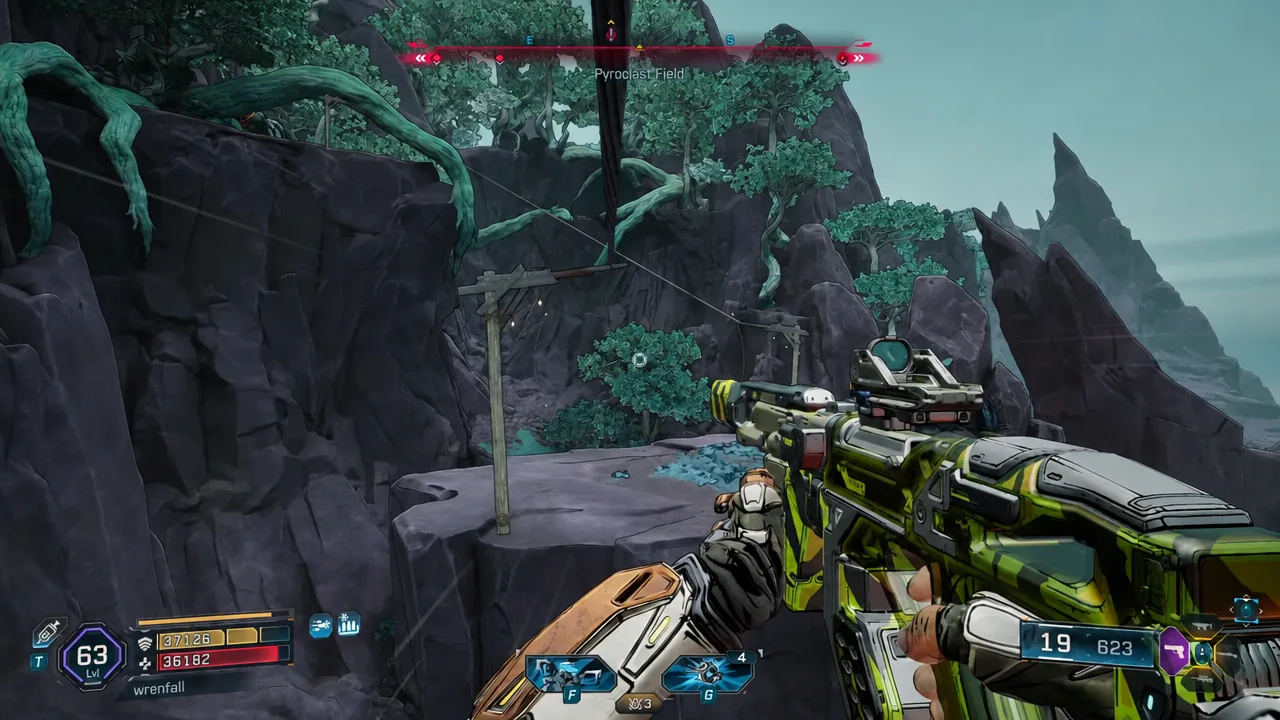
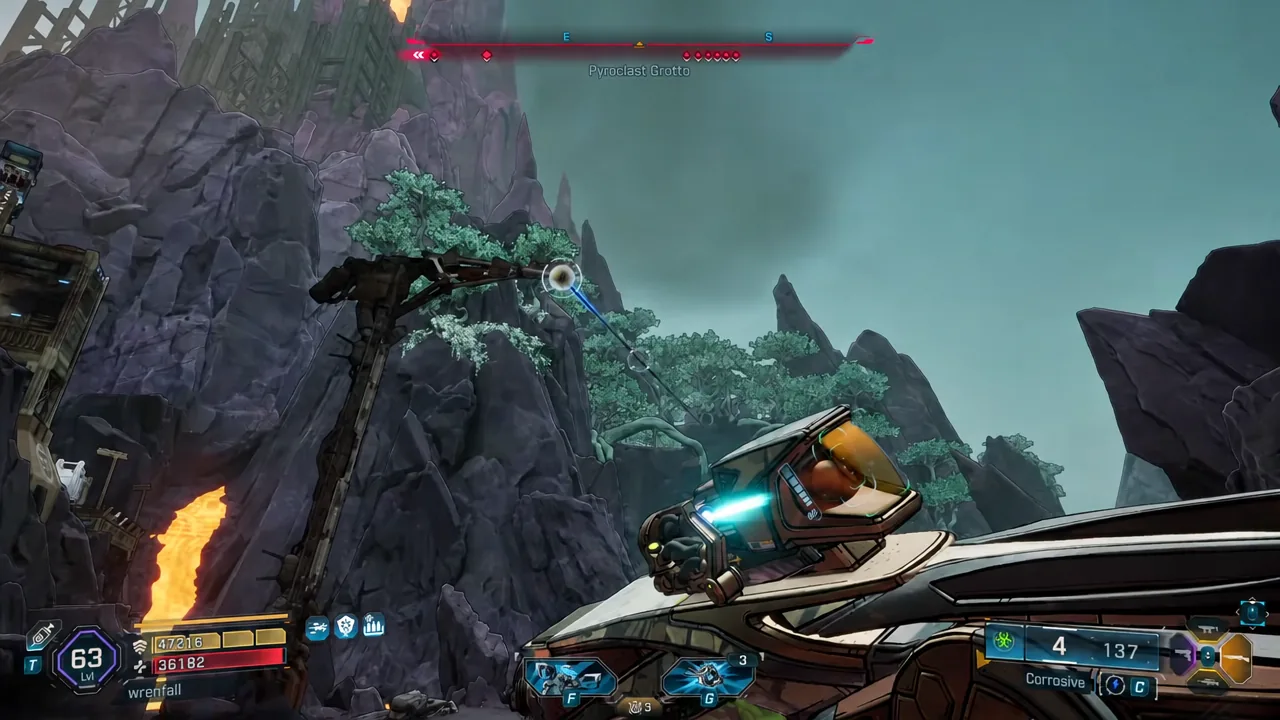
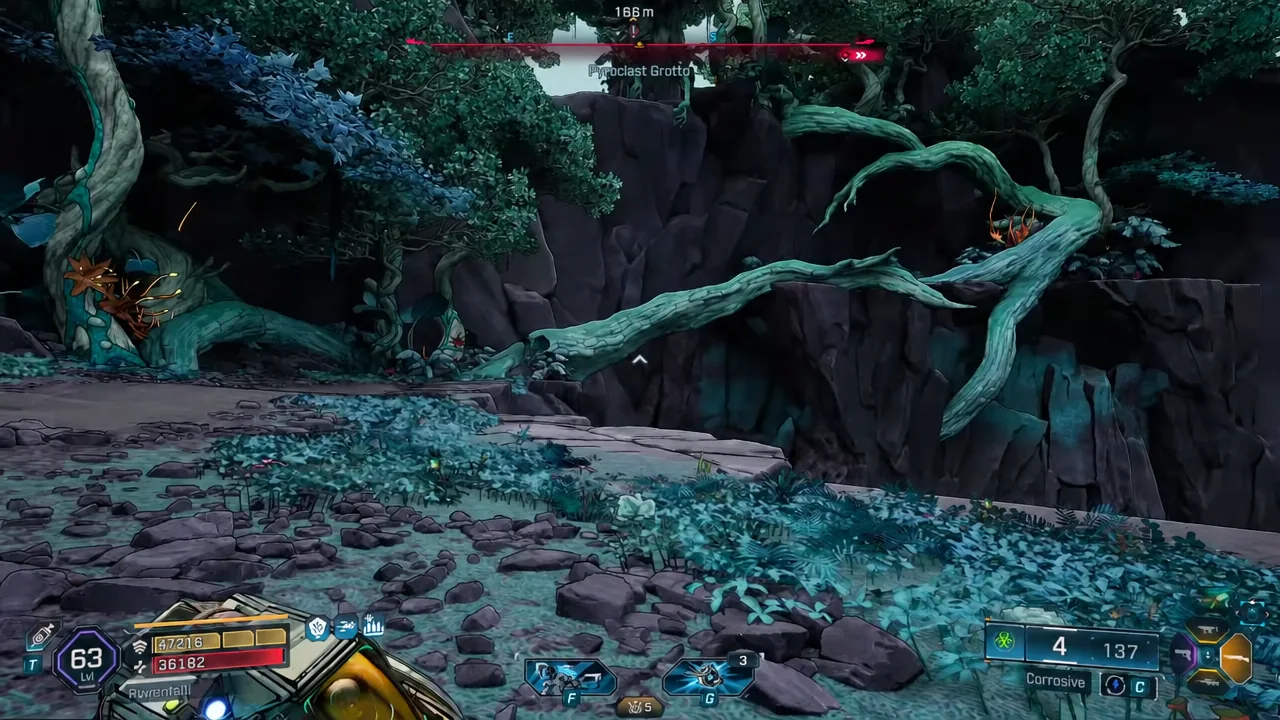
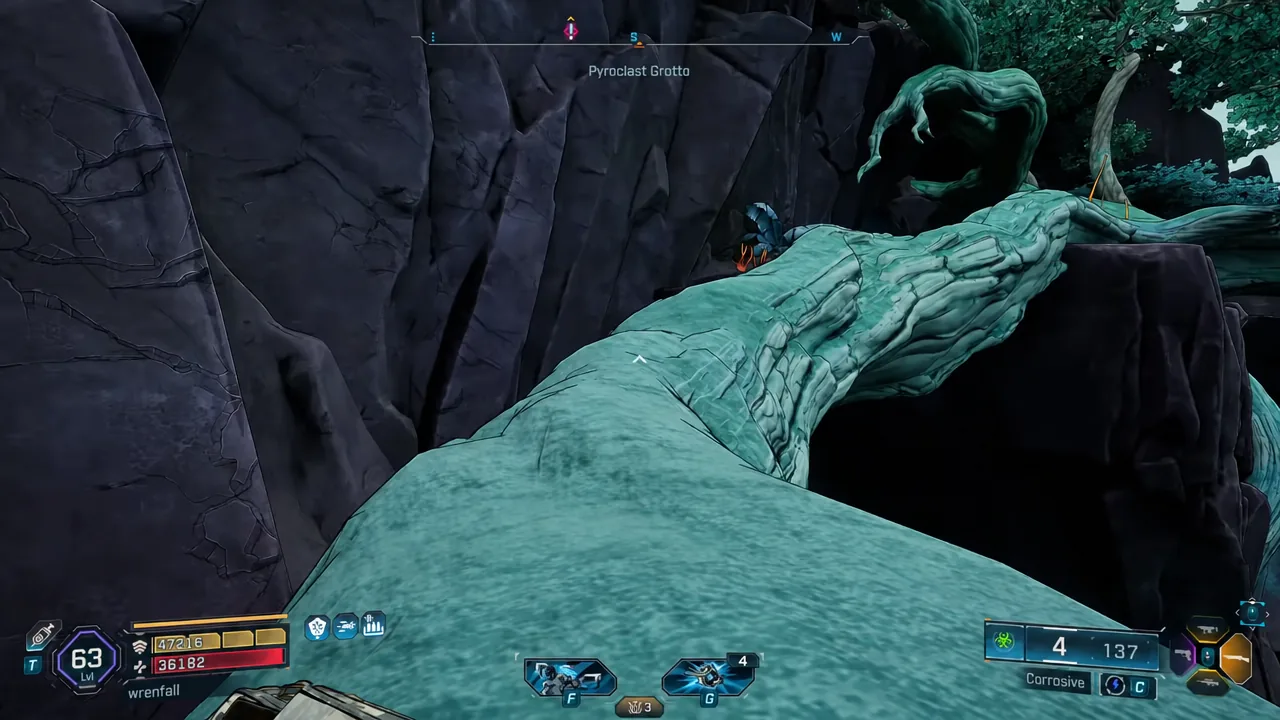
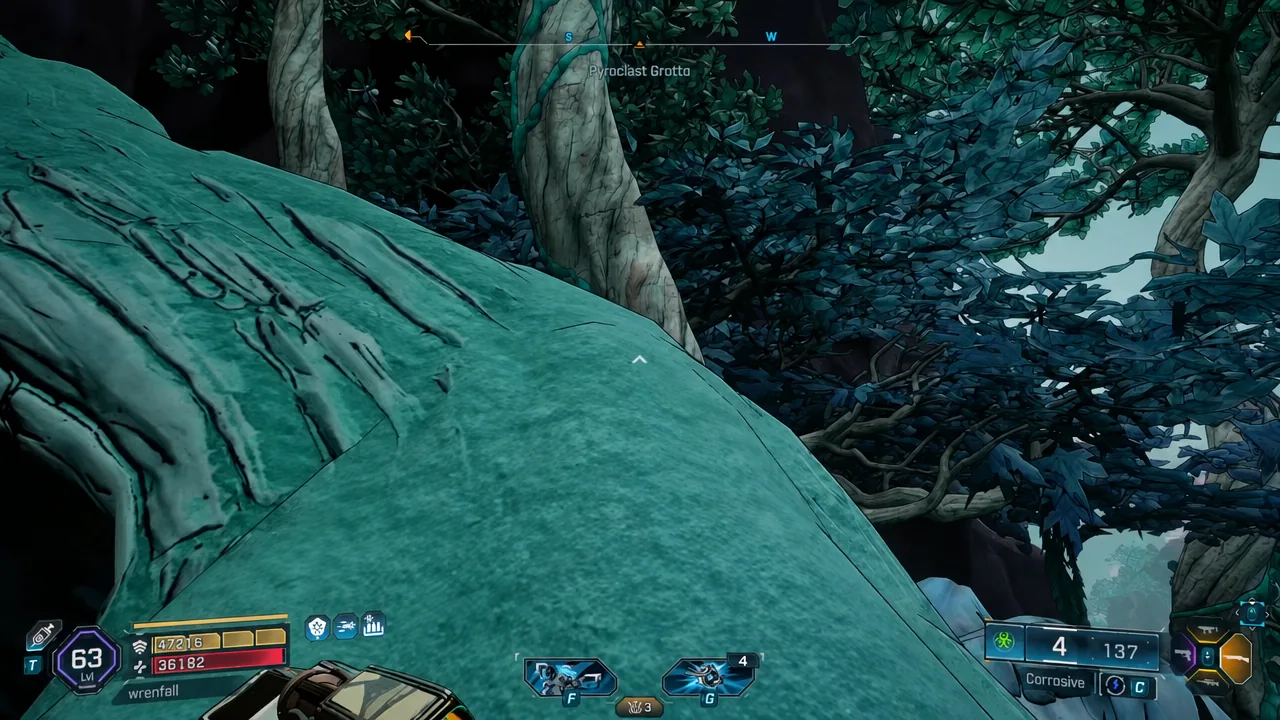
F to accept or R to accept and track it in one go.How to confirm the mission actually started
You will know the pickup worked when the mission card fills the screen with the Burnt Offering title, the Easy difficulty tag, the level 70 rating, and its description:
Everyone knows sacrifices only work if you’re a virgin. It’s a shame this is the way they end up getting screwed.
After you accept, the yellow exclamation mark over Chance is replaced by an active objective marker, and Burnt Offering appears in your mission list. If you used the track option, the waypoint updates on your HUD right away.
If the Burnt Offering marker is not on your map
There are only a few reasons the icon fails to show up, and they are all easy to rule out.
- The story pack is not installed or not owned on the account you are playing. In co-op, check every player, since ownership gates progression for the whole group.
- You have not pushed far enough into the DLC’s main story. Providence Island side missions can stay hidden until the campaign opens the relevant areas, so advance the main quest line and check the map again.
- The DLC was installed mid-session. Quitting to the main menu and reloading your save is the usual fix for new content that does not register right away.
Note: undiscovered side missions often sit behind grayed-out map regions or ‘?’ icons, so sweeping those areas is the fastest way to surface anything the fast-travel network has not revealed yet.
One last thing worth clearing up, since the search term pulls double duty: Burnt Offering is also the name of a passive skill in Vex’s The Fourth Seal tree, which boosts Incendiary Damage and Incendiary Status Effect Damage across five points. That skill has nothing to do with the altar in Pyroclast Grotto — if you are hunting a mission marker, Chance is your man.