Quick answer: Instead of New Game Plus, Final Fantasy Resonance lets you create cleared save data after the credits, which puts you back just before the final area in the same game. As of the current version (1.0.1), there is no New Game Plus mode. Casual, Normal and Expert difficulty are all available from the start, and the game states “Content is the same for all difficulties.”
Square Enix has made no public statement about New Game Plus for Final Fantasy Resonance. That includes the official site, the Steam page and the official Community Q&A posts. What the game offers today is a way to carry on with the party you finished with.
Cleared save data: what you get instead
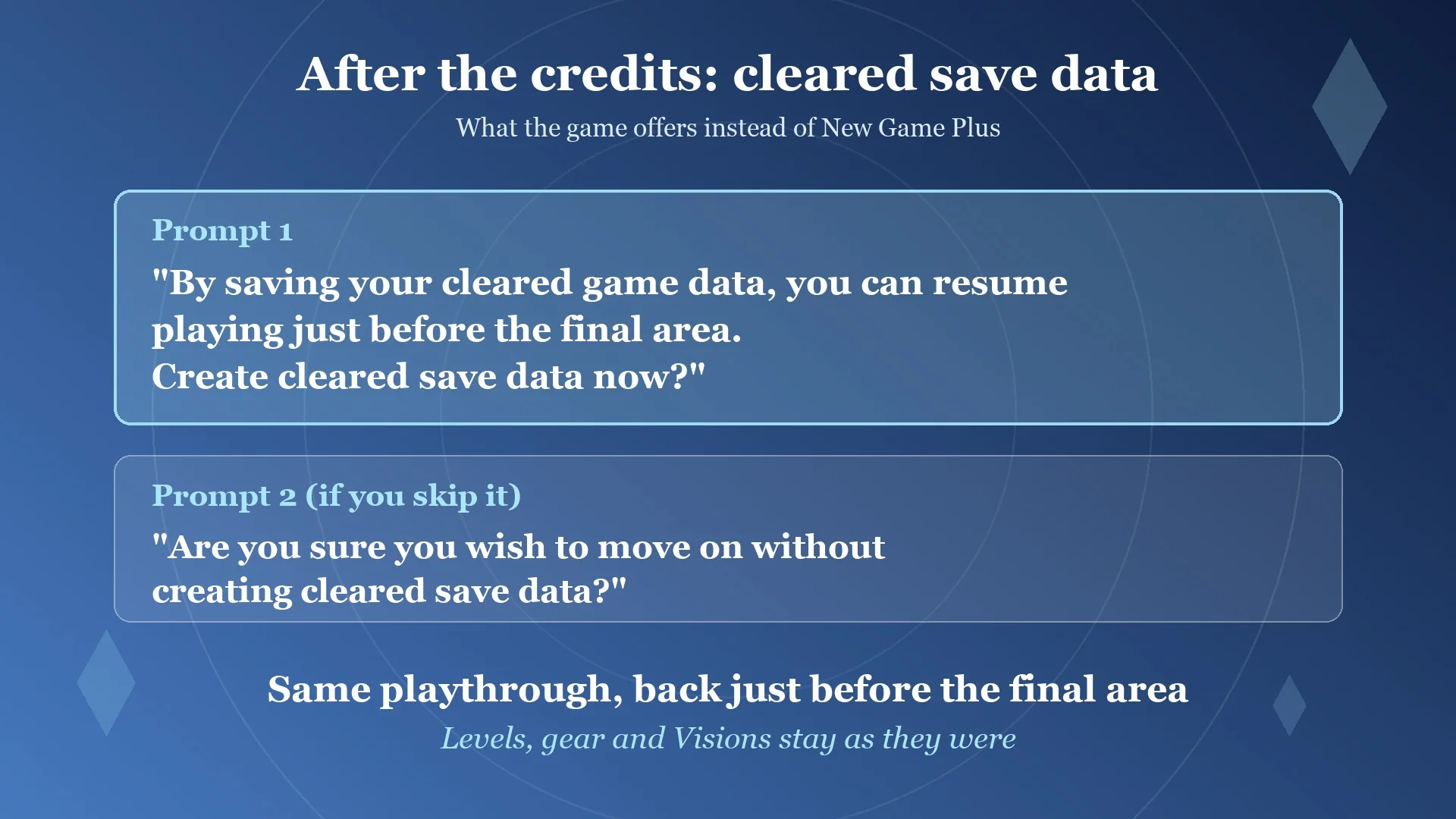
Once the ending plays out, the game asks you a question. The prompt reads: “By saving your cleared game data, you can resume playing just before the final area. Create cleared save data now?”
Turn it down and the game checks a second time with “Are you sure you wish to move on without creating cleared save data?”
A cleared save does not start a second run. It is your own save, placed just before the final area, and you load it to keep playing after the story. If you want to continue, answer yes to the first prompt and put the file in a slot you will remember. The basics of slots and saving are covered in how to save.
What you keep on a cleared save
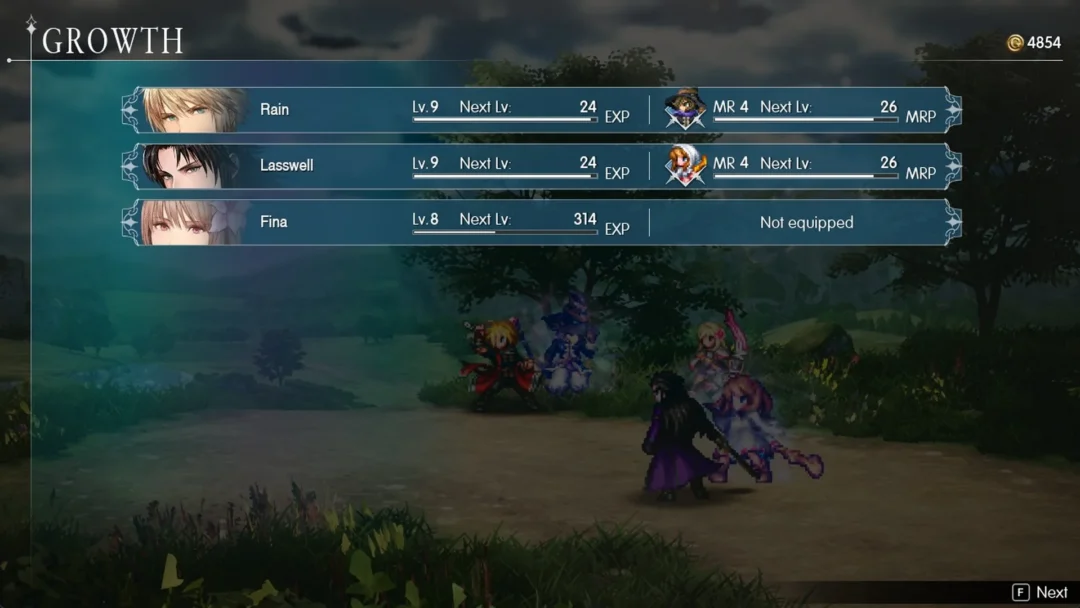
The cleared save continues the same game, so nothing resets. Your party keeps everything it earned.
- Character levels
- Gear
- Visions
Load that cleared save to access the post-game. The story ends with your party around Lv 55 to 60, while the max level is 99. Optional battles provide tougher challenges, from Ultima Weapon at Lv 70 through Omega at Lv 99. The bosses list covers each fight, and the Colosseum‘s top league, Champion, runs up to a recommended Lv 99.
If you have not reached the ending yet and want to know how many chapters are left, check that first. The cleared-save prompt only appears after the credits.
Difficulty: Casual, Normal and Expert
Without a harder second run, you can set the challenge through the difficulty option. Starting a New Game brings up the “Select difficulty” screen, where you can pick Casual, Normal, or Expert. All three are available immediately; none requires a game completion to unlock.
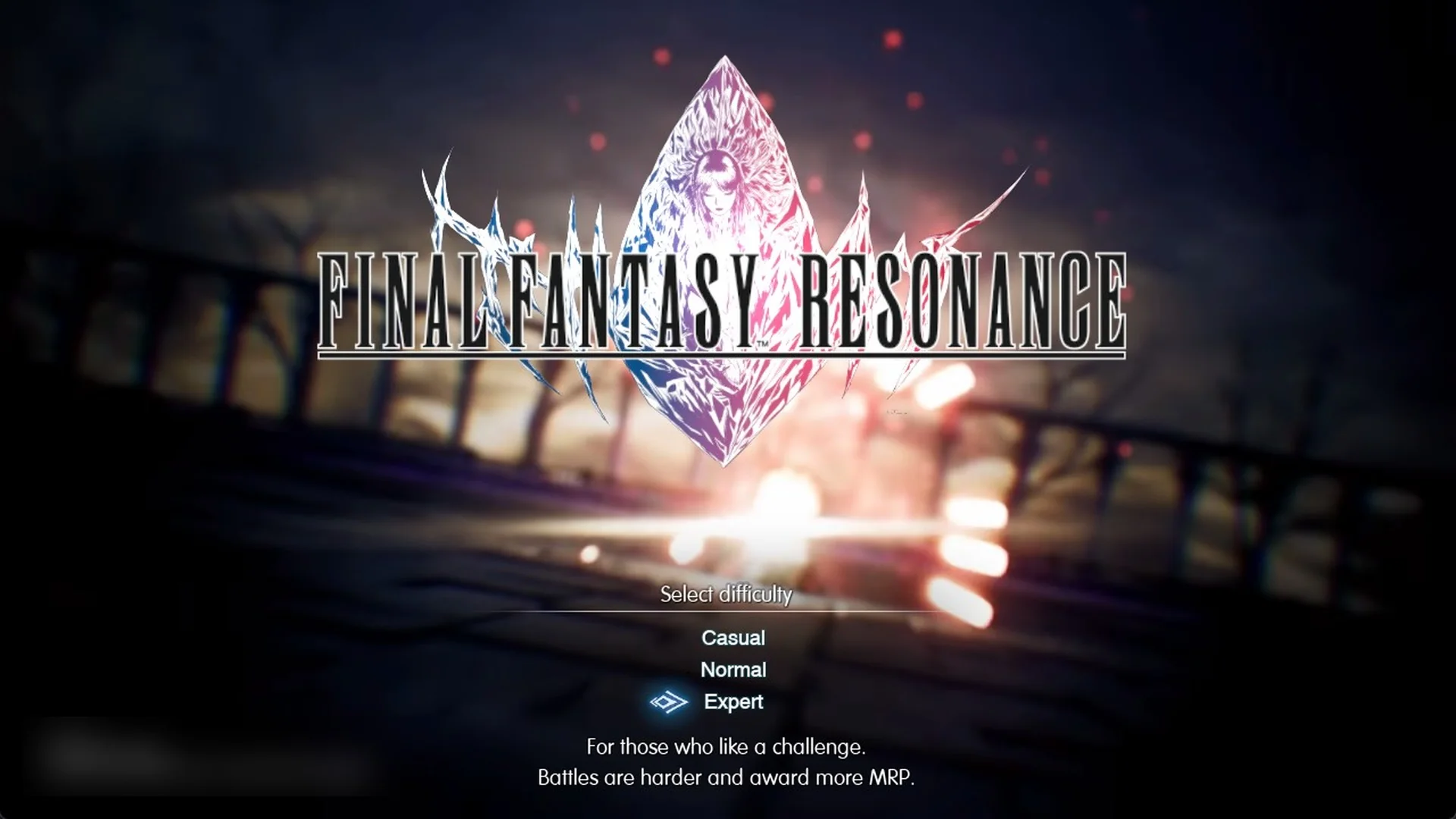
| Difficulty | In-game description | What changes |
|---|---|---|
| Casual | “For those who want a story-centric experience. Battles are easier.” | Easier battles |
| Normal | “For those who want a balanced experience. Normal difficulty battles.” | Standard battles |
| Expert | “For those who like a challenge. Battles are harder and award more MRP.” | Harder battles, more MRP |
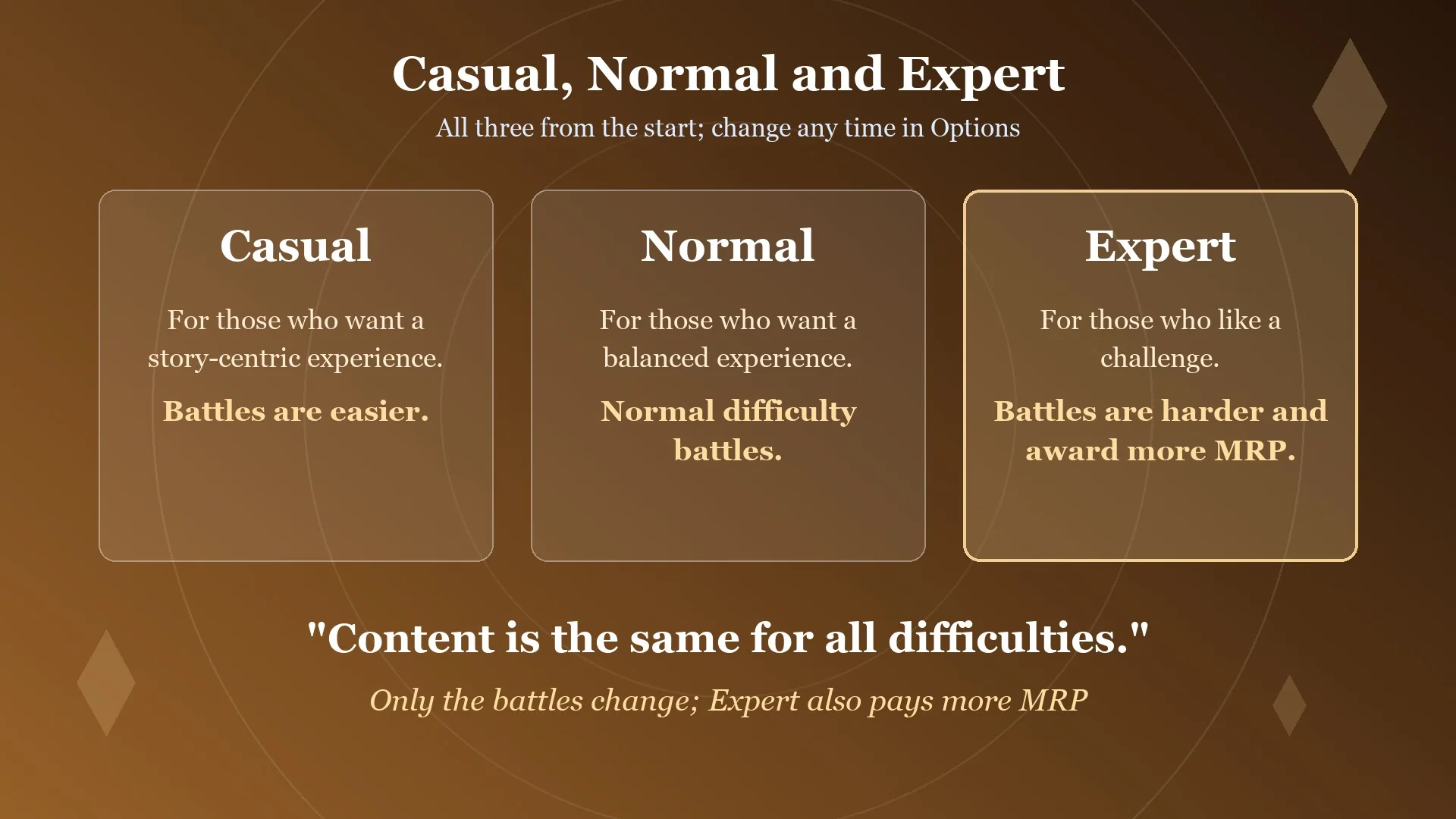
The game also says “Content is the same for all difficulties.” The story and areas are the same on every setting; only how hard battles are changes, and Expert pays out more MRP. MRP stands for Mastery Rank Points, which raise a Vision’s Mastery Rank. That system is explained in the Vision Mastery Rank guide, which also covers how to farm MRP faster.
Once you choose a difficulty, the game confirms it with a message such as “Start with Normal difficulty? This setting can be changed at any time from the Options menu.” To switch later, use these steps.
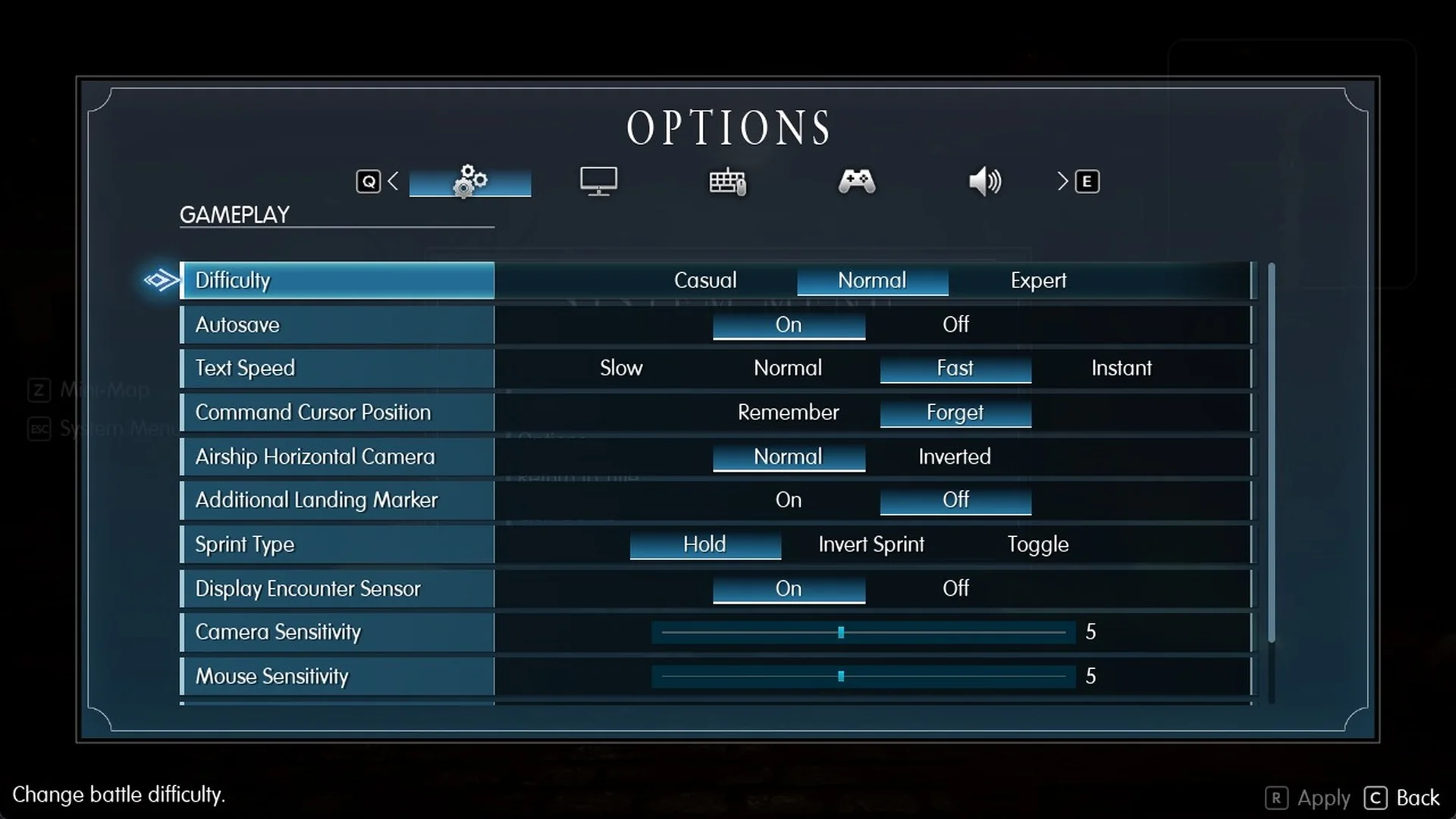
The Options menu on the title screen has no Difficulty row. It only appears in Options after you load into the game.
Each setting is compared in more detail in the Casual vs Normal vs Expert guide.