The Cutter is one of the starter tools in Breathedge 2, which means the recipe is already sitting in your crafting menu the moment you begin. The catch is the material list. Two of the three ingredients are easy scavenging, but aluminum will not budge until you have a drilling tool in hand, so the Cutter is realistically the third tool you build rather than the first.
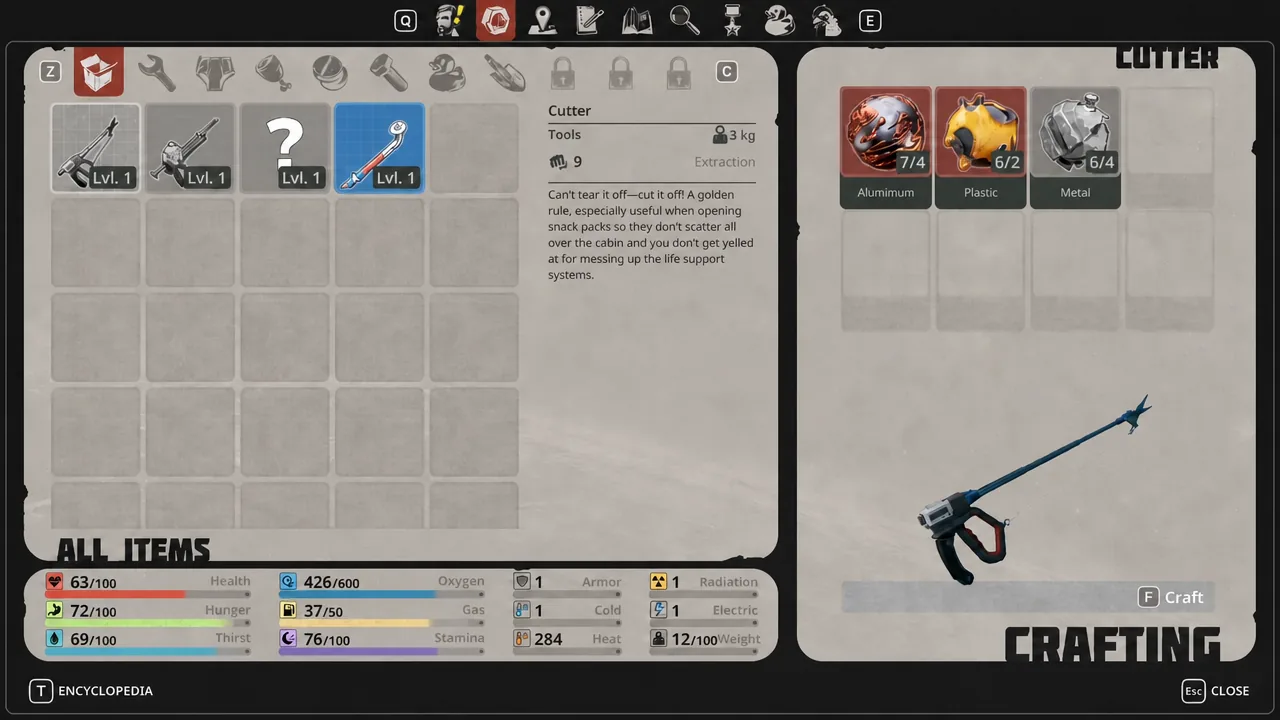
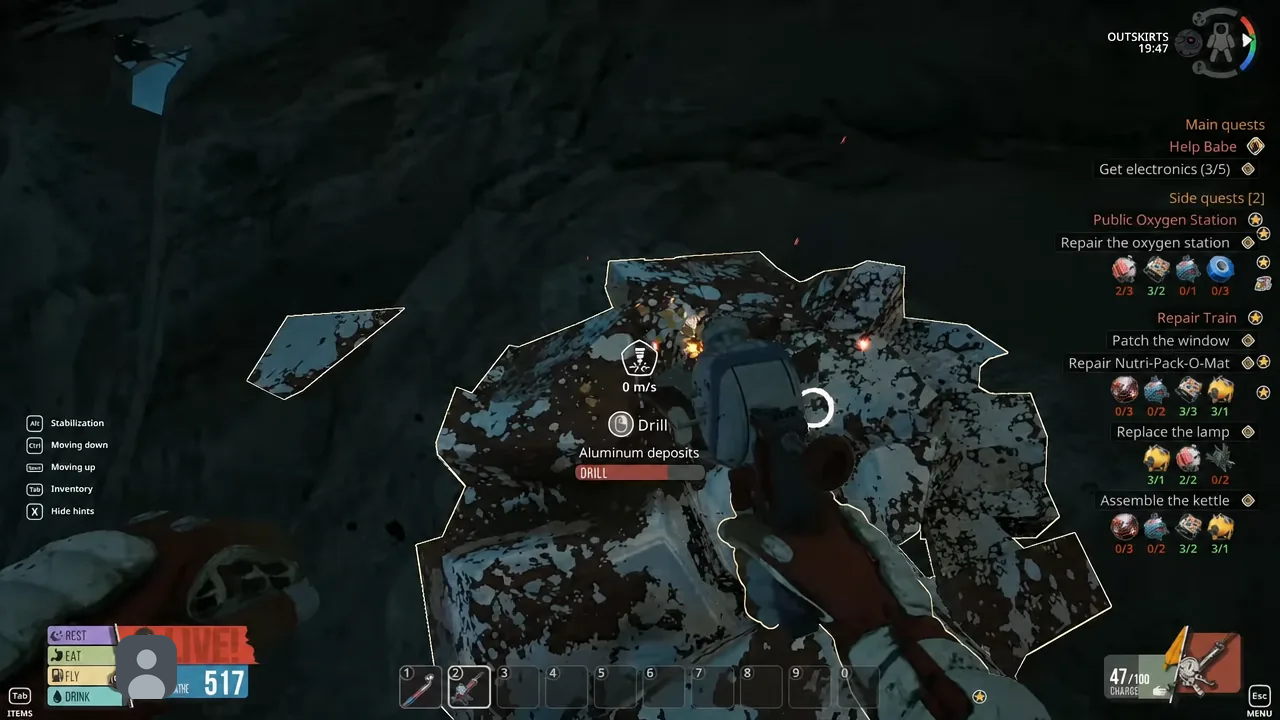
Quick answer: Craft the Cutter at the workbench with 4 Aluminum, 2 Plastic, and 4 Metal. The aluminum has to be drilled out of the white deposits on nearby asteroids, so build the drill tool (Thumper) first with 4 Metal and 2 Plastic.
Cutter recipe and materials in Breathedge 2
Nothing needs to be unlocked here. The Cutter sits alongside the Scrap crowbar and the Thumper as a default blueprint, so the only barrier is the materials themselves.
| Material | Amount | How you get it |
|---|---|---|
| Aluminum | 4 | Drill the pale deposits on asteroids outside the station |
| Plastic | 2 | Break the solidified plastic nodes hanging off cables near the rails |
| Metal | 4 | Smash floating metal balls, yellow barrels, and loose scrap |
Note: metal is the material you will burn through fastest in Chapter 1, since the crowbar, the drill, and the Cutter all want it. Grab every metal ball you pass, even when you are out doing something else.
The tool chain you have to build first
The Cutter sits at the end of a short dependency chain. You cannot mine aluminum with your hands, and you cannot break most scrap open without something to swing, so the order matters.
| Tool | Cost | What it does for the Cutter |
|---|---|---|
| Scrap (crowbar) | 2x Metal | Breaks barrels, luggage, and plastic nodes for raw materials |
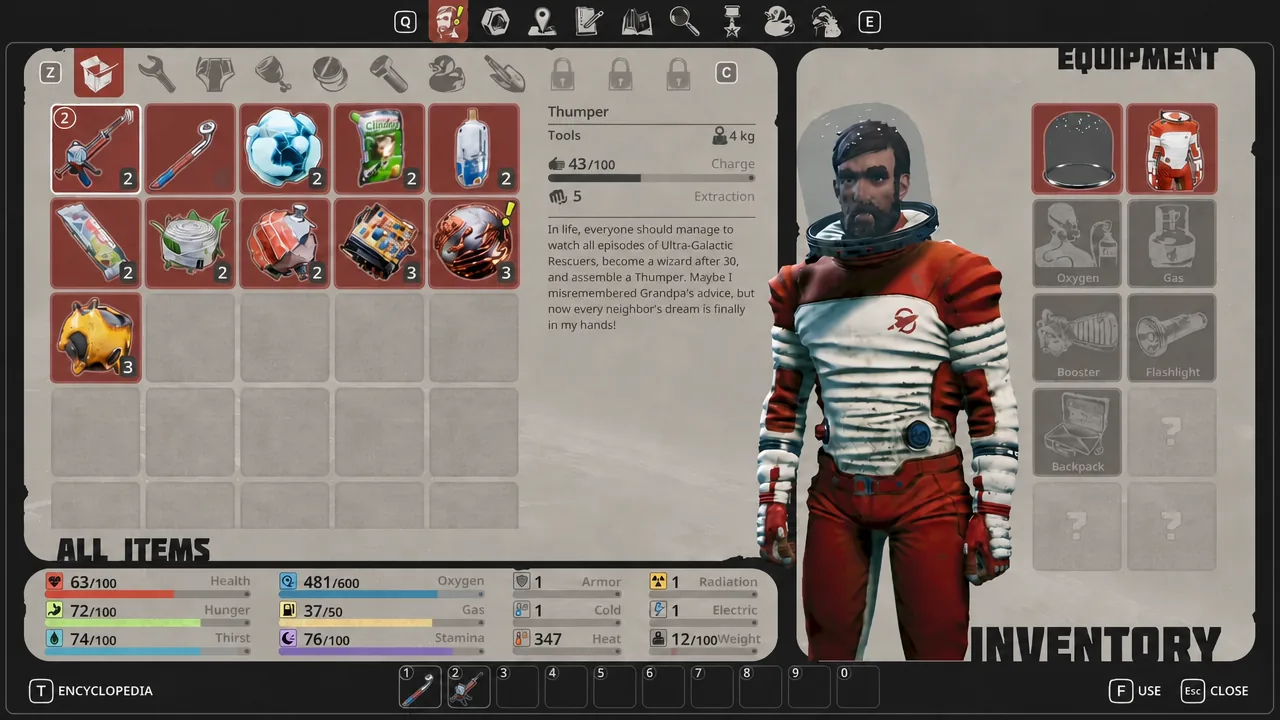
| Thumper | 4x Metal, 2x Plastic | Drills aluminum out of asteroid deposits |
| Cutter | 4x Aluminum, 2x Plastic, 4x Metal | The tool you are building |
All three are crafted the same way. Press C to open the crafting menu, or use the workbench inside the train car. Tab opens your inventory if you want to check stats or move a tool into a quick slot.
How to craft the Cutter
How to tell the Cutter is ready to use
The recipe entry stops showing red material counts once you have all twelve units, and the craft button becomes usable. After confirming, the Cutter drops into your inventory as a normal item, and assigning it to a hotkey slot puts it in your character’s hand when you press that number.
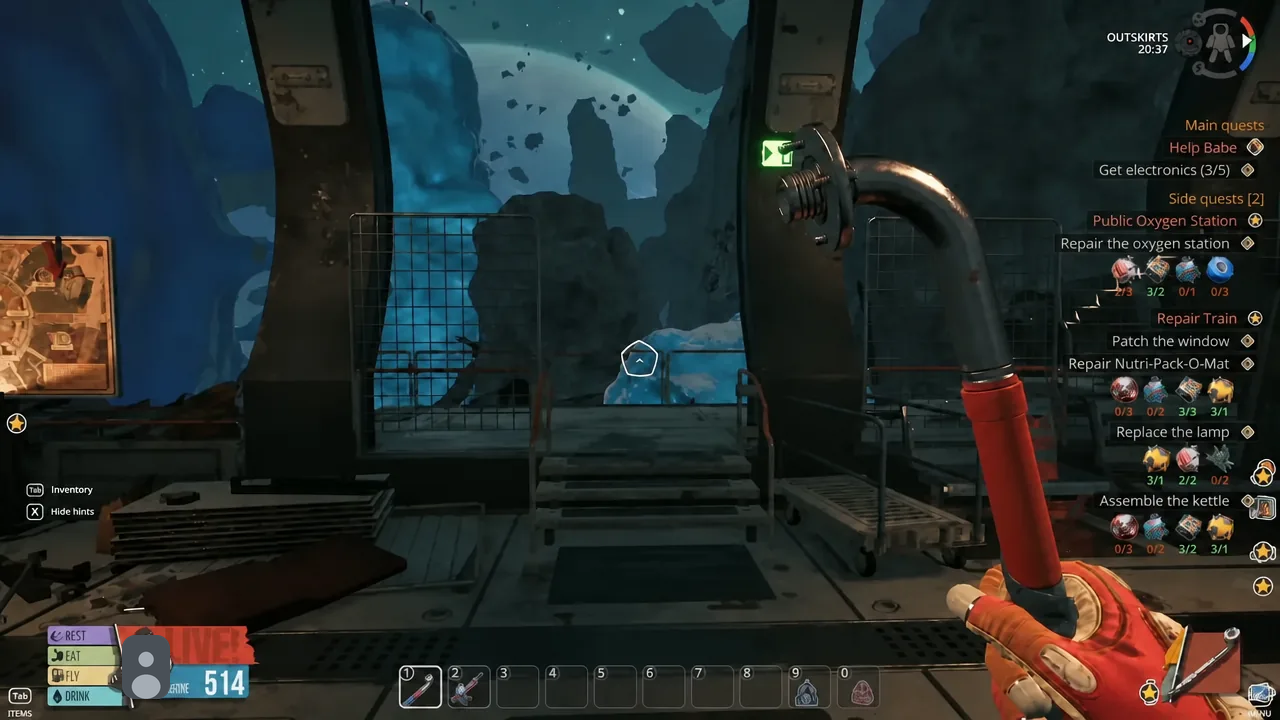
The real confirmation comes in the field. Aim the Cutter at a red pipe jutting out from the platform edges and you will be able to strip Electrical Tape off it. If those pipes still refuse to interact, the Cutter is not the equipped tool.
Why the Cutter craft fails
- No aluminum in the count. Hitting a deposit with the crowbar does nothing. Aluminum only comes out under the drill.
- The drill stopped mid-node. The drill runs on a battery that drains as you mine. Swap in a fresh battery cell and finish the deposit.
- Metal spent twice. Building the crowbar and the Thumper eats six metal before you start. Gather the Cutter’s four separately.
- Inventory weight. Carrying capacity is limited early on. Eat a food bag or dump filler so the mined materials actually register.
What the Cutter unlocks afterward
Electrical Tape is the immediate payoff. It sits wrapped around the half-broken red pipes at the platform edges, each one yields two units, and it is the material gating the repairs on the kettle and the Nutri-Pack-O-Mat inside the train. Without the kettle you have no drinkable water, so the Cutter is effectively a prerequisite for a stable base.
The tool can also be improved at the workstation in the train. The Scissors Sharp upgrade adds +5 damage to the Cutter, which speeds up the harvesting loop slightly once you have the parts to spare.
Breathedge 2 is in Early Access, so recipe costs and unlock conditions can shift between builds. If the material count in your crafting menu does not match, trust the menu.