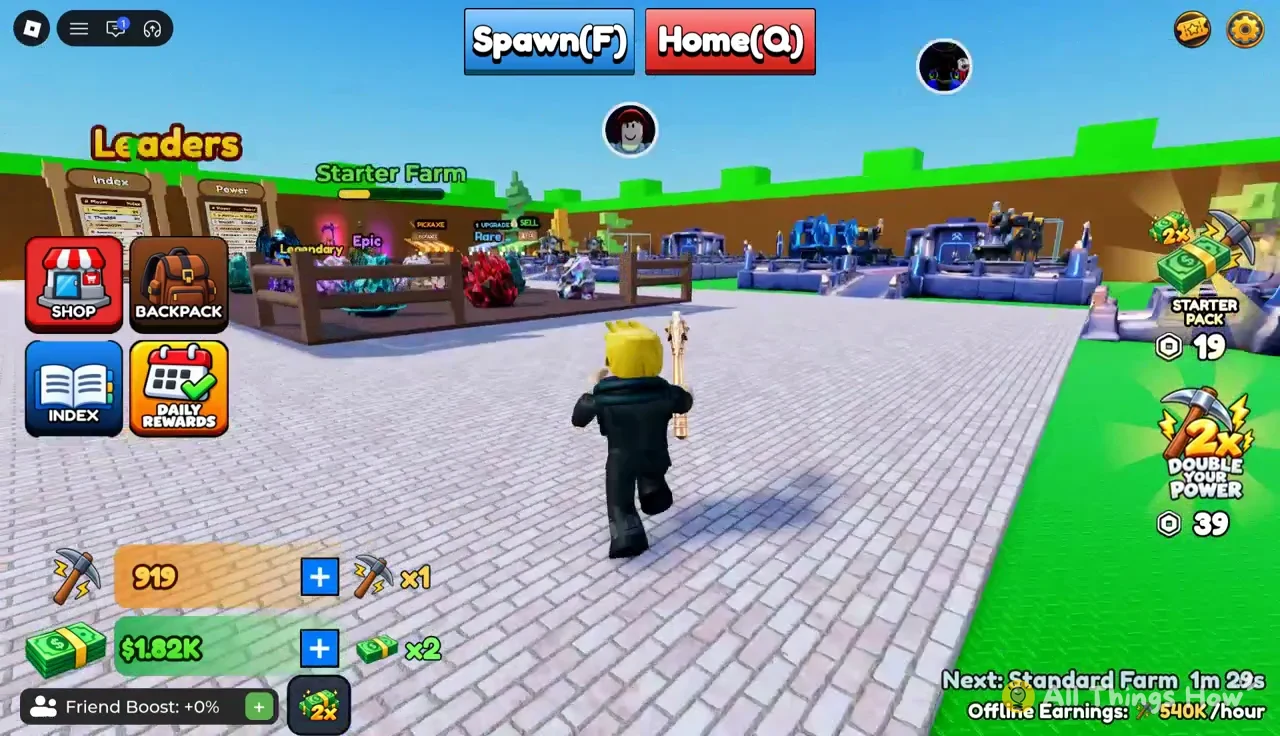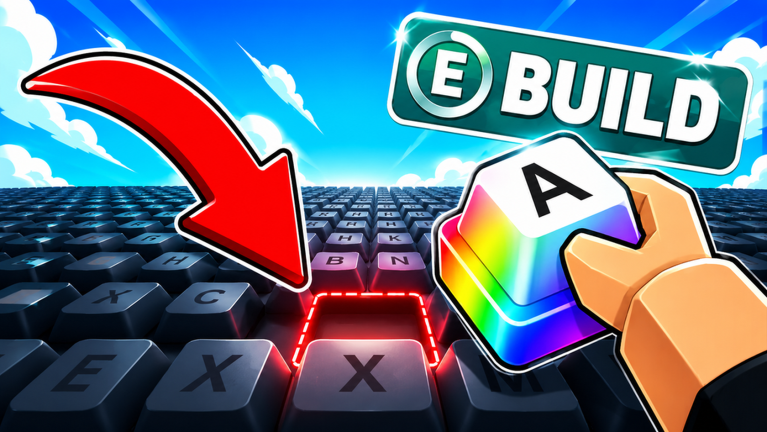
Build A Keyboard is a Roblox simulation where you roll for rare keycaps, expand your setup, and hire workers to automate your keyboard-building business. Codes are the fastest way to grab free XP, money boosts, and crafting materials without grinding for them.
Working Build A Keyboard codes
These codes are confirmed active right now. Redeem them as soon as possible since Roblox codes can be shut off without warning.
DUMPLINGCRATE— Redeems for a free Dumpling Box NEWTHANK5K— Grants 500 XP NEWILOVEKEYCAPS— Gives 2x Money for 5 minutes NEW
How to redeem codes in Build A Keyboard
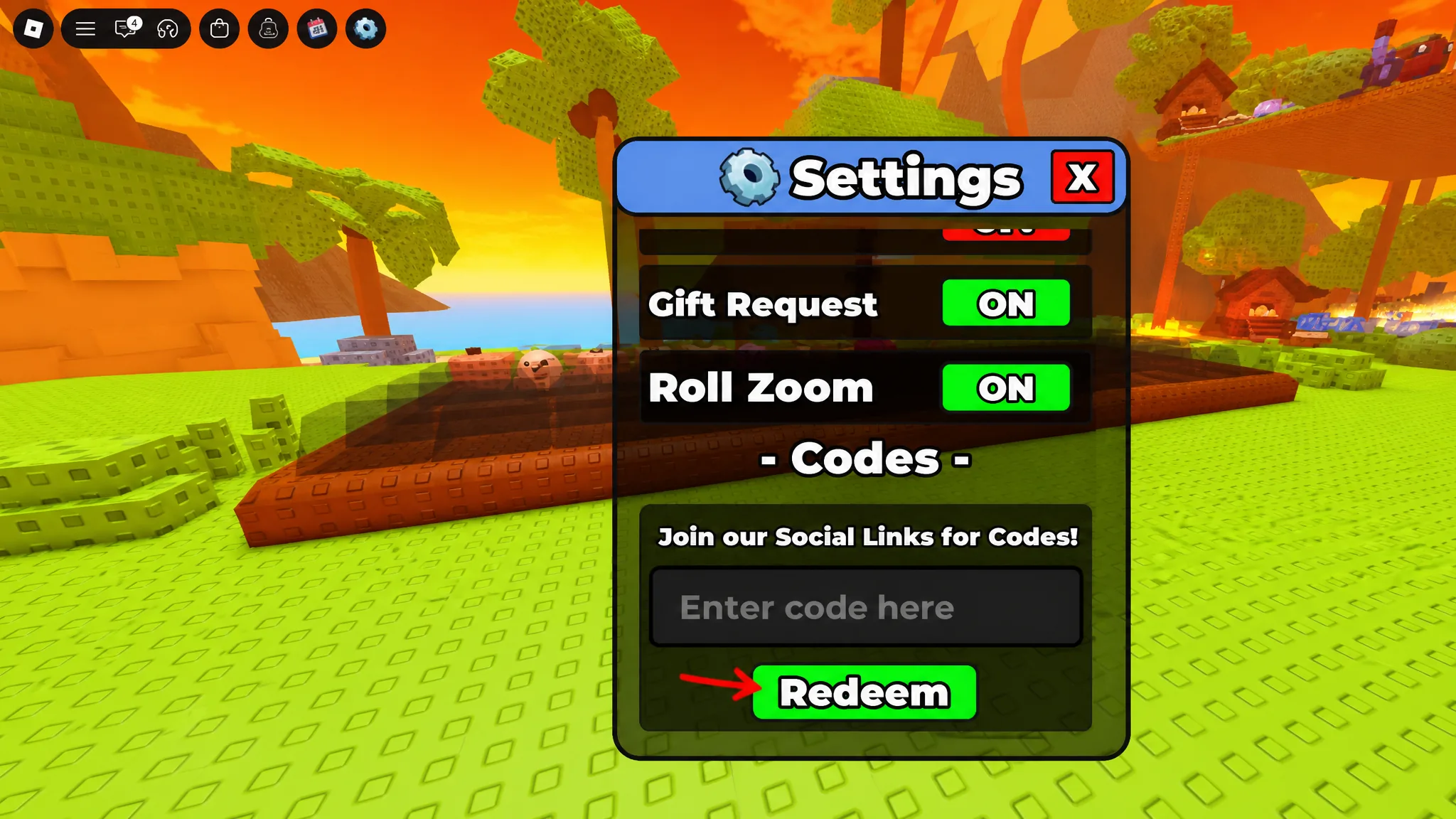
Redeeming a code takes only a few taps once you are inside the experience. Follow these steps in order.
Where new Build A Keyboard codes come from
New codes typically appear alongside game updates or when the developer wants to mark a community milestone, such as a visit or favorite count. The Build A Keyboard Discord server is where the developers post codes first, usually in a dedicated codes channel. We check for new codes regularly and update the working list above as soon as fresh ones are confirmed.
No codes have expired as of this writing, so every code listed above should still work when you try it.