
Category
Gaming
Roblox codes, game guides, reviews, and everything happening in the games we play.
-
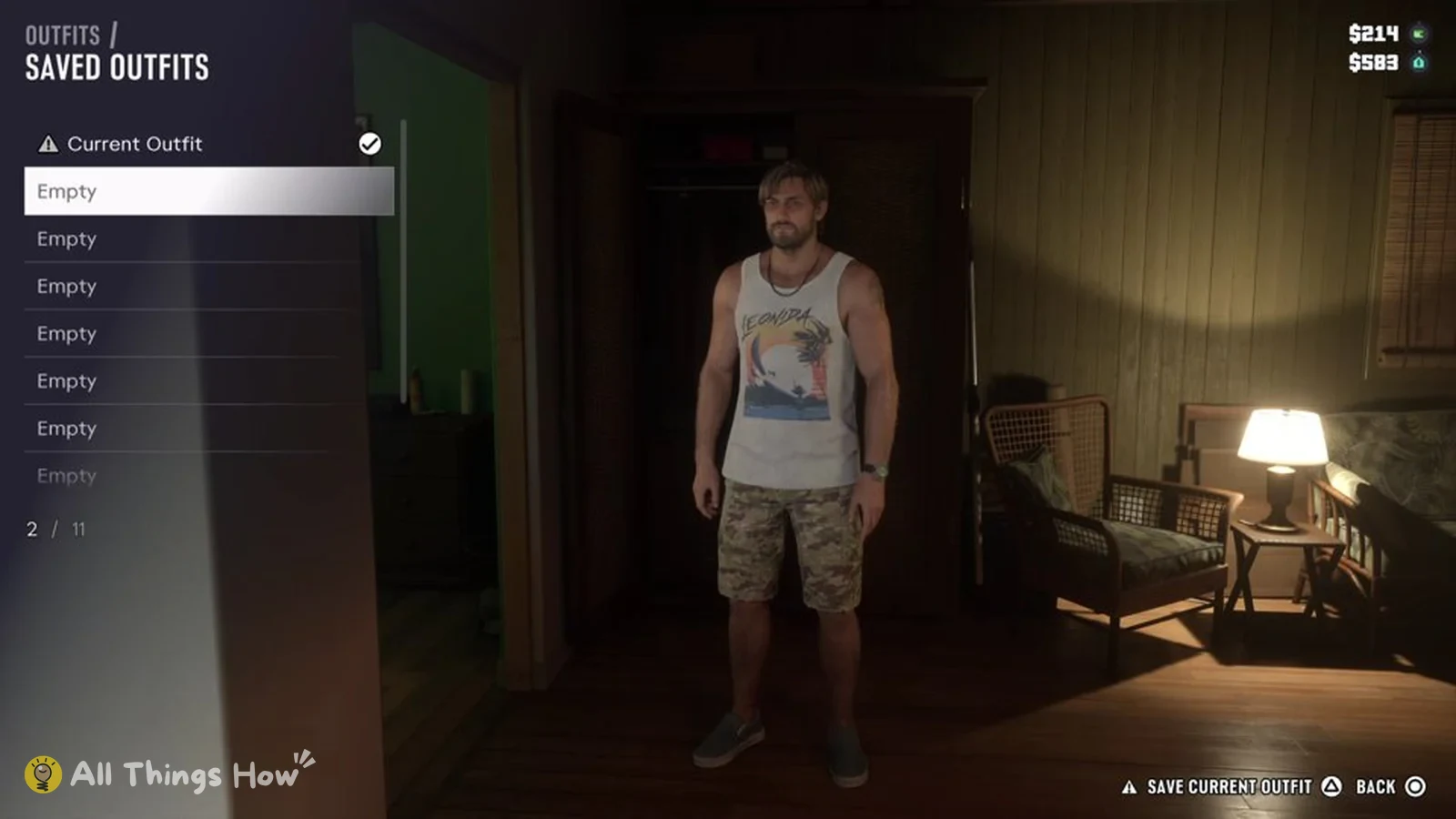
GTA 6: How to Save Outfits and Store Them in Your Car’s Trunk
Save what you’re wearing to one of ten wardrobe slots, then add up to five outfits to your car’s trunk.
-
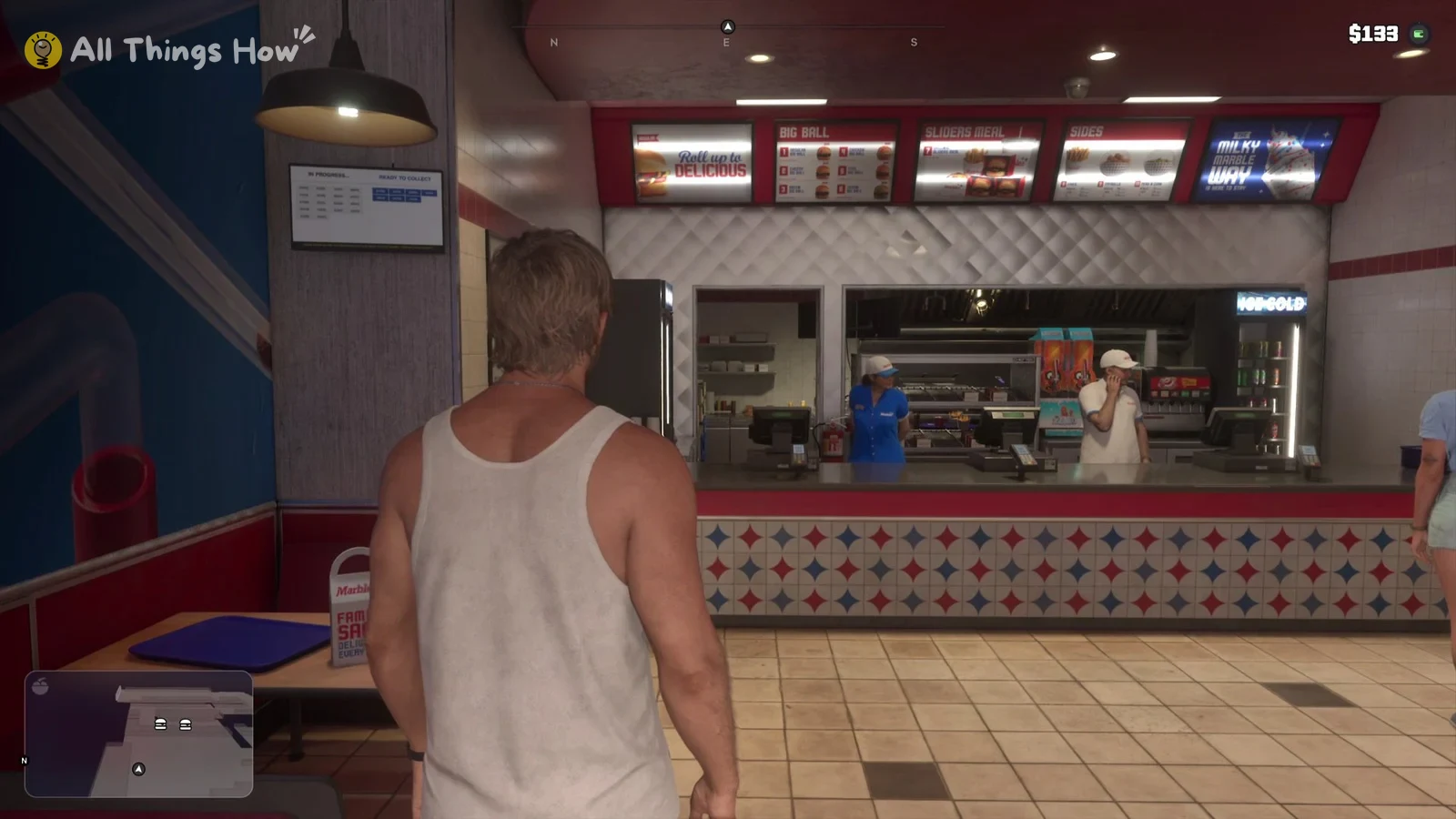
GTA 6: How to Buy Food and Eat, Plus Free Drinks From Jason’s Fridge
The order menu, Big Ball meal prices, the R1 eat prompt and the free drinks list in Jason’s kitchen.
-
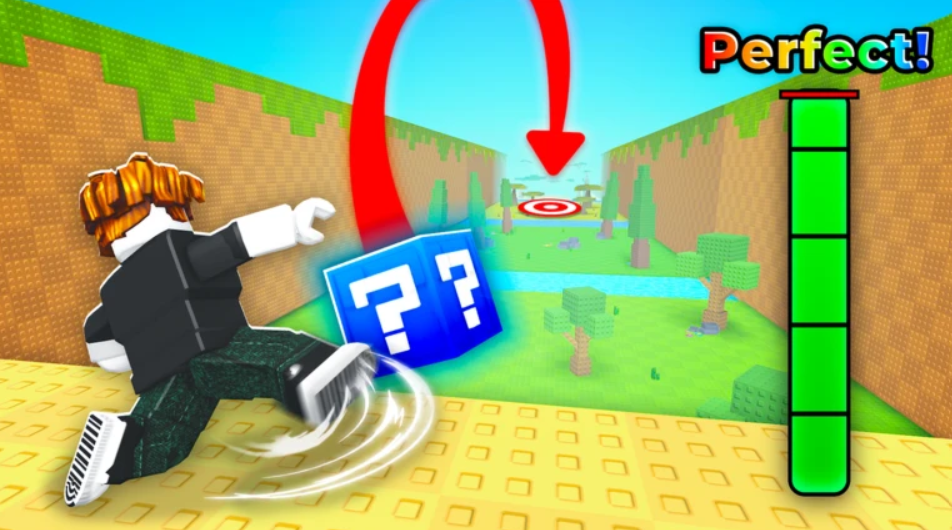
Roblox Kick For Lucky Block – Thanksgiving Update
Here’s everything new that the new seasonal update brings to the Roblox game.
-
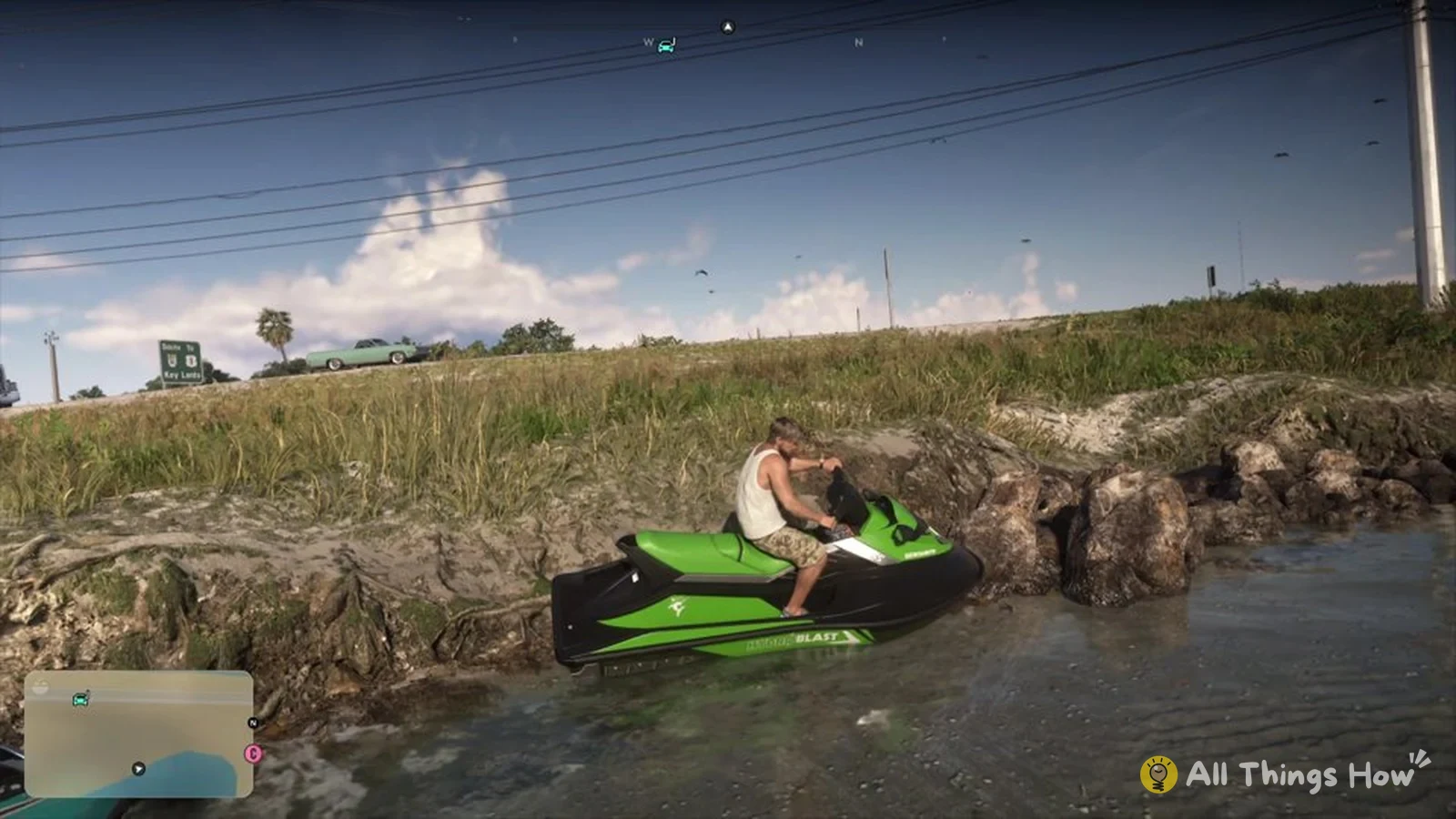
GTA 6 Driving Settings: Where They Are on PS5 and What Each One Changes
The driving options sit on the Camera, Controller, Gameplay and Audio tabs, from follow speed to Auto Drive.
-
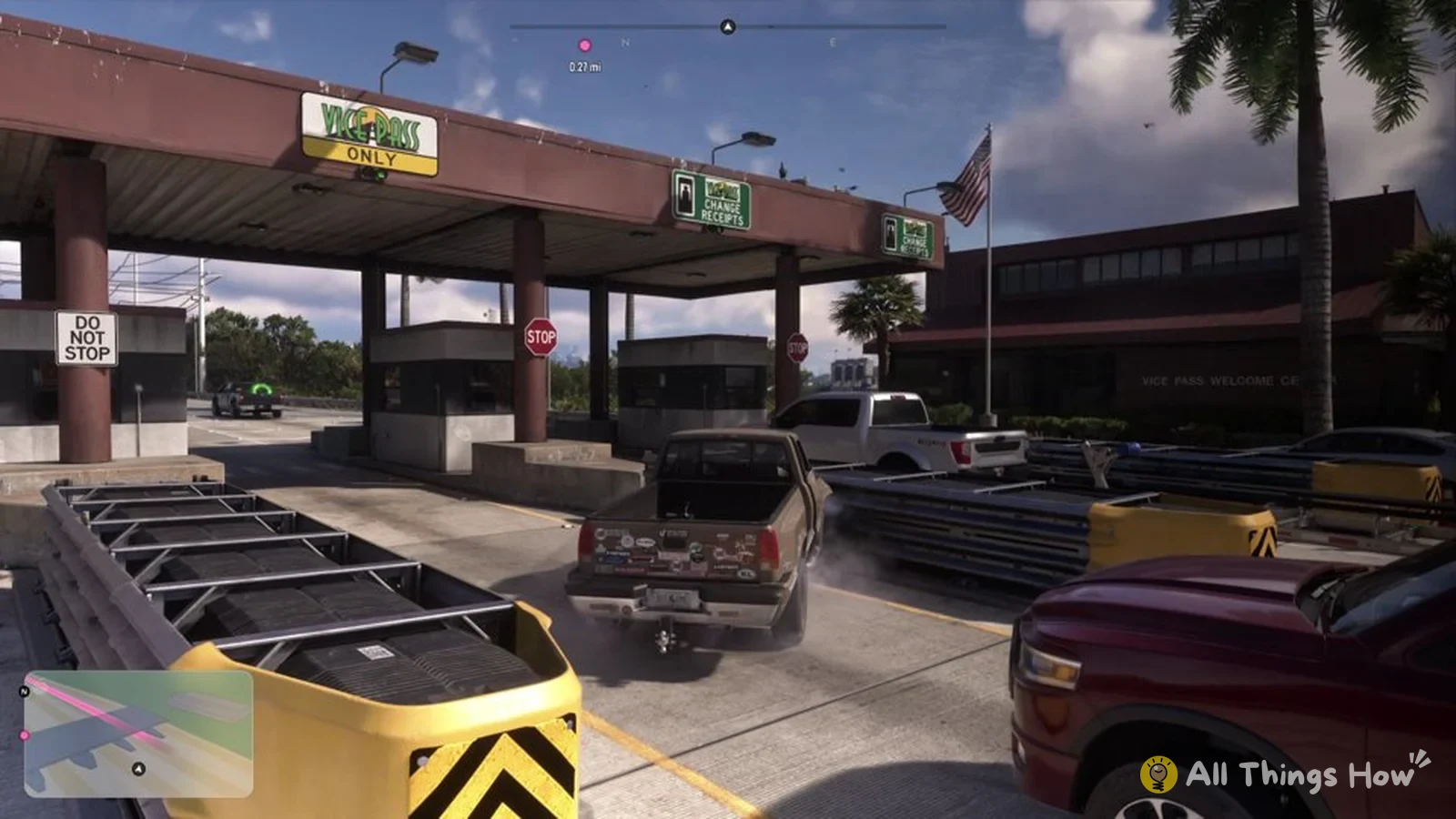
GTA 6: How to Use Auto Drive, From Cars and Motorbikes to Boats and Jet Skis
Set a destination, switch to the cinematic camera and hold Circle; Auto Drive follows the route on land and water.
-
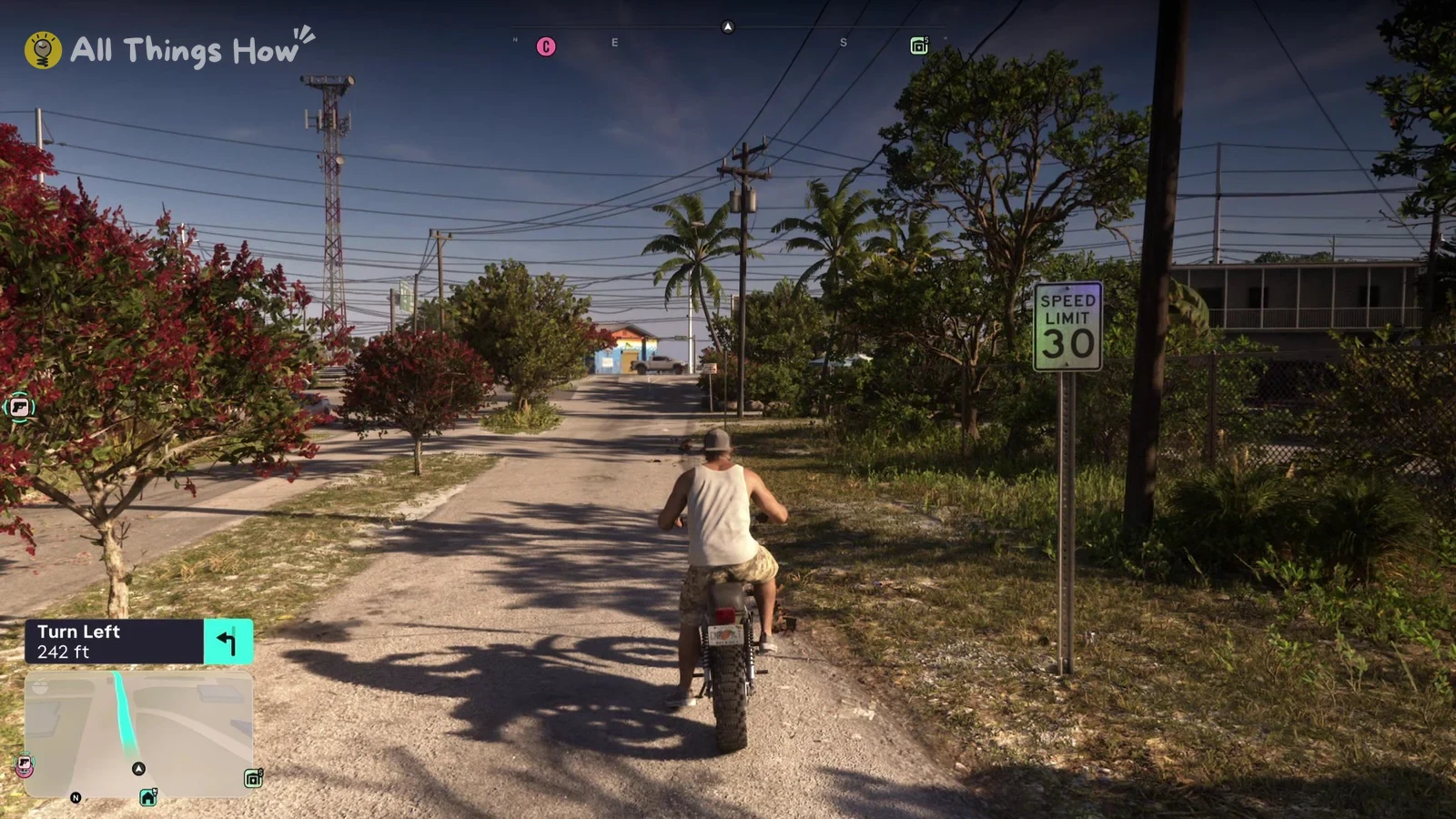
How to Turn Off the Adaptive Speed Limiter in GTA 6, and What It Does
The setting lives on the Controller tab with the other DualSense options, and turning it off takes one switch.
-
How to Get the M.E.R.C. Scarf and the M.E.R.C. Ending in Casualties: Unknown
Break the Tech-Ball, collect six chips across layers 2 to 9, craft at INT 18, and wear the scarf to the surface.
-
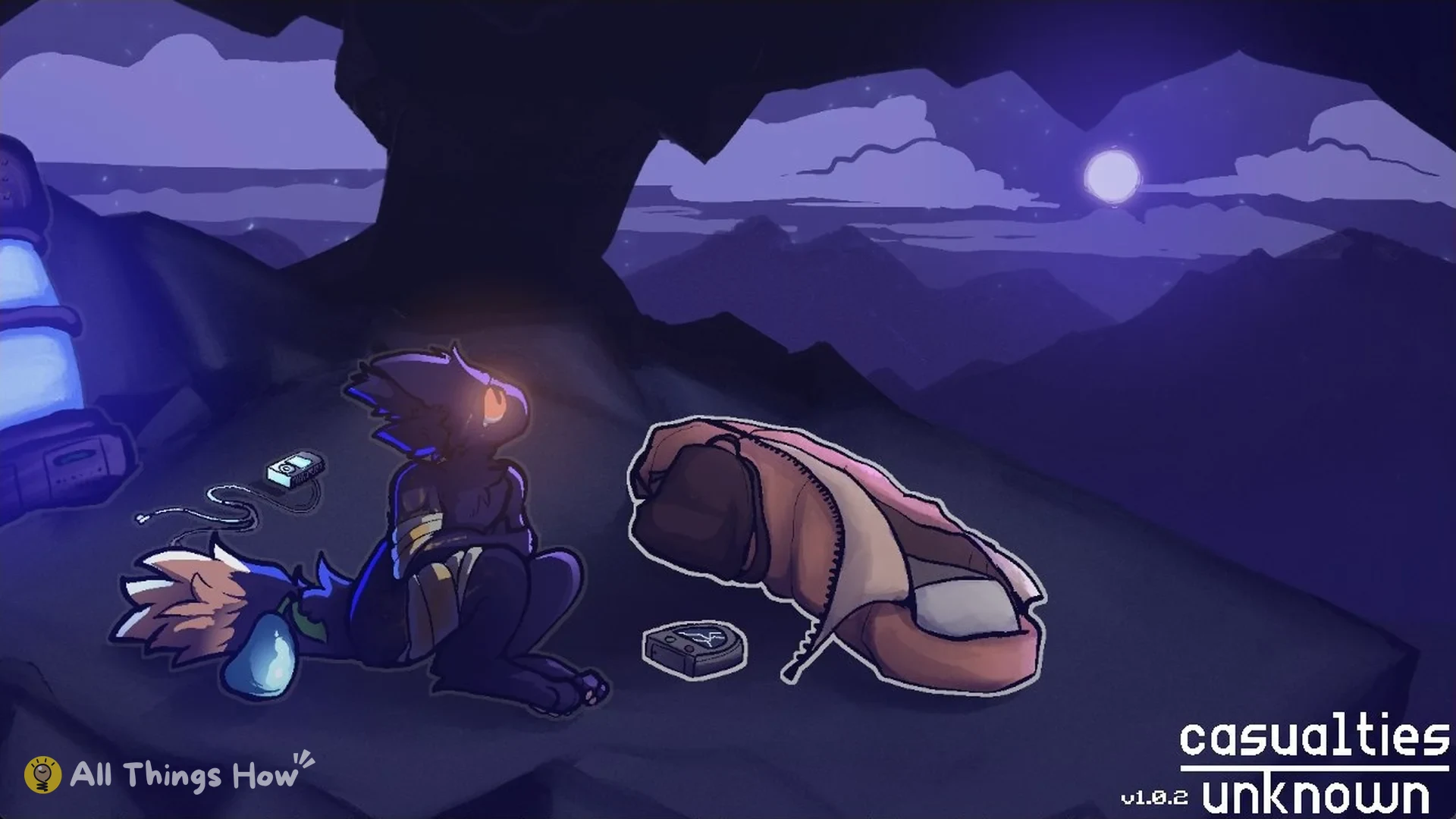
Casualties: Unknown Beginner’s Guide: Run Presets, Characters, Training and Layer 1
Training courses, the six run presets, the Experiment’s stats, your first drop pod landing and how the health panel works.
-
Casualties: Unknown Controls and Console Commands (Keybinds and Cheats)
Every default keybind, the settings that change how they behave, and how the debug console and its cheats affect achievements.
-
Casualties: Unknown Crafting Guide: How Crafting Works and All 137 Recipes
The crafting menu, INT limits and failure risks, where materials come from, and the full recipe list by category.