
Category
Gaming
Roblox codes, game guides, reviews, and everything happening in the games we play.
-
Scare Your Favorite Streamer Costume Guide (Prices and Scare Multipliers)
What each Costume costs, how its Scare multiplier decides whether a streamer drops a package, and how to buy and equip one.
-
GTA 6 Ammu-Nation Prices and Gun Stats at Chuck’s Tackle & Shot
Prices, stat card numbers and mag sizes for all 12 guns, plus ammo, knives, explosives and gear in Key Lento.
-
Scare Your Favorite Streamer Zones and Upgrades (All 15 Map Tiers)
Speed and Scare needed for every map from Common to Ultimate, plus the costumes, Auras and base upgrades that get you there.
-
Where to Download Official GTA 6 Wallpapers (4K, Phone and Ultrawide)
Rockstar’s Grand Theft Auto VI site has 28 free artworks.
-
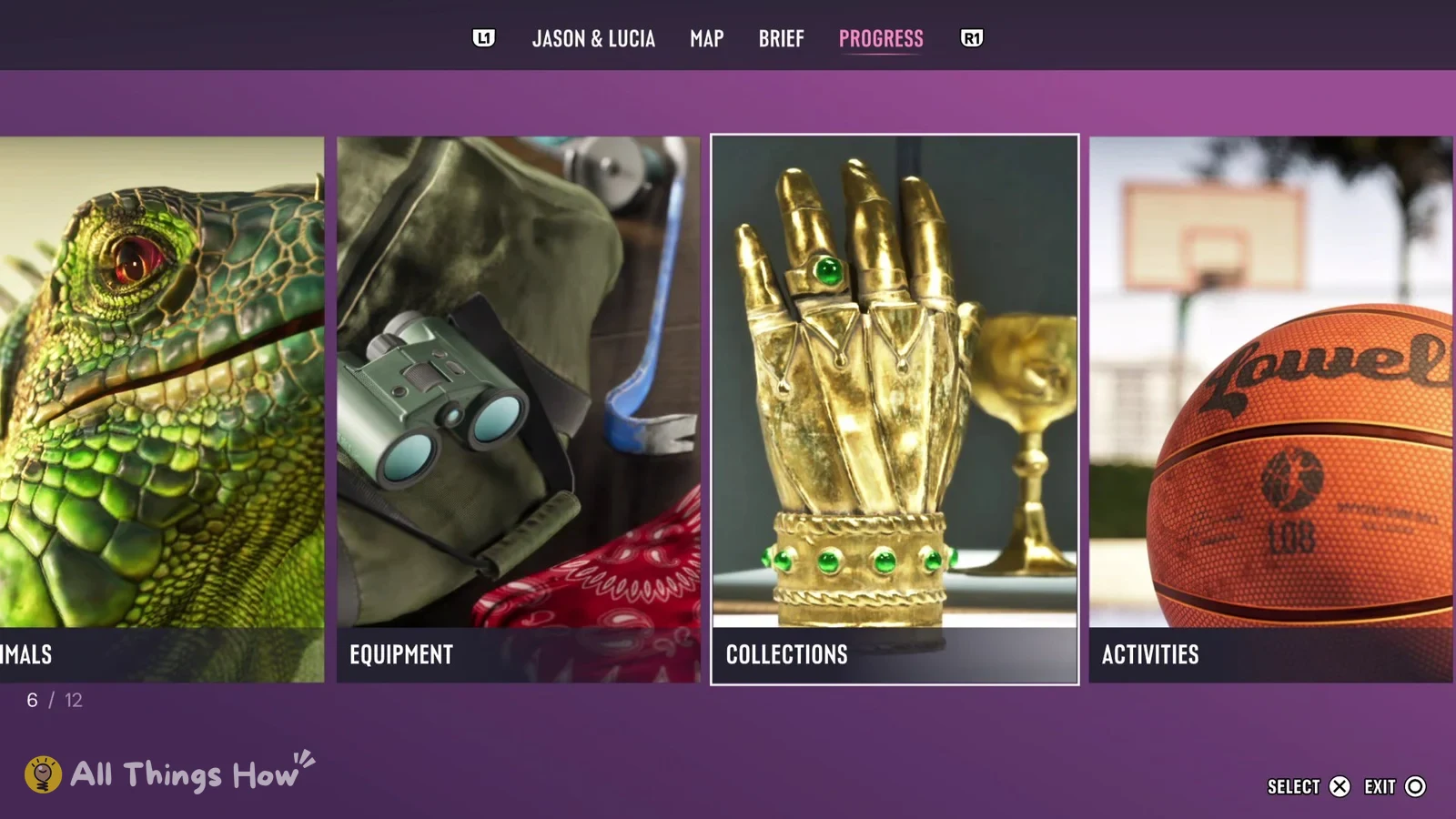
Where to Check Jason’s Sleep, Nutrition and Stat Levels in GTA 6
Jason’s stats sit on the JASON & LUCIA tab of the pause map screen, from Sleep and Nutrition down to Focus.
-
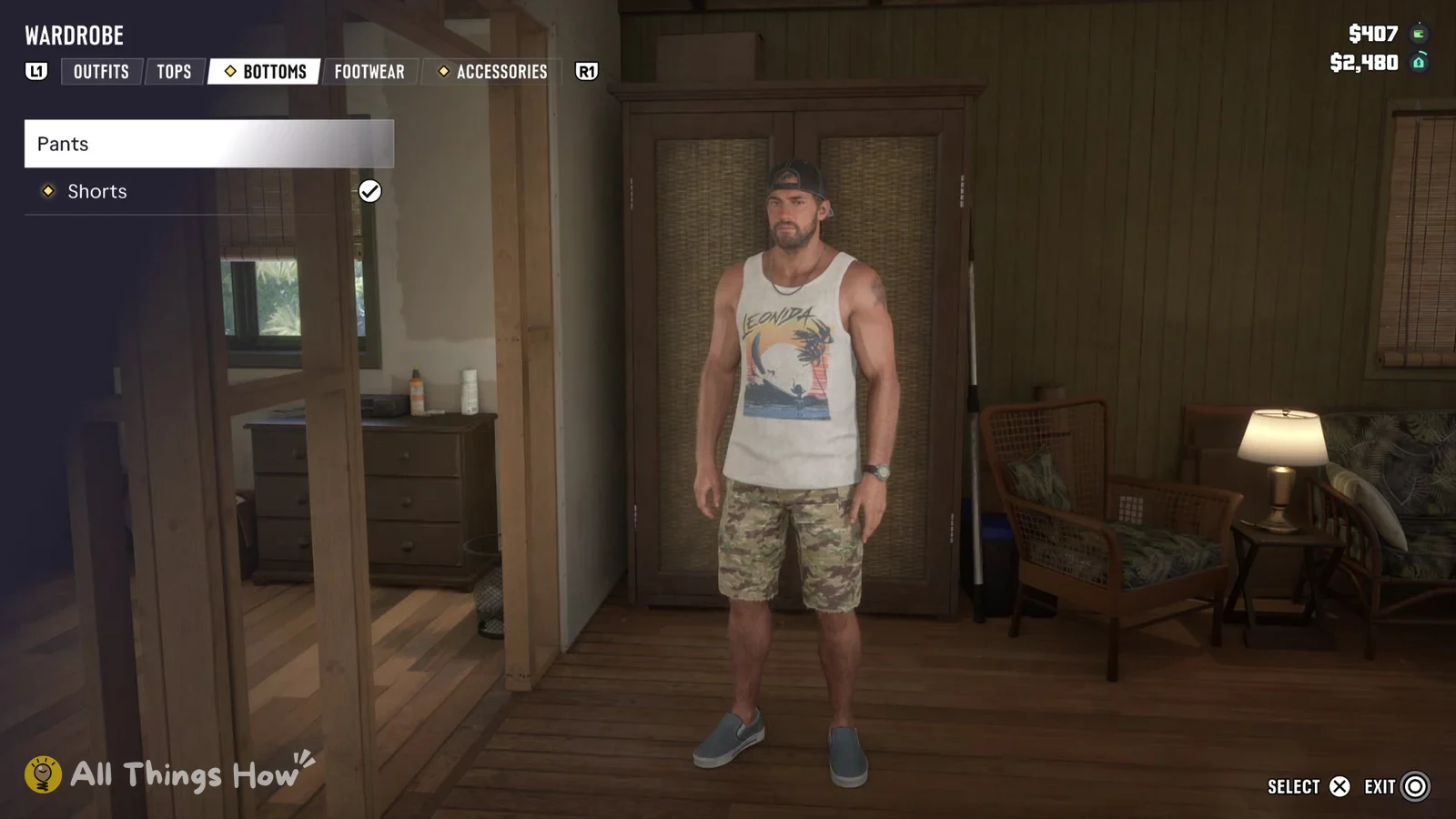
How to Change Clothes and Save Outfits in GTA 6 (Wardrobe and Trunk)
Where Jason’s wardrobe is, the ten outfits he starts with, and the limits for saved outfits and trunk storage.
-
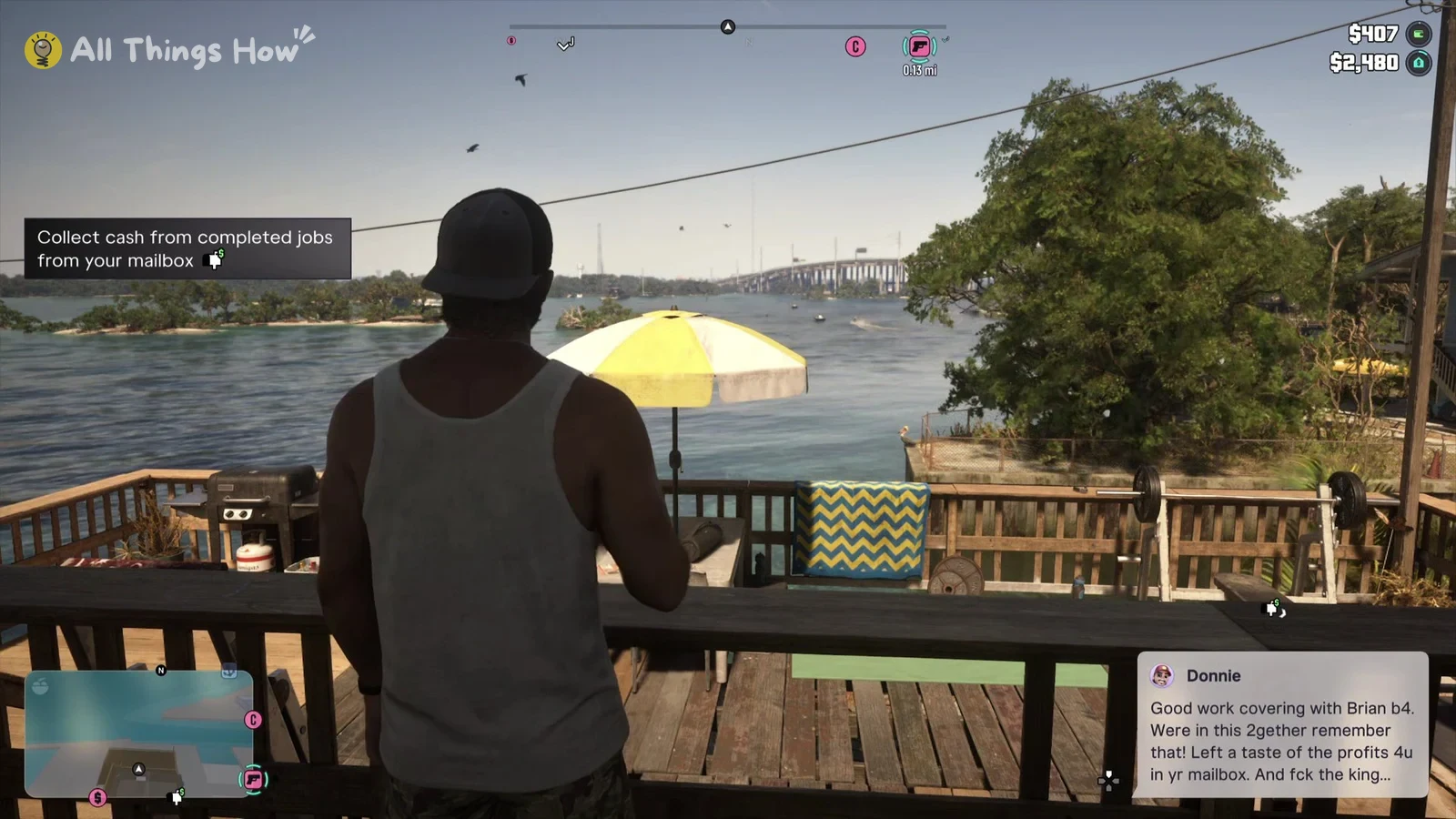
GTA 6 Stash: How to Deposit or Withdraw Money From Jason’s Bedroom Floor
Where Jason’s hidden cash sits, how the PS5 withdraw screen works, and what each money line at the top right means.
-
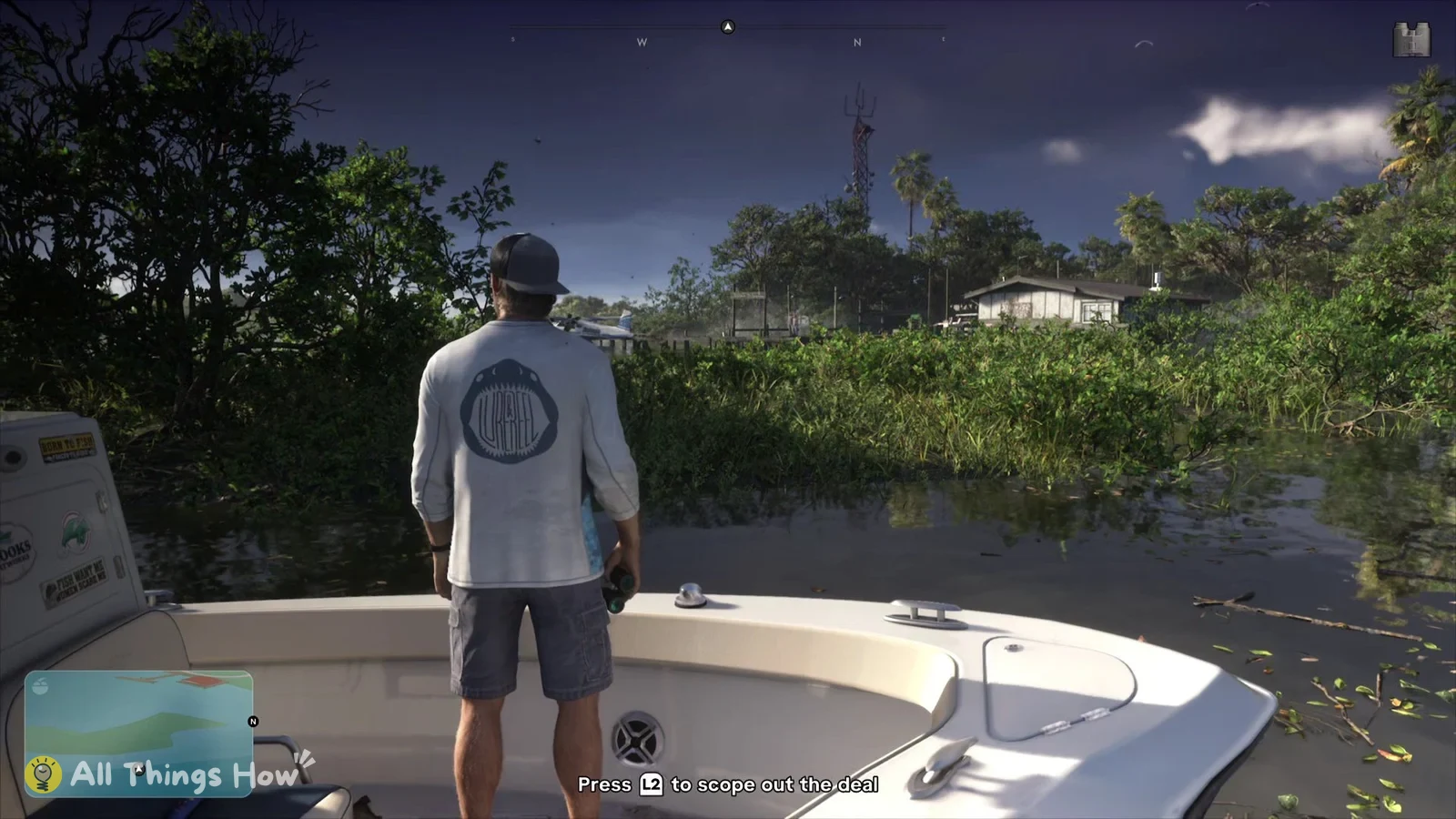
GTA 6 Chapter 1 Gone Fishing Walkthrough (All 16 Objectives)
Every objective line and button prompt in Jason’s Gone Fishing mission, from the boat chase to the drive home.
-
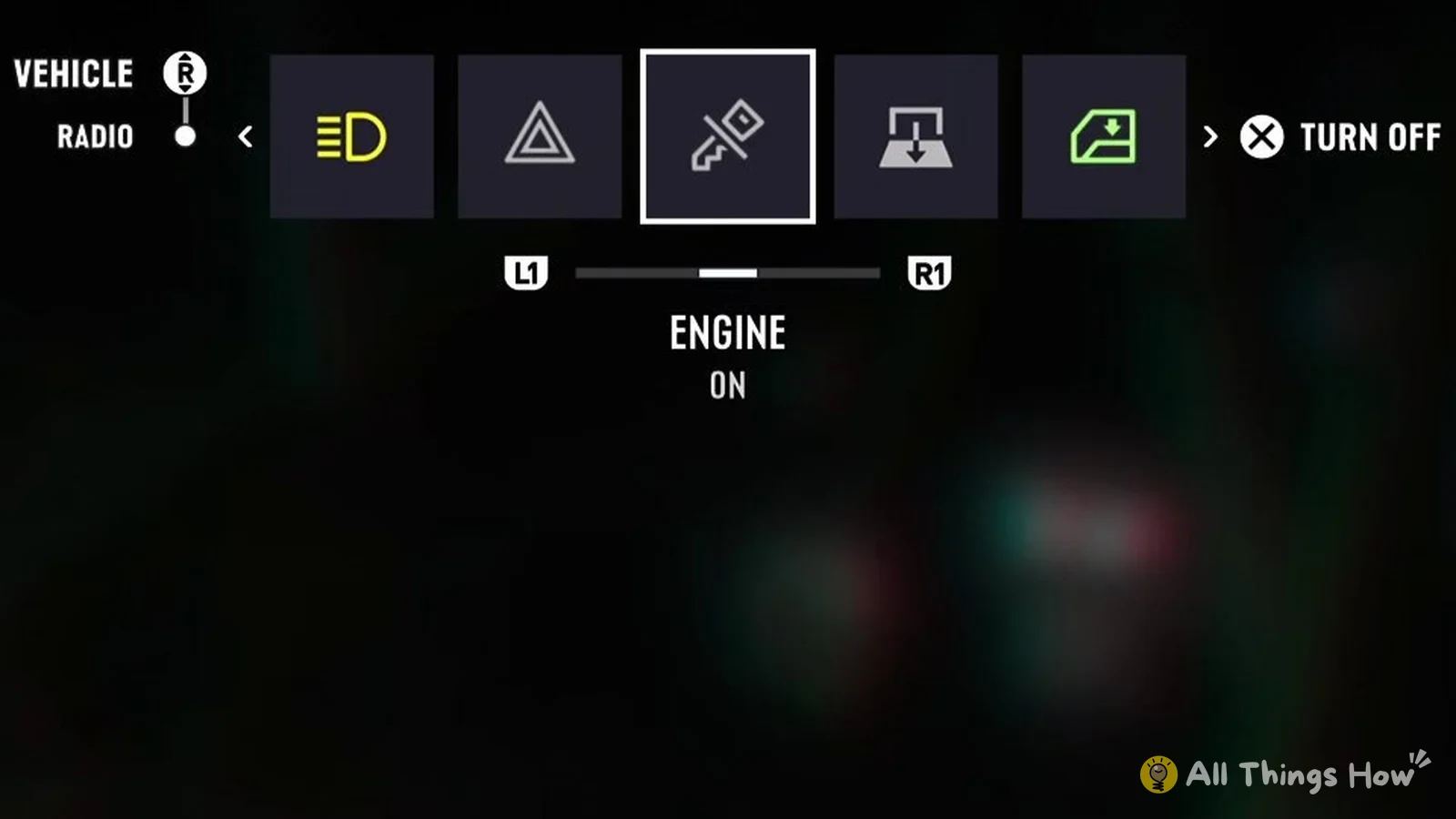
How to Turn Off the Engine, Use Hazards, Headlights and Windows in GTA 6 (PS5)
One D-pad hold in GTA 6 opens the vehicle controls for the engine, hazards, headlights, tailgate and windows.
-
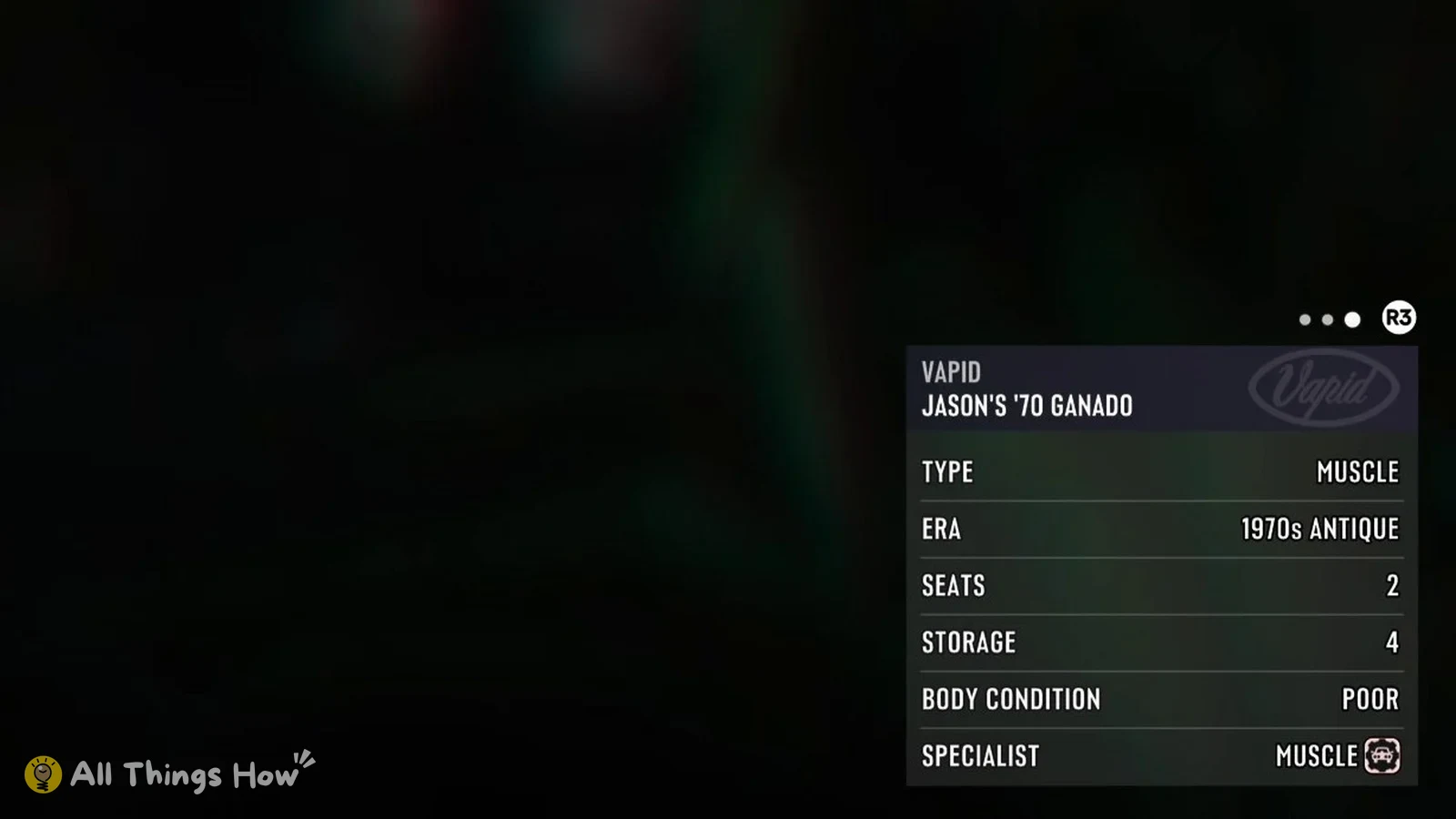
GTA 6 on PS5: How to Check a Car’s Stats, From Speed to Rating
Hold left on the D-pad in a vehicle to see its speed, handling, rating, era and condition on three pages.