Category
iPhone
iOS updates, iPhone tips, iMessage tricks, and the apps that matter.
-
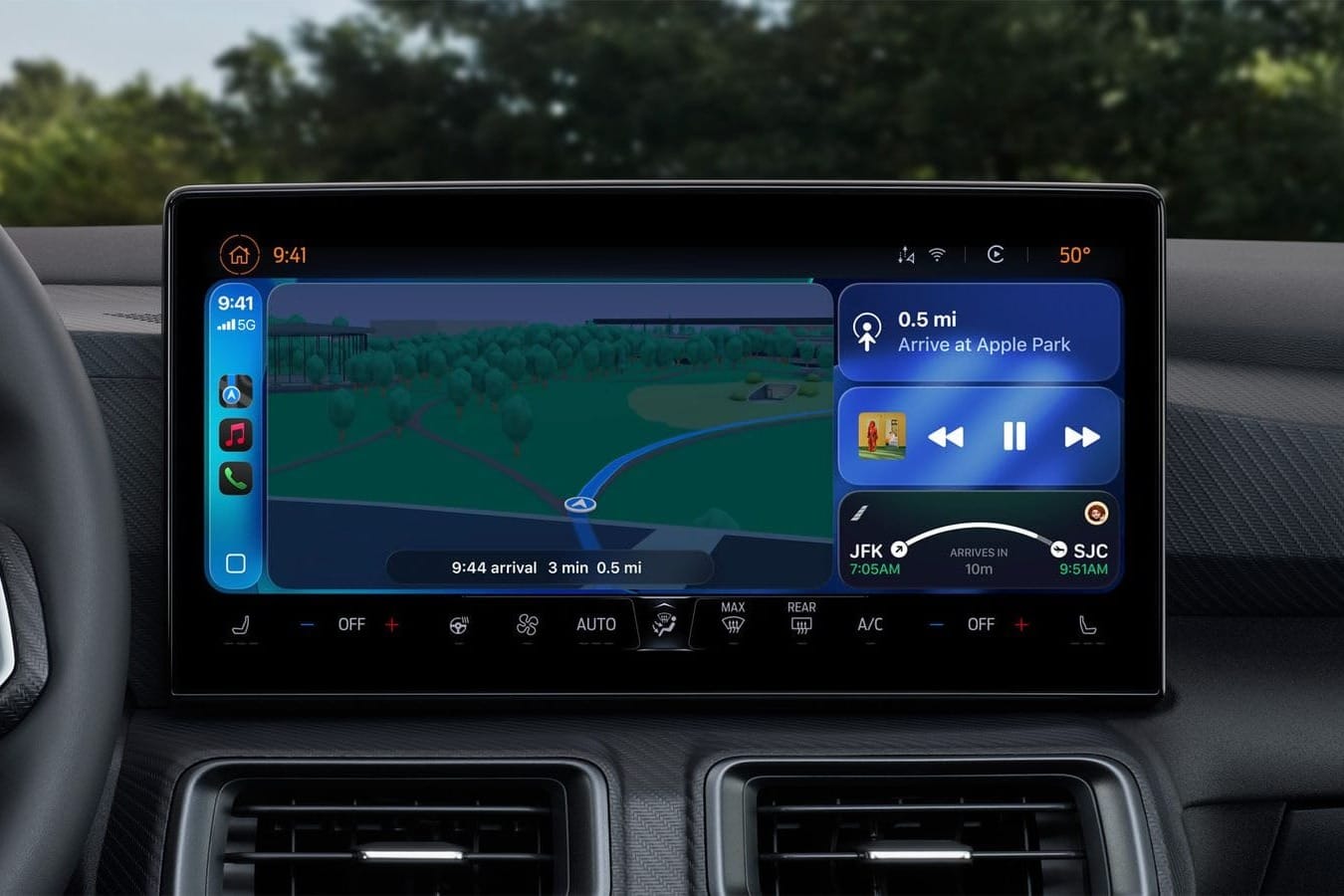
iOS 26 CarPlay updates: Video playback, widgets, Live Activities, and more
Apple’s update brings its new design to the dash and adds tools for messaging, navigation, and parked moments.
-
Save battery on iOS 26: Settings that reduce drain
Use Adaptive Power plus core iOS settings to extend daily runtime on supported iPhones.
-
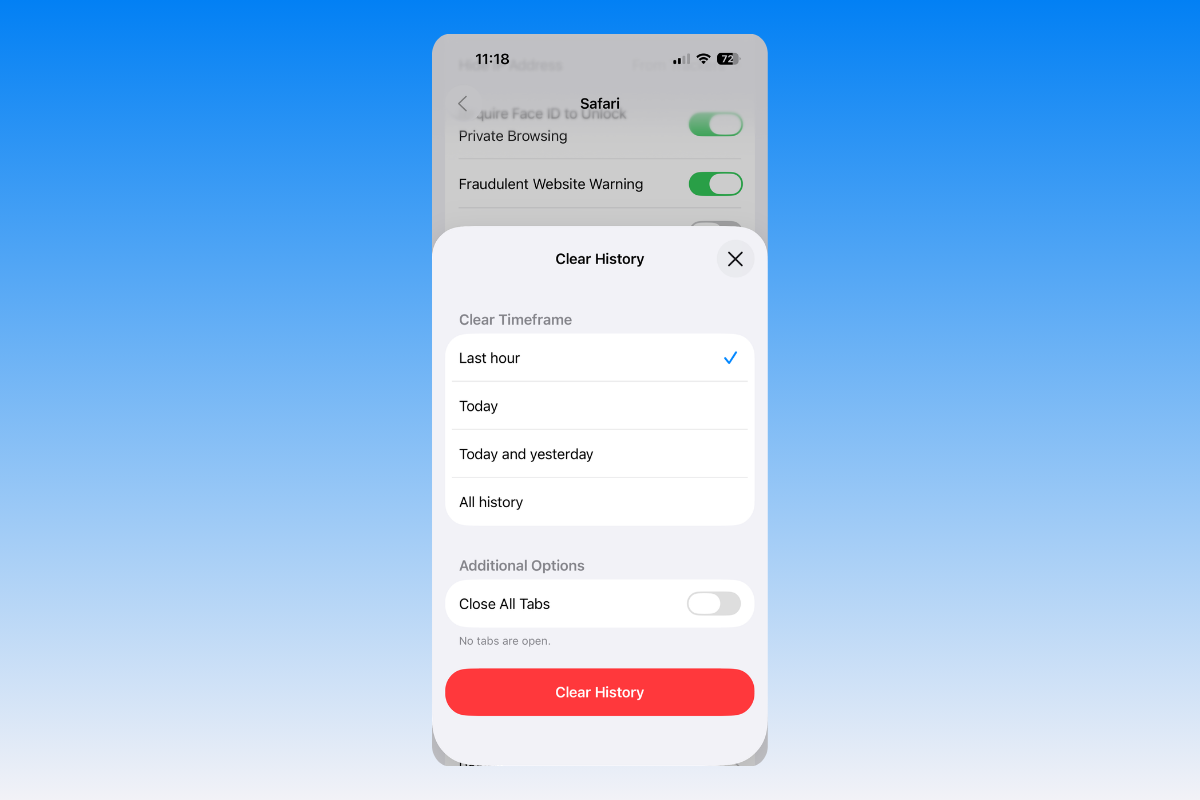
How to Clear Safari history on iOS 26 (iPhone) — methods and fixes
Use Settings or Safari to remove all history, cookies, or specific sites, plus steps if the button is grayed out.
-
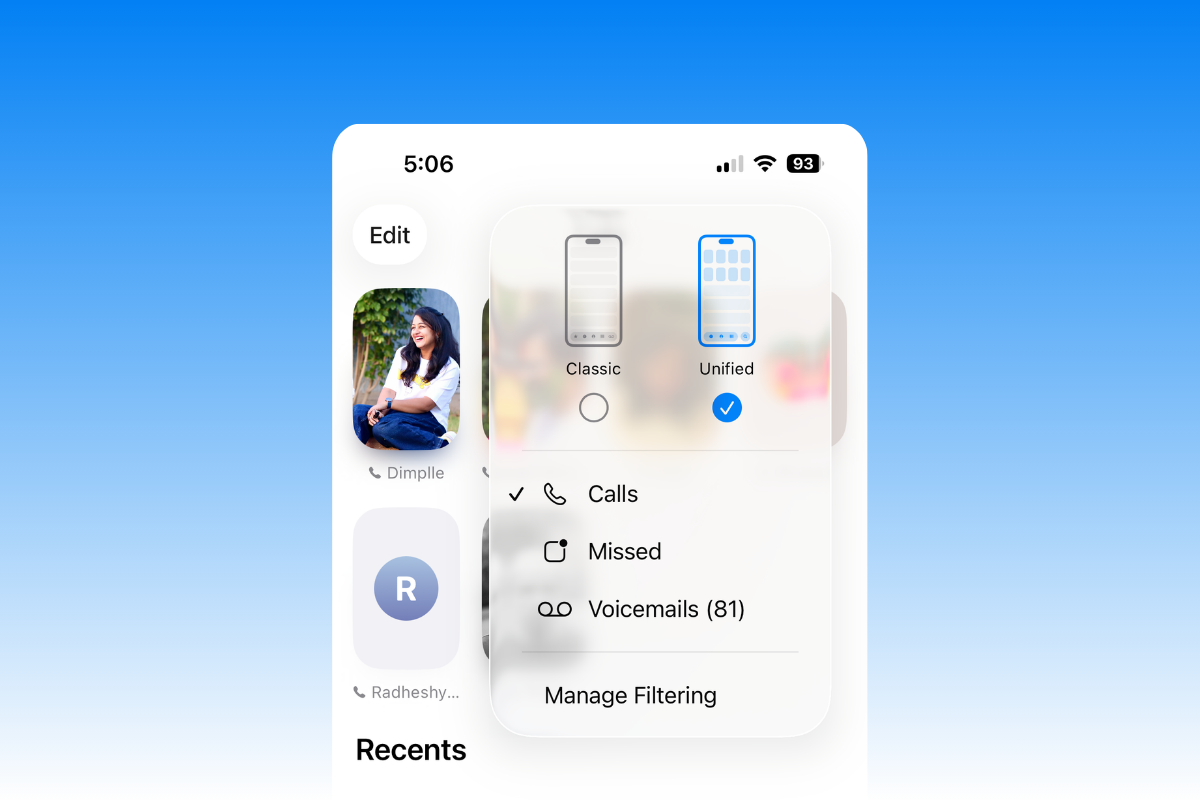
iOS 26: Move the search bar to the top (Phone app and Safari)
Switch the Phone app to Classic layout and set Safari to Top/Single Tab; other Apple apps keep bottom search.
-
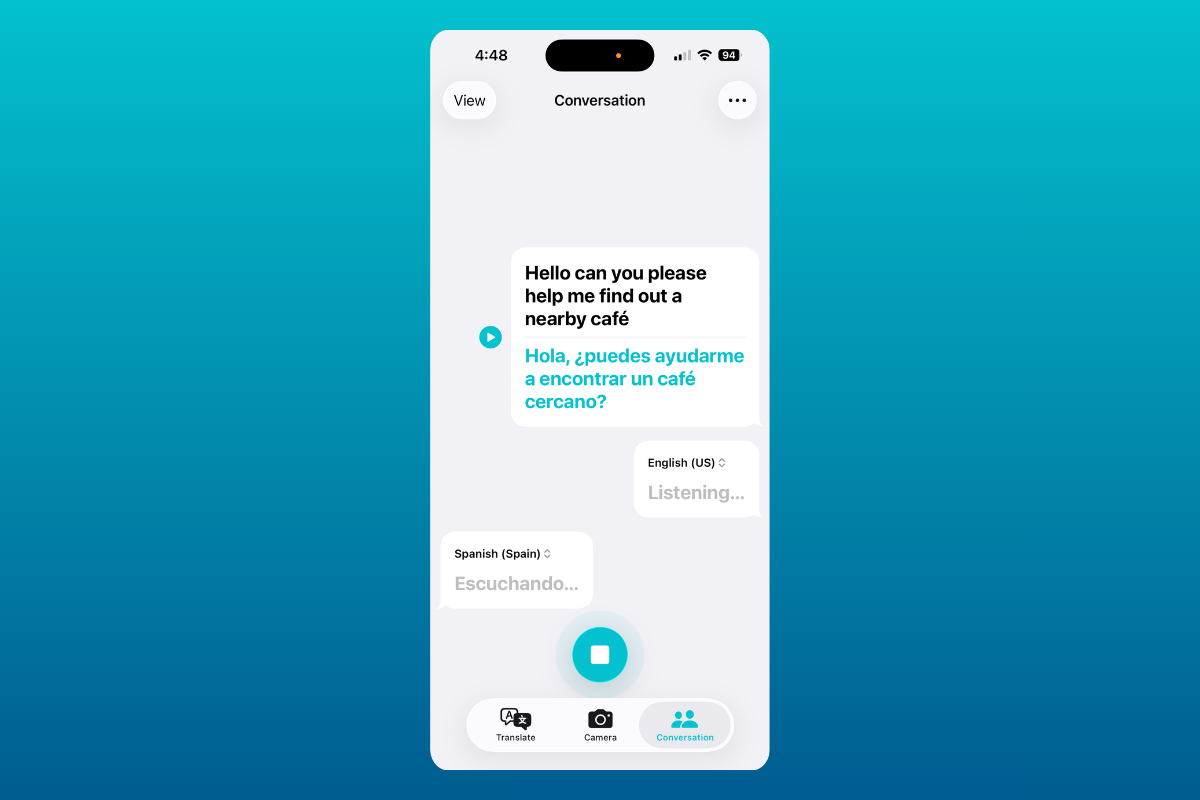
Enable Live Translation on iOS 26 — iPhone and AirPods setup
Set up Live Translation for Messages, calls, FaceTime, and in‑person conversations with supported AirPods.
-
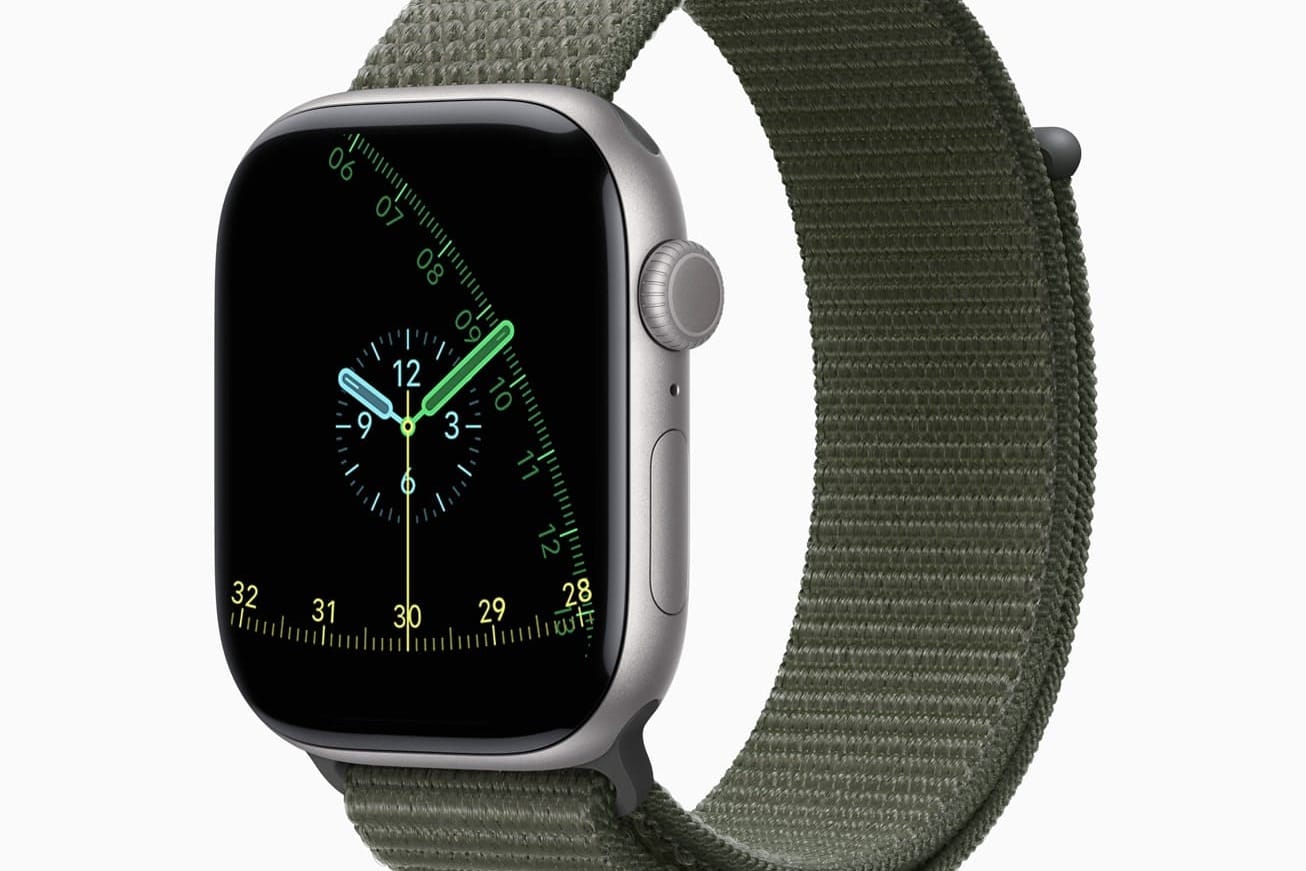
How to Set up the Exactograph watch face (watchOS 26)
Install, customize, interact, and troubleshoot the regulator-style face.
-
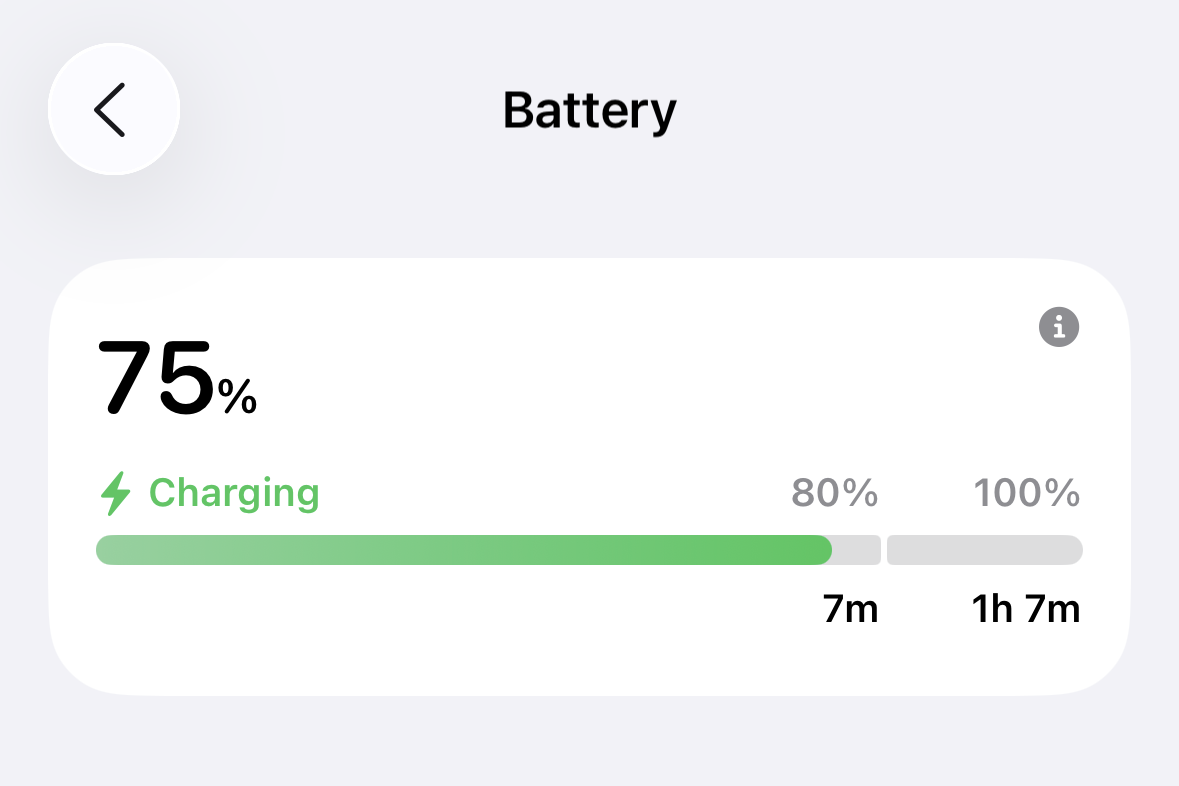
iOS 26 battery drain explained — what’s normal and how to fix it
Apple says short-term drain after updating is expected, and some features may have a small ongoing cost.