
Category
iPhone
iOS updates, iPhone tips, iMessage tricks, and the apps that matter.
-
How to Use AirPods as an iPhone Camera Remote (iOS 26): Setup and Tips
Trigger photos and video from your AirPods, plus use them as a mic, in supported camera apps.
-
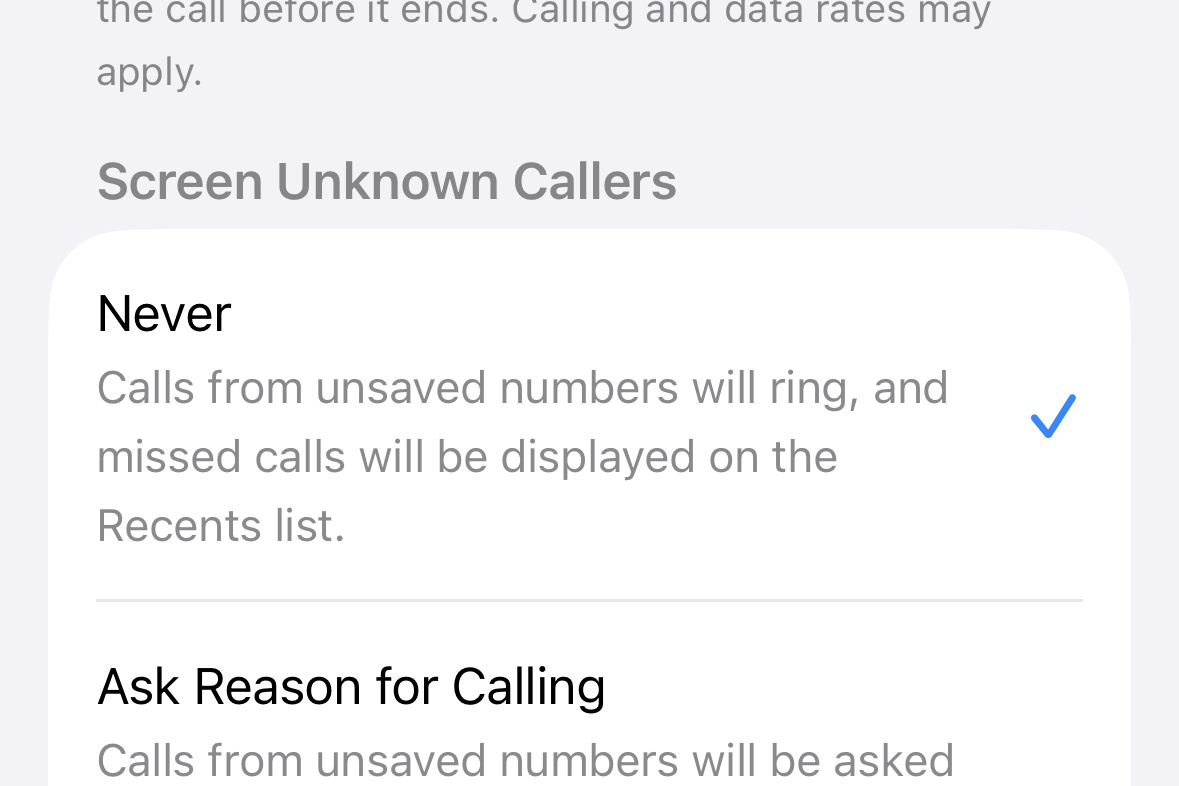
How to Disable Call Screening on iPhone (iOS 26)
Set ‘Screen Unknown Callers’ to ‘Never’ so unsaved numbers ring normally in iOS 26.
-
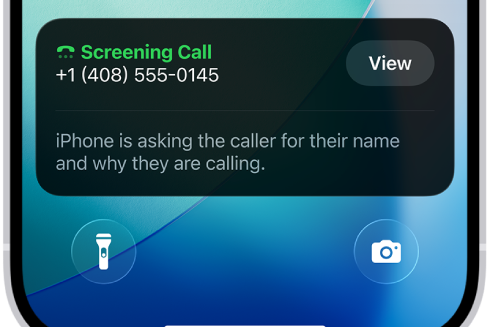
How to Turn on Call Screening on iPhone (iOS 26)
Enable screening, silencing, and filtering for unknown or spam callers, plus fixes if the option is missing.
-
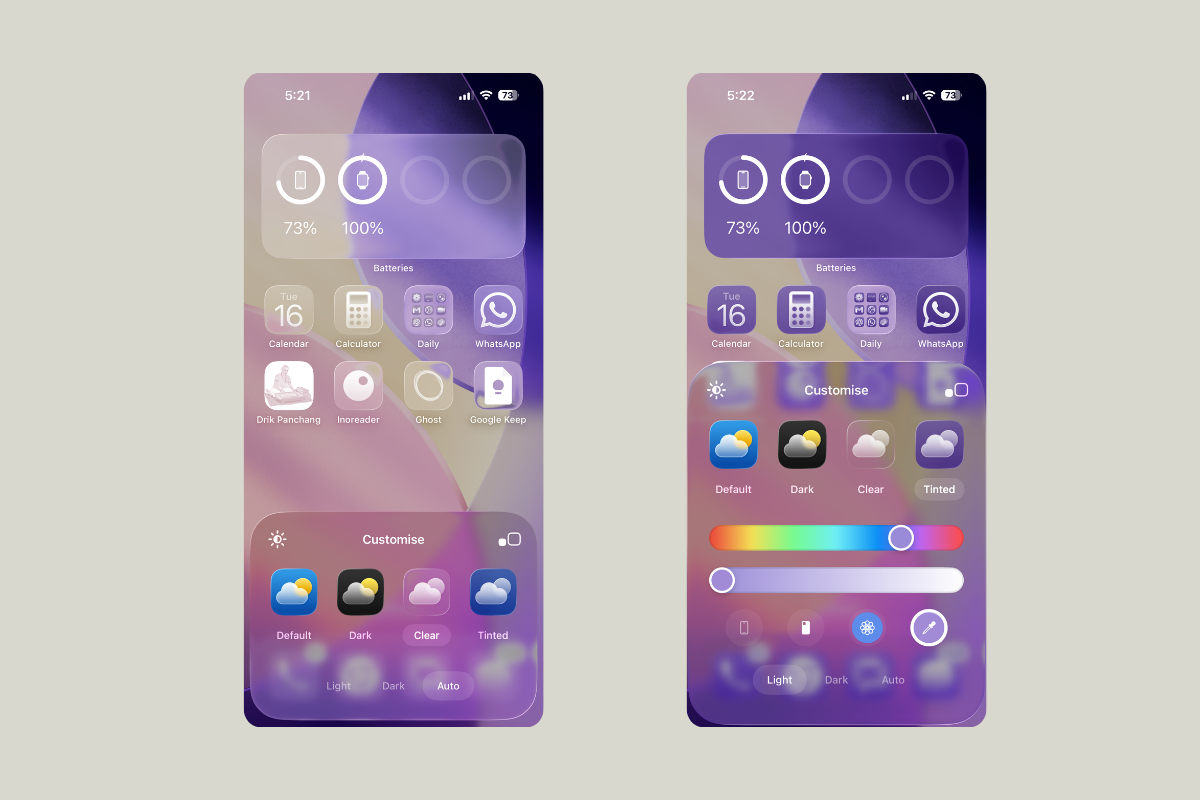
How to make iPhone app icons clear in iOS 26
Turn on Liquid Glass Clear icons and widgets, choose Light/Dark/Auto, and resolve common visibility issues.
-
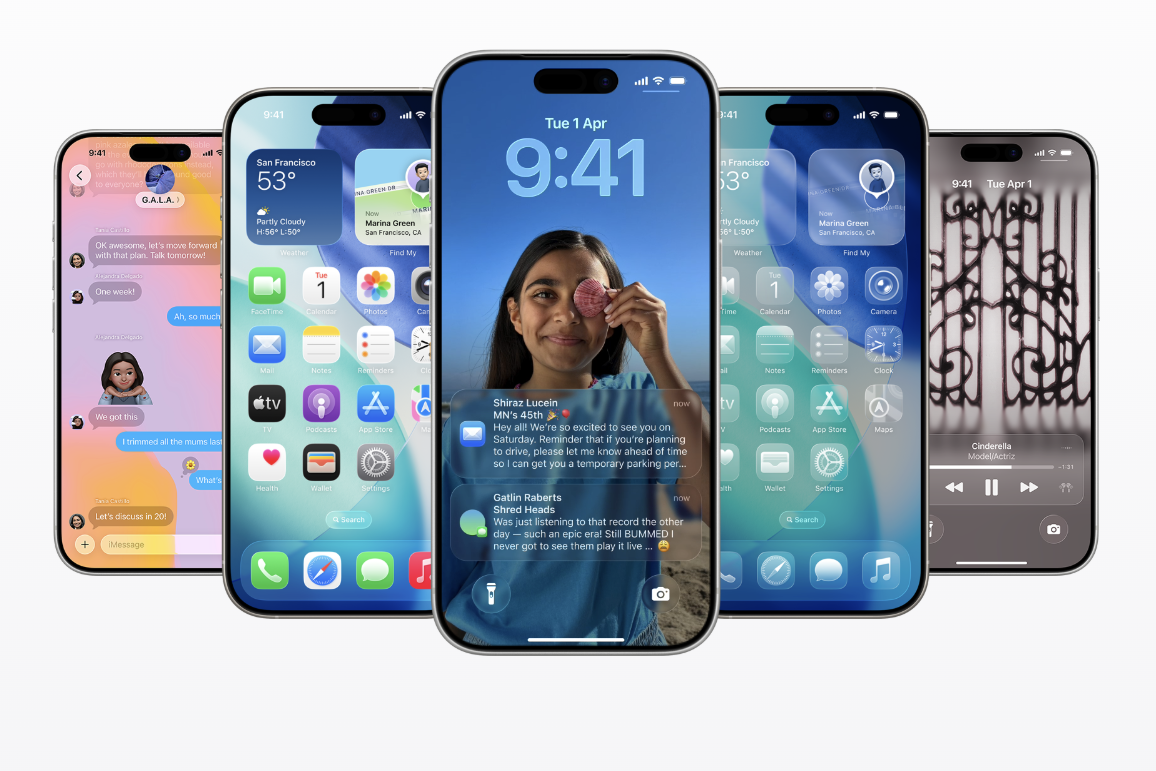
iOS 26 Features That Won’t Work Everywhere (or for Everyone)
A complete breakdown of which iOS 26 features are device-locked, region-limited, or delayed.
-
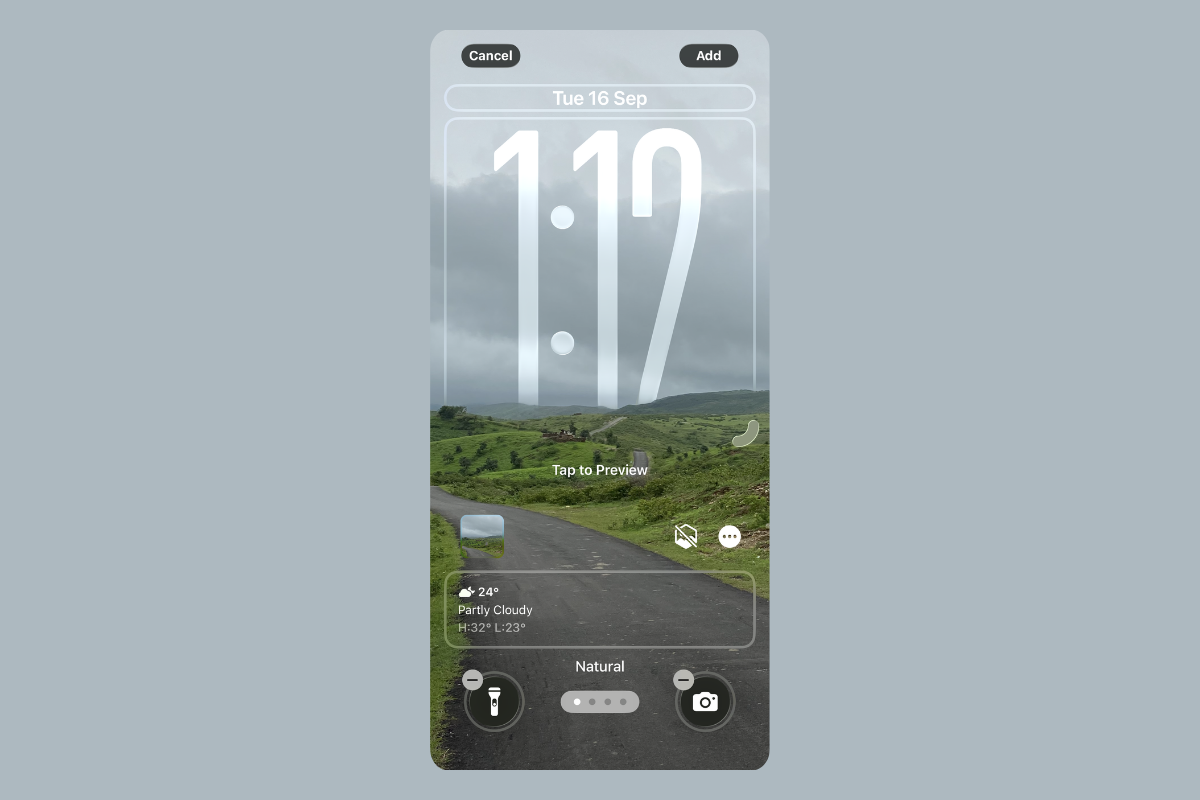
iOS 26 Liquid Glass review — Why it feels odd at first and then clicks
My quick take for skeptics with tips, trade-offs, and settings to make it work.
-
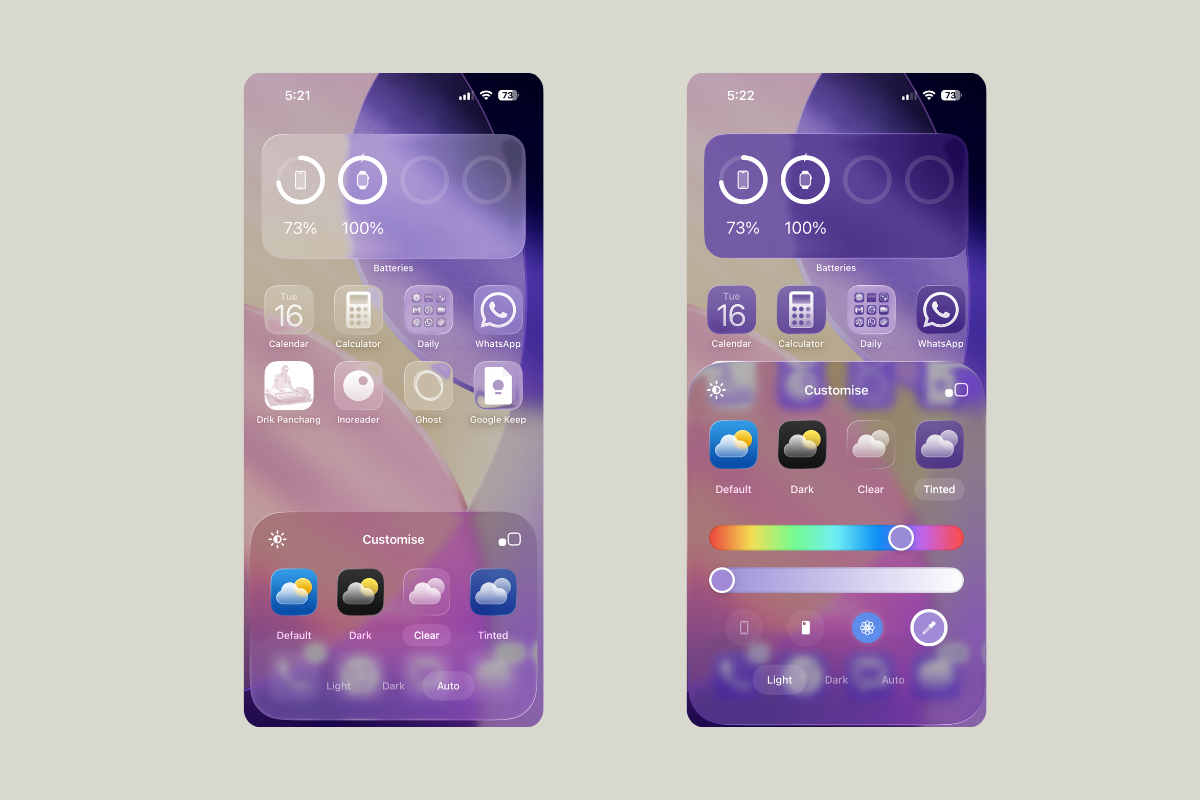
Change app icons on iPhone (iOS 26): clear, tint, size
Use iOS 26’s built-in Home Screen controls to set clear, tinted, light/dark icons and adjust icon size.
-
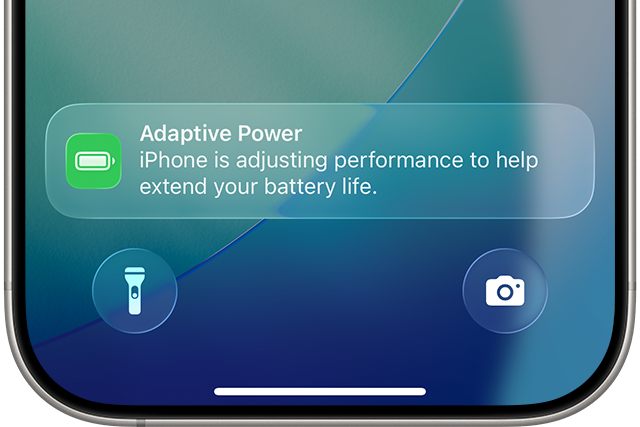
How to Enable “Adaptive Power” in iOS 26 on supported iPhone models
Apple’s new power mode predicts heavy days and trims small costs to stretch battery life.
-
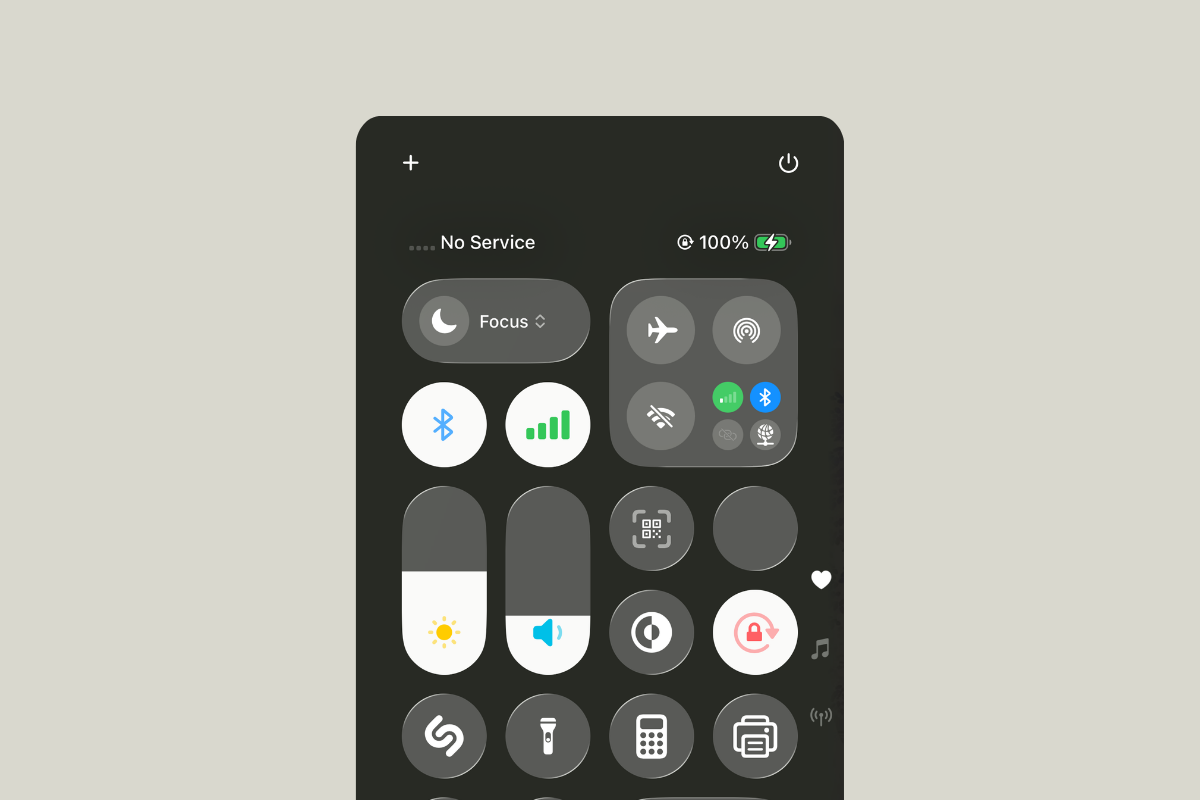
FIX: iPhone No Service After iOS 26 Update Issue
Restore cellular service with carrier updates, SIM/eSIM refresh, network resets, and beta-specific workarounds.
-
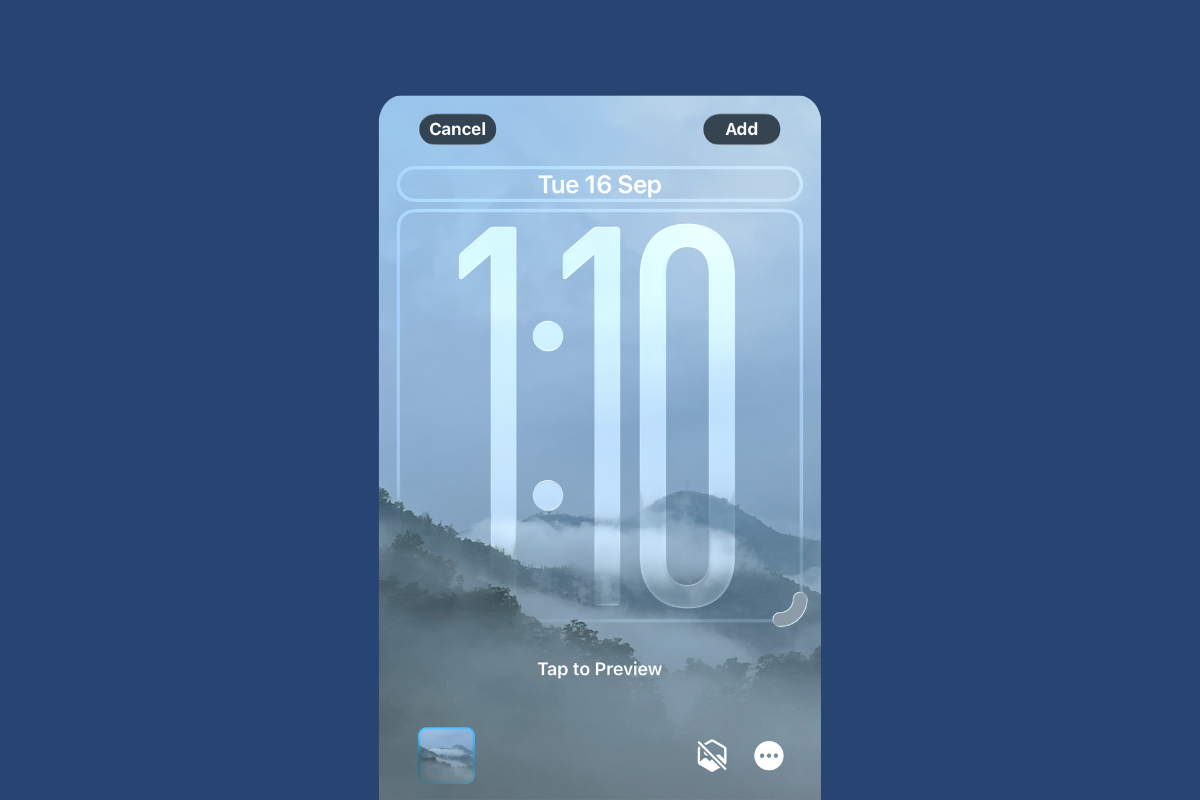
How to Customize iOS 26: Lock Screen Clock Size, Translucent Icons, and Message Backgrounds
Practical steps to tune Liquid Glass, the adaptive clock, widgets, icons, and chat backgrounds.