
Category
Windows
Windows 11, Windows 10, troubleshooting, and tips for power users.
-
Windows Security vs. Microsoft Defender on Windows 11: What Sets Them Apart?
Microsoft’s built-in Windows Security and subscription-based Microsoft Defender may sound similar, but their roles, features, and protections are distinctly different—here’s how to tell which…
-
How to View Windows NDIS Traces or Logs
Learn how to access and analyze NDIS logs to troubleshoot network issues on Windows.
-
How to Install Nvidia GeForce 610M Driver on Ubuntu 24.04
Follow these clear steps to get your Nvidia GeForce 610M graphics card working properly on Ubuntu 24.04
-
How to Fix Can’t Un-Minimize Apps Using Taskbar in Windows 11
Resolve the issue preventing minimized apps from reopening via the taskbar in Windows 11.
-

How to Install BaseUS WiFi Dongle on Ubuntu 24
A straightforward guide to setting up your BaseUS WiFi adapter on Ubuntu 24
-
Fix Wireless Adapter Works but Networks Do Not Appear in Ubuntu 22.04
Resolve the issue of your wireless adapter being recognized but not showing available networks on Ubuntu 22.04.
-

How to Reset Notepad Font in Windows 11
Quickly restore the default font settings in Notepad on Windows 11.
-
How to Scan for Wi-Fi Networks Under Ubuntu Server
Learn how to quickly identify available wireless networks using Ubuntu Server command-line tools
-
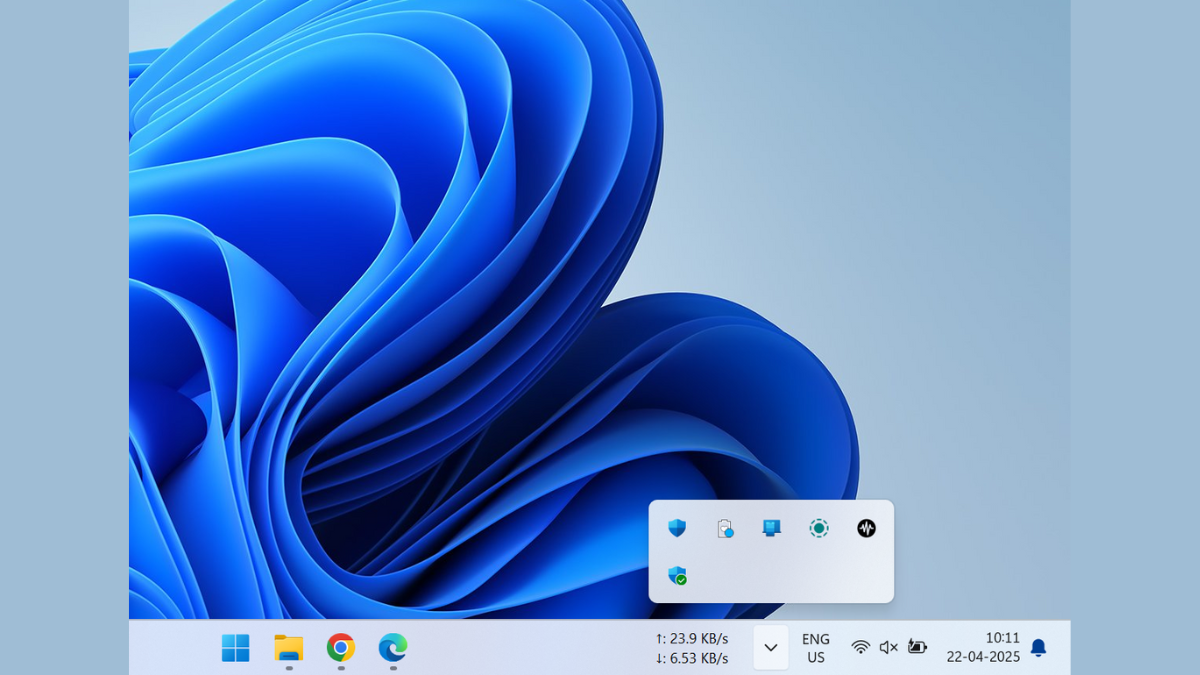
How to Fix System Tray Icon Area Needlessly Taking Up Space
Learn how to reclaim valuable taskbar space by managing your system tray icons effectively
-
How to Use Excel Troubleshooter to Fix Excel Problems on Windows 11
Resolve common Excel issues quickly using Windows 11’s built-in troubleshooting tool.