
Category
Windows
Windows 11, Windows 10, troubleshooting, and tips for power users.
-
How to Copy List of File and Folder Names to Clipboard in Windows 11
Copying file and folder names to the clipboard in Windows 11 can be done quickly using built-in features, command-line tools, or custom context menu…
-
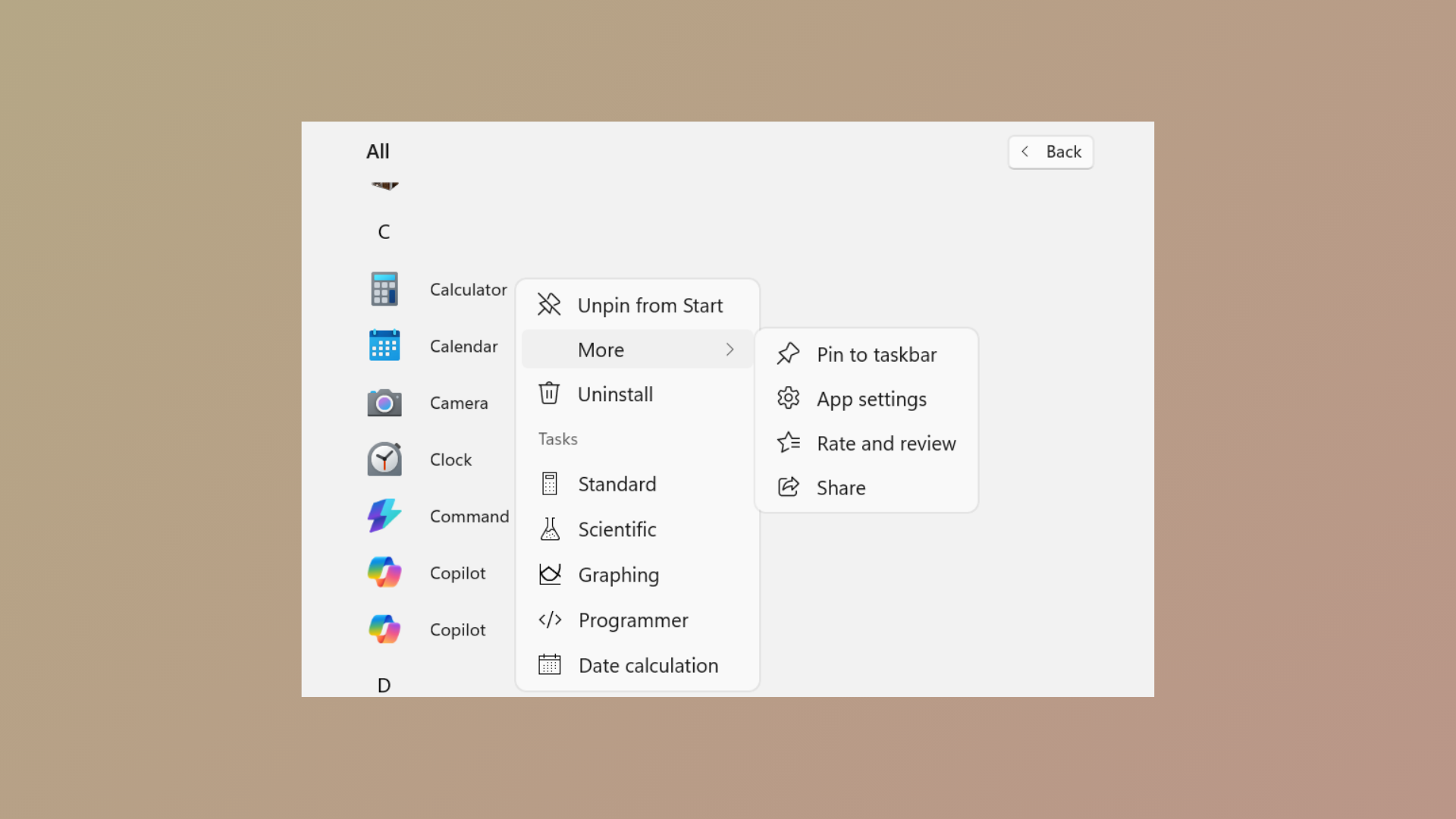
How to Prevent Pinning or Unpinning of Programs to Taskbar in Windows 11
Learn how to use Group Policy and XML configuration to control which programs users can pin or unpin from the Windows 11 taskbar.
-
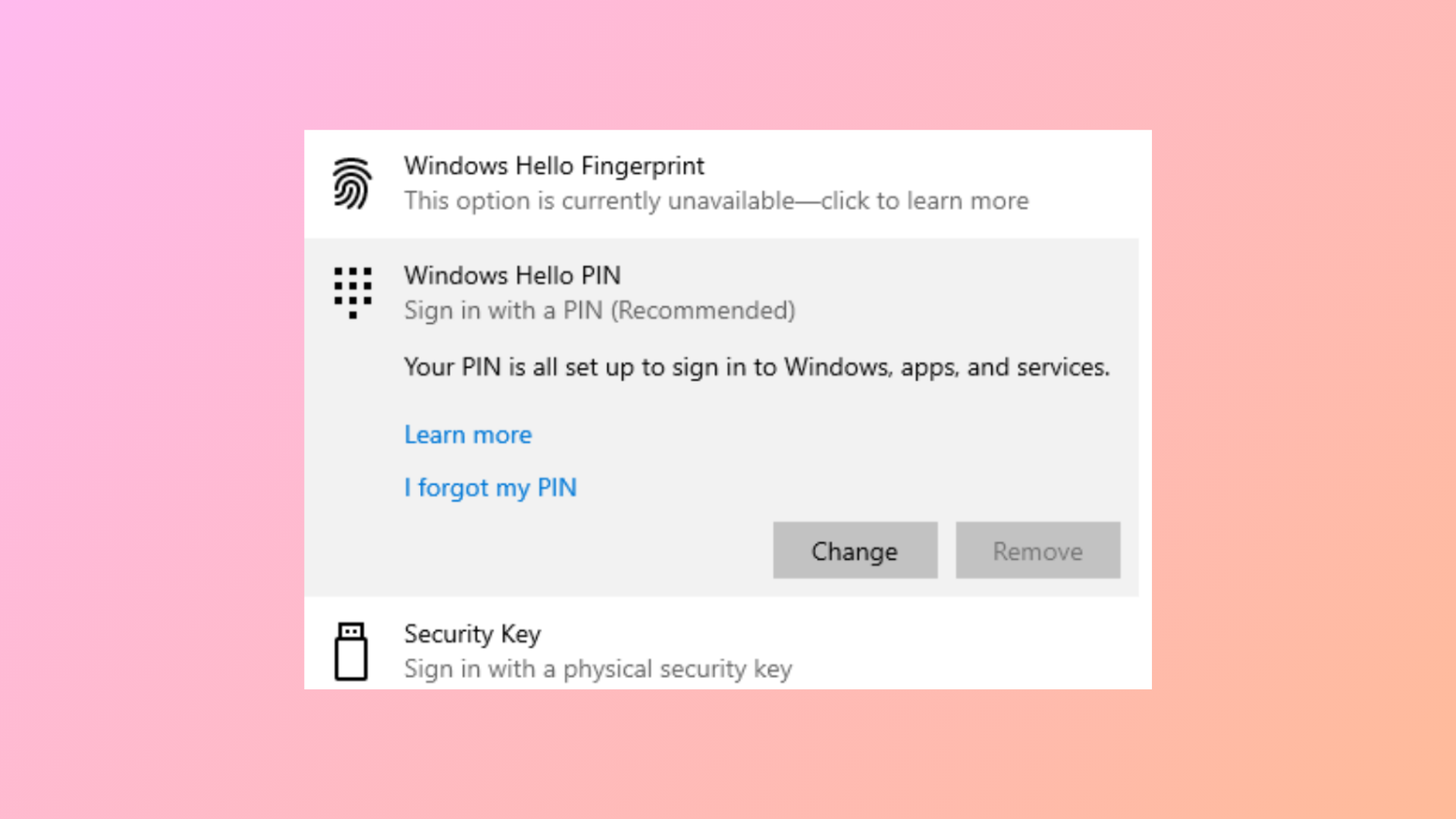
How to Fix Remove Hello PIN Greyed Out in Windows 11
Learn clear solutions to enable the “Remove” option for Windows Hello PIN when it’s unavailable in Windows 11.
-
How to Fix No Low Battery Notification on Windows 11
Learn how to restore missing low battery alerts on your Windows 11 laptop by adjusting system settings, updating drivers, and checking battery health.
-

How to Restore Quarantined Files in Windows Defender on Windows 11
Restore files quarantined by Windows Defender in Windows 11 using Windows Security, command line, or advanced recovery tools.
-
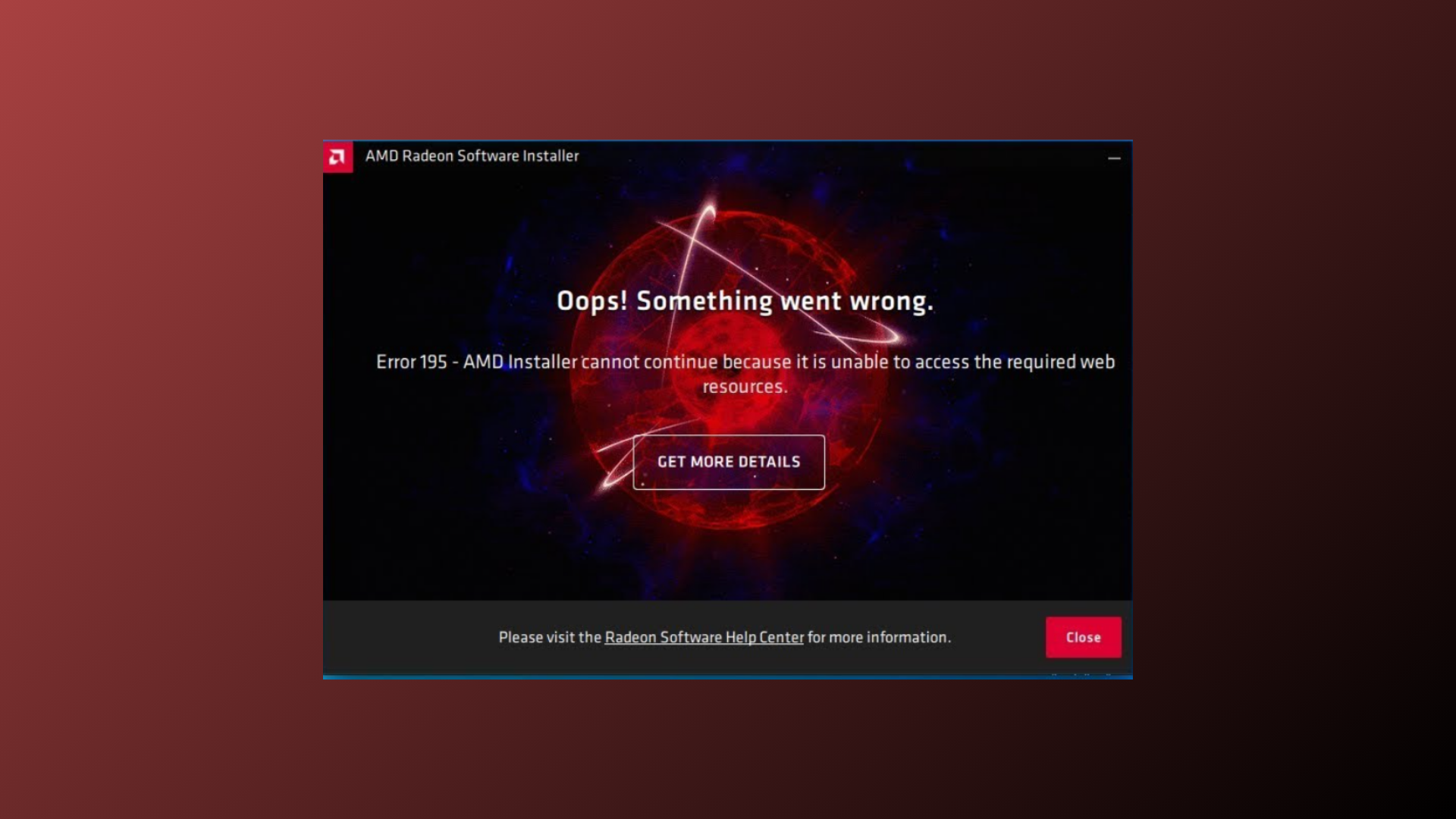
How to Fix AMD Installer Cannot Continue Error on Windows
Resolve the “AMD installer cannot continue because it is unable to access the required web resources” error with proven solutions for seamless driver installation.
-
How to Fix “The Operation Could Not Be Started Because a Required Feature Is Not Installed” Error
Resolve the WSL error 0x80370114 by enabling essential Windows features, adjusting security settings, and ensuring system requirements are met for running Linux distributions on…
-
How to Disable a Specific Keyboard Key in Windows 11
Detailed instructions for turning off individual keys in Windows 11 using PowerToys, registry edits, and third-party tools, plus tips for laptop and external keyboards.
-
How to Disable Taskbar on the Second Monitor in Windows 11
Learn the most effective ways to remove or hide the taskbar from your secondary display in Windows 11 by following these effective solutions.
-
How to Uninstall or Remove a Printer in Windows 11
Learn practical methods to completely remove a printer and its drivers from Windows 11, including solutions for stubborn or unresponsive printer entries.