
Category
Windows
Windows 11, Windows 10, troubleshooting, and tips for power users.
-
Fix Monitor Not Turning Off During PC Sleep on Windows 11
Resolve persistent issues where monitors stay on during sleep by applying command-line fixes, updating drivers, and addressing device or software conflicts in Windows 11.
-
Turn Windows 11 PC into a Mobile Hotspot
Share your Windows 11 PC’s internet connection with other devices by configuring and troubleshooting mobile hotspot features, including options for sharing without an active…
-
Fix You Need a WIA Driver to Use This Device Error on Windows 11
Resolve scanner connectivity issues and restore scanning functionality by addressing WIA driver errors in Windows 11.
-

Change Ownership of Folder or File in Windows 11
Gain full control over files or folders in Windows 11 by transferring ownership, resolving permission issues, and managing access rights effectively.
-
Whitelist or Blacklist a Program in Windows 11
Control which applications can run or be blocked on Windows 11 using built-in security policies, AppLocker, and other management tools.
-
Set Custom Notification Sound in Windows 11
Personalize your Windows 11 notifications by assigning custom sounds to system events and alerts using built-in options and advanced methods.
-
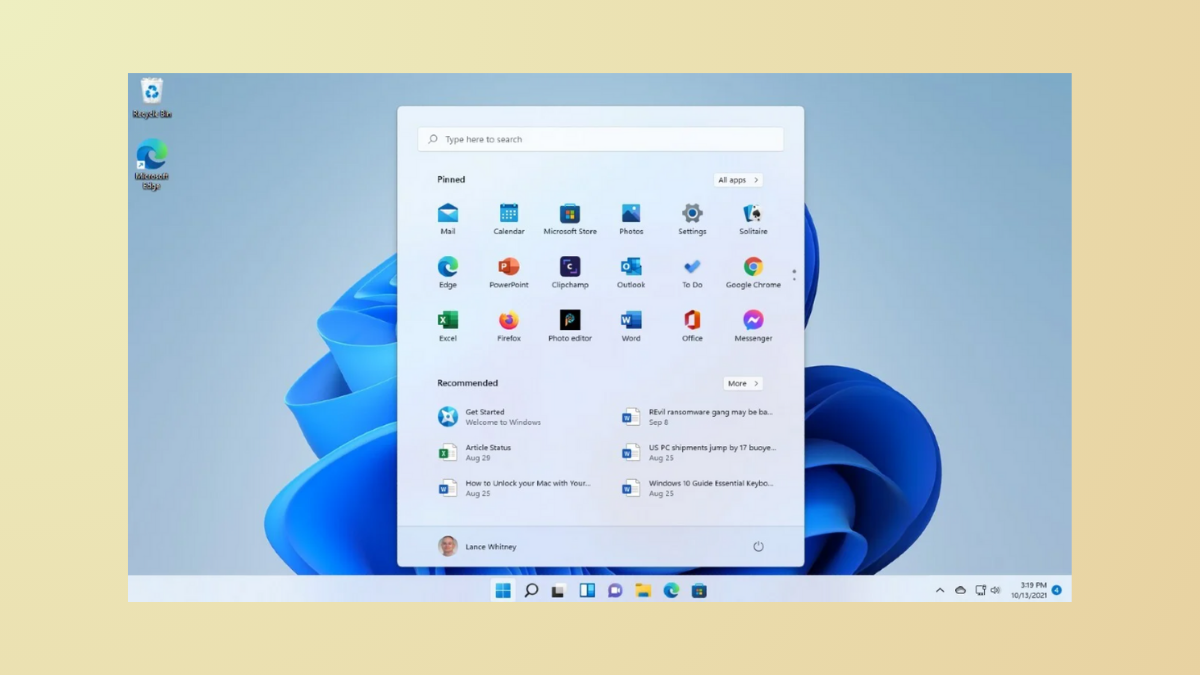
Lock Start Menu Layout in Windows 11
Prevent users from modifying the Start menu layout in Windows 11 using Group Policy, Registry Editor, and configuration files.
-
Fix Yellow Tint on Screen in Windows 11
Resolve yellowish display issues in Windows 11 by adjusting system settings, color profiles, and drivers for accurate screen colors.
-
Fix Services.msc Not Opening on Windows 11
Resolve issues preventing Services.msc from launching in Windows 11 and restore access to essential system services.
-

Check Network Adapter Speed in Windows 11
Learn various methods to view and troubleshoot your network adapter connection speed in Windows 11 using Settings, Control Panel, PowerShell, and Task Manager.