
Category
Windows
Windows 11, Windows 10, troubleshooting, and tips for power users.
-

Fix Failing to Multiboot OpenBSD Stuck at Partitions and Linux GRUB
Resolve boot and partitioning issues when setting up OpenBSD alongside Linux using GRUB for a seamless multiboot experience.
-

Increase Root Partition Size With Free Disk Space in Linux
Expand your Linux root partition using available unallocated disk space to prevent storage issues and ensure system stability.
-
Remount bindfs With New Mapping and Address Potential Side Effects
Remount bindfs file systems with updated user or group mappings while minimizing the risks of permission issues or data access problems.
-
Fix x-systemd.automount and noauto Causing CIFS Mount to Ignore uid/gid and Mount as Root
Resolve issues where CIFS mounts with x-systemd.automount and noauto options disregard uid/gid settings and mount shares as root instead of the intended user.
-
Set a Trap to Print the Name and Exit Status of Each Function as It’s Executed
Monitor shell script execution by automatically displaying each function’s name and exit status as functions run.
-

Enable 5G WiFi in AP Mode When All 5G Frequencies Show “No IR”
Resolve the “no IR” (no Initiate Radiation) restriction on 5G WiFi channels to activate 5G access point mode on your device.
-

Stop /var/log/sa Filling Up With “sa” Files in RHEL 8
Prevent excessive disk usage by managing or disabling sysstat’s “sa” log file generation in Red Hat Enterprise Linux 8 systems.
-
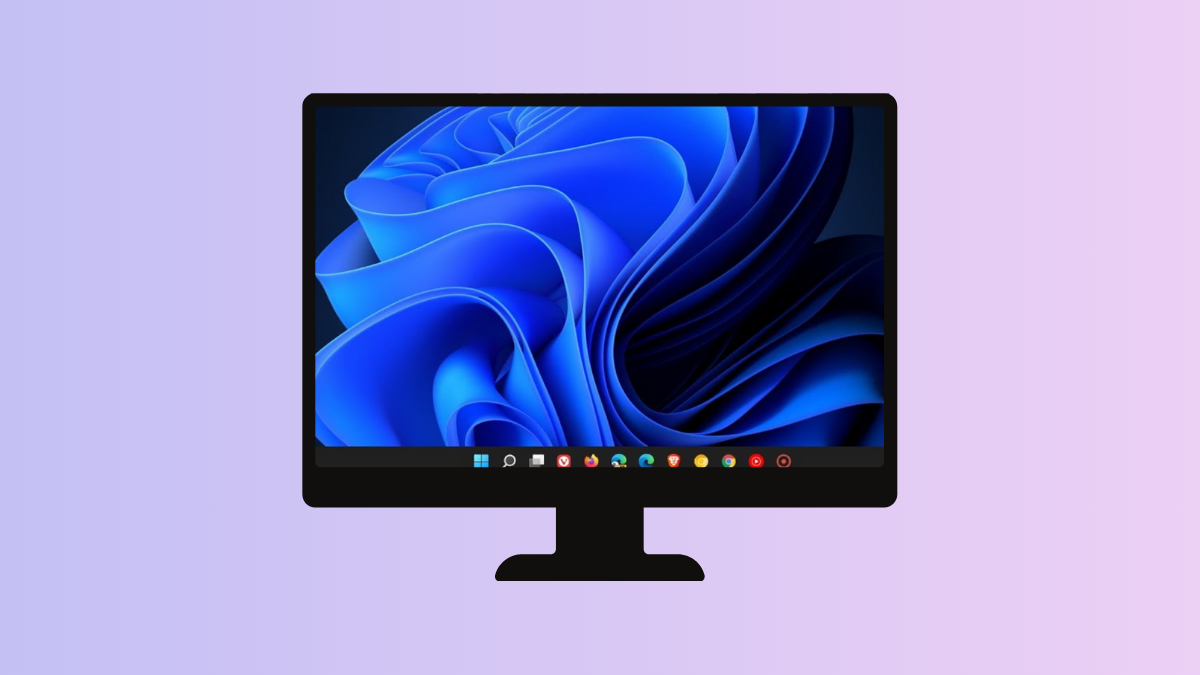
Make Windows Taskbar Completely Black
Set your Windows taskbar to a solid black color using built-in settings and alternative methods for a consistent, distraction-free desktop appearance.
-

Use 3rd Party Software for Tagging Folders
Organize and locate your folders quickly by applying custom tags with third-party software solutions.
-

Make Right Earphone Louder Than Left One
Adjust audio balance and troubleshoot hardware issues to increase the volume in your right earphone compared to the left.