
Category
Windows
Windows 11, Windows 10, troubleshooting, and tips for power users.
-

Fix gcloud CLI Permission Denied Error When Moving Project Between Organizations
Resolve permission issues in the gcloud CLI to successfully transfer a Google Cloud project from one organization to another.
-

Disable EFS Encryption for Every Active Directory User via Group Policy
Prevent users from encrypting files with Encrypting File System (EFS) across your organization by configuring Group Policy settings in Active Directory.
-

Unwrap Tcpdump PCAP by Piping and Forwarding Raw Packet Data
Forward raw packet data from tcpdump PCAP files by piping output for direct analysis or processing in real time.
-
Resolve Read Access Denied on System Volume Information Directory for Web Deploy When Running as Administrator
Address permission errors on the System Volume Information directory during Web Deploy operations, even when using administrative privileges.
-

Resolve SSH “REMOTE HOST IDENTIFICATION HAS CHANGED” Error When Using a Port Specifier
Fix the SSH host key mismatch error that appears when connecting to a non-default port by updating or clearing outdated host key entries.
-

Set Up Highly Available HAProxy and Keepalived NAT Gateways with Virtual IP for Private Kubernetes Cluster on VMware ESXi
Configure robust, fault-tolerant network access for your private Kubernetes cluster in a VMware ESXi environment using HAProxy and Keepalived with a Virtual IP.
-

Bypass OOBE During Windows 11 Packer Build on AVD
Streamline Windows 11 image creation for Azure Virtual Desktop by skipping the Out-of-Box Experience (OOBE) using Packer automation.
-

Resolve Mac Ventura Can’t Access Symlinked Folders on Network File Share Hosted by Windows Server 2016
Fix issues with Mac Ventura failing to open or display symlinked directories on SMB shares from Windows Server 2016.
-
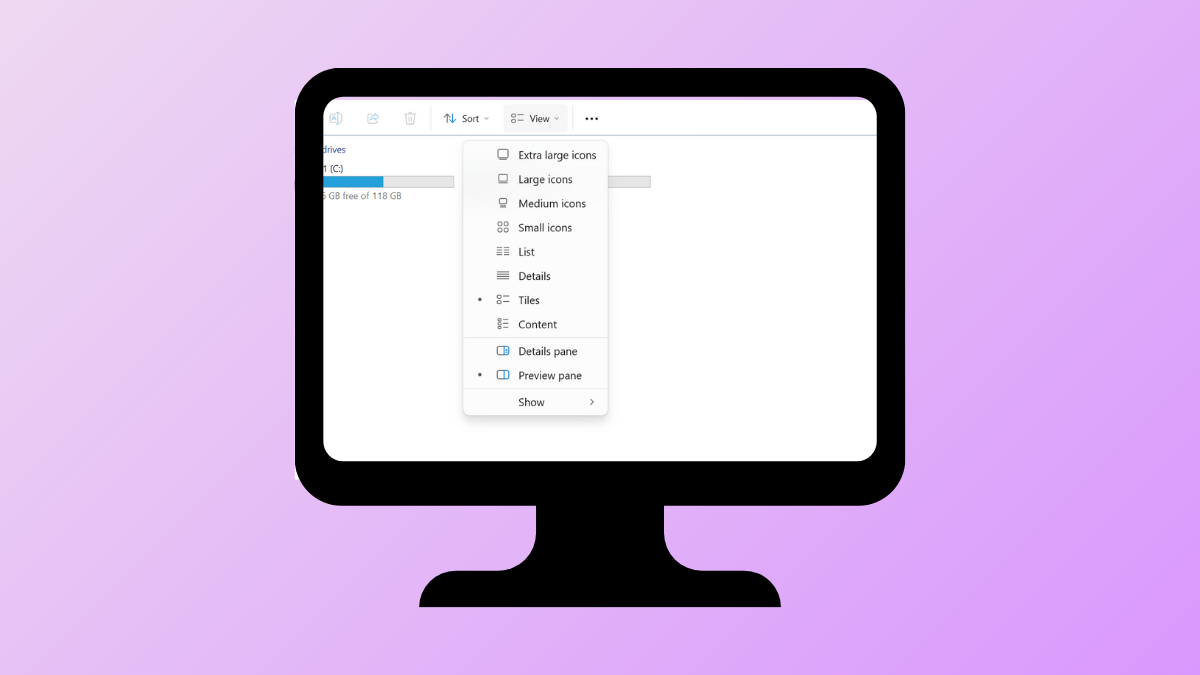
Fix Dropdown Menus Not Working in Windows 11
Resolve unresponsive or missing dropdown menus in Windows 11 with multiple troubleshooting and repair methods.
-

Fix Missing Codec Error 0xc004f011 in Windows 11
Resolve playback issues caused by missing codecs in Windows 11 with detailed solutions to restore video and audio functionality.