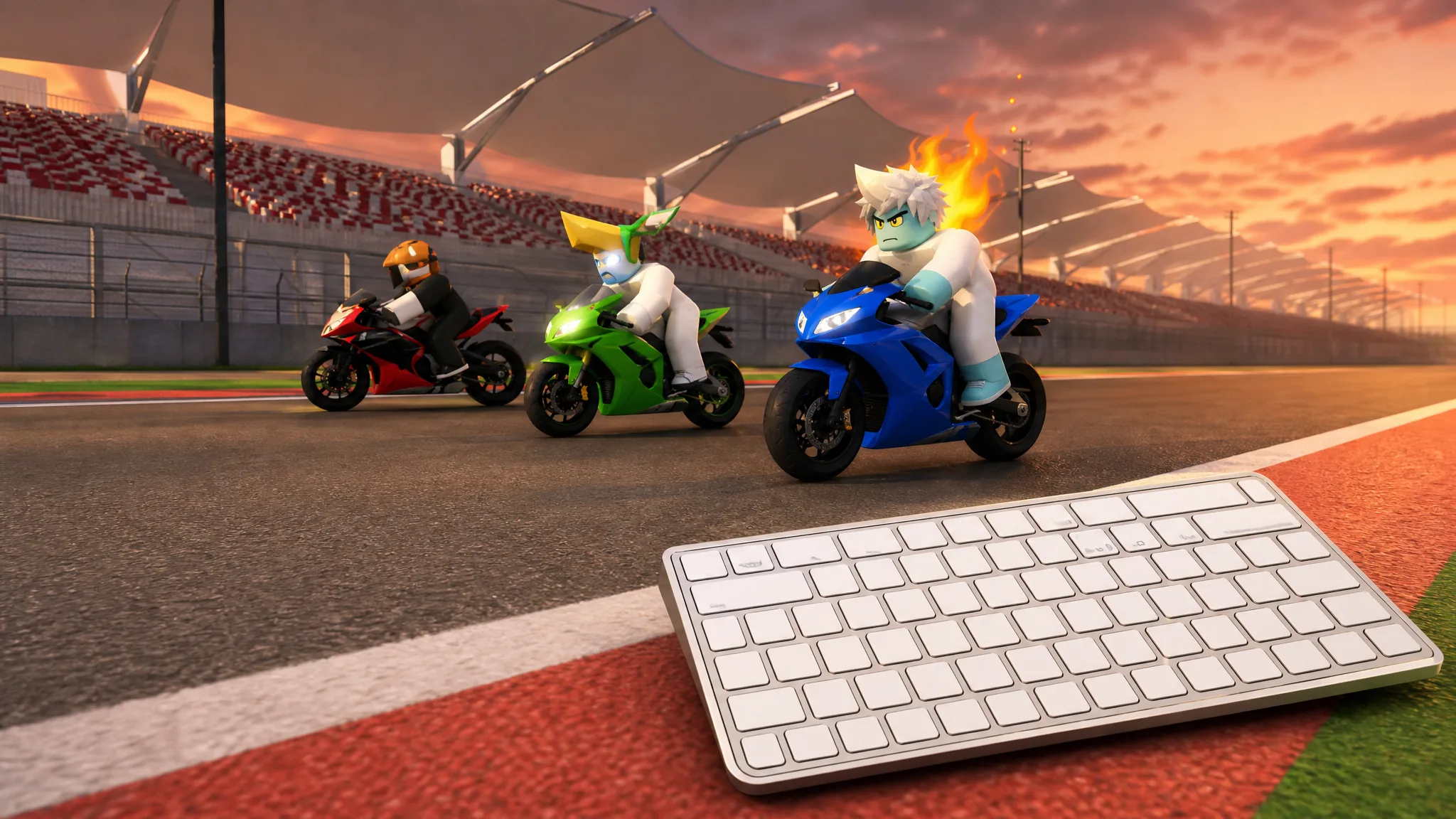
Drag Drive Simulator runs on a proper manual gearbox, so the keys you press matter as much as the vehicle you buy. The core movement controls are simple, but the shifting, signaling, and recovery inputs are where new players lose time. Here is the complete keyboard layout for driving, interacting, and running vehicle functions on PC.
Quick answer: Drive with W/A/S/D, shift up with E and down with Q, toggle headlights with L, parking with P, horn with H, left/right indicators with Z/C, hazards with X, and pull a wheelie on a motorcycle with T.
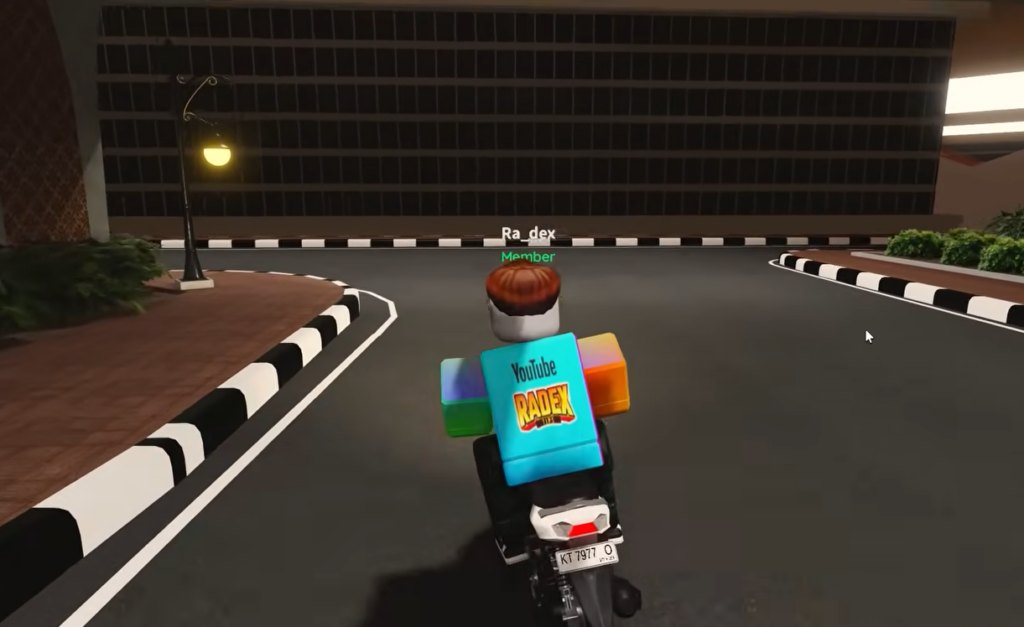
Full keyboard controls (PC)
Every driving, lighting, and function input on PC is mapped below. Memorize the movement and shift keys first, since those decide most races off the line.
| Key | Action |
|---|---|
| W / A / S / D | Accelerate, steer left, brake and reverse, steer right |
| E | Interact with prompts, and shift up one gear while driving |
| Q | Shift down one gear |
| E + P | Jump straight to top gear |
| Q + P | Drop straight to neutral |
| M | Toggle manual-clutch mode |
| Shift | Handbrake |
| Spacebar | Jump while on foot |
| L | Toggle headlights on and off |
| P | Toggle parking mode |
| H | Sound the horn |
| Z | Left turn signal |
| C | Right turn signal |
| X | Hazard lights (both blinkers at once) |
| T | Wheelie (motorcycle only) |
| V | First-person view |
E doubles up. It confirms on-screen prompts, like opening a dealership, and it also shifts up a gear once you are moving. Watch the RPM bar rather than the speedometer and shift up with E the instant before the bar fills fully red, so you stay in the power band instead of bouncing off the limiter.
Lights, signals, and horn
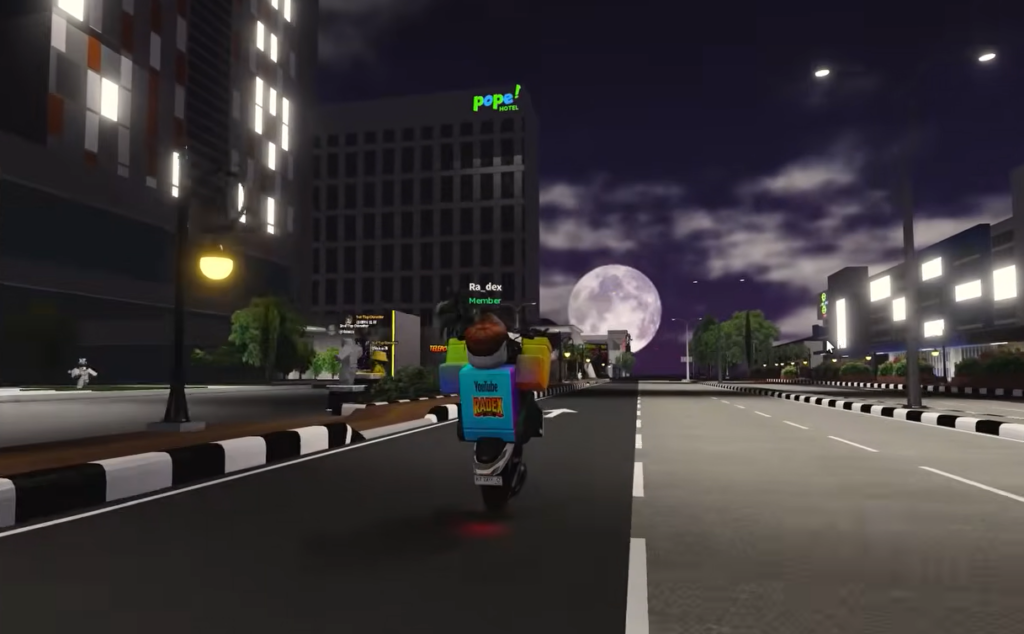
These inputs handle everything on the vehicle exterior. L turns your headlights on or off. H sounds the horn. For turn signals, Z flashes the left blinker and C flashes the right. Pressing X triggers hazard lights, which flash both blinkers together. Parking mode toggles with P.
Motorcycle wheelie
The wheelie is bike-only. While riding a motorcycle, press T to lift the front wheel. It does nothing in a car, so this input only appears when you are on two wheels.
Spawning a vehicle and recovering
Vehicles are not bound to a keyboard shortcut. To bring one out, click the key icon on the screen, then pick the vehicle you want from the spawner list.
Two recovery actions fix the most common problems. If your vehicle gets stuck on terrain, press the on-screen exit or respawn icon to reset it. If your character falls off a motorcycle, tap the jump input to remount and keep going.
Console and mobile controls
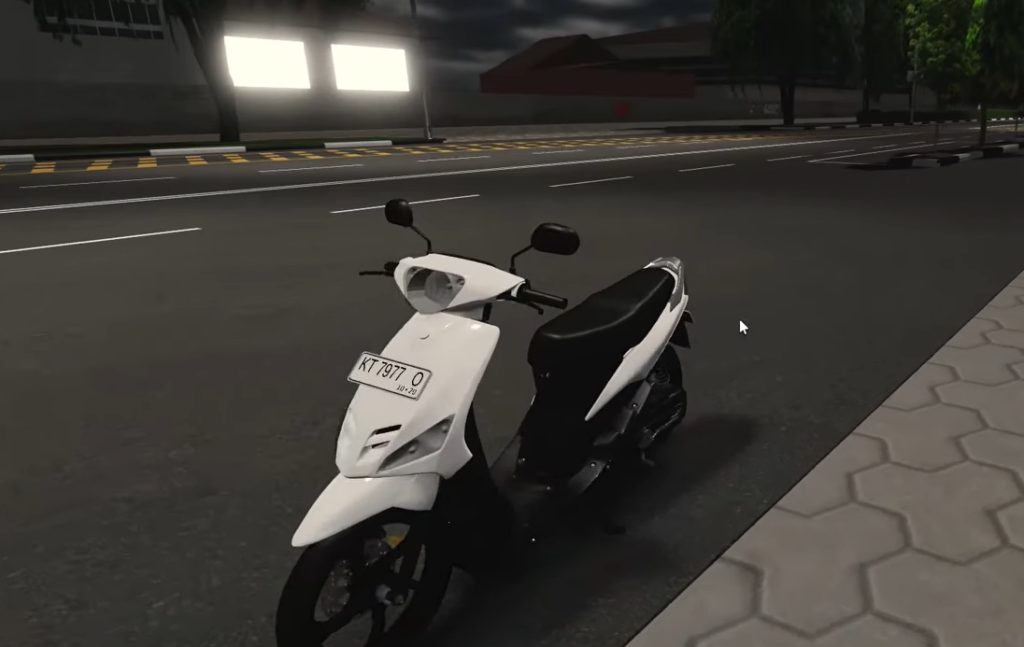
On PlayStation, the shift-up, shift-down, and clutch flow works the same as on PC, only the input method changes. Use the touchpad and D-pad to move around on-screen menus, and the right analog stick to zoom the camera in and out. Press the Options button to open the Roblox system menu, where you can toggle voice chat or lower graphics quality if races start to lag.
On mobile, the same driving actions appear as on-screen buttons. Shifting, the clutch, headlights, signals, and the wheelie are all mapped to touch controls, so the sequence you learn on keyboard carries over directly.
Get comfortable with the shift keys in free roam before you queue a Tournament Drag Race. Once your gear changes and launches are consistent, the rest of the controls stay the same no matter which car or bike you take to Sentul Circuit.