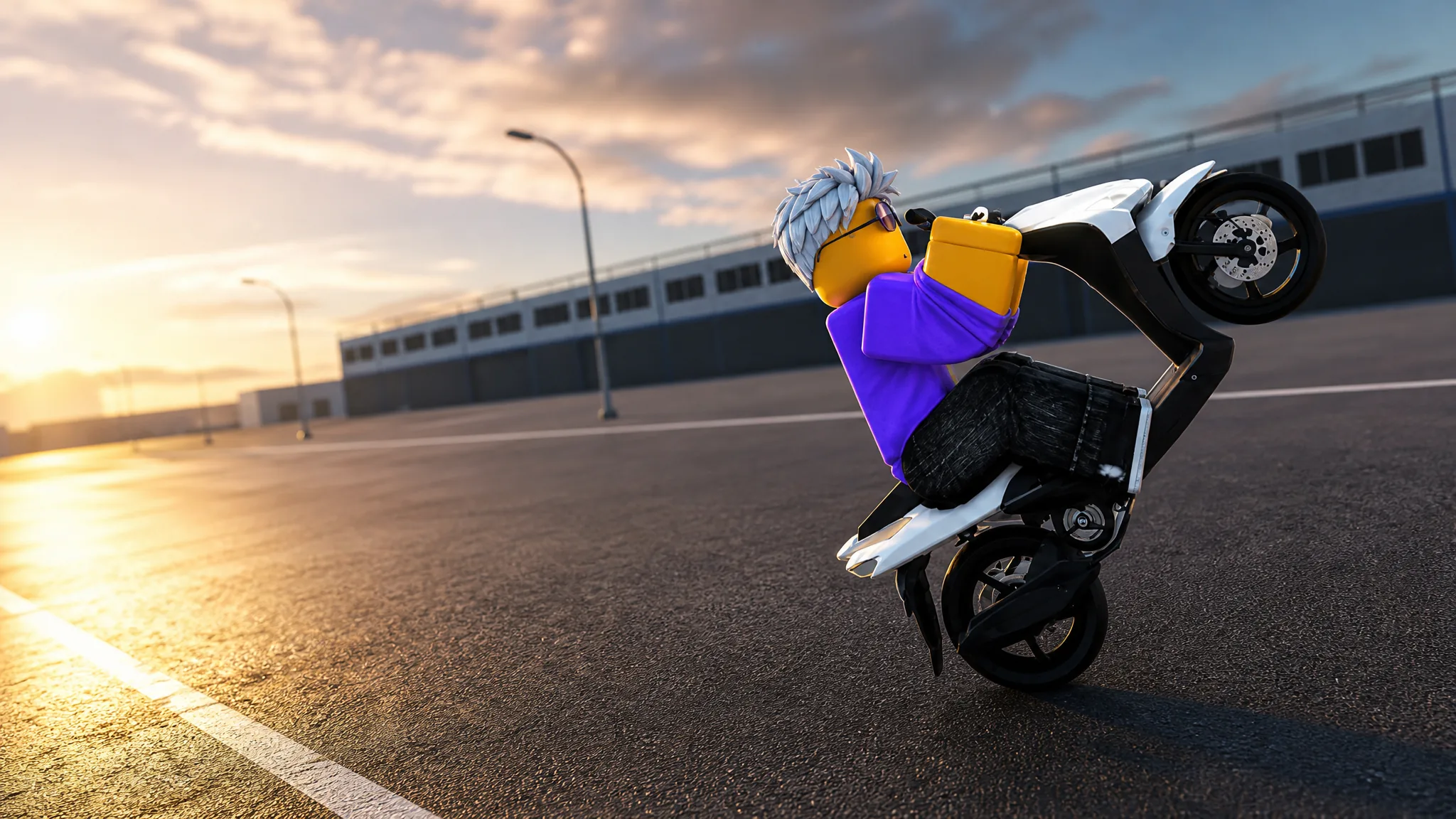
Pulling a clean wheelie in Drag Drive Simulator comes down to timing, not luck. The front wheel lifts when the rear tire gets a sudden burst of power while your weight shifts backward. Get the clutch drop and lean-back input in sync, and the bike rides up smoothly instead of stalling or backflipping.
Quick answer: On PC, hold W to build power, hold the clutch, shift into first gear, hold the lean-back input, then quickly release the clutch while keeping throttle and lean-back pressed. On mobile, hold the throttle, hold the clutch, shift to first, press the lean-back button, then release the clutch.
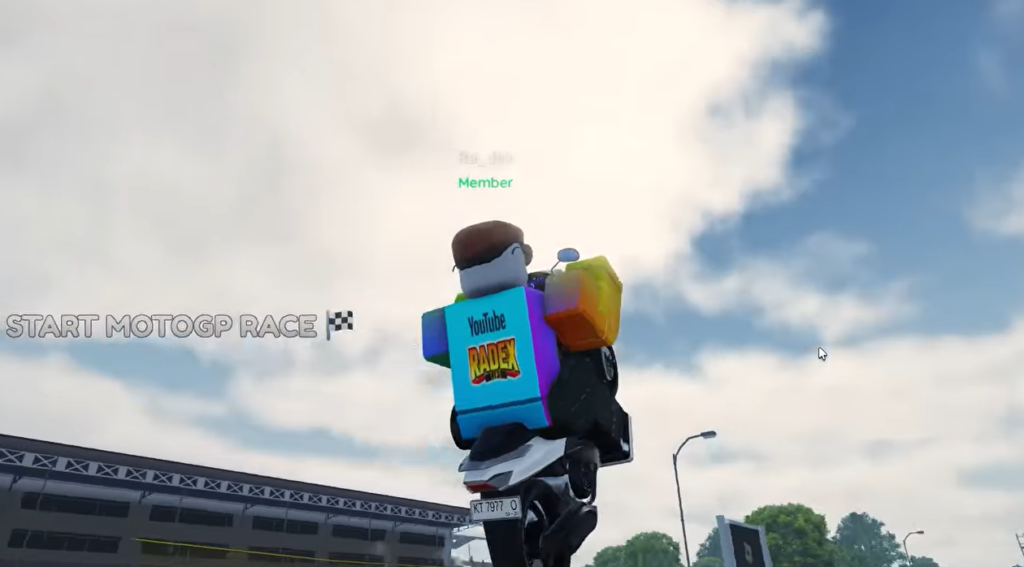
What a wheelie needs to work
A wheelie is the product of six things working together. If any one of them is off, the front wheel either refuses to rise or the bike rotates too far and flips.
- Throttle — full power applied and held.
- Clutch timing — a quick, controlled release to snap power to the rear wheel.
- Gear — first gear gives the strongest lift.
- Engine power and torque — enough grunt to rotate the bike upward.
- Weight balance — mass shifted toward the rear so the front lifts easily.
Wheelie on PC (clutch method)
W to build engine power. Let the revs climb before you do anything else so there is force ready when the clutch drops.Shift or Control depending on your control layout. Keep it pressed to hold power back for a moment.T, S, or the Down Arrow. Holding it shifts weight toward the rear.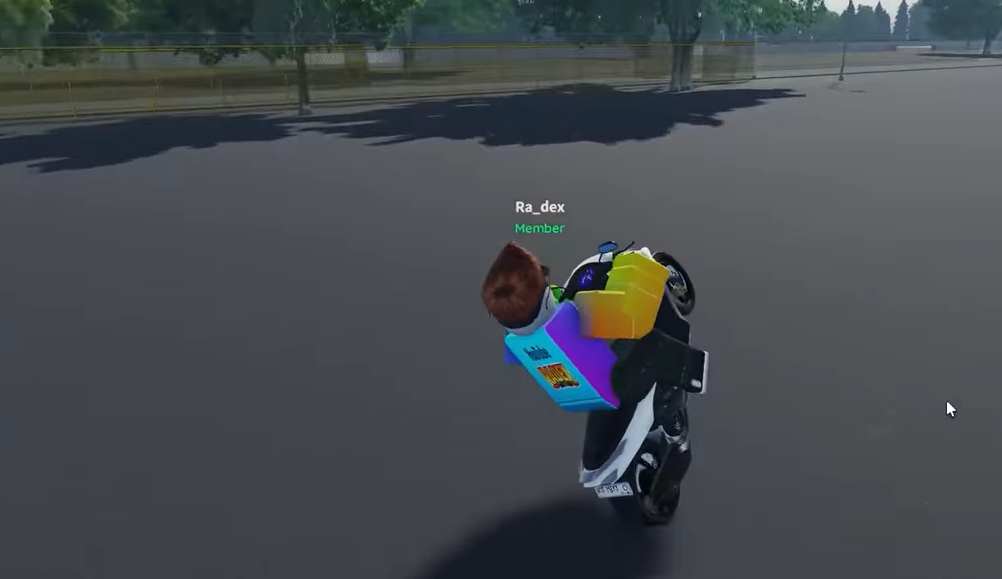
Simple two-key wheelie and the lock trick
On lighter vehicles you can start a wheelie by pressing W and T at the same time once you are rolling. The front wheel lifts as speed builds.
To hold the wheelie without keeping the keys pressed, hold T and then tap ESC. The Roblox menu appears briefly, and after you resume the bike keeps wheeling on its own. Expect to lose balance eventually, so be ready to correct or crash.
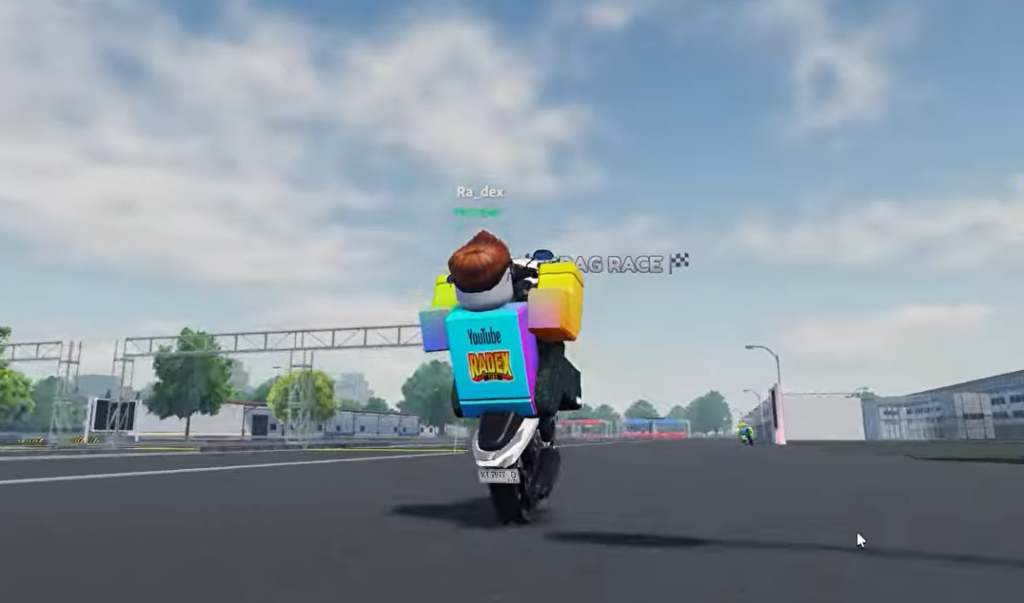
Wheelie on mobile
Tune the bike for easier wheelies
If the front end fights you, the setup matters as much as the inputs. These adjustments make the wheel lift with less effort.
| Setting | Change | Effect |
|---|---|---|
| Torque | Increase | Stronger acceleration from a standstill for a quicker lift. |
| Rear suspension | Soften | Transfers more weight to the back during acceleration. |
| Front-end weight | Reduce | Makes it easier for the bike to rotate upward. |
| Engine power | Increase | Improves launches and clutch-drop wheelies. |
Fix a wheelie that won’t lift or keeps flipping
Two failures are common. Either the front wheel stays glued to the ground, or the bike rotates too far and backflips. Each has a short list of causes.
| Problem | What to fix |
|---|---|
| Bike does not lift | Check engine power and torque upgrades, tighten your clutch release timing, and hold the lean-back input longer. |
| Bike backflips | Release the clutch more smoothly, ease off the throttle, shorten the lean-back duration, or stiffen the rear suspension. |
How to know it worked
The wheelie has landed when the front wheel is off the ground and the bike balances on the rear tire while still moving forward. On PC, if you used the ESC lock trick, the bike keeps wheeling after you resume without holding any keys. On mobile, the wheel stays up only while the wheelie button is pressed. Practice on an open, empty road first so you have room to catch the balance before the front end drops or the bike tips over.