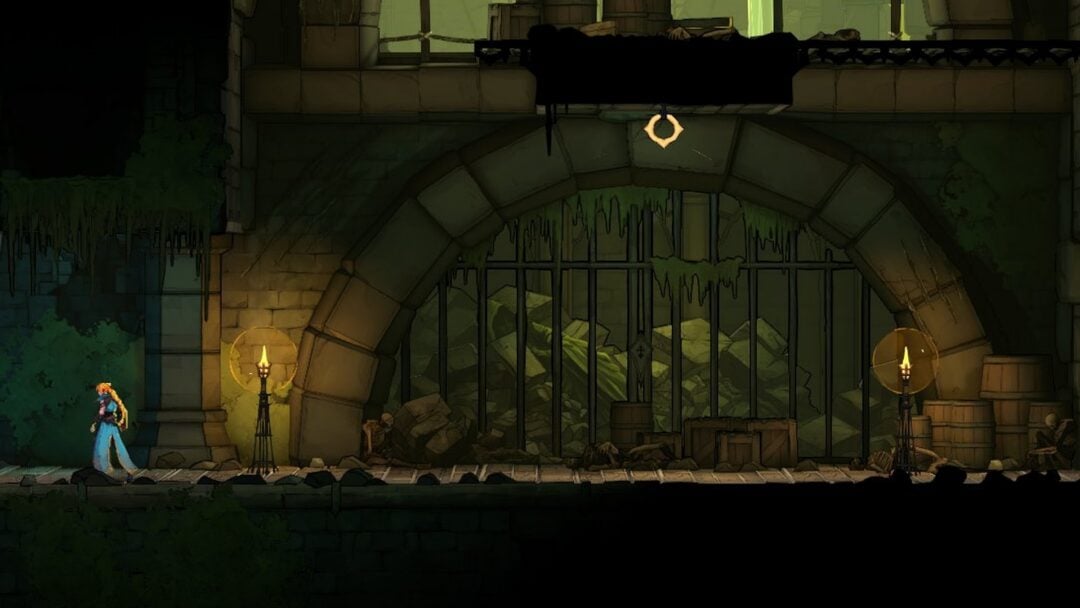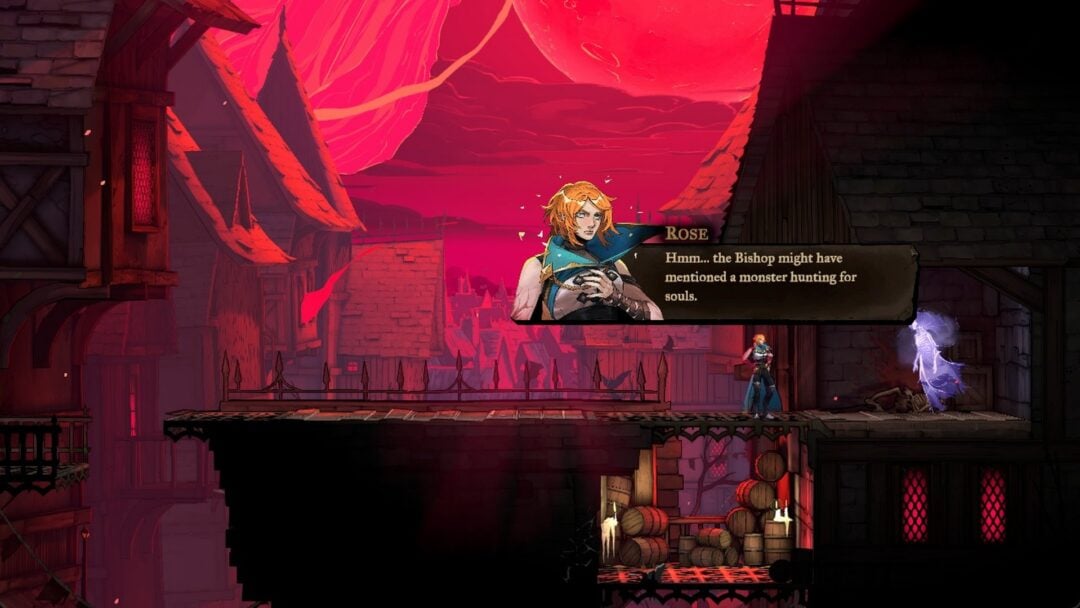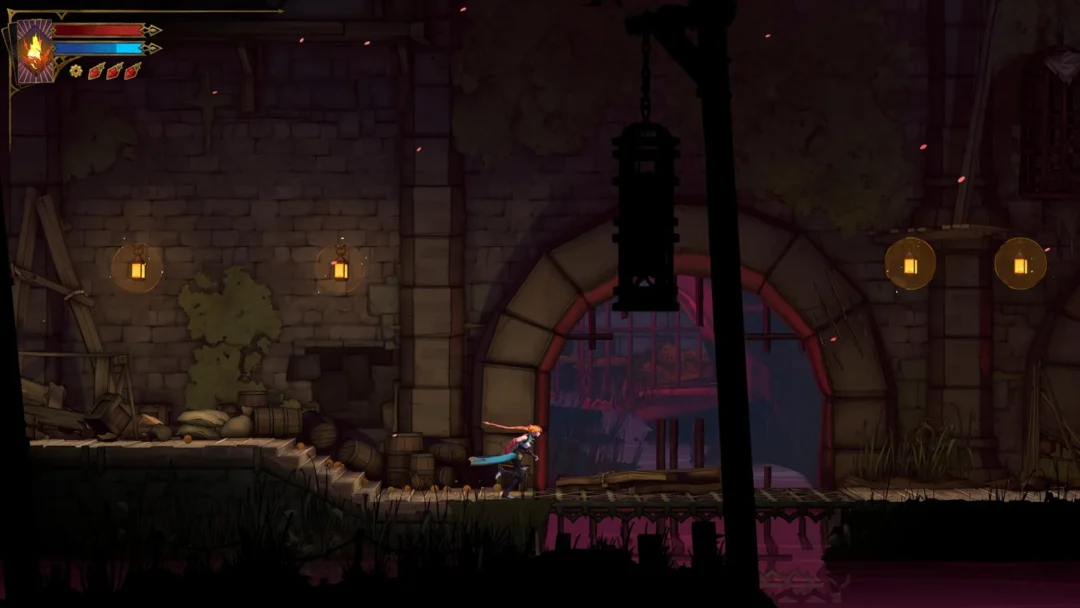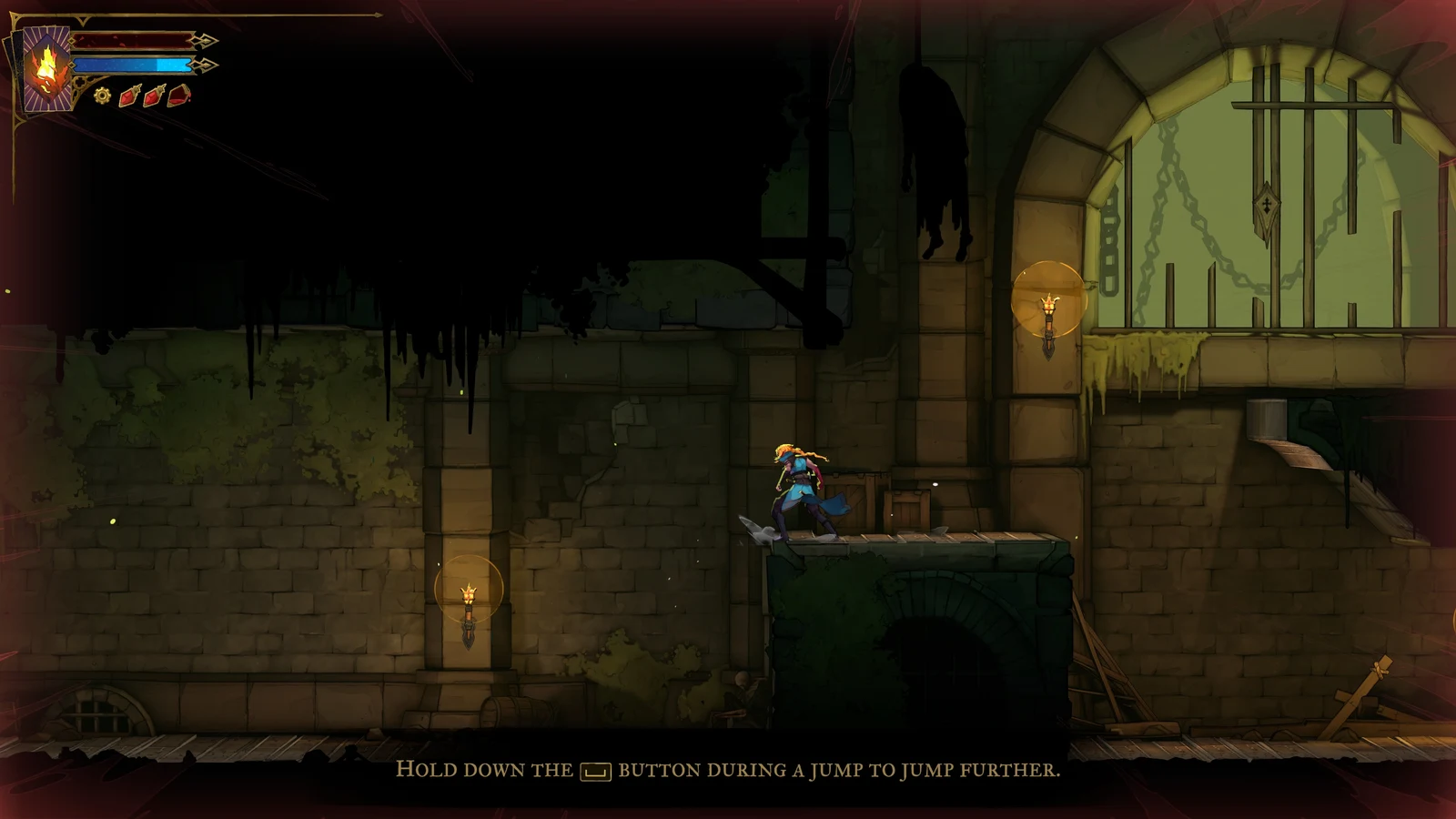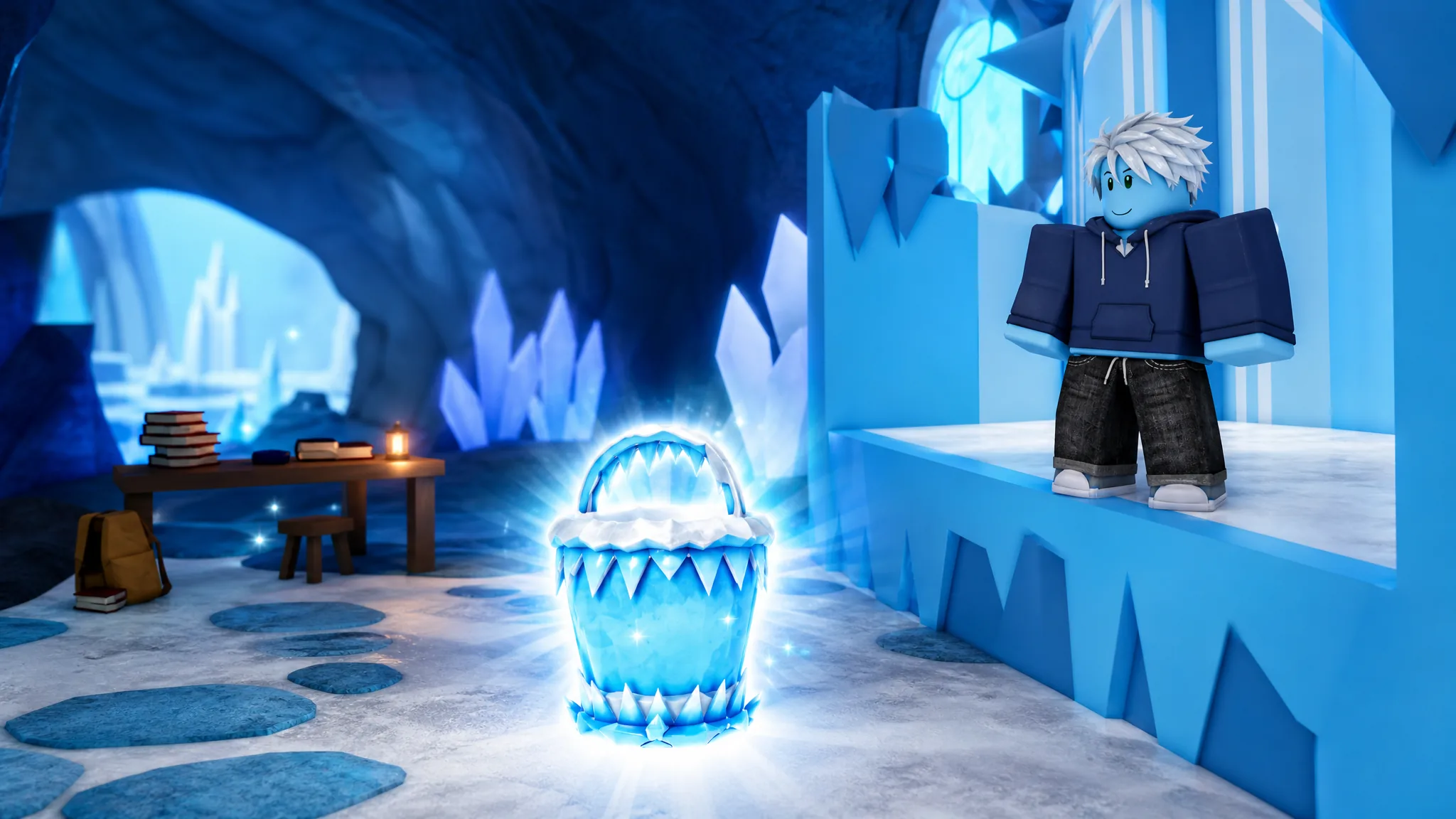
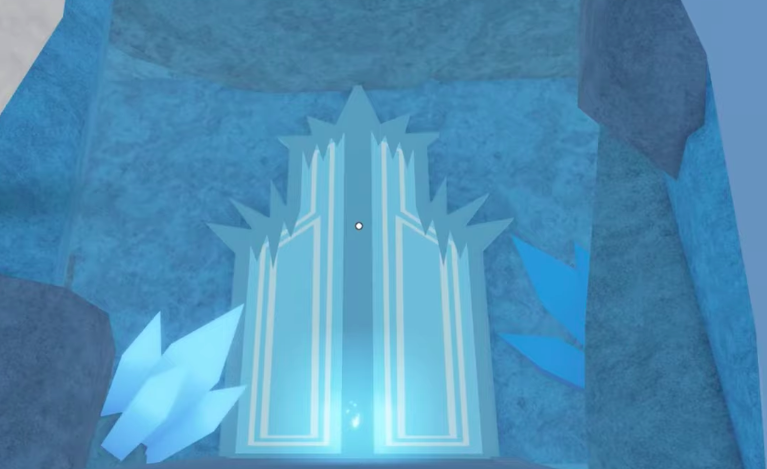
The Frozen Bucket is a Legendary bucket in Drain the Lake, and it is locked behind a hidden route rather than the shop or the Skill Tree. To claim it, you need to find a secret journal on a randomly spawning frozen floor, then reach the door tucked behind Checkpoint 8. Both parts have to happen in the same run for the door to work.
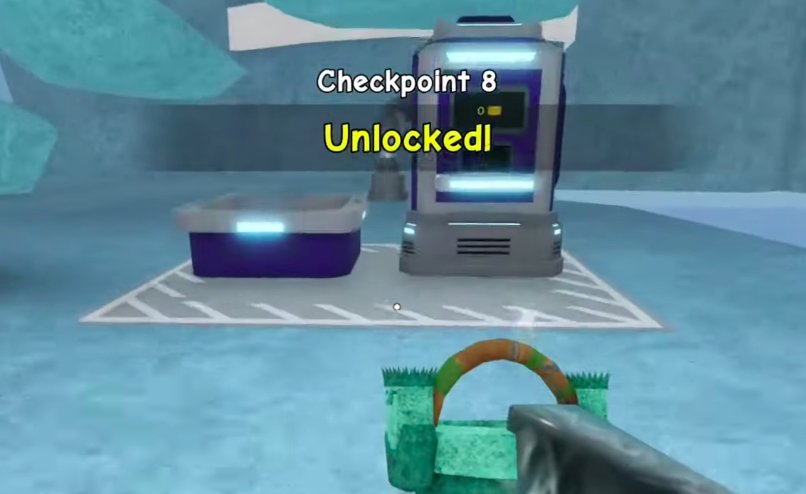
Quick answer: Drain past Stage 5 until the frozen floor spawns, collect the journal from the wooden table on it, keep draining to Checkpoint 8 (Depth 789m), then interact with the giant ice door behind that stage to trigger the cutscene and unlock the bucket.
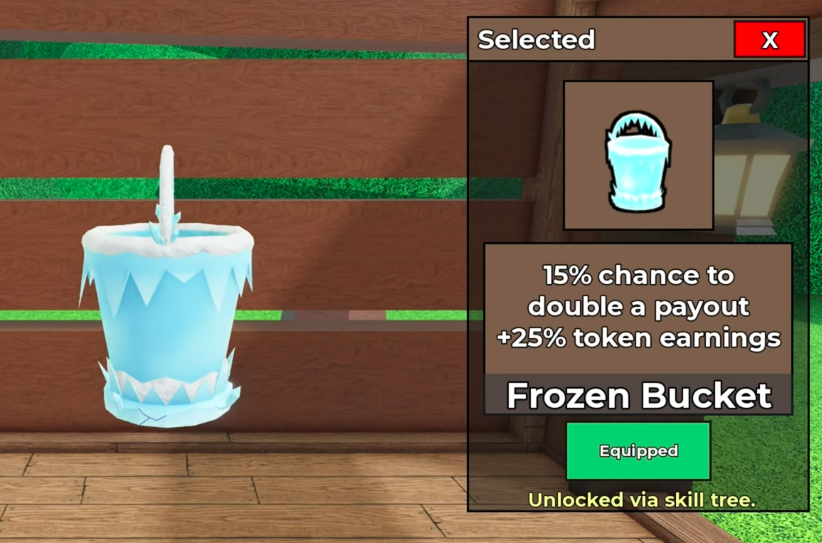
What the Frozen Bucket does
The Frozen Bucket sits in the Legendary rarity tier alongside buckets like the Jewel, Trident, and Angler Bucket. Its value comes from two stacked bonuses that reward you every time you pour water out at the drain station.
| Property | Detail |
|---|---|
| Rarity | Legendary |
| Payout bonus | 15% chance to double a payout |
| Token bonus | +25% token earnings |
| Unlock method | Secret ice door behind Checkpoint 8 |
| Badge awarded | Frozen Throne |
Find the frozen floor and grab the journal
The frozen floor only starts appearing after you pass Stage 5, and its spawn is random. On top of that, the journal itself does not appear every time the floor shows up, so you may need more than one run to line both up.
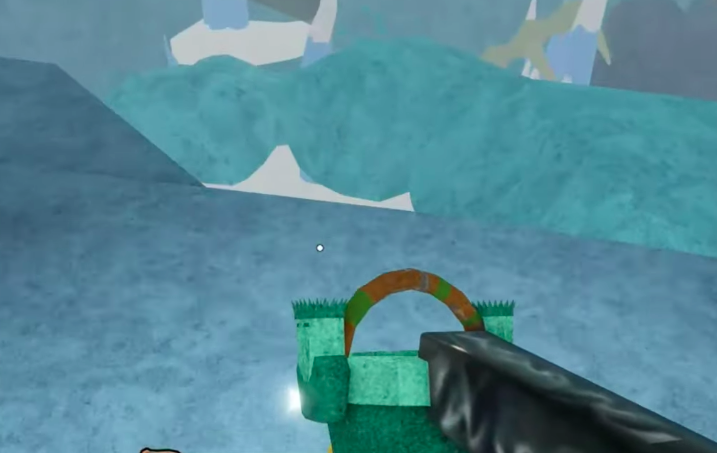
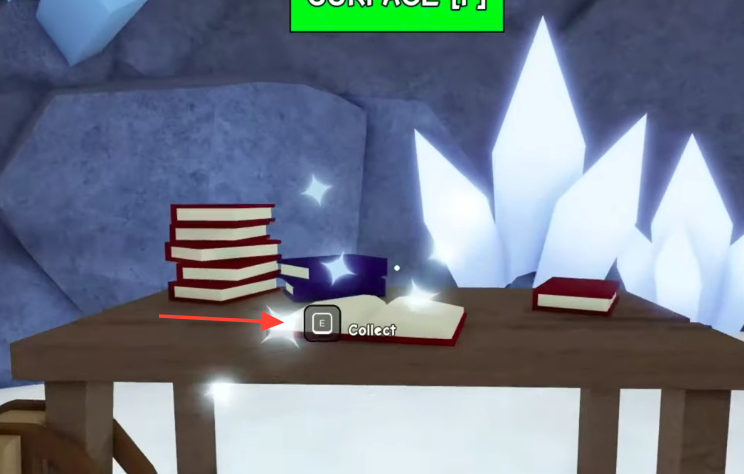
If the frozen floor spawns but the table has no journal on it, that run cannot unlock the bucket. Reset and drain again until both the floor and the journal appear.
Reach Checkpoint 8 and open the ice door
With the journal collected, the goal shifts to getting deep enough to reach the hidden door. Draining continues to lower the water and open the next area, so keep the fill-drain loop going.
How to confirm the unlock
After you interact with the ice door, a cutscene plays showing the Frozen Throne area, and the game awards you the “Frozen Throne” badge. That badge is your proof the process worked.
Once the cutscene finishes, open the Buckets menu. The Frozen Bucket now appears in your inventory with its Legendary tag and its bonuses listed, ready to equip. If it shows there and the Frozen Throne badge is on your profile, the unlock is complete.
If the door does not respond with the “End Run” prompt, the most common reason is that you reached Checkpoint 8 without collecting the journal earlier in the same run. Restart, secure the journal on the frozen floor first, and only then head for the door.