Update 2 for Dungeon Lootr reshuffles the class meta, adds a new airship-based Payload mode with its own currency and shop, and hands the Forge a way to protect stats you already rolled. It is squarely a mid-game patch: the strongest additions sit around gear progression rather than a new endgame raid.
Quick answer: Update 2 nerfs Toji and Asta, buffs Hellfiend, Embertide and Dragoon, and opens Payload on Floating Aisles at Level 40+ for Aether Marks.
Class buffs and nerfs in Update 2
The balance pass targets the classes that had been running the meta and lifts several that were sitting below them. Damage multipliers came down on the top end, while cooldowns went up, which changes how often those kits can cycle their best skills.
| Class | Direction | What changed |
|---|---|---|
| Toji | Nerf | Lower damage, longer cooldowns |
| Asta | Nerf | Lower damage, longer cooldowns |
| Hellfiend | Buff | Faster animations, more damage |
| Embertide | Buff | Faster animations, more damage |
| Dragoon | Buff | Faster animations, more damage |
Faster skill animations matter more than the raw damage numbers on the buffed trio. Shorter wind-ups mean less time rooted in place, which is the difference between landing a full rotation and eating a boss telegraph halfway through it.
For picks that hold up after the pass, Sinister Trigger, Dark Professor and Jackal remain strong. Sinister Trigger has absorbed repeated trimming across patches — its Mastery Passive proc chance and damage multiplier were both cut earlier — yet its Dodge-protected charges keep it in the top group.
Paid class packs in the Shop
Update 2 ships new class content behind Robux bundles. The Shop lists the Moonfall Sovereign Pack at 9,800 Robux and the Moonfall Adept Pack at 1,800 Robux, alongside the Crescent Blade class.
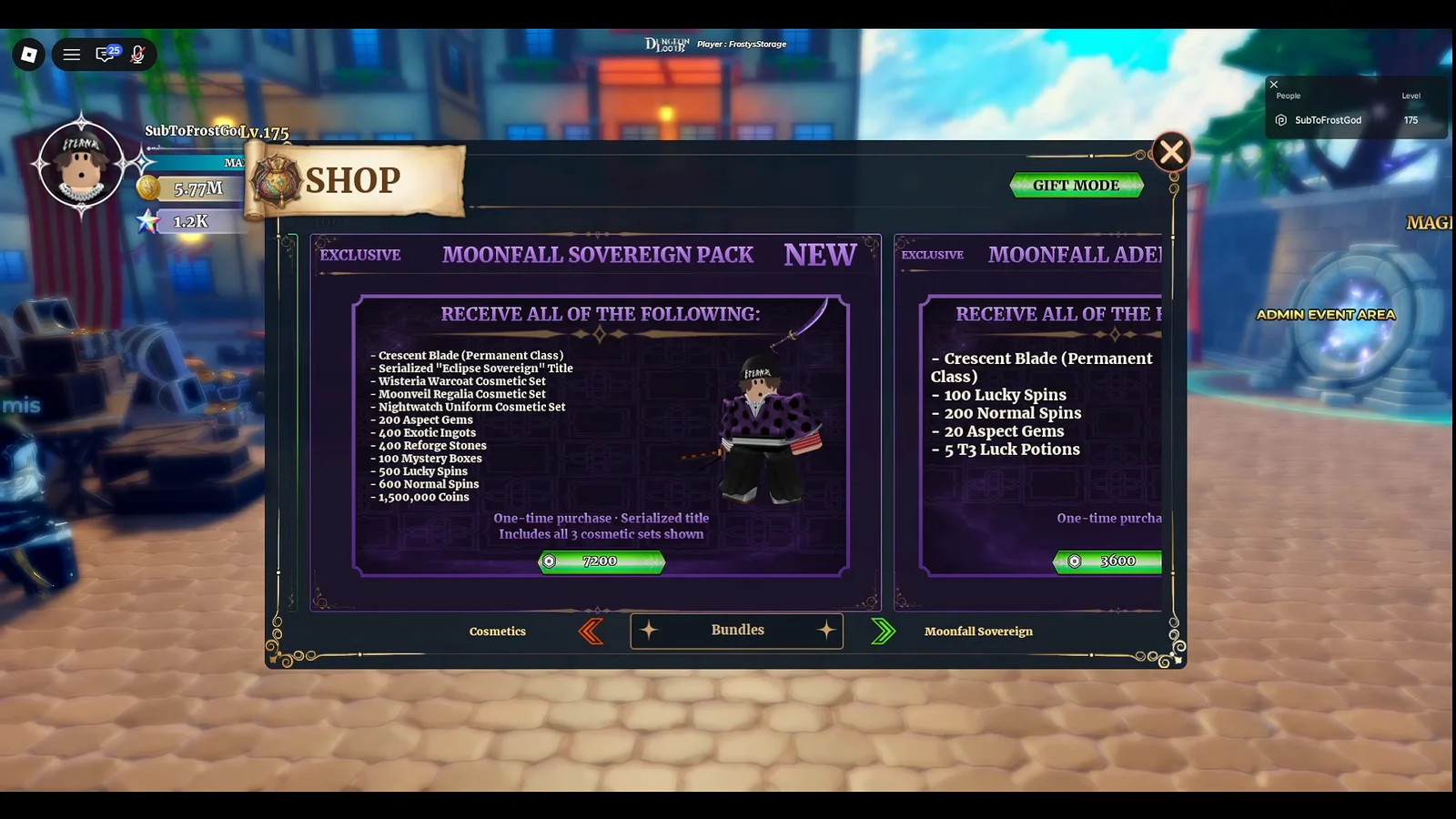
Free questlines were previously promised for Shadow Vagrant, Founder and Coyote in a future update, with no date or steps attached. Treat paid classes as paid until those quests actually appear in the live build.
Payload mode on Floating Aisles: entry, rewards and boss
Payload is a new mode added to the game. You board it from the airship dock, and the run takes place on Floating Aisles with a level gate of Level 40+. The mode offers multiple difficulty settings, pays out Aether Marks, and ends on the boss Torus.
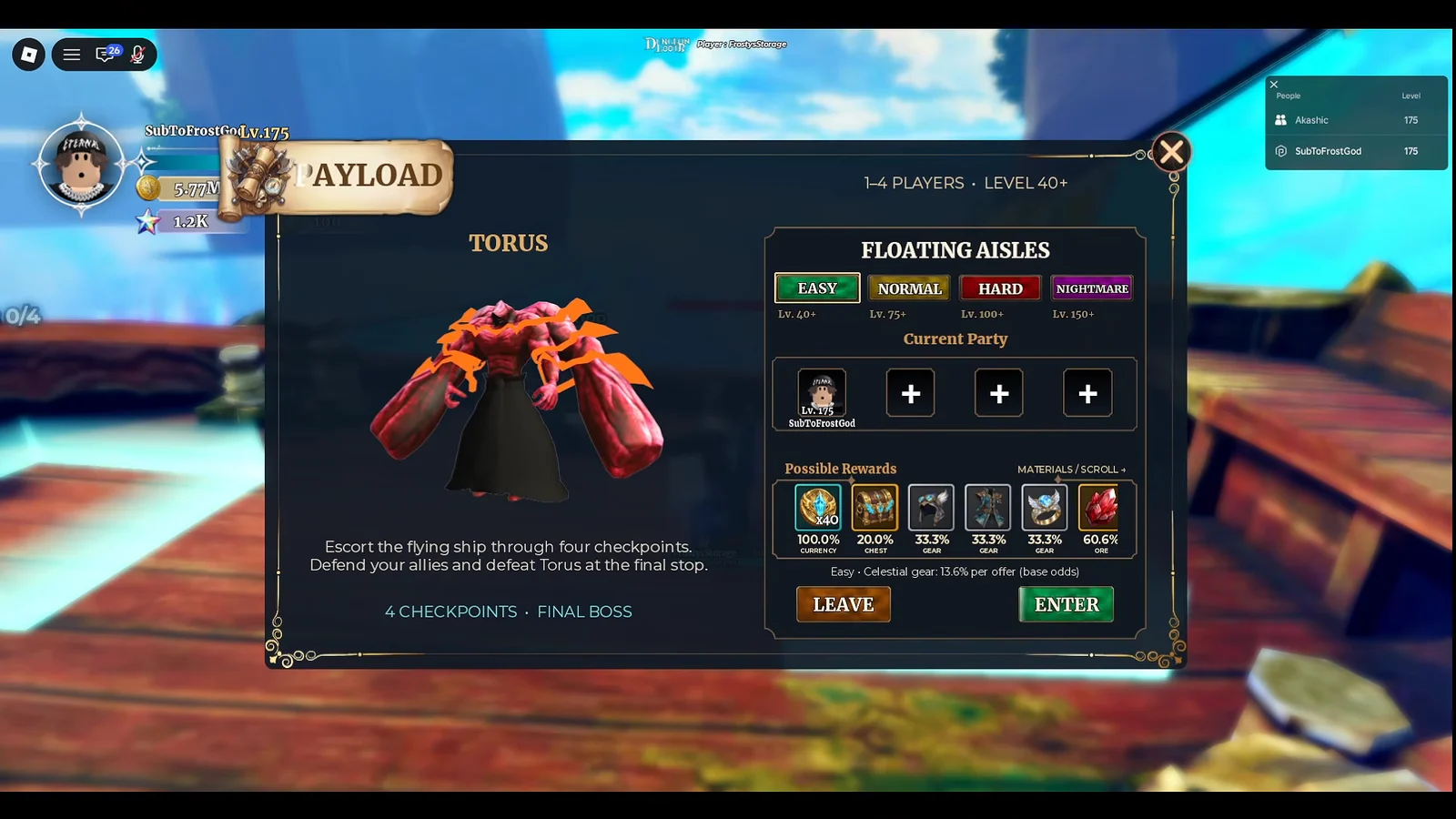
Aether Marks are the mode’s own currency and the only reason to grind it repeatedly. They do not overlap with Aspect Gems or Mage Coins, so budget them separately from anything you already have banked.
What the Payload Shop sells
The Payload Shop sits on the airship and takes Aether Marks. Its stock leans heavily toward gear improvement rather than raw power spikes.
- Affix Seals
- Skyfarer Cache
- Tempest Vault
- Reforge Stones
- Aspect Gems
- Titles and gear pieces
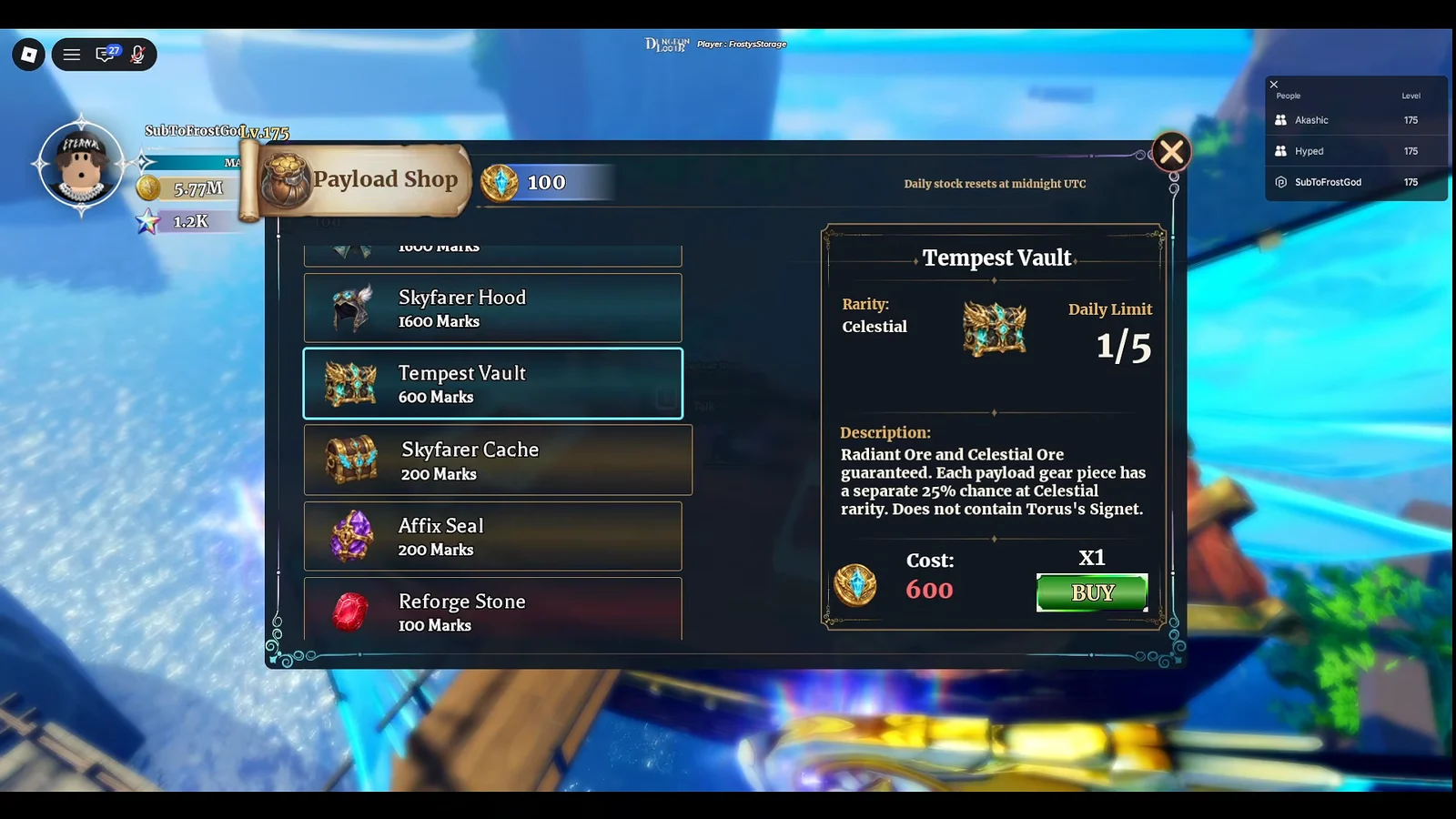
The Fae class is also sold here for 7,500 Marks, which makes it the most expensive single purchase in the rotation and a long-term goal rather than a first-week pickup.
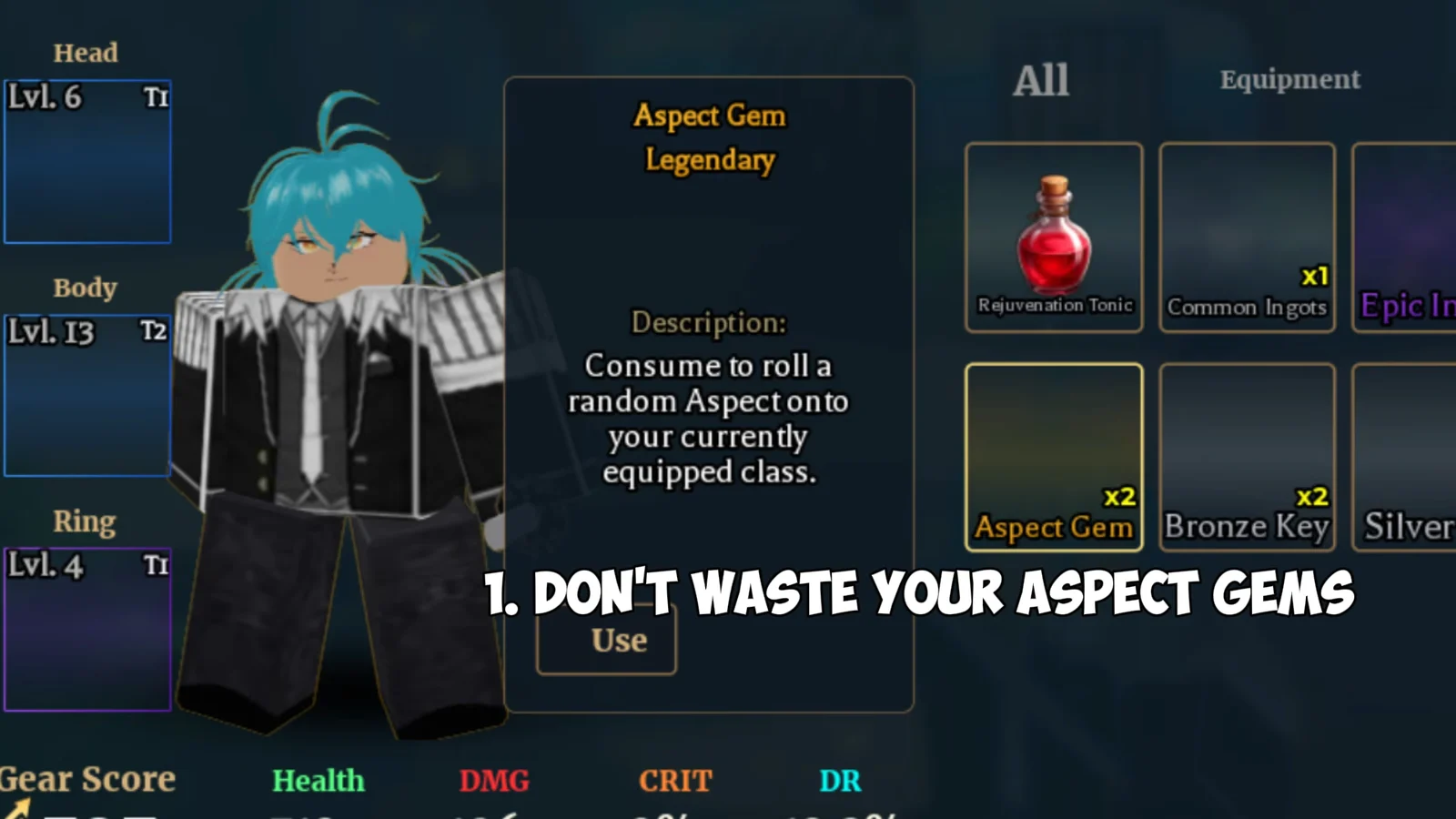
Spend Aspect Gems only on a class you intend to keep. They are scarce enough that dumping them into a mid-tier unit is the most common way players stall their own progression.
Forge affix locks: how to reroll without losing a good stat
Affix Locks are the most practical change in the patch. Inside the Forge, you can mark an affix on a piece of gear so its value is kept while the remaining stats are rerolled. That turns a gamble into a targeted fix.
Reforge Stones and equipment quality
Equipment in Dungeon Lootr carries a quality percentage that you can read directly from the inventory. Reforge Stones change that quality, and the Perfect Reforge Stone is the version to save for a piece you plan to keep long term rather than a stopgap drop.
Pairing a Perfect Reforge Stone with a locked affix is the cleanest use of Payload currency. You fix the stat you care about, then push quality on the same item instead of chasing a whole new drop.
Who Update 2 is actually for
The patch lands hardest for mid-game players who are still leveling gear. Payload gives that group a repeatable loop, and the Forge changes give them something worth spending on. Players already sitting at the endgame get no new raid dungeon out of it.
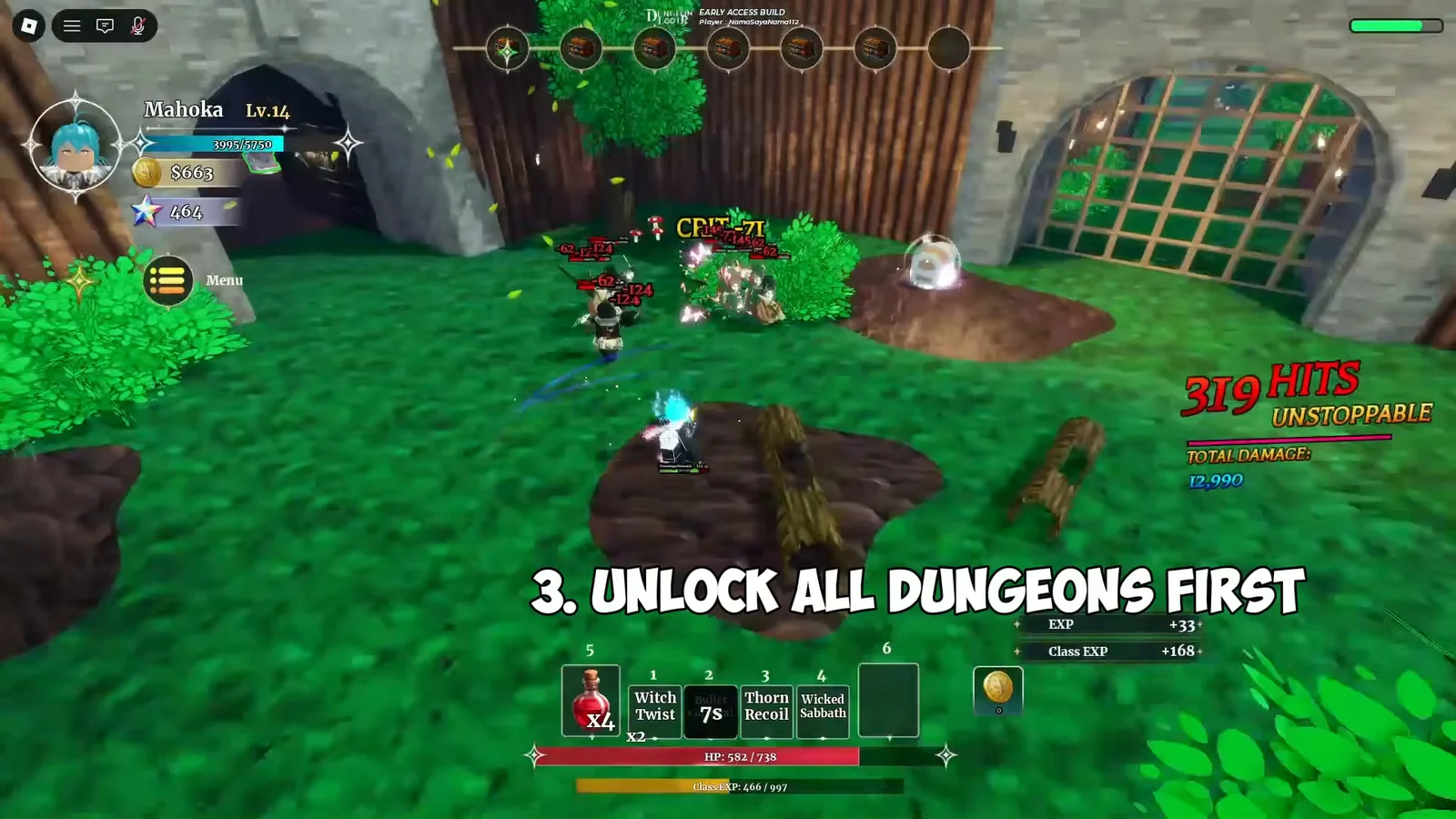
If you are still building out your account, the order of operations has not changed much. Unlock dungeons on easy difficulty before pushing normal or hard, so you have the full map list available before the content starts punishing undergeared runs.
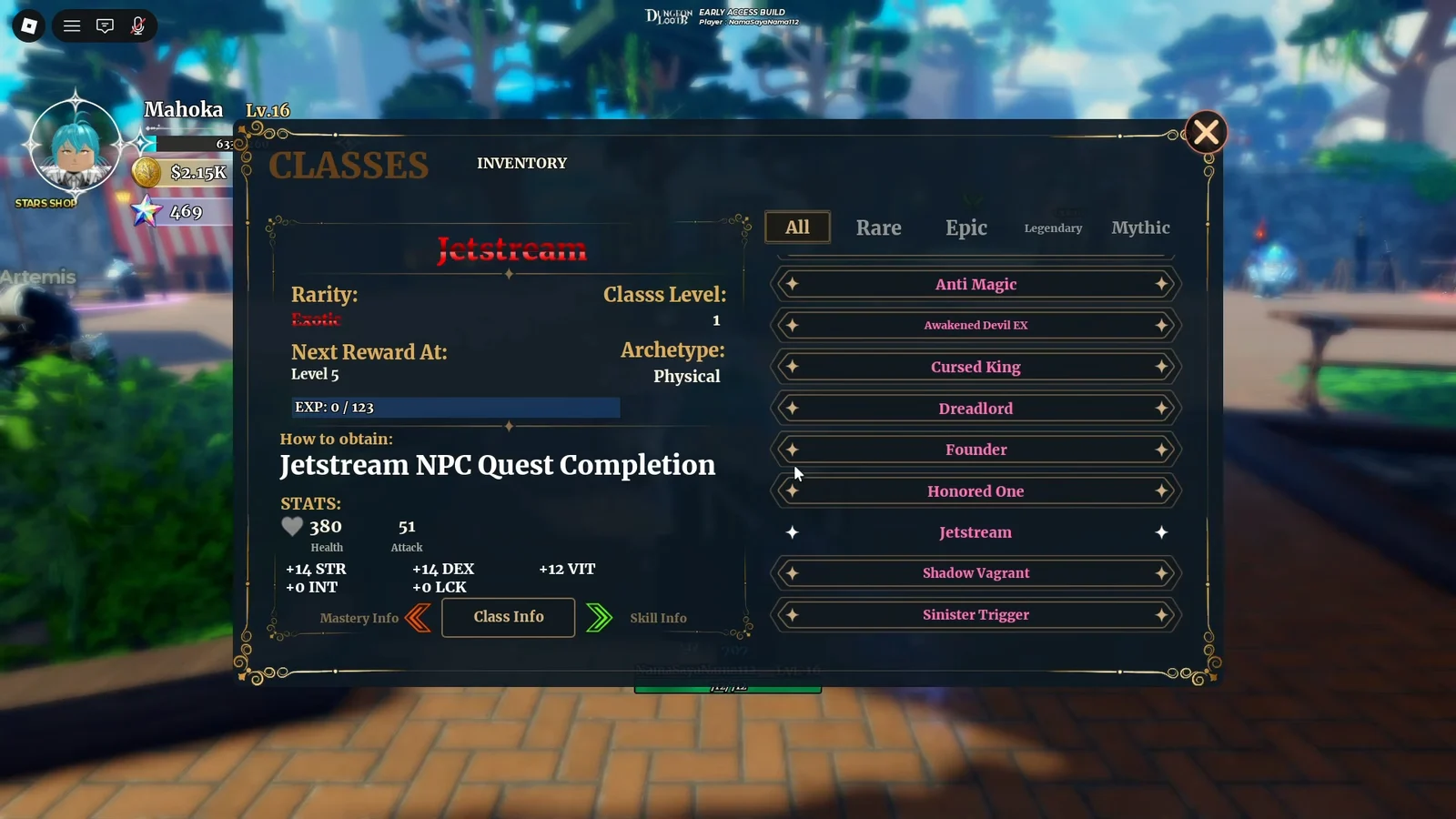
Before committing gems or Marks to a class, check its archetype in the Classes menu inside the inventory. Physical, Ranged and Magic kits scale off different stats, and that label decides whether your current stat spread supports the class at all.
Verifying the changes in your own build
Balance numbers published in patch sheets do not always match what the live build ships, and copied test logs have differed from final values before. Retest old damage comparisons under matching conditions rather than trusting a pre-patch benchmark.
Hotfixes in Dungeon Lootr have also applied to new runs only, with no migration to sessions already in progress. If a change does not appear mid-dungeon, that is expected behavior, not a failed patch — leave the run and start a fresh one to see the updated values.
Taken together, Update 2 is a competent gear patch with a paywall problem attached. Payload and affix locks give mid-game accounts a clear place to spend their time, but the most eye-catching new classes sit behind Robux bundles or a 7,500 Mark grind, and nothing here extends the ceiling for players who have already cleared the current endgame.