Accessing Copilot from the new tab page in Microsoft Edge allows you to quickly use AI features without navigating away from your browsing session. This setup streamlines your workflow, letting you ask questions, summarize content, or generate text directly as you open a new tab. Ensuring Copilot is visible on every new tab can save time and reduce interruptions in your daily tasks.
Enable Copilot Button on the New Tab Page
...) in the upper-right corner, select Settings, then choose About Microsoft Edge. The browser will automatically check for updates and install them if available.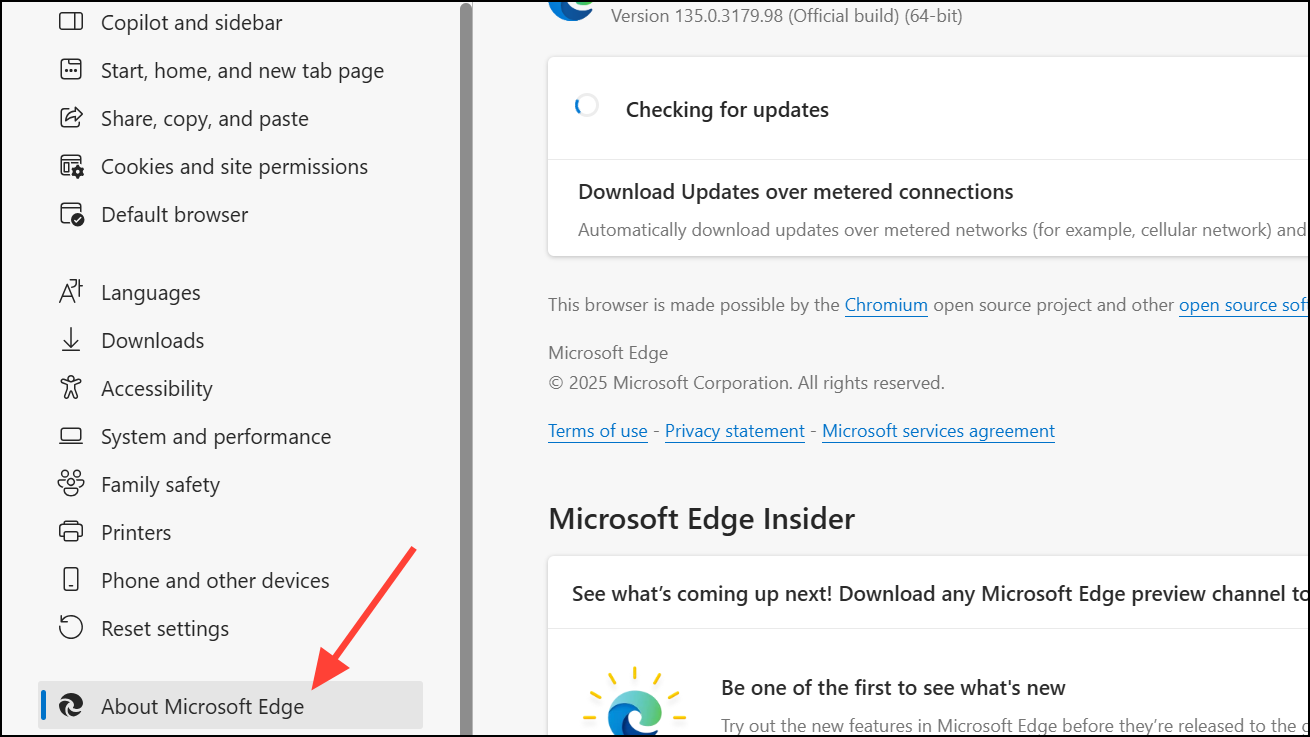
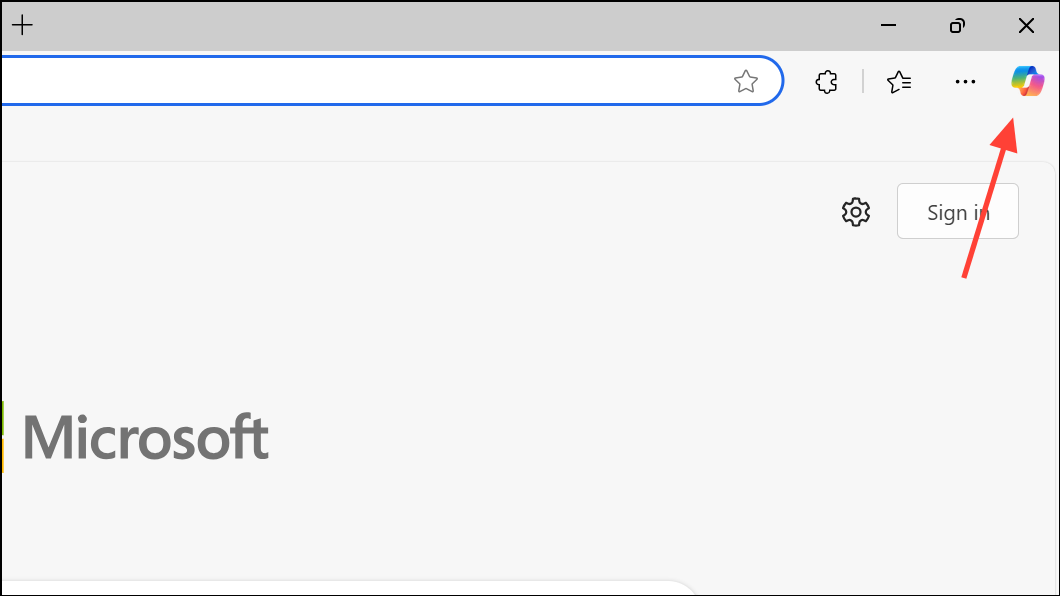
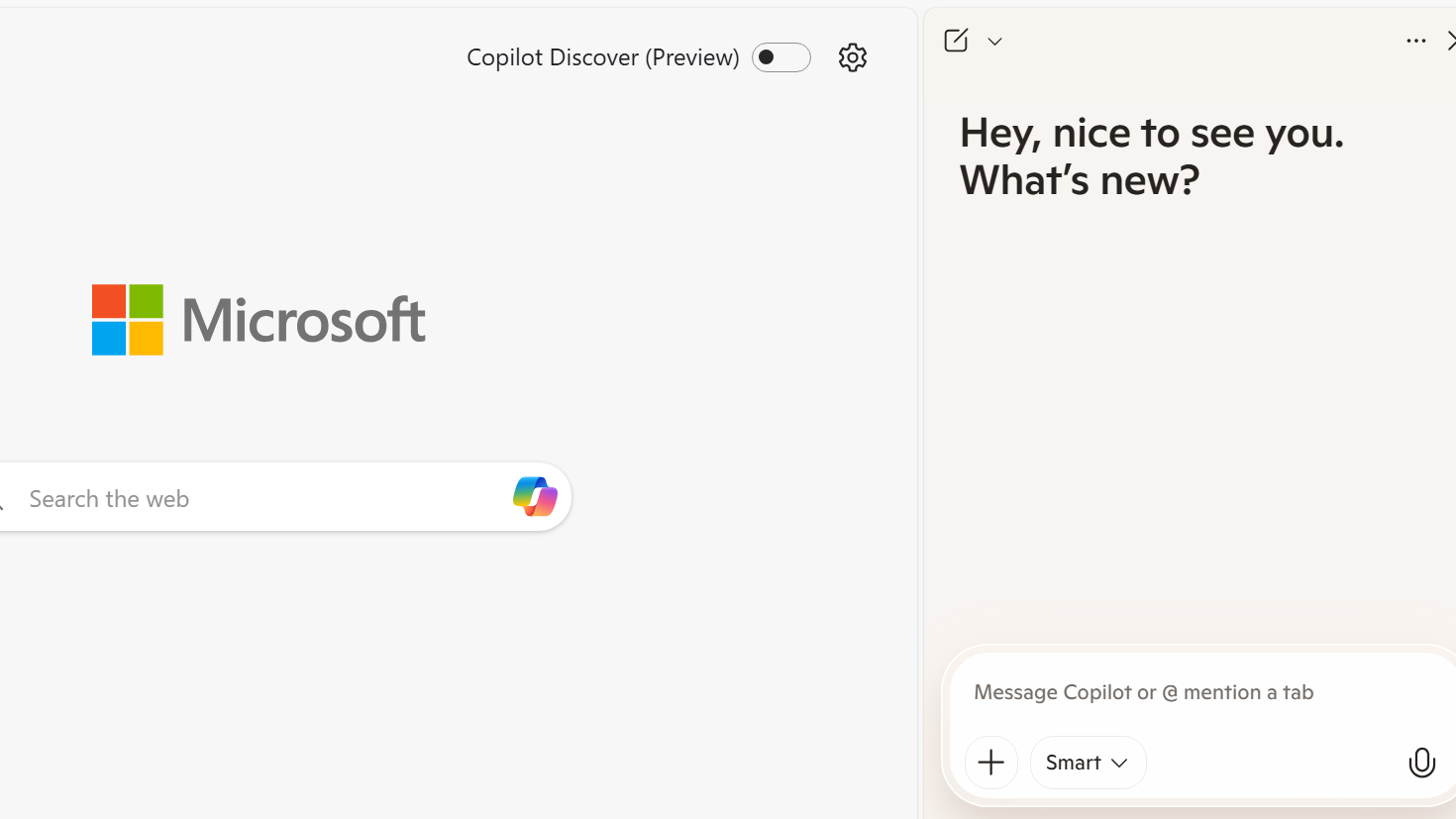
⚙️) on the new tab page, usually found in the upper right corner. In the menu that appears, select Customize or Custom layout options.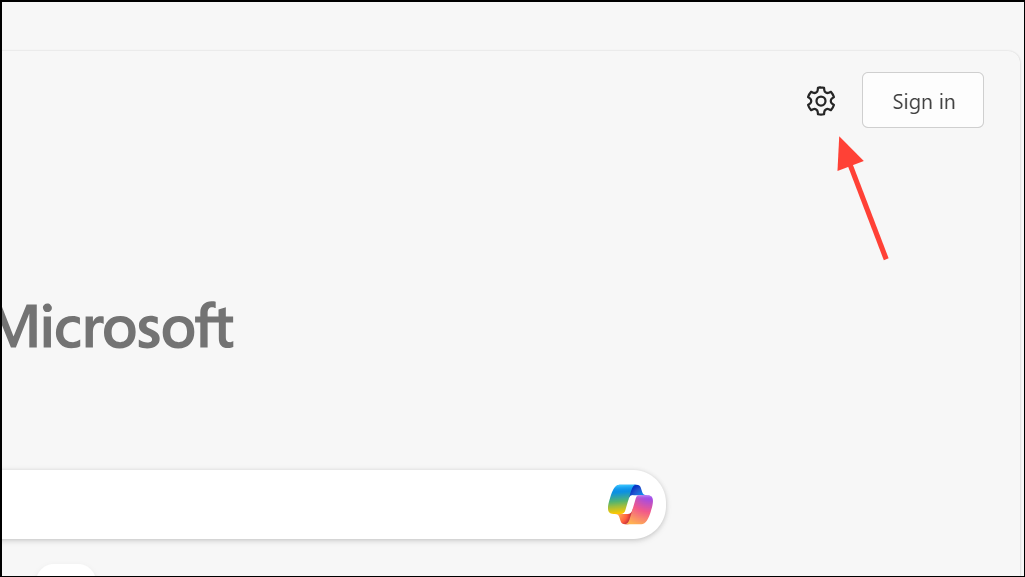
Copilot toggle or option. Switch it on to display the Copilot button on all new tab pages. If you do not see this option, ensure your Edge version is up to date, as the feature may not be available in older versions or certain organizational setups.Alternative Method: Enable Copilot via Edge Settings
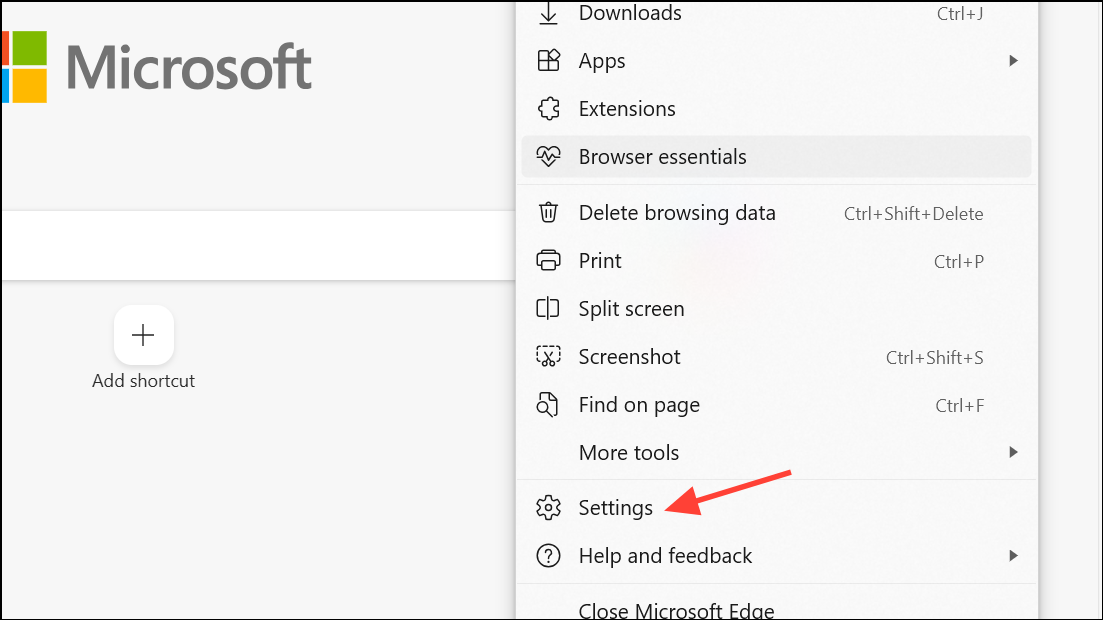
Copilot and Sidebar. This section manages features that appear in the browser’s sidebar, including Copilot.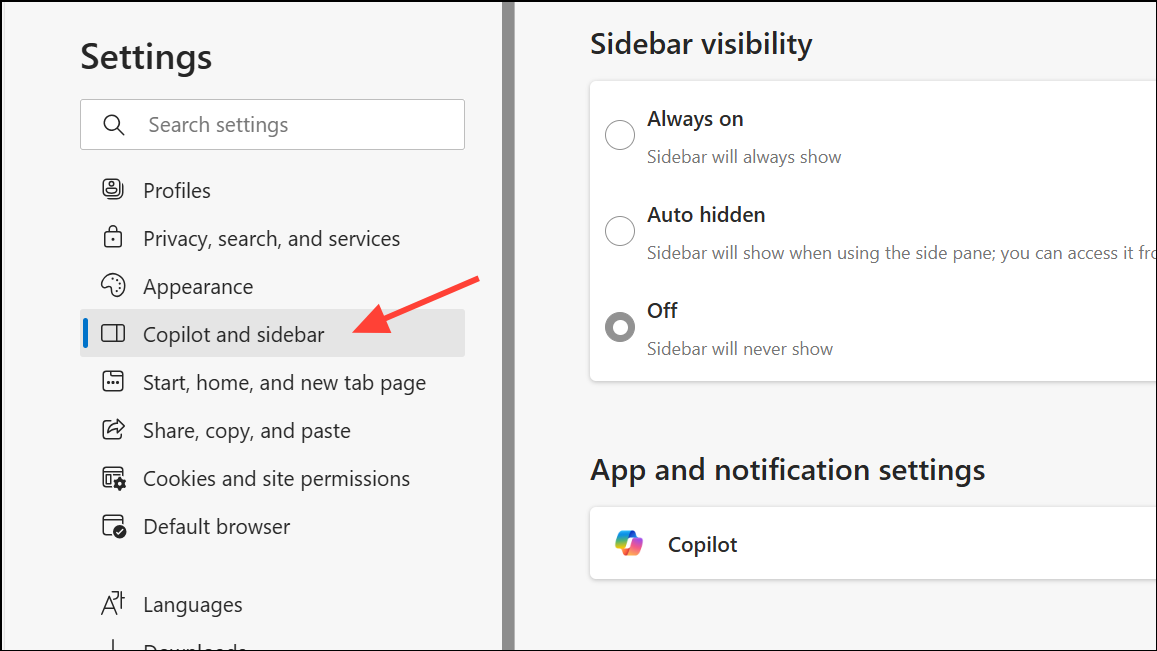
Copilot option and ensure it is toggled on. This setting controls whether Copilot is available in the sidebar across all pages, including new tabs.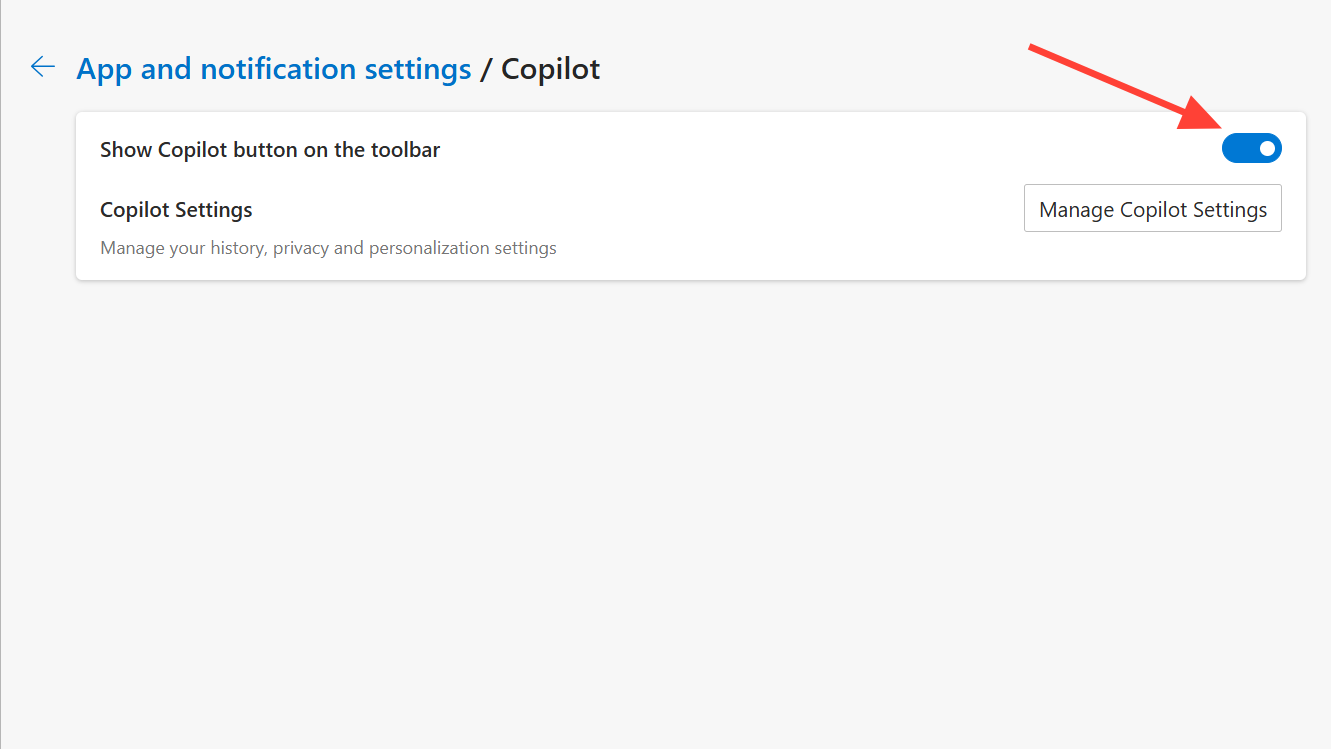
Troubleshooting and Additional Tips
If Copilot does not appear after following these steps, your organization or administrator may have disabled the feature, or it may not be available in your region yet. Check with your IT administrator if you are using a work or school account. Additionally, some Edge features roll out gradually, so you may receive the update at a later time.
For users who frequently work with AI tools, pinning the Copilot sidebar or setting Edge as your default browser can further streamline access to Copilot features.
With Copilot enabled on the new tab page, you can quickly access AI assistance whenever you start a new browsing session, making research and productivity tasks more efficient.