

Robocopy stalls with “ERROR 3 (0x00000003) Accessing Destination Directory” when the destination path is invalid or unavailable. This error, accompanied by “The system cannot find the path specified,” interrupts automated file transfers and backup processes, often due to incorrect directory paths, missing folders, or permission issues.
Verify and Correct the Destination Path
Double-check the destination directory path in your Robocopy command for typos, extra spaces, or incorrect folder names. Even a single misplaced character can cause ERROR 3.
If the destination directory does not exist, Robocopy will not create it unless you specify the
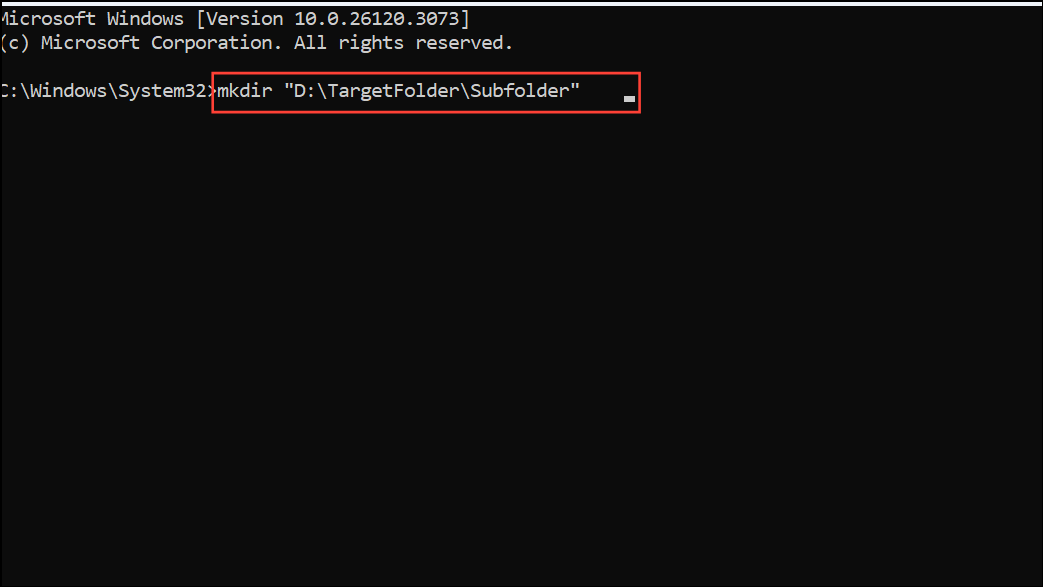
/E or /CREATE options. Manually create the directory in File Explorer or with a command:
mkdir "D:\TargetFolder\Subfolder"
For network paths, confirm the share is accessible. Open the path in File Explorer (e.g.,
\\Server\Share\Folder) to verify connectivity and that the folder exists.Check Directory Permissions
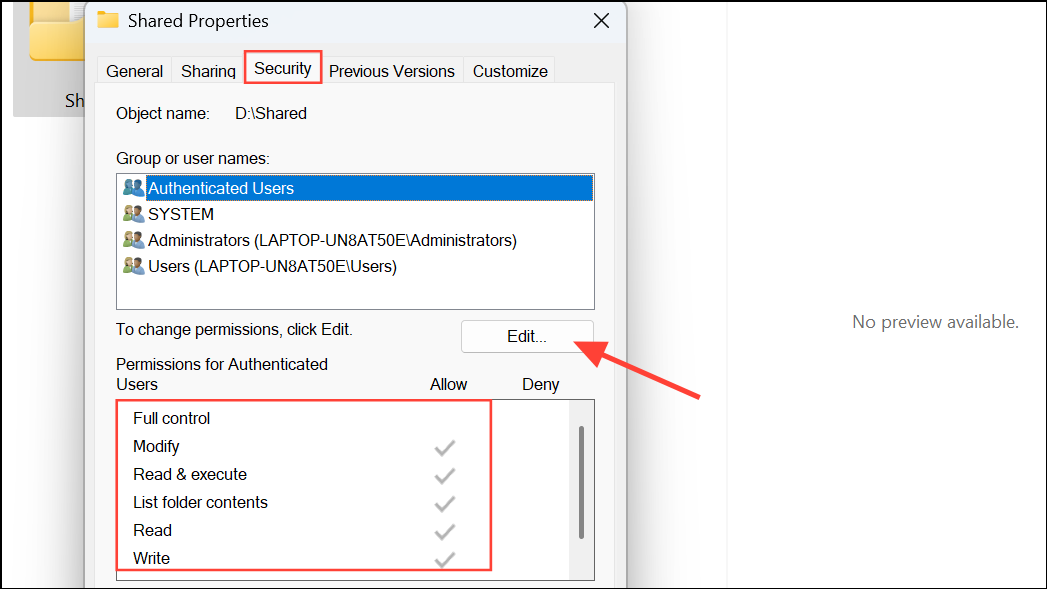
Insufficient permissions on the destination folder can prevent Robocopy from accessing or creating directories. Right-click the destination folder, select “Properties,” then open the “Security” tab to review user permissions.
Ensure your user account or the account running Robocopy has at least “Modify” or “Full Control” permissions. If necessary, click “Edit” to adjust permissions and apply changes.
If running from a script or scheduled task, confirm it executes with the correct user credentials. Scheduled tasks may use a different account with limited access.
Use Full Paths and Avoid Trailing Backslashes
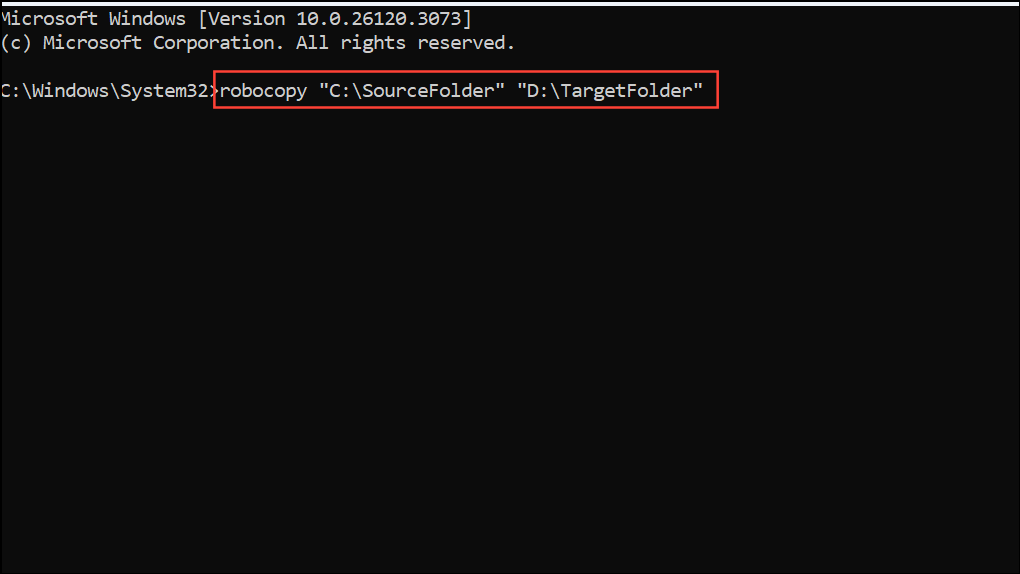
Robocopy can misinterpret incomplete or relative paths. Always use full absolute paths for both source and destination:
robocopy "C:\SourceFolder" "D:\TargetFolder"
Avoid unnecessary trailing backslashes on the destination, as syntax like
"D:\TargetFolder\" can sometimes cause issues with certain versions of Robocopy.Test with Minimal Command
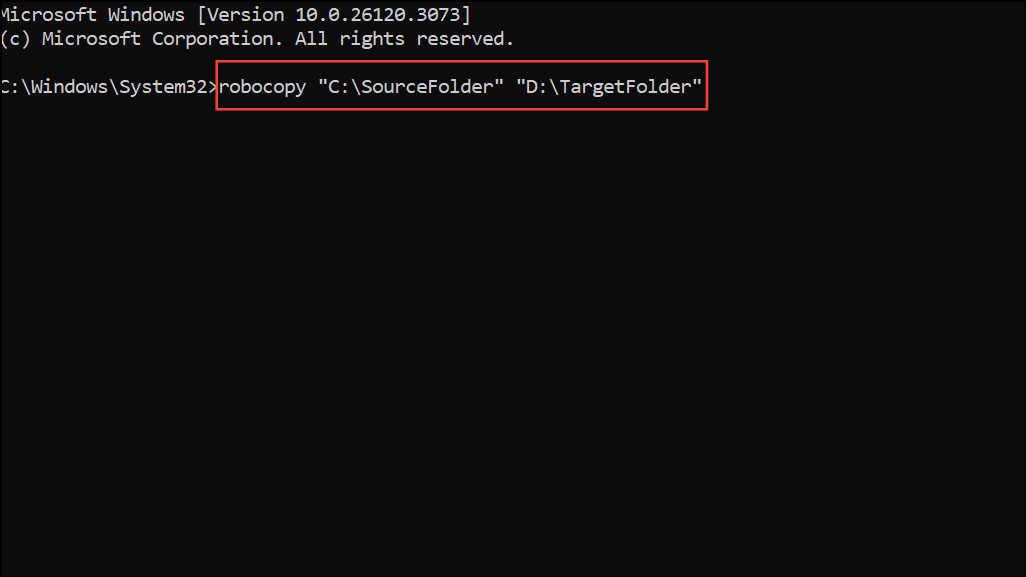
Strip your Robocopy command to its simplest form to rule out syntax errors or problematic flags. For example:
robocopy "C:\SourceFolder" "D:\TargetFolder"
Gradually add your desired options (like
/E, /COPYALL, etc.) back into the command, testing after each addition to identify if a specific switch causes the error.Confirm Network Connectivity and Drive Availability
If copying to a mapped network drive, ensure the drive letter is available and mapped for the user context running Robocopy. Mapped drives may not be available to scheduled tasks or services running under different accounts.
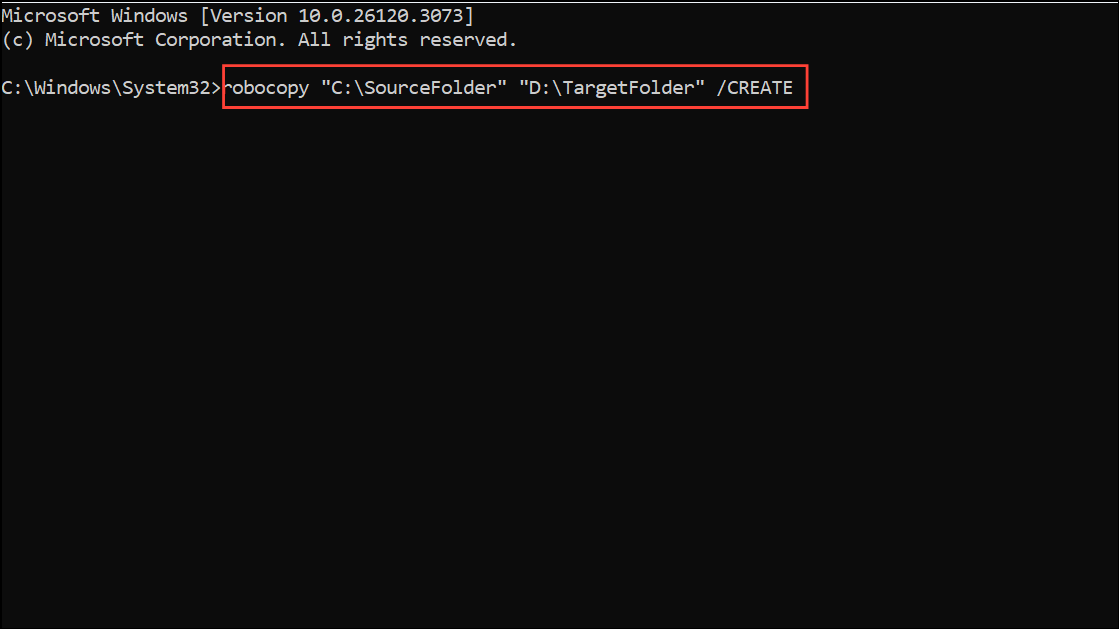
Alternative: Use /CREATE to Pre-Create Directory Structure
If the destination directory is missing, run Robocopy with the
/CREATE switch to generate the folder structure without copying file contents:
robocopy "C:\SourceFolder" "D:\TargetFolder" /CREATE
Resolving Robocopy ERROR 3 involves verifying directory paths, permissions, and network access. With these steps, your file transfers should proceed without interruption.





