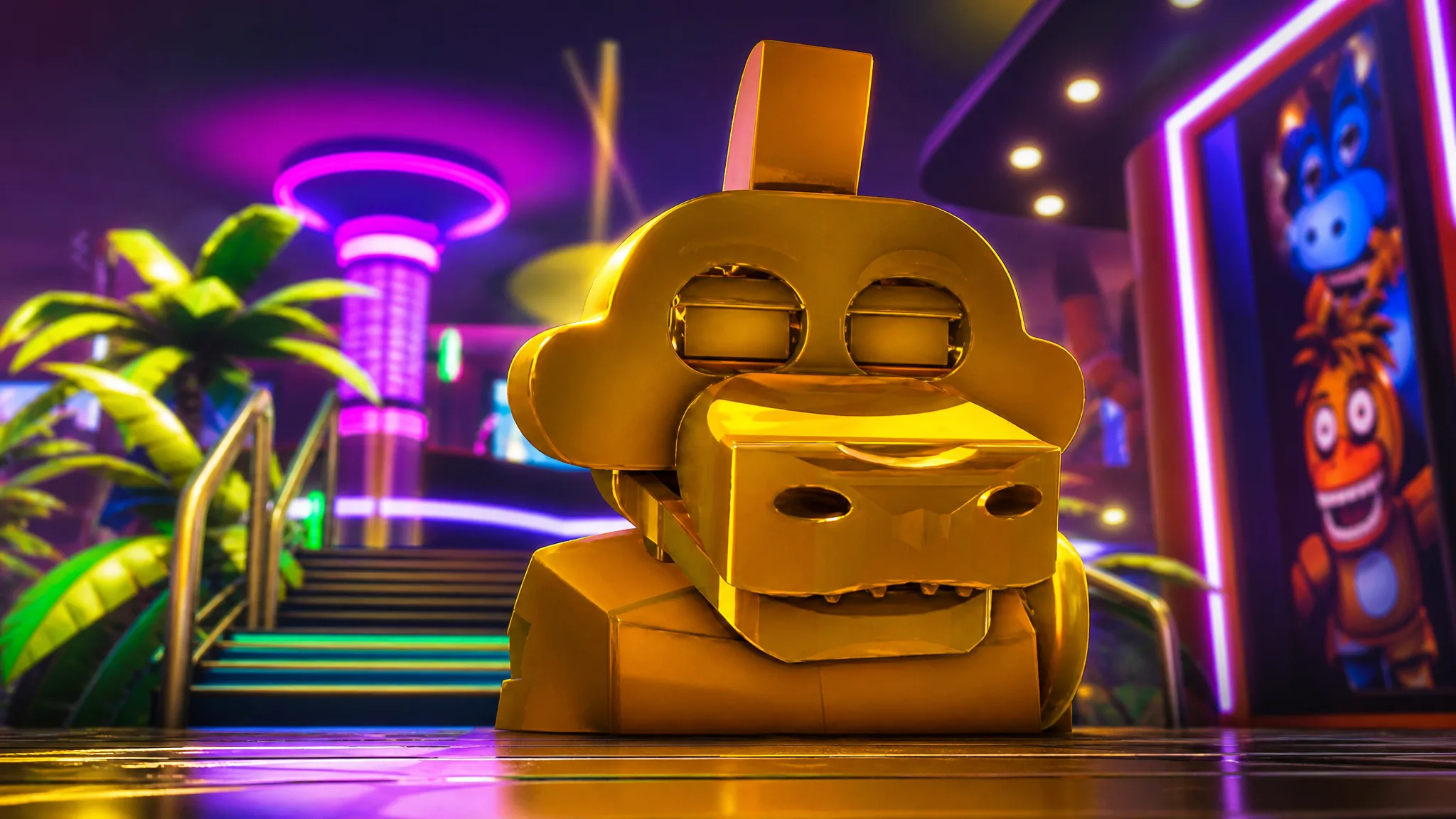
The Gold Monty Plush is one of the hardest drops to nab in FNaF Multiverse RP, and it all comes down to a single rare spawn inside Montgomery Gator’s dressing room on the Security Breach map. Touch the plush, and you unlock both the badge and a shiny “Gold Monty” morph.
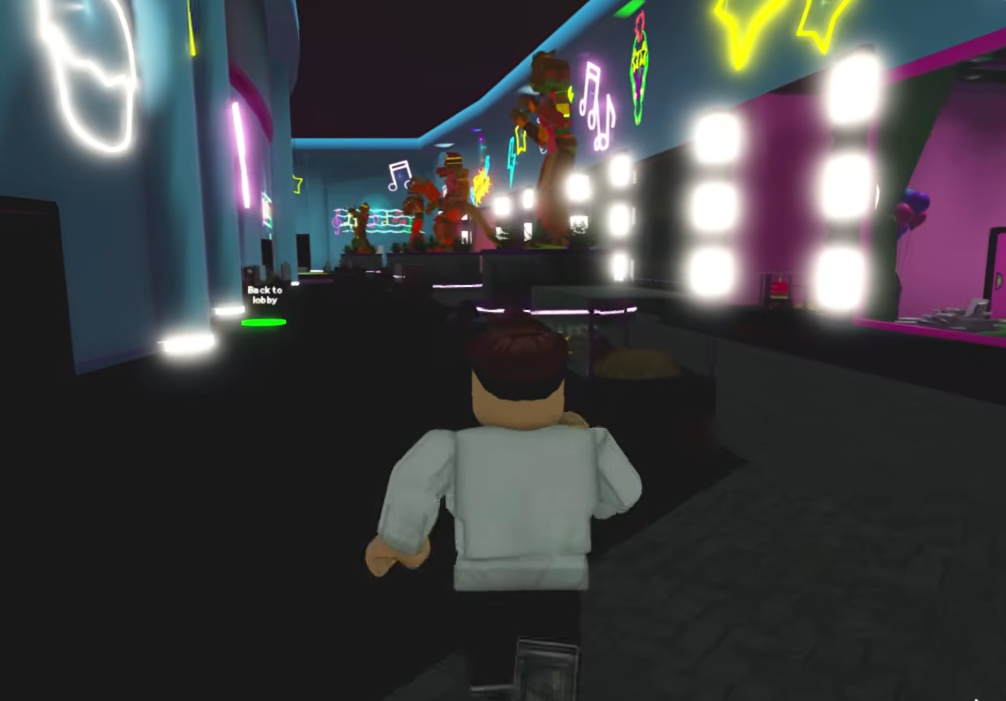
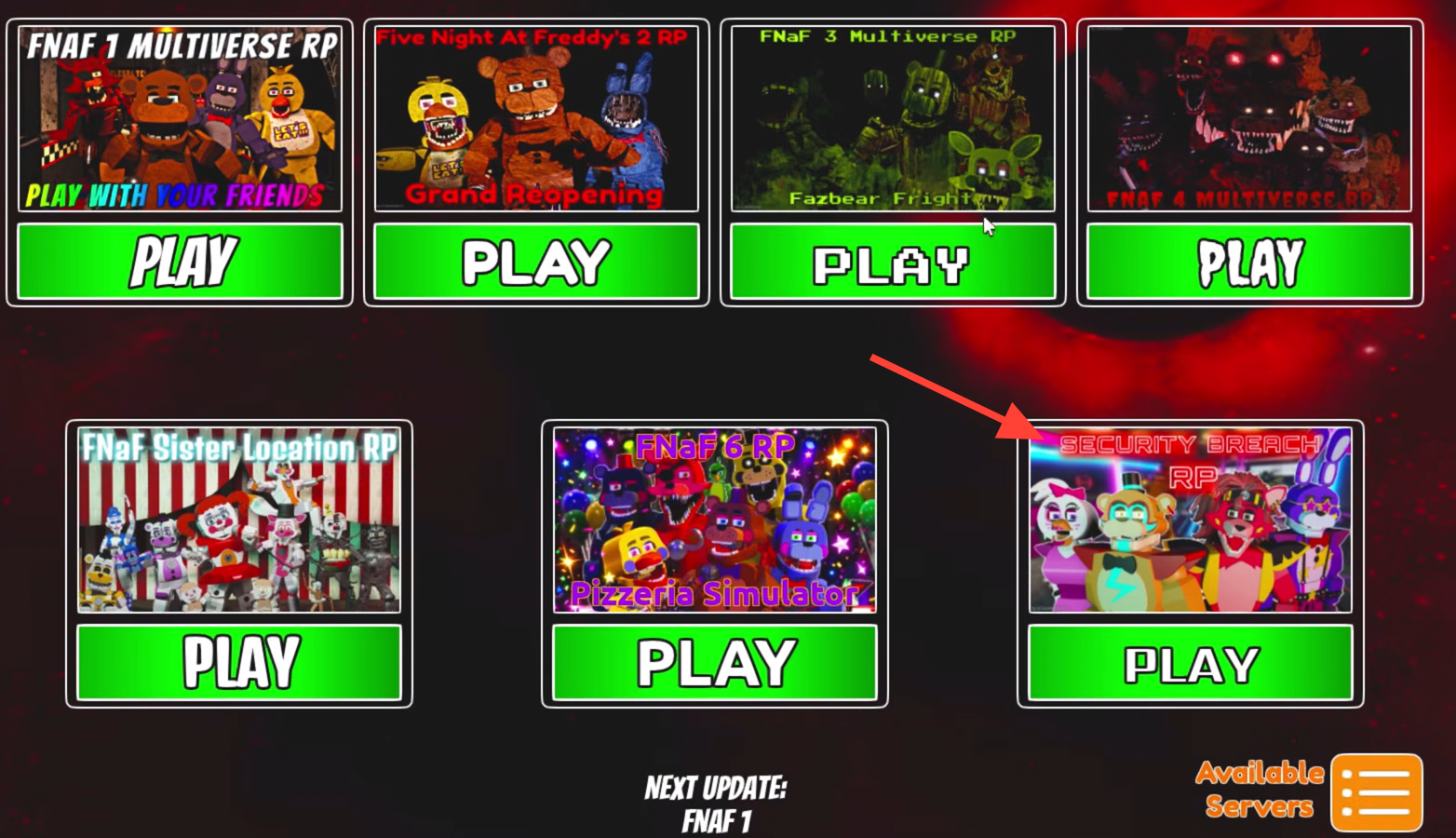
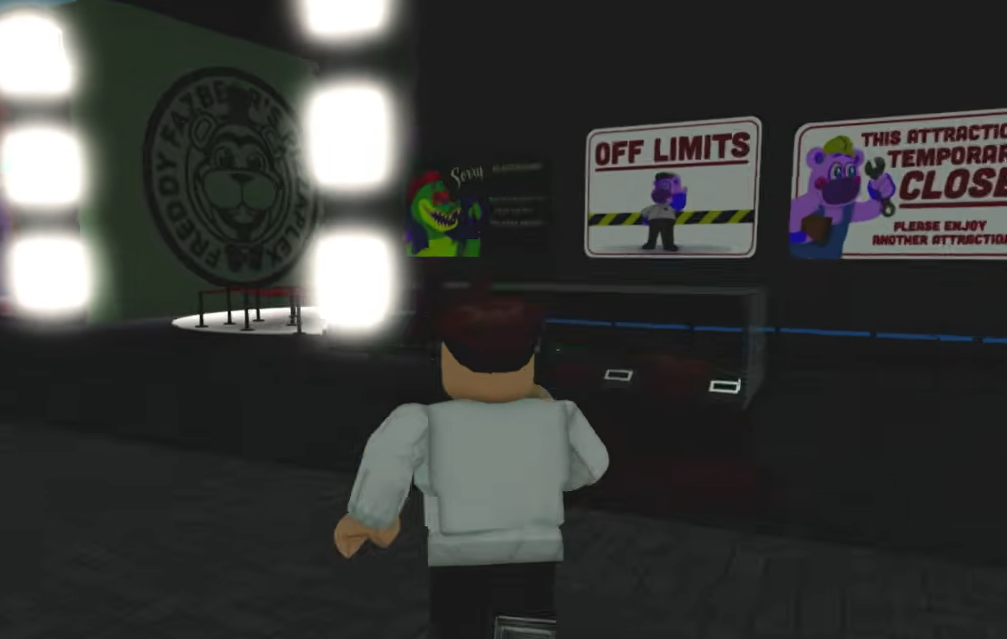
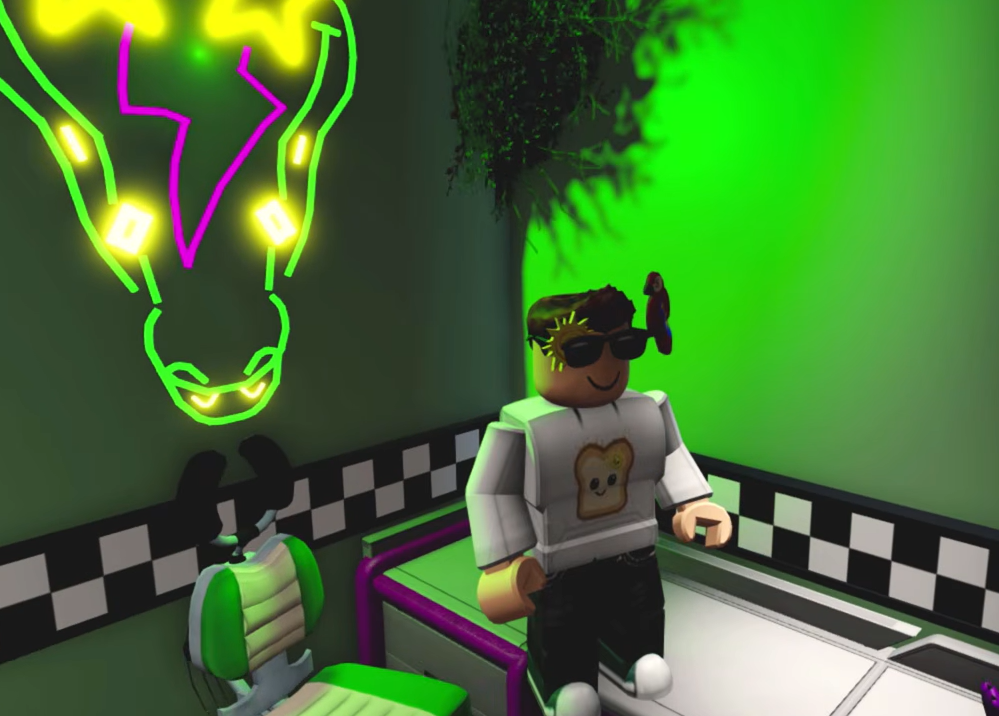
Quick answer: Join the Security Breach map, walk through the green Rockstar Row portal, enter Montgomery Gator’s room, and wait by the vanity chair for the Gold Monty Plush to appear. It has a 0.5% spawn chance, so server-hop until it shows, then touch it to collect the badge.
Gold Monty Plush badge spawn rate and rewards
The plush carries an “Impossible” rarity tag with a 0.5% spawn rate, which is why finding it usually takes repeated attempts rather than a single lucky run. The location never changes, so the only real variable is whether the plush has spawned on the server you are in.
| Detail | Value |
|---|---|
| Badge | The Gold Monty Plush |
| Rarity | Impossible |
| Spawn rate | 0.5% |
| Map | Security Breach |
| Location | Montgomery Gator’s room, Rockstar Row |
| Reward | Gold Monty morph |
How to find and collect the Gold Monty Plush
How to confirm the badge unlocked
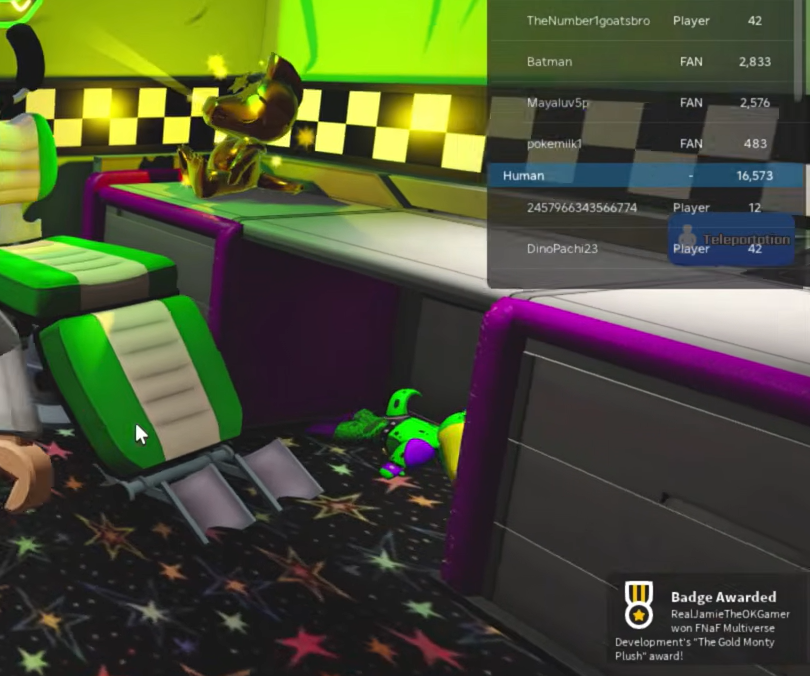
Collecting the plush awards the badge instantly, and it also opens the Gold Monty morph under the FNaF Security Breach section of the badge morphs menu. If the morph is selectable there, the badge is confirmed on your account.
If the plush is not showing up, the most common reason is simply that it has not spawned on your current server. Keep rejoining rather than waiting in one place, since the room and spawn point never move.
What the Gold Monty morph includes
Equipping the Gold Monty morph swaps your character to a reflective gold version of Montgomery Gator. It comes with a full set of custom voice options, a laugh track, and several animations you can trigger.
- Five voice lines (Voice 1 through Voice 5) plus a separate Laugh
- Showtime pose, where the character plays a golden bass guitar
- Deactivated Pose and a Roar animation
- Face controls such as Jaw Open, Eyes Closed, White Eyelids, Blink Eyes, and Emit Pupils
- Toggle options including No Guitar and No Glasses
Once the badge is on your account, the morph stays available whenever you return to the game, so there is no need to find the plush again.