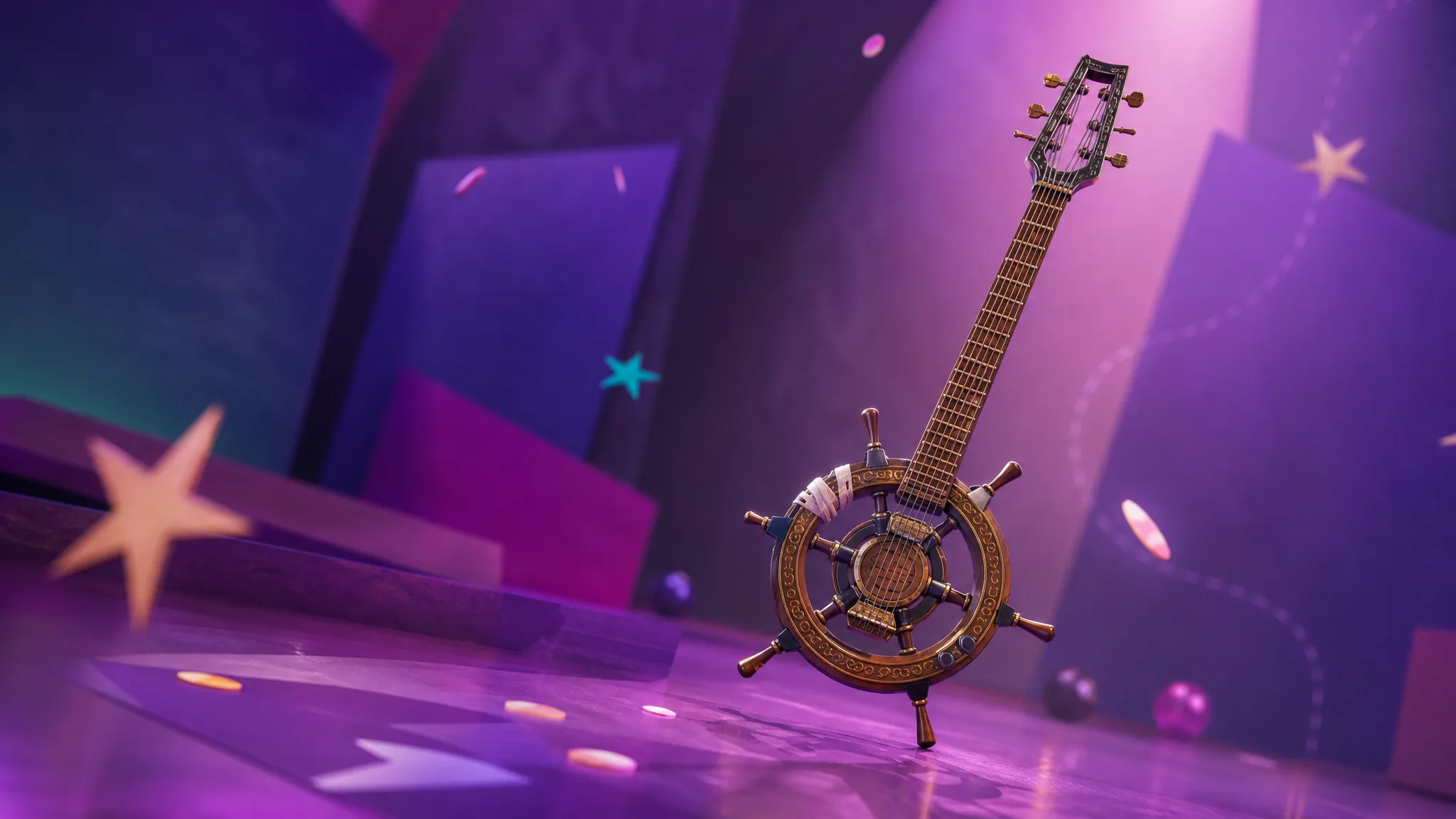
The Helm Guitar is a new SpongeBob-themed cosmetic tied to the returning Bikini Bottom collaboration in Fortnite Chapter 7 Season 3. It skips the Item Shop entirely and comes from a Twitch Drops campaign, so the only way to add it to your locker is to watch Fortnite streams while your accounts are connected.
Quick answer: Link your Epic Games account to Twitch, watch one hour of any Fortnite stream tagged “Drops Enabled,” then open the Drops & Rewards menu and hit Claim. The pickaxe lands in your cosmetic collection within 24 hours.
Claim window and deadline
The Twitch Drops for the Helm Guitar are live for a short window, which gives you roughly four days to earn it. Miss the cutoff and there is currently no confirmed way to get it later, since Epic is not expected to sell it in the shop.
| Detail | Info |
|---|---|
| Reward | Helm Guitar (pickaxe + Back Bling) |
| How to earn | Watch 1 hour of Drops-enabled Fortnite streams |
| Starts | July 23, 2026, 9 AM EDT |
| Ends | July 26, 2026, 11:59 PM EDT |
| Item Shop | Not planned |
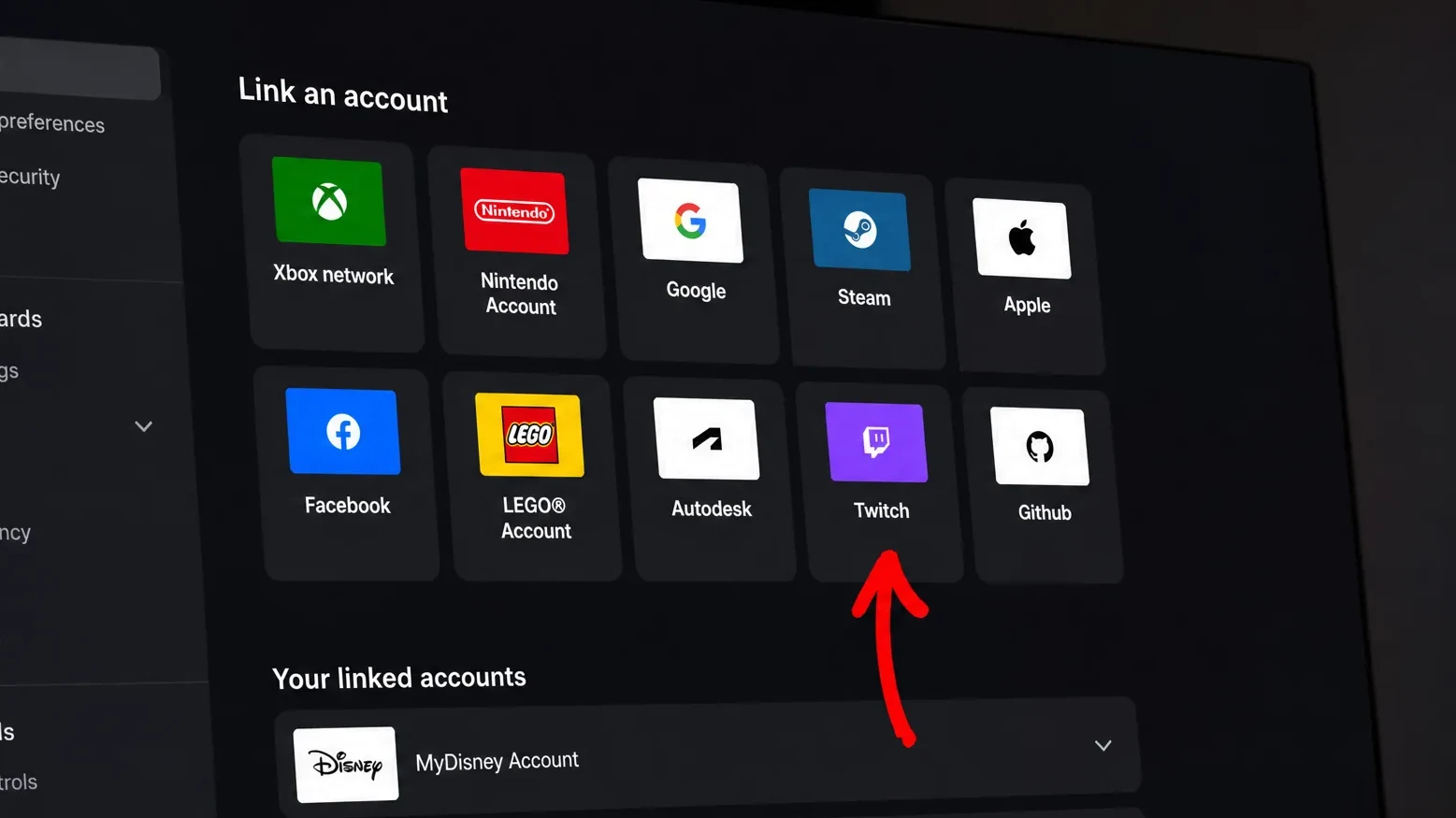
Link your Epic and Twitch accounts
Twitch Drops only pay out if your viewing account is connected to the Epic account you play Fortnite on. Set this up first, before you start watching.
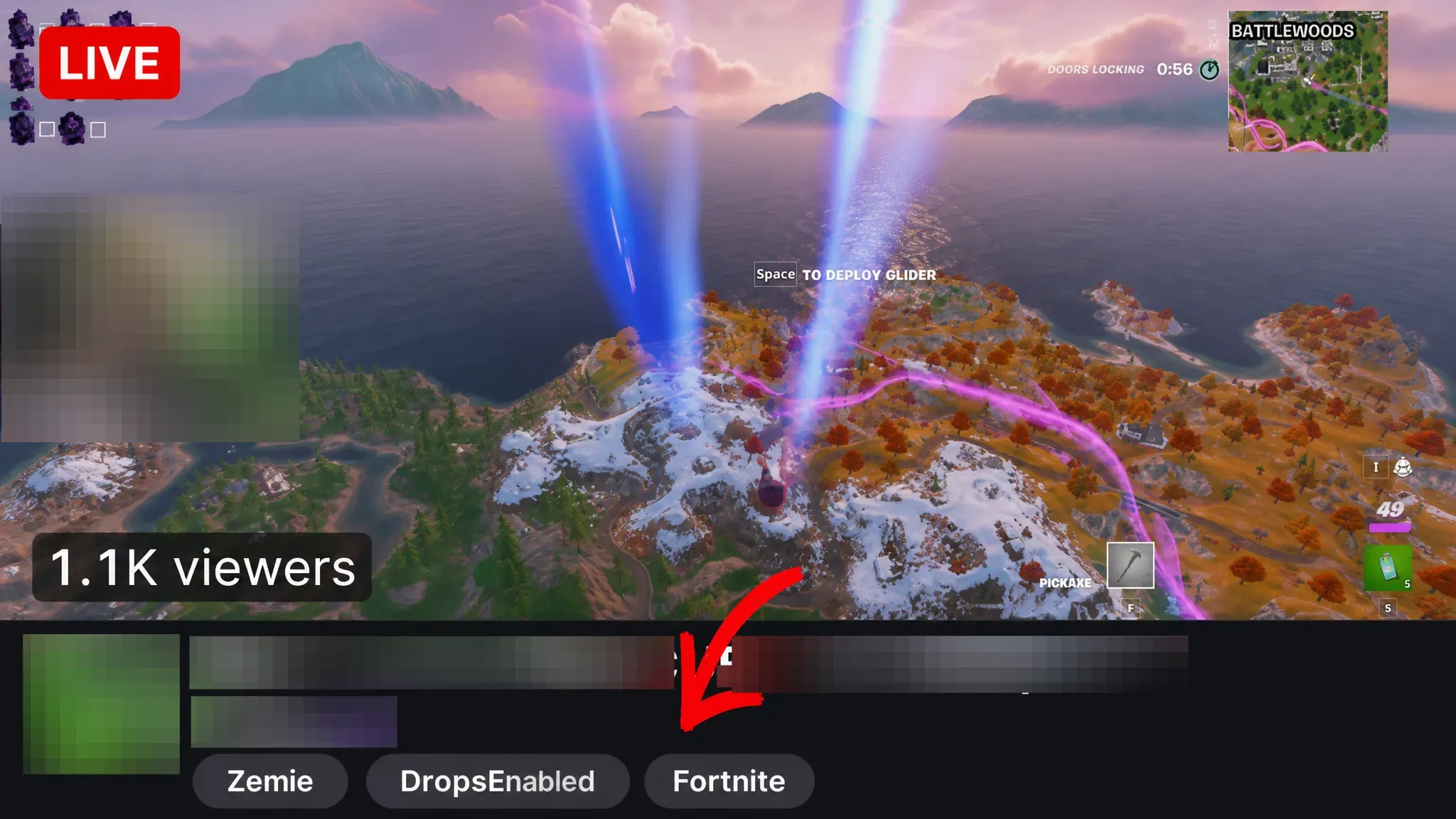
Watch an hour and claim the pickaxe
With the accounts connected, all that is left is watch time on the right kind of stream. Only streams carrying the Drops Enabled tag count toward the hour.
How to confirm it worked
After you press Claim, Epic delivers the Helm Guitar to your locker within 24 hours. If it does not show up, the usual cause is an account link that dropped mid-campaign. Reconnect Epic and Twitch, then confirm your progress in the Drops & Rewards menu again.
Note: watch time only counts on Drops Enabled streams. Watching a regular Fortnite stream without that tag will not move the counter, no matter how long you leave it running.
What the Helm Guitar does
Like the other Festival guitars, the Helm Guitar pulls triple duty. You can play it in Festival mode, use it with the Jam Track player in Battle Royale, and swing it as a standard pickaxe. It also equips as Back Bling, so it stays visible on your character between harvests.
It arrives alongside the rest of the SpongeBob Wave 2 cosmetics, which include the Patrick Star Sidekick and a new Ice Spice skin. Because it is a Twitch Drop reward rather than a shop item, the watch-and-claim route is the one path to owning it, and that route closes when the drop window ends on July 26th.