Grand Blue runs on the same Roblox client as every other experience, which means the fastest fix for choppy movement and stuttering combat is not a download or a third-party tool. It’s three settings buried in the in-experience menu. Lowering the visual load while raising the frame rate ceiling is what turns a slideshow into playable movement, and it takes under a minute.
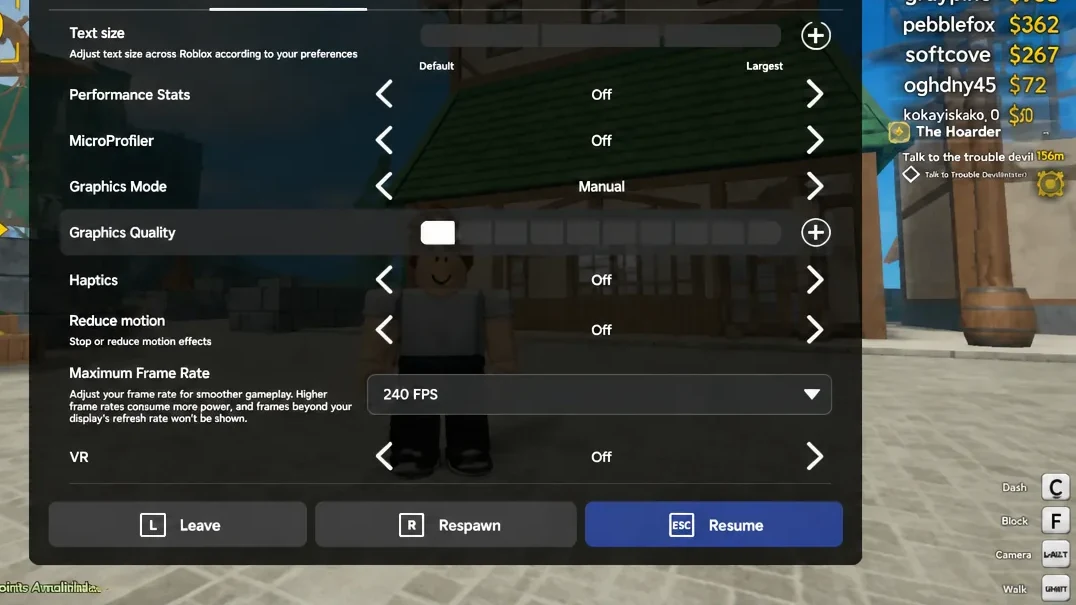
Quick answer: Press Esc, open Settings, scroll to Display & Graphics, set Graphics Mode to Manual, drag Graphics Quality down to 1 bar, then set Maximum Frame Rate to 240 FPS.
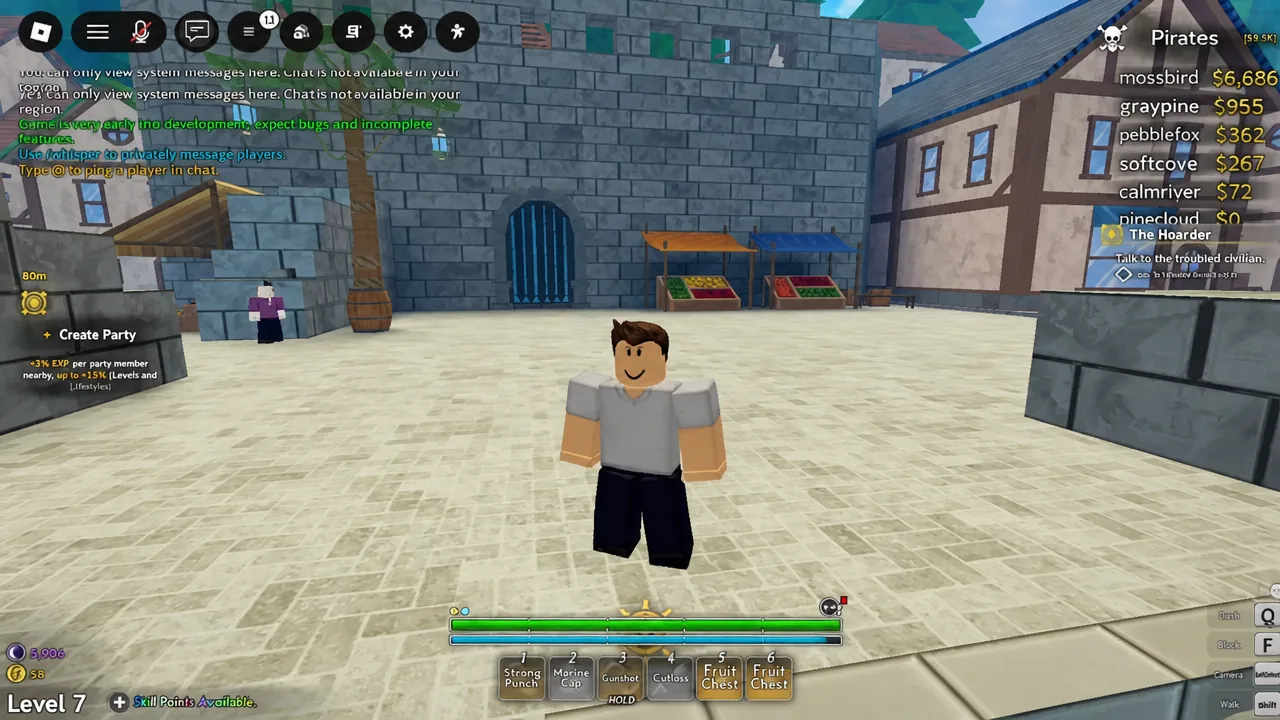
The Grand Blue settings that fix lag
All three live in the same place. Graphics Mode has to be switched off automatic first, because the slider stays locked while Roblox is choosing the level for you.
| Setting | Set it to | What it does |
|---|---|---|
| Graphics Mode | Manual | Unlocks the quality slider so you control the level |
| Graphics Quality | Lowest (1 bar) | Cuts visual detail so your device does less work per frame |
| Maximum Frame Rate | 240 FPS | Removes the 60 FPS default cap on the client |
The Maximum Frame Rate menu offers Default (60 FPS), 120, 144, 160, 165, 180, 200, and 240 FPS. Picking 240 doesn’t force your hardware to hit 240 — it just stops the client from holding you at 60 when your machine and display can go higher.
How to change graphics and frame rate in Grand Blue
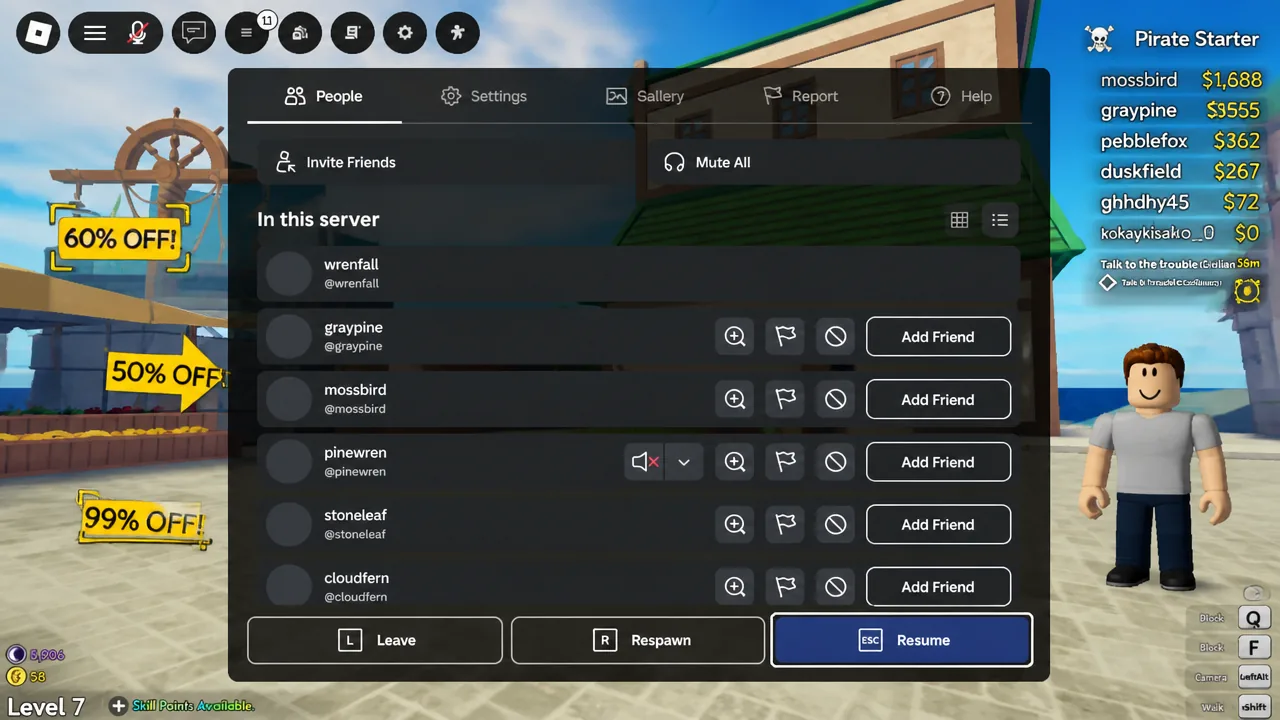
How to confirm the fix worked
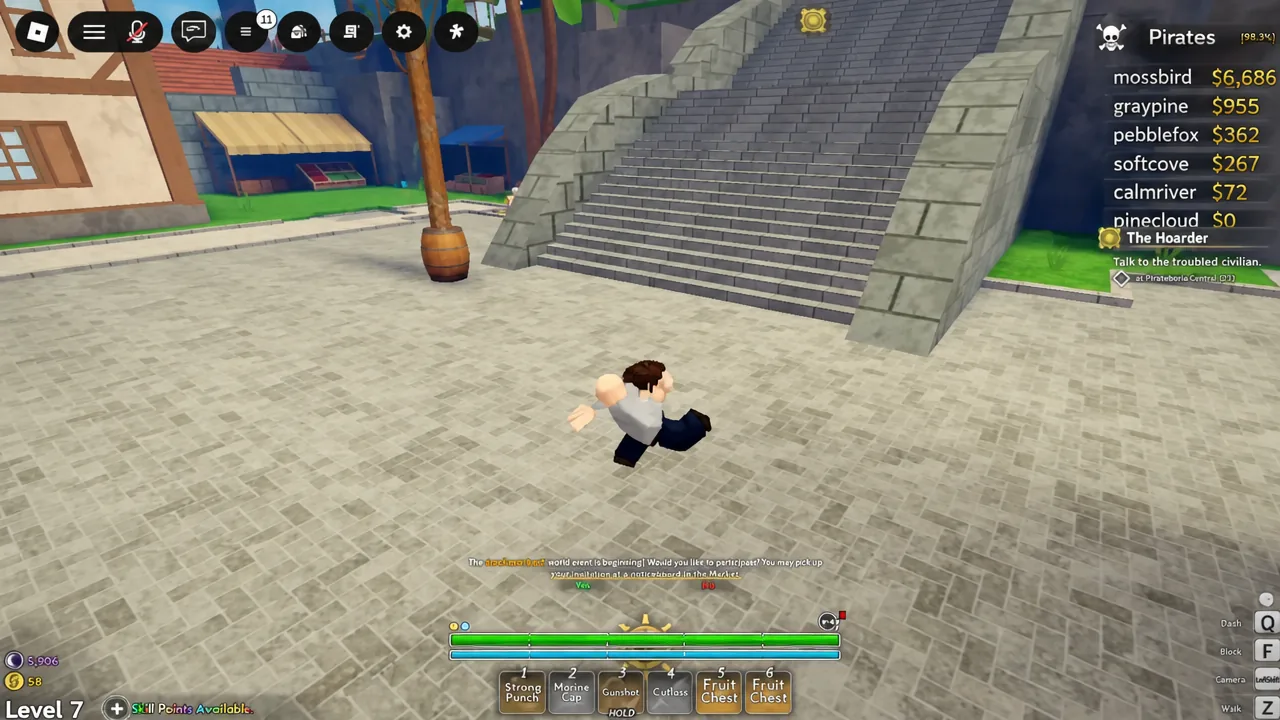
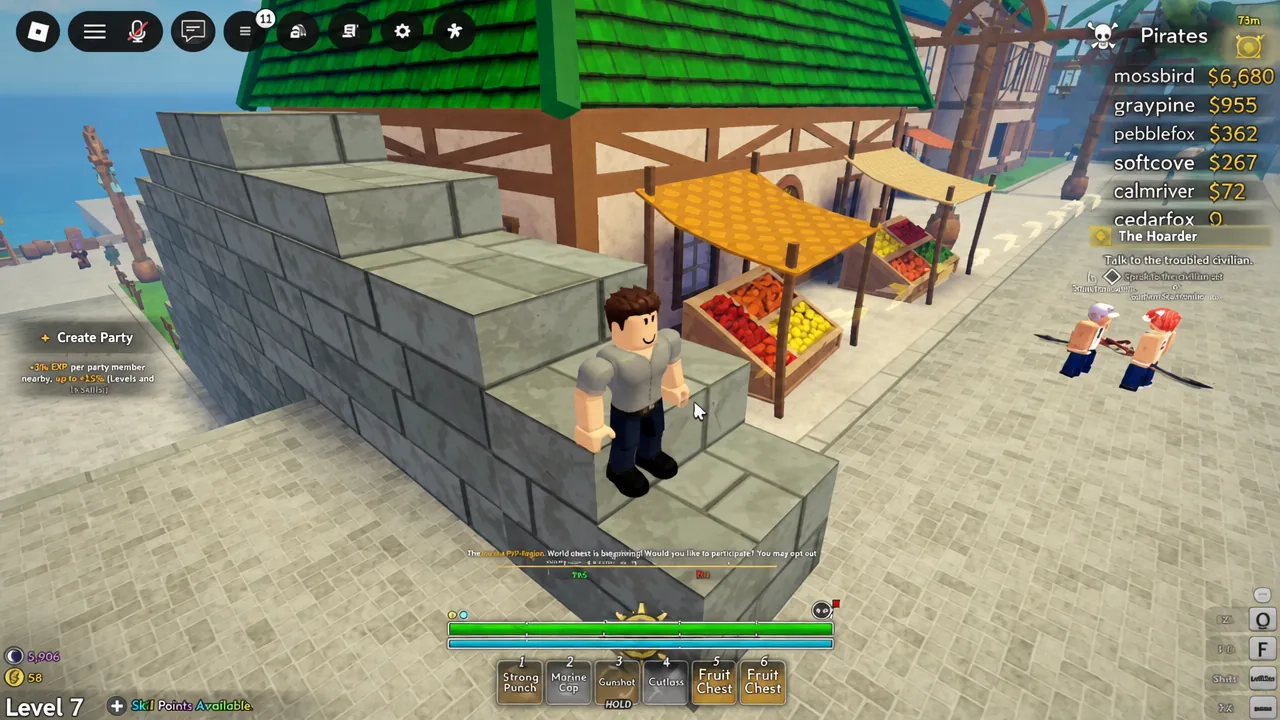
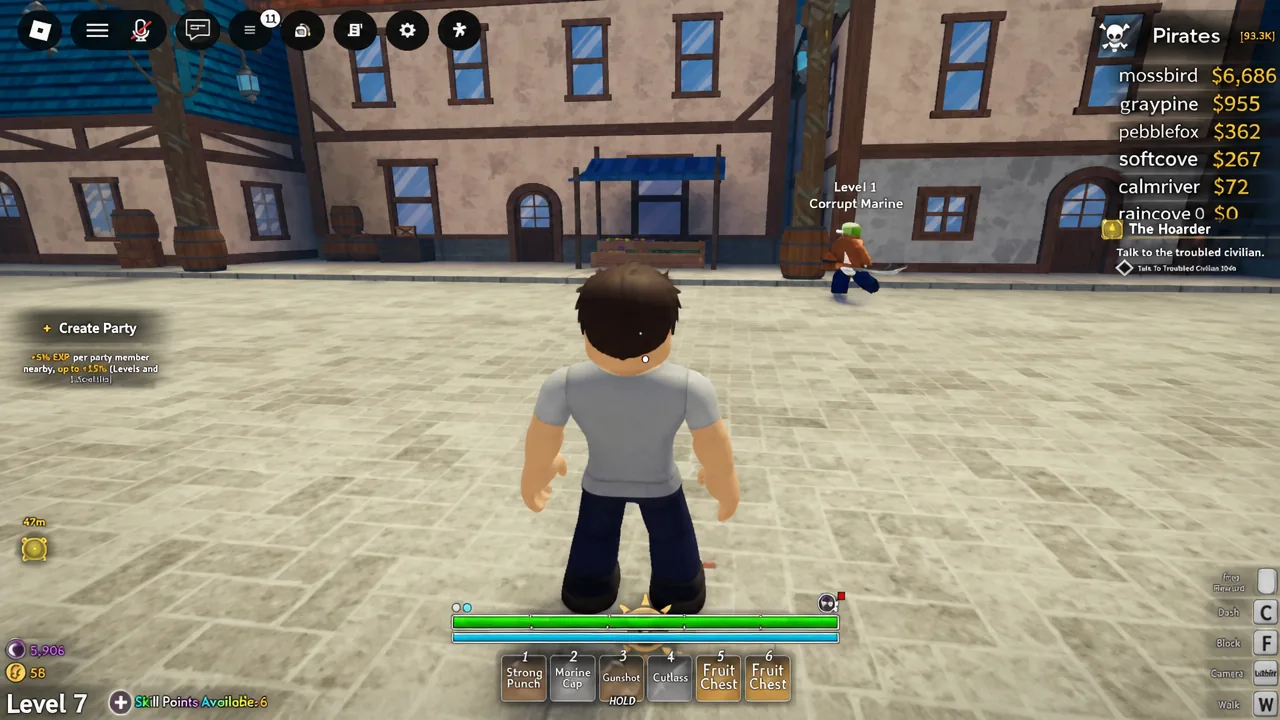
The visual tell comes first. Shadows, reflections and distant detail flatten out, and running your character in a straight line should feel continuous instead of snapping between positions. Combat is the real test, so walk up to something like a Level 1 Corrupt Marine and swing — if the animation plays through without hitching, the change took.
For an actual number rather than a feel, press Shift + F5 on PC to bring up the performance stats overlay. It shows your live frame rate, ping and memory use, which tells you whether you’re still capped near 60 or genuinely climbing higher.
Note: If the frame rate reads fine but other players still teleport or rubber-band around you, that isn’t a graphics problem. That’s network lag, and lowering quality won’t touch it.
Why the settings change doesn’t take effect
A short list of things actually blocks this, and they’re easy to check.
- Graphics Mode is still on automatic, so the quality slider is greyed out and your drag does nothing.
- Maximum Frame Rate is still on Default (60 FPS), which holds you at 60 no matter how low the graphics go.
- Other demanding apps are running alongside Roblox and taking the CPU and memory it needs.
- You’re on a laptop running from battery, where power saving throttles the processor. Plug it in.
- The device simply can’t clear the bar — Roblox publishes its hardware and operating system requirements if you want to check yours.
These settings are stored per account, not per experience, so once you’ve set Graphics Mode to Manual and raised the frame rate ceiling, it carries over to everything else you play. The only thing worth revisiting is the quality slider — if Grand Blue holds a steady frame rate at one bar, nudge it up a notch at a time until the stutter returns, then step back down.