Gaming How-To

Graveyard Keeper 2: How to Increase Town Population

Repair houses for Green Scrolls, then trade them to Linda at the Dockside Club on Lust day to grow the town.

Repair houses for Green Scrolls, then trade them to Linda at the Dockside Club on Lust day to grow the town.

Image: Lazy Bear Games

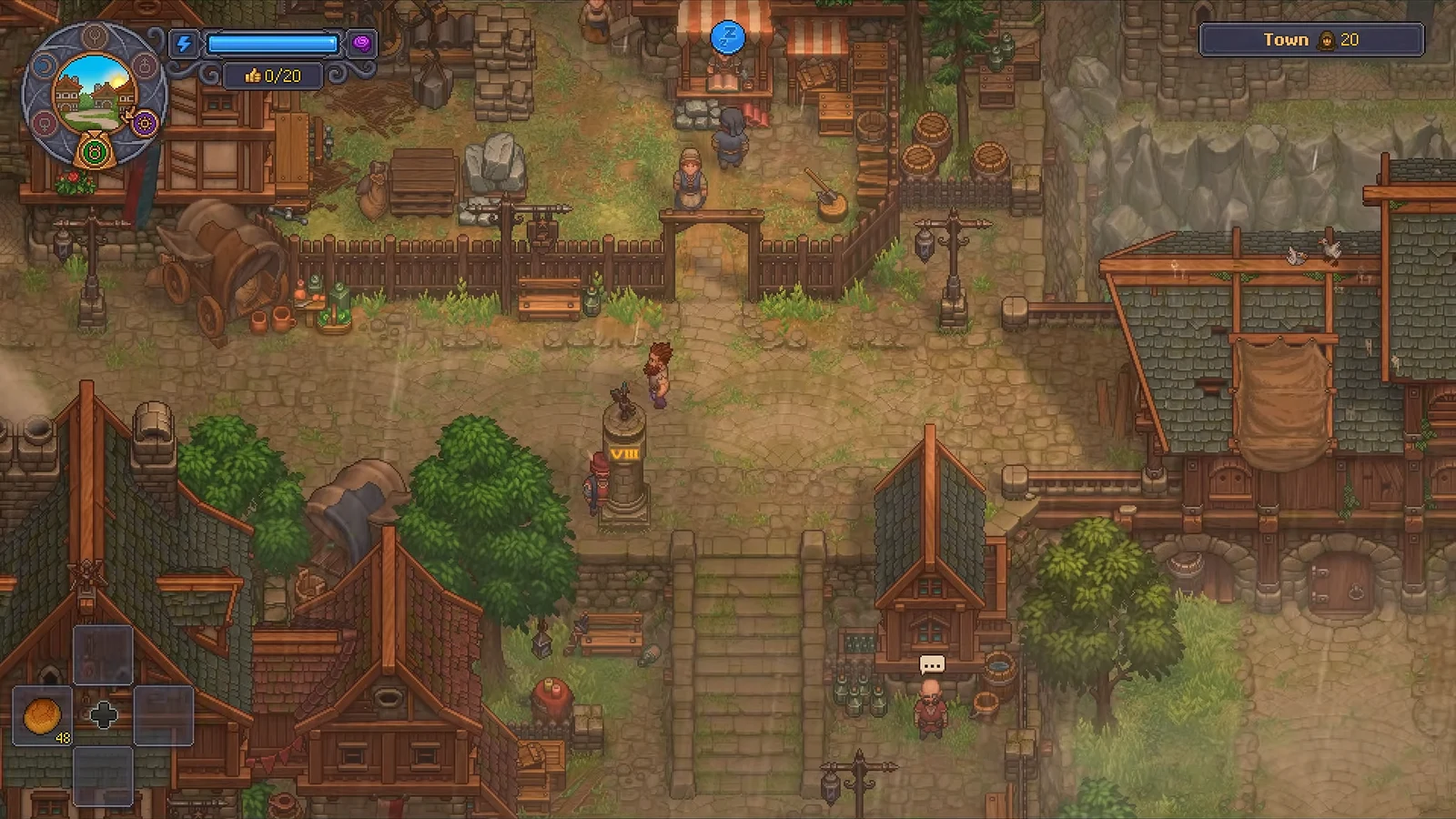
Town population in Graveyard Keeper 2 is the number shown in the top-right corner of the HUD, and raising it also lifts your maximum Town Gratitude. The population does not grow on its own. You need Green Scrolls, which you earn by rebuilding the empty houses scattered around town, then hand those scrolls to a specific merchant on a specific day.

Quick answer: Repair houses to collect Green Scrolls, then visit Linda at the Dockside Club on Lust day and pick “New people” to trade scrolls for residents.


Where Green Scrolls come from

Green Scrolls are the currency for new residents. You get them by finishing the run-down houses marked with blue wooden repair boards throughout town. Each completed home rewards a Green Scroll invitation that you can spend later.
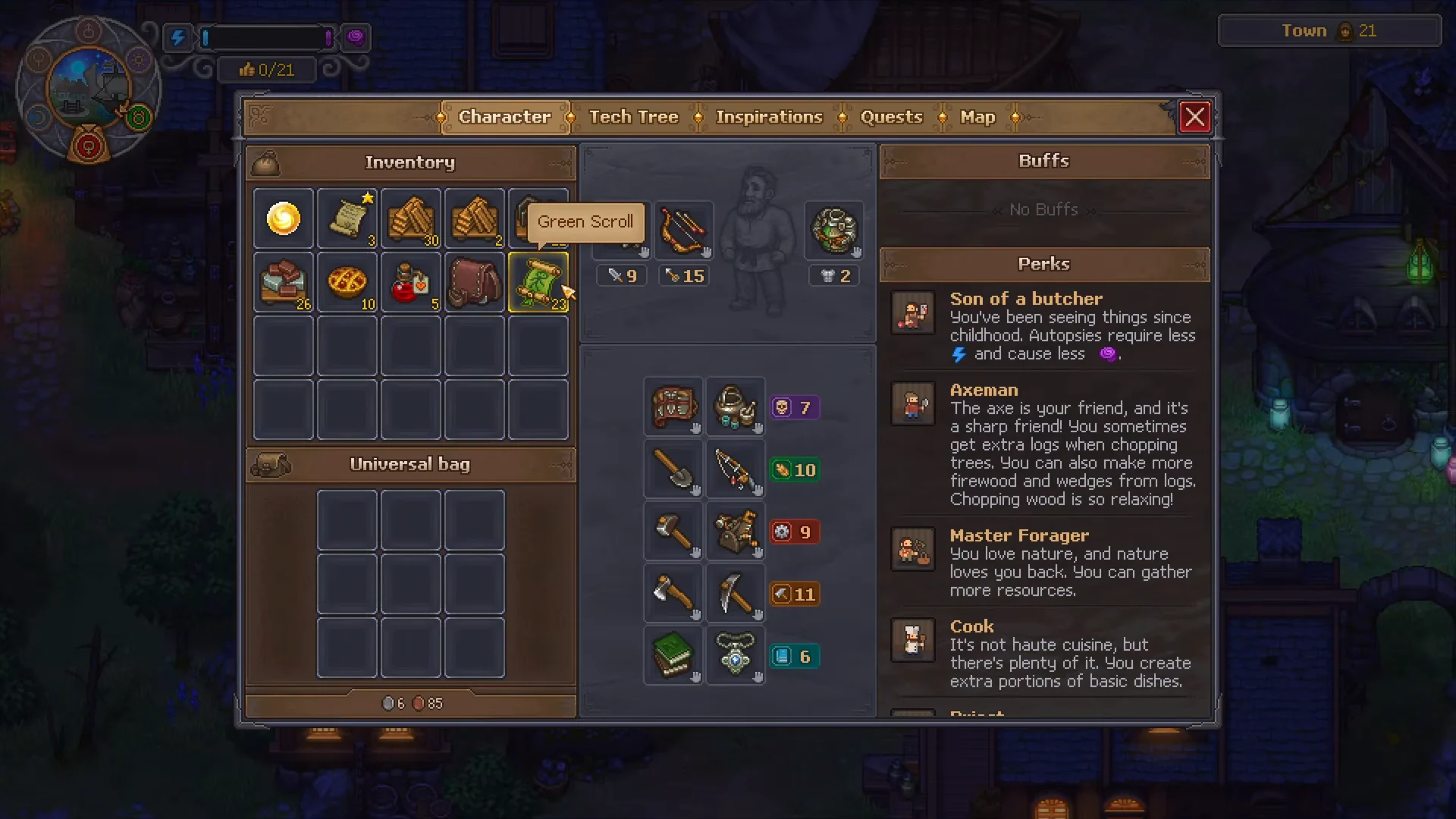
Green Scroll Requirement00:14Green Scroll Requirement
The Green Scroll shown on the Character screen is the item you spend to bring in new residents. Shown at 00:14 in Quick Tips’s video. Image: Lazy Bear Games

Bigger homes are worth more. Small and medium houses give a handful of scrolls, while large houses can grant enough for a full batch of ten residents in one trade. Open the town map to find the larger dilapidated buildings, since those are the most efficient to repair.


Repair houses to earn scrolls
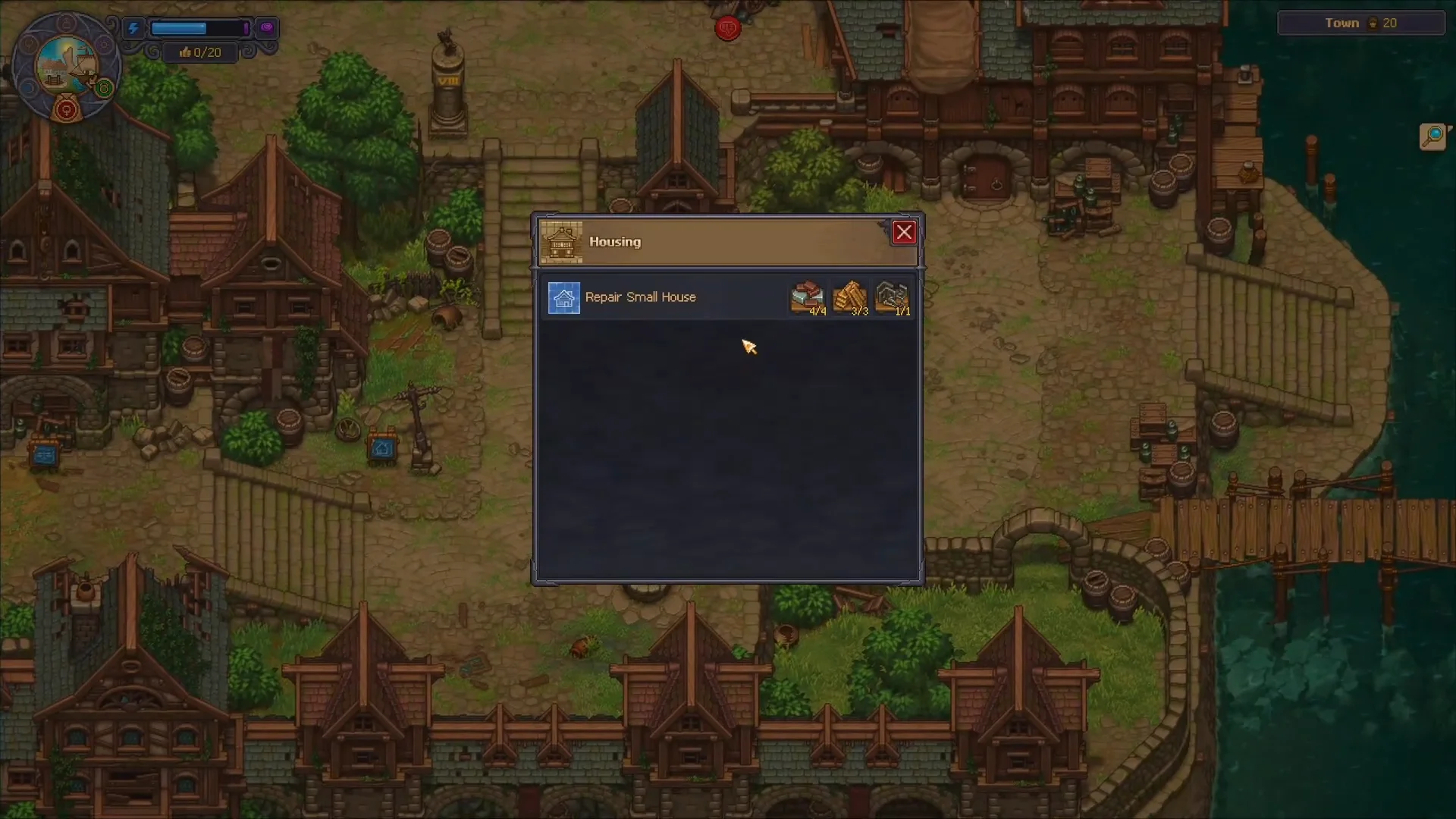
Walk up to a house that has a blue repair board in front of it and interact with the board. This opens the Housing menu with the repair option for that building.
Repairing a Small House00:15Repairing a Small House
Interacting with a blue repair board opens the Housing menu, where you select the repair option for that home. Shown at 00:15 in Kripsu’s video. Image: Lazy Bear Games
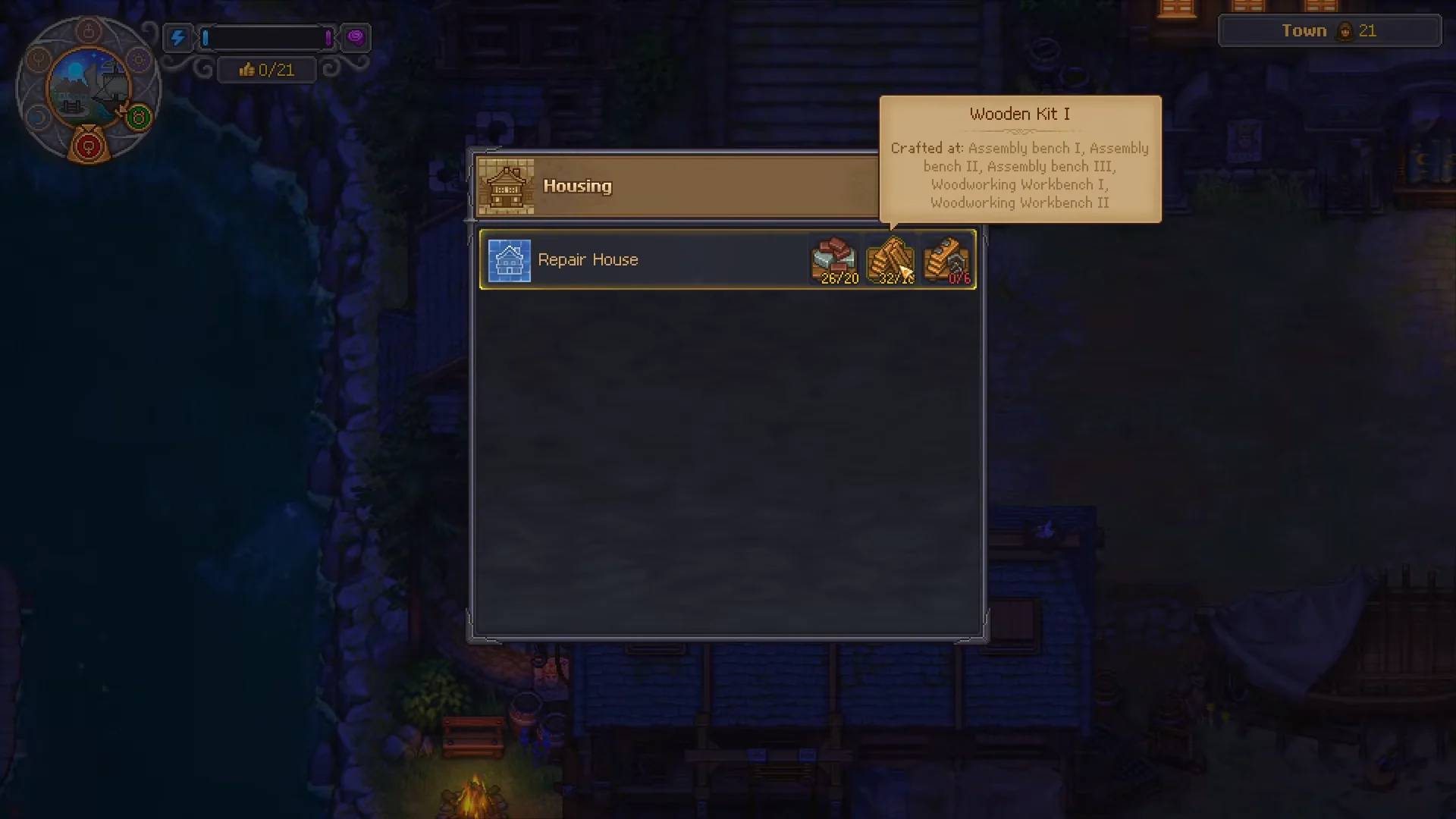
Before starting a home repair, confirm you have the necessary supplies. You’ll need crafted items like Building Kit I and Furniture Kit I, frequently in quantities of 20 apiece. Bigger houses require more materials, so check that your stored supplies meet the entire recipe.
Repairing Houses00:25Repairing Houses
The repair recipe lists the kits you need, including Building Kit I and Furniture Kit I. Shown at 00:25 in Quick Tips’s video. Image: Lazy Bear Games

You craft the kits at your workbenches. Building Kit I comes from Assembly bench I, II, or III, and from Woodworking Workbench I or II. Furniture Kit I comes from Assembly bench II or III, and from Woodworking Workbench II. Queue up plenty of both before a repair run.
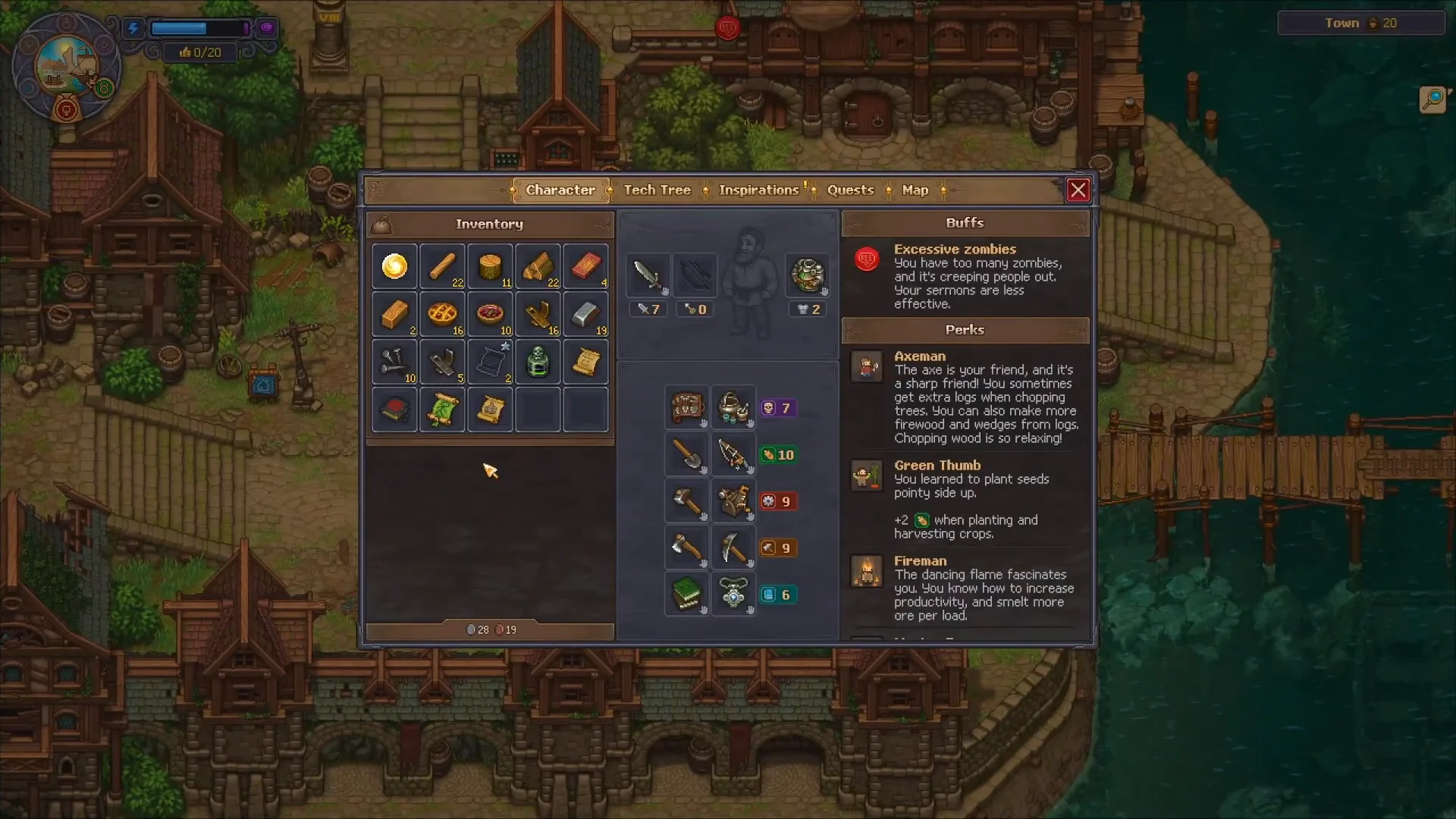
Confirm the build. Once the materials are deposited, the house is finished and you receive its Green Scroll reward. Open your inventory to confirm the scrolls are in your bag before heading into town.
Checking Green Scroll in Inventory00:25Checking Green Scroll in Inventory
After a repair, the Green Scroll appears in your inventory, ready to trade for townsfolk. Shown at 00:25 in Kripsu’s video. Image: Lazy Bear Games

Trade scrolls to Linda at the Dockside Club

Scrolls only turn into people at the Dockside Club, and only on the right day. The recruiter, Linda, stands behind the reception counter and buys your scrolls in exchange for new residents.
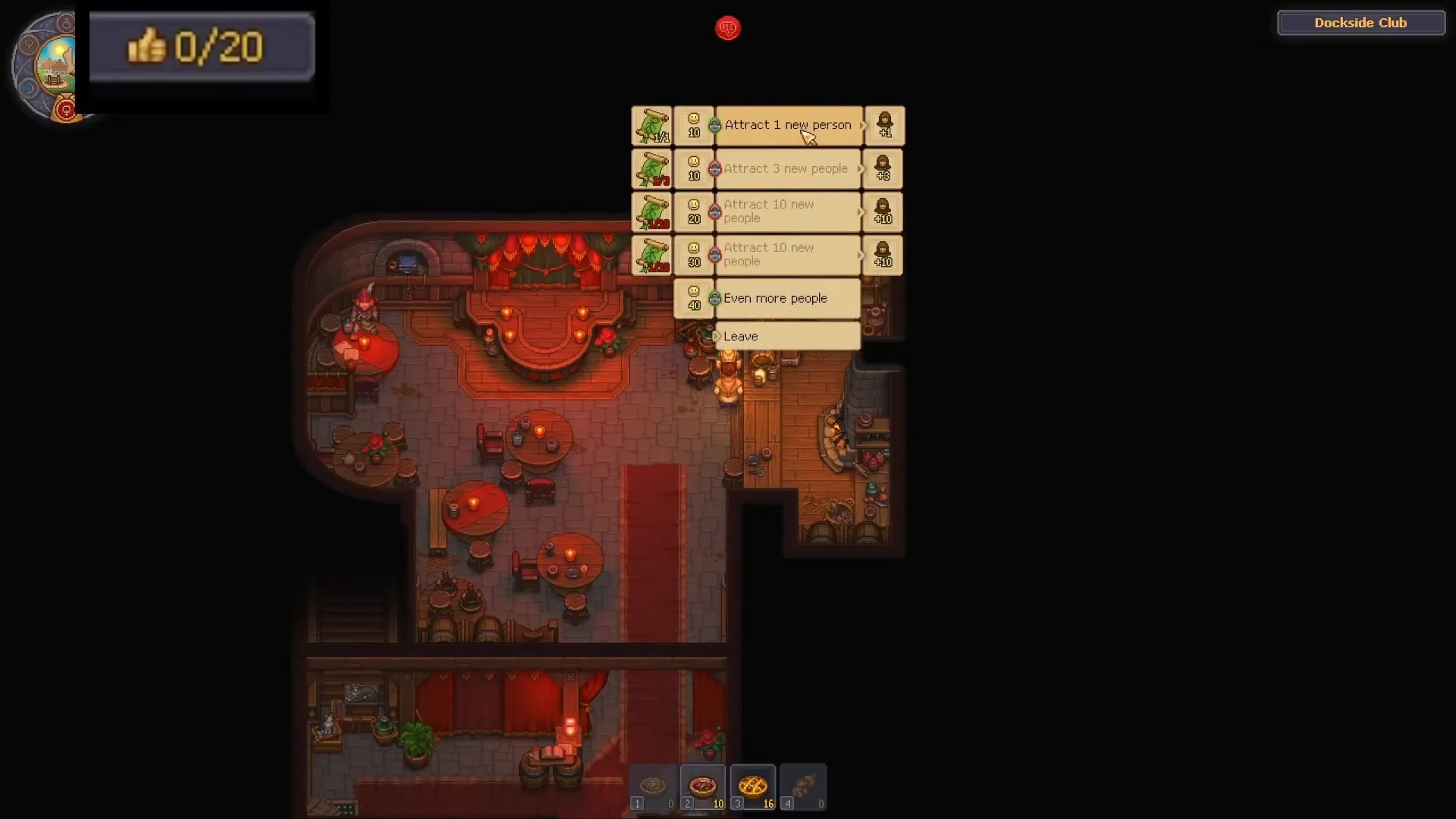
Wait for Lust day. This is the day marked with the female, or Venus, symbol on the day tracker. The recruitment option is only available then, so hold onto your scrolls until it comes around.
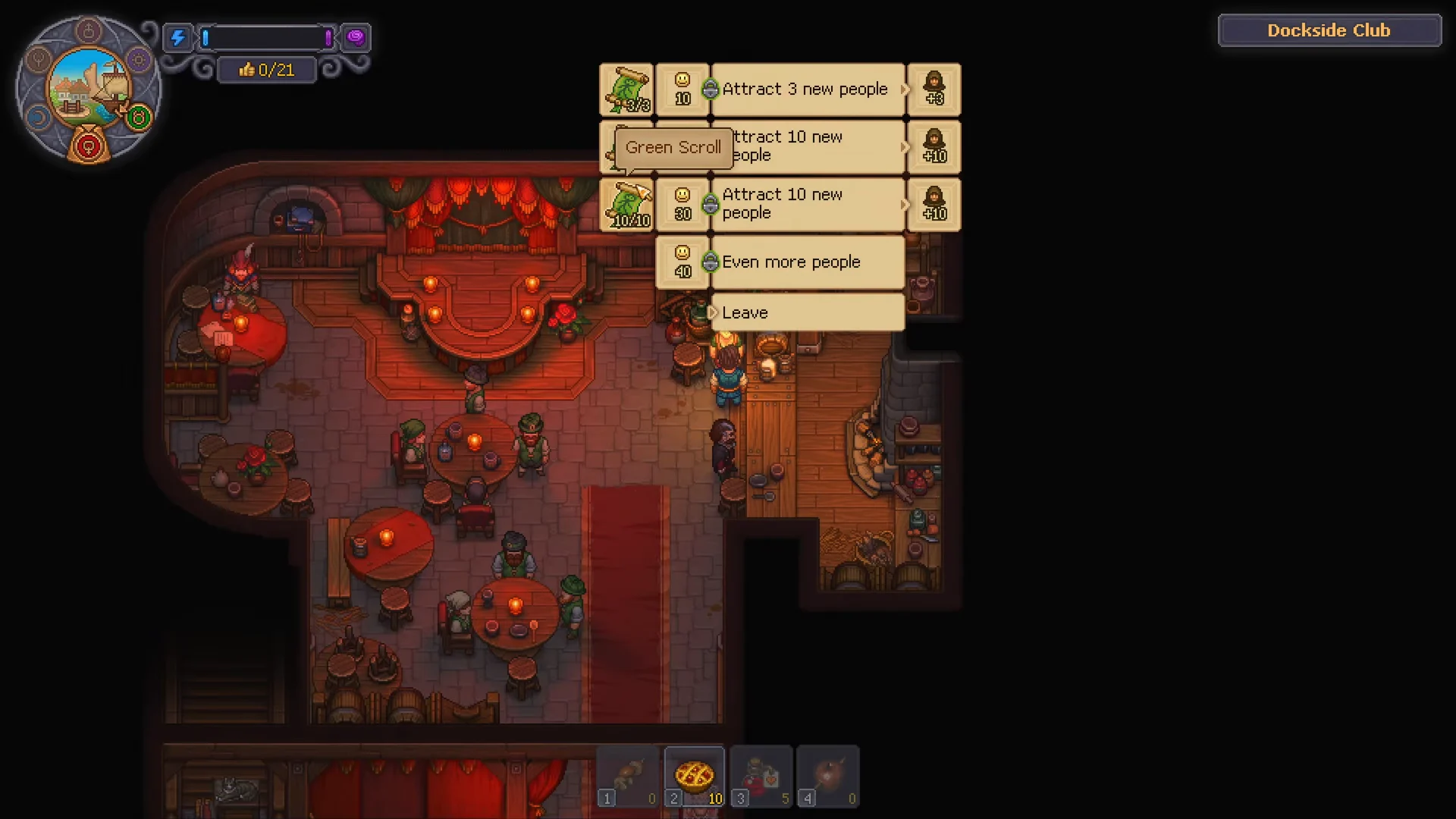
Visit the Dockside Club beside the port and talk to the woman at the counter. When the dialogue appears, select New people, not the “Wealthy townspeople” option.
Recruiting Townspeople00:52Recruiting Townspeople
The "New people" menu lists how many residents each batch of Green Scrolls will bring in. Shown at 00:52 in Quick Tips’s video. Image: Lazy Bear Games
Pick how many people to attract. Each choice costs a set number of scrolls, and buying in bulk is cheaper per head. Confirm the trade to add the residents.
Turning In Flyers to Linda00:50Turning In Flyers to Linda
Selecting a recruitment option, such as "Attract 1 new person," spends scrolls and raises the town count. Shown at 00:50 in Kripsu’s video. Image: Lazy Bear Games
OptionGreen Scroll cost
Attract 1 new person1
Attract 5 new people4
Attract 10 new people7

The ten-person option is by far the most scroll-efficient, so save large-house scrolls for that tier instead of buying single residents.


How to confirm the population went up

The moment you finish trading, the town population counter in the top-right corner updates. Leave the Dockside Club and the new number is already reflected on the HUD, jumping from its previous value to the higher total.

At the same time, the maximum Town Gratitude limit in the top-left corner rises. Since sermons rely on Gratitude, and the cap follows population, every batch of residents you recruit raises how much Gratitude you can hold for stronger sermons. Keep repairing houses and returning to Linda on each Lust day, and both numbers will climb together.