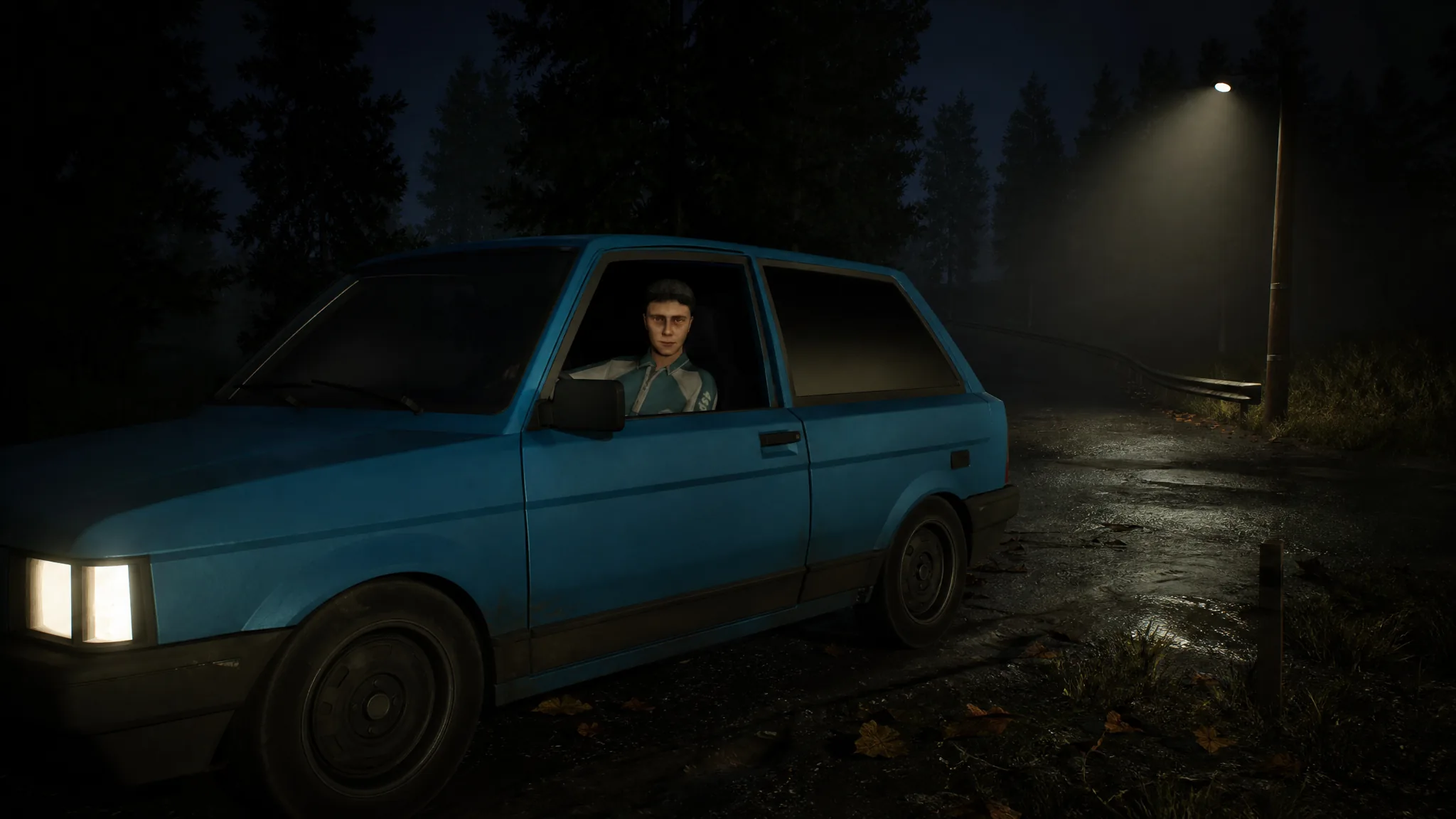
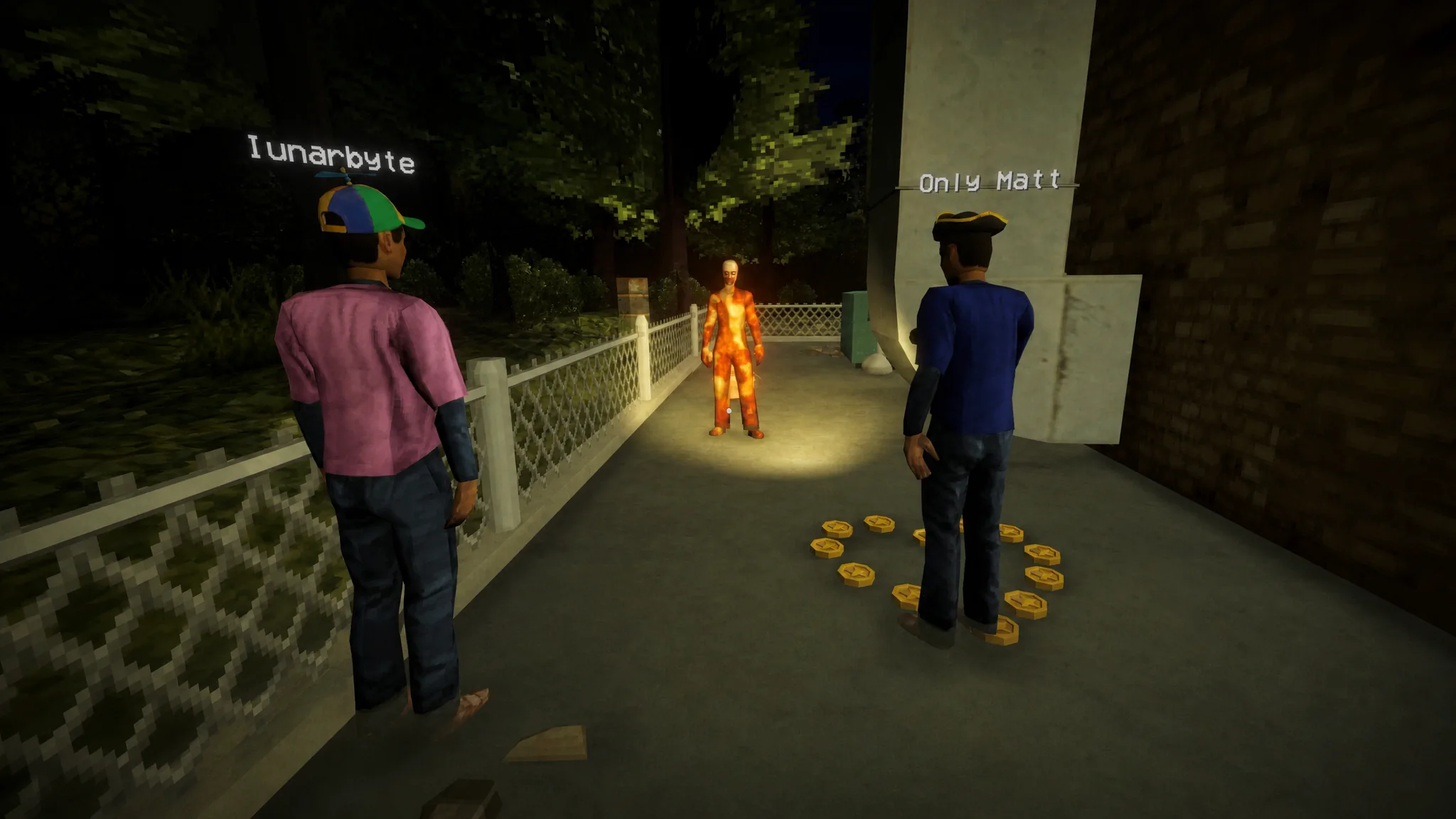
Shift At Midnight is built around a small crew keeping a shop alive while hunting for doppelgangers, and its co-op lobbies are locked to three players out of the box. A day-one Steam patch lets a host bump that selectable maximum up to six, but if you want a bigger group than that, you need a mod. The most reliable option is ShiftMorePlayers, which removes the hard cap and lets the host pick the lobby size.
Quick answer: Install the BepInEx 6 IL2CPP loader into your game folder, drop ShiftMorePlayers.dll into BepInEx\plugins\, then launch through Steam and pick a higher number from the max players dropdown on the CREATE LOBBY screen. Only the host needs the mod.
Player limits, official vs modded
Here is how the caps compare so you know what each route actually gives you.
| Method | Max players | Notes |
|---|---|---|
| Vanilla game | 3 | Hard cap by default |
| Official Steam patch | 6 | Host selects up to 6; 4–6 is outside the designed experience |
| ShiftMorePlayers mod | 8 default (2–250) | Realistic safe ceiling is around 10 players |
The 250 figure is the theoretical Steam lobby maximum, not a promise of smooth play. The mod has been tested with eight players in a single Steam lobby and five in one active session, with everyone spawning and playing correctly. Push much past ten and spawn points, story scripts, and performance can start to break.
What you need before installing
- Shift At Midnight on Steam, updated to the latest version.
- The BepInEx 6 IL2CPP (bleeding edge) loader — grab the file named
BepInEx-Unity.IL2CPP-win-x64-6.0.0-be.xxx.zip. - The ShiftMorePlayers mod archive from its Nexus Mods page.
Note: The mod does not modify any game files. It installs as a single DLL and can be removed cleanly later. Friends running the vanilla game can still join a modded host, though installing it on everyone is recommended for consistency.
Install ShiftMorePlayers with BepInEx
ShiftAtMidnight.exe. The loader files must sit alongside the executable, not in a subfolder.Set your own player count
The default limit is eight, but you can change it. After the first launch with the mod active, open the config file at BepInEx\config\com.tntcrafthim.shiftmoreplayers.cfg and edit the value.
[General]
MaxPlayers = 8
Any number from 2 to 250 works, and the in-game dropdown will then offer every size up to your chosen value. For a stable session, keep it at or below ten. If you are upgrading from version 1.3.0 or older, the mod copies the old com.tntcraft.shiftmoreplayers.cfg to the new filename automatically on first launch and keeps the original as a backup.
Confirm it worked
You know the mod is active when the max players dropdown on the CREATE LOBBY screen shows numbers higher than three. If it still stops at three, the DLL is likely in the wrong place or you skipped the first BepInEx launch. Re-check that the loader files sit next to ShiftAtMidnight.exe, that you launched once before adding the DLL, and that ShiftMorePlayers.dll is inside BepInEx\plugins\.
Alternative: ShiftLobbyPlus with MelonLoader
If you would rather not install BepInEx separately, ShiftLobbyPlus does the same job through MelonLoader, which comes bundled in the archive. It also unlocks the three-player cap and defaults to eight, configurable up to 243 (the Photon protocol limit). Only the host needs it. To install, right-click the game in Steam, choose Manage then Browse local files, extract the whole archive next to ShiftAtMidnight.exe, and launch through Steam as normal. If the game refuses to start, install the .NET Desktop Runtime 6.0 or newer (x64).
Its config lives at UserData\MelonPreferences.cfg after the first launch.
[ShiftLobbyPlus]
MaxPlayers = 8
To verify it, open MelonLoader\Latest.log. A status line prints every 15 seconds, for example players=4/8 ... simSlots=8, reading the cap back from the Photon cloud. To remove it, delete version.dll, the MelonLoader folder, and the Mods folder. Your saves stay intact.
Note: ShiftLobbyPlus currently flags as “Some suspicious files” on the Nexus virus scan, while ShiftMorePlayers is marked safe to use. Weigh that before choosing.
One last thing worth keeping in mind: these mods raise the headcount, but they do not scale difficulty. The game was designed for three, so adding more hands makes managing the shop easier rather than harder, and larger lobbies can trip over spawn points and scripted moments. Stick near the eight-to-ten range and you get plenty of extra players without pushing the game past what it can handle.