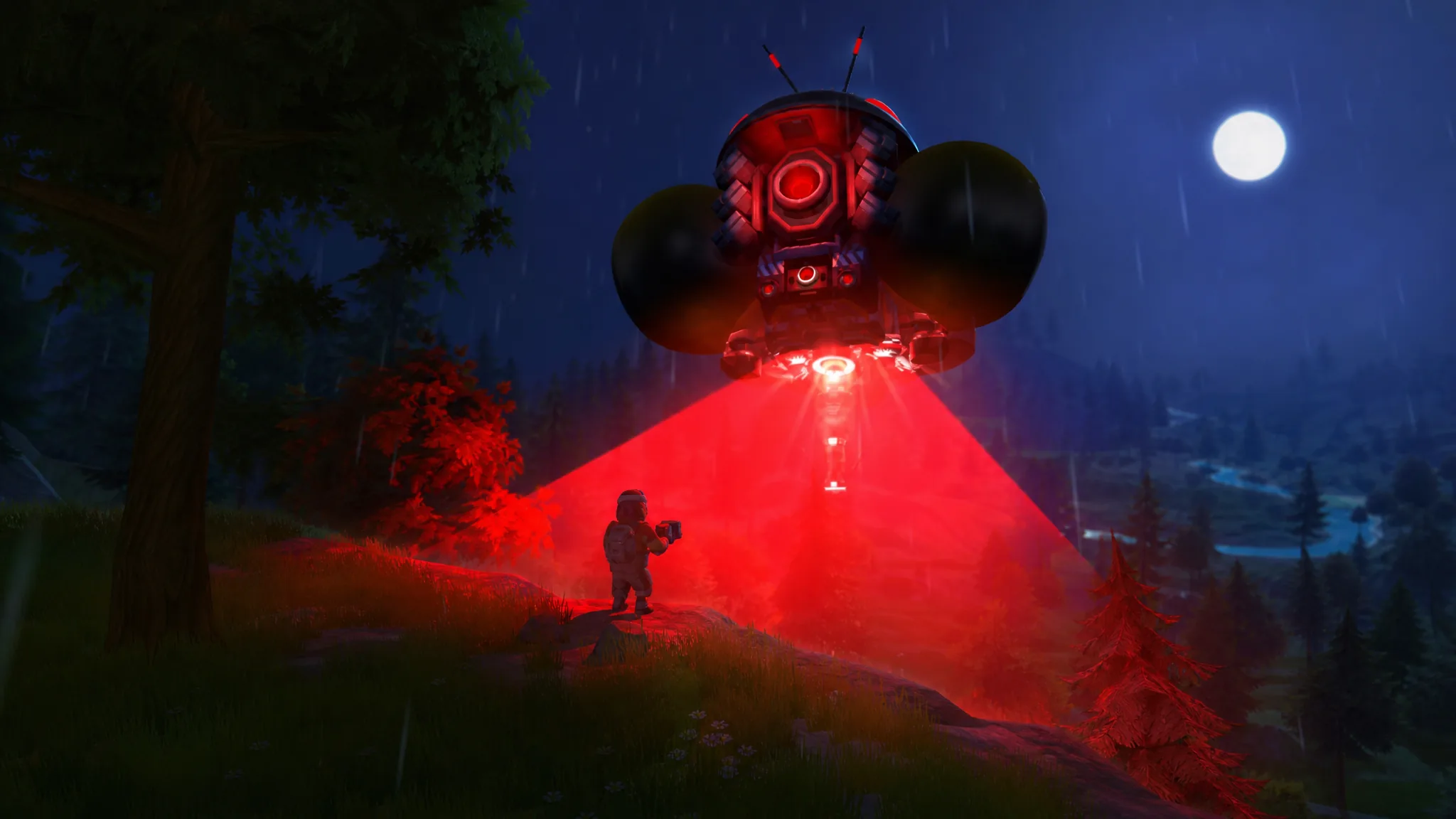
Flight in Scrap Mechanic does not come from a dedicated aircraft part. It comes from thrusters pushing your craft off the ground and a well-known suspension glitch that keeps the whole thing steady enough to control. Once both are in place, you get a machine that lifts, steers, and cruises across the terrain, which is exactly what you want when you are ranging far from base for parts.
Quick answer: Build a wood platform at least five blocks wide, mount a Driver’s Seat in the center, add a steering suspension glitch beneath it, attach four Thrusters on bearings tied to a Controller set to 30 degrees, connect the thrusters to the seat, then place three rear suspension glitches for stability before dropping it off the lift.
Parts you need for a Scrap Mechanic flying machine
Gather everything before you start so you are not hunting for pieces mid-build. This particular design leans on two separate suspension glitches, so the bearing and suspension counts matter.
| Part | Quantity | Role |
|---|---|---|
| Thruster | 4 | Lift and forward drive |
| Driver’s Seat | 1 | Control hub for steering and thrust |
| Controller | 1 | Sets and adjusts thruster angle |
| Bearing | 8 | Steering glitch, thruster mounts, rear stabilizers |
| Suspension | 4 | Steering glitch and rear stability |
| Pipe Corner | 3 | Links rear bearings to suspensions |
| Wood | As needed | Base platform and mounts |
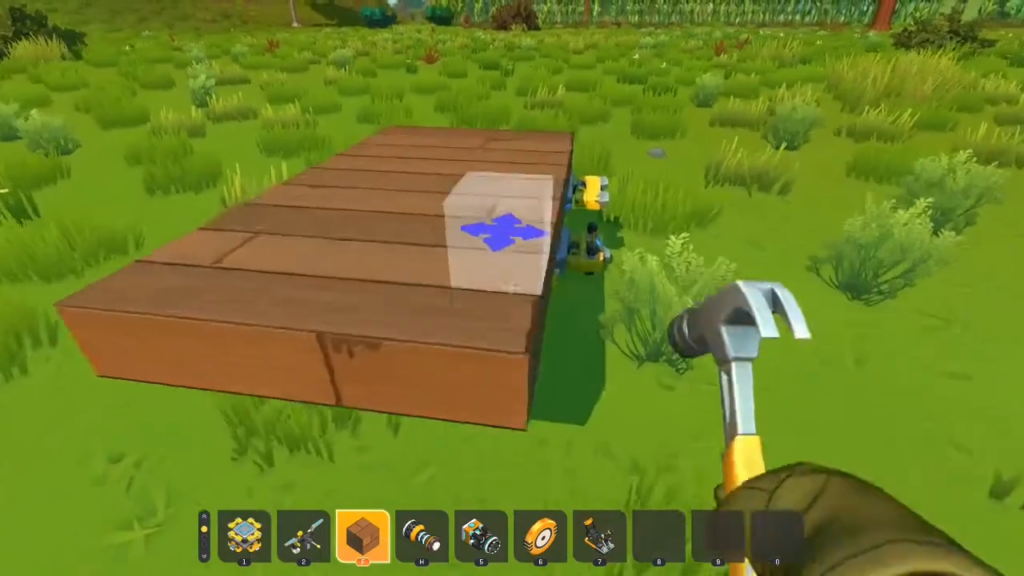
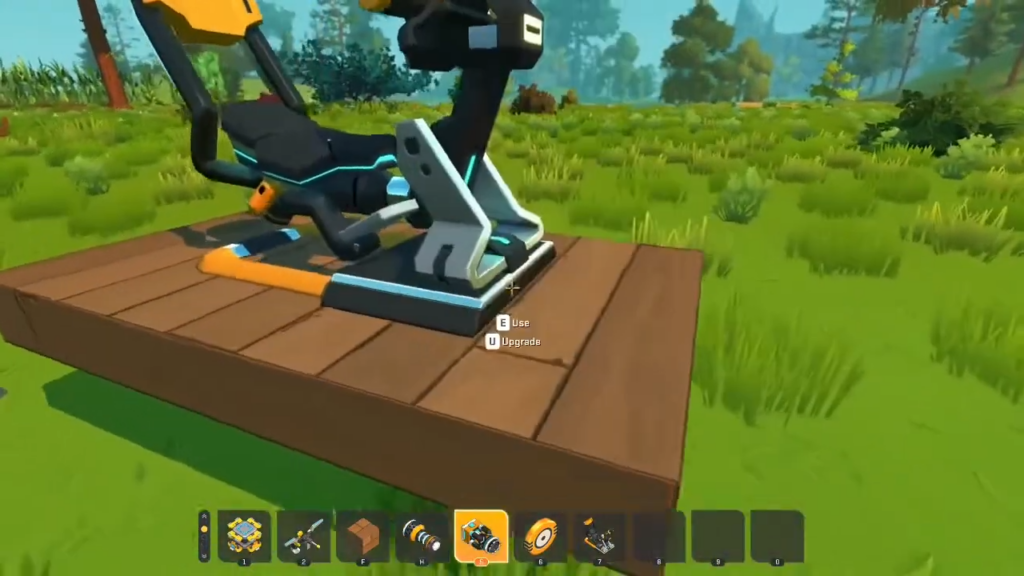
Build the base and Driver’s Seat
Install the steering suspension glitch
This glitch is what turns the whole craft left and right. It sits directly under the seat and must be fully boxed in by blocks to work, so plan to seal it back up once it is connected.
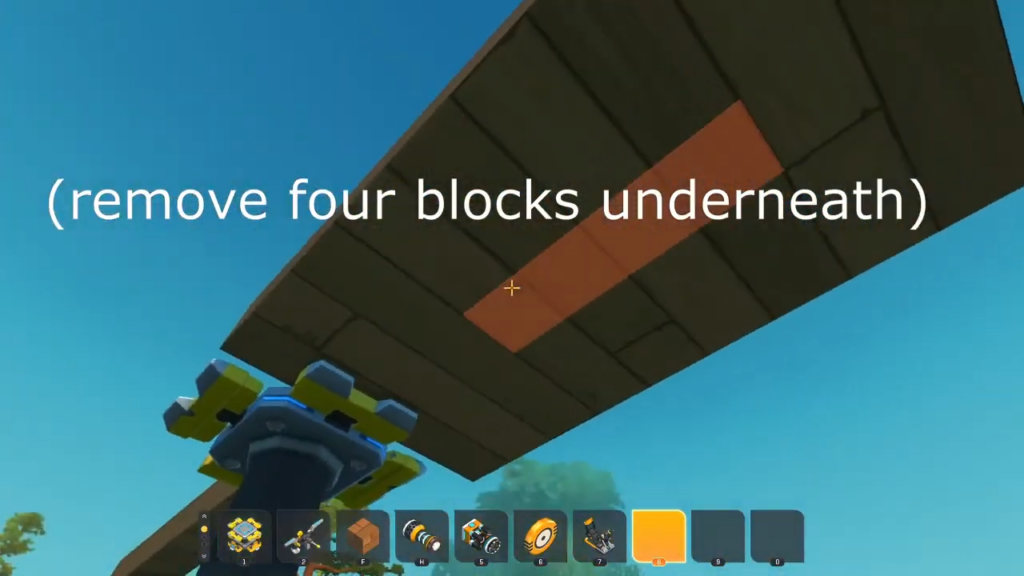
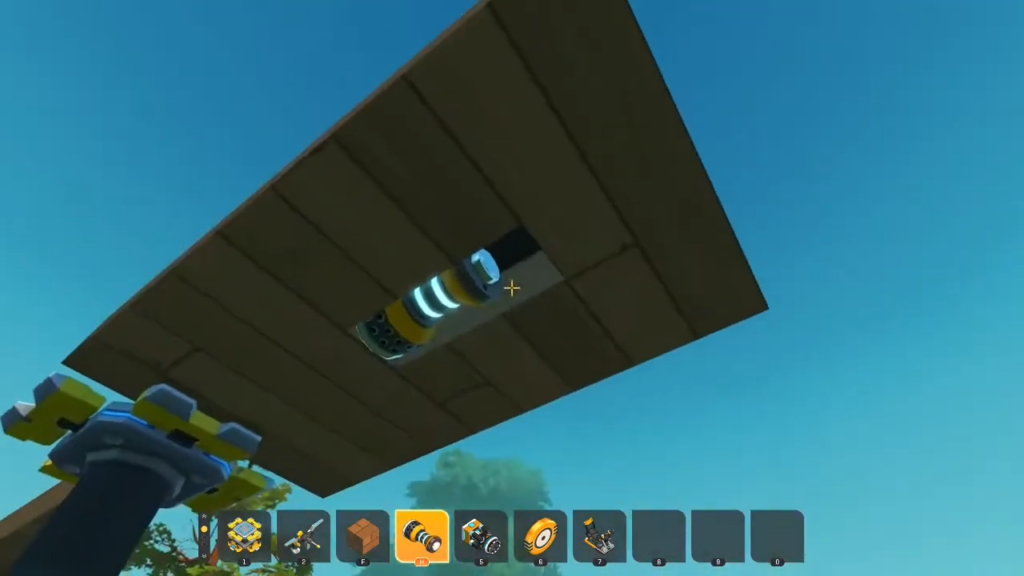
The turning glitch only functions when it is completely enclosed by blocks. After connecting it, replace the blocks you removed around the mechanism, or steering will stop responding.
Mount the Thrusters and Controller
Thrusters always push in the opposite direction of how they face, so pointing them down produces lift. Mounting them on bearings tied to a Controller lets you angle that push, turning pure vertical lift into forward travel.
Add the rear suspension glitch for stability
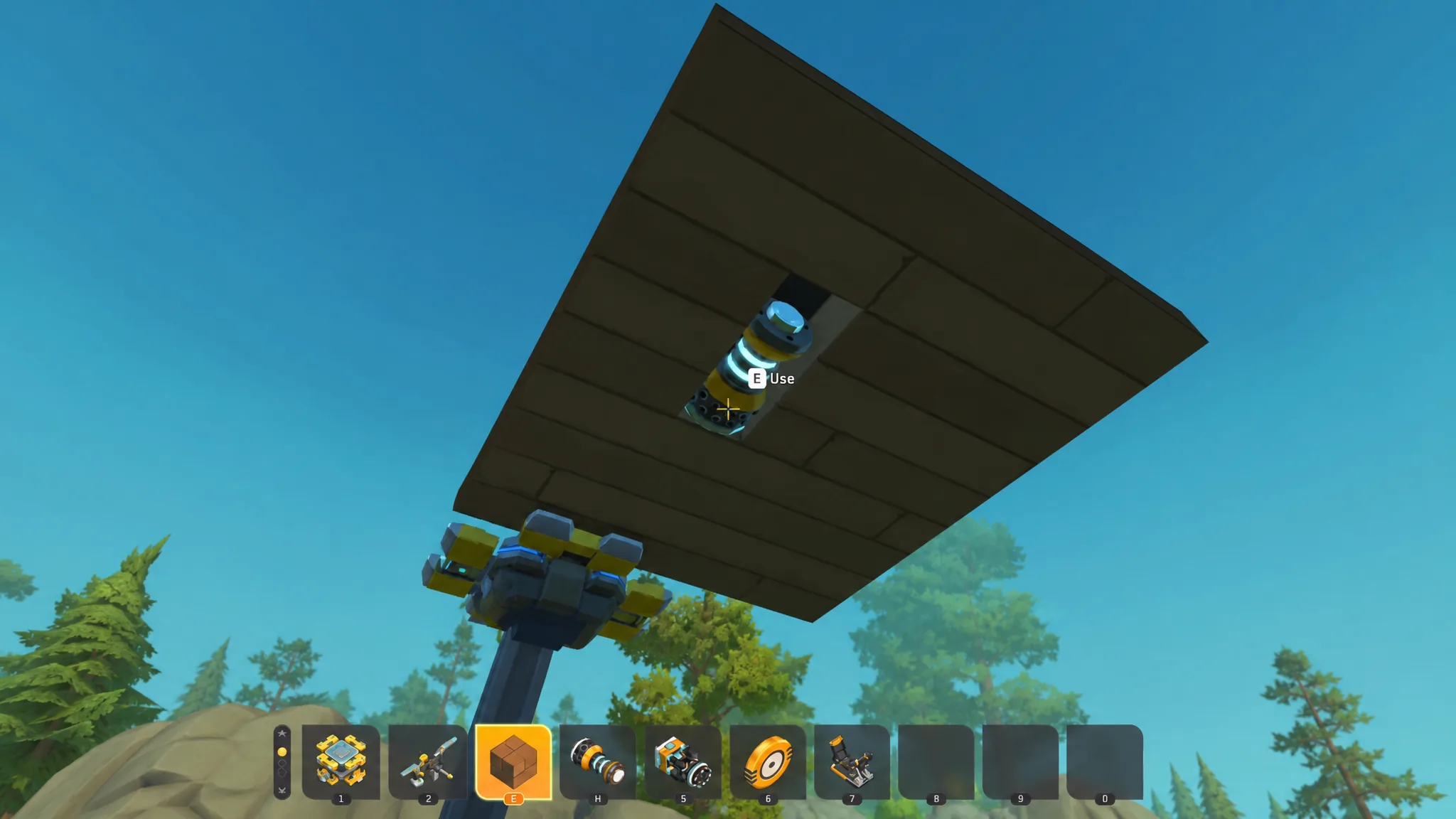
Without stabilizers, the craft tips backward and flips over the instant it lifts off. Three rear suspension glitches counter that and hold the craft level during flight.
Tune the thruster power and angle
Drop the craft off the lift and test it. Fresh builds usually need two adjustments before they fly cleanly, and both are quick.
First, lower the thruster power with the hand tool if the craft climbs too fast or feels twitchy. A setting around 60 percent gives steadier lift on a lightweight wood frame. Start low and raise it once the craft holds level.
Second, open the Controller and change the thruster angle to shape your flight path. The angle sets how much of the push goes into forward speed versus climbing.
| Thruster angle | Flight behavior |
|---|---|
| 30 degrees | Strong vertical climb |
| 15 degrees | Mix of climb and forward travel |
| 0 degrees | Straight, level forward flight |
How to know it works, and why it fails
You know the build is finished when the craft lifts smoothly, holds a stable level attitude, and turns left and right from your seat input without spinning out or flipping. Steering that responds while the craft stays upright is the confirmation that both glitches are wired correctly.
Most failed builds trace back to a short list of causes.
- The craft flips backward on takeoff because the rear suspension stabilizers are missing or too few. Three columns is the reliable number.
- Steering does nothing because the underside turning glitch is not fully enclosed by blocks. Seal it back up completely.
- The craft rockets straight up and never levels off, which usually means the thruster power is too high or the angle is stuck at a steep climb. Lower both.
- Thrusters push the wrong way. Remember they thrust opposite to the face they point, so downward-facing thrusters create lift.
For finer control on the ground, swap the underside blocks for low-friction Square Mesh Blocks to make skid-style legs. They let the craft slide and drift across terrain like a hovercraft when you are not airborne. Once flight and steering both check out, raise the thruster power to taste and take it out to explore.