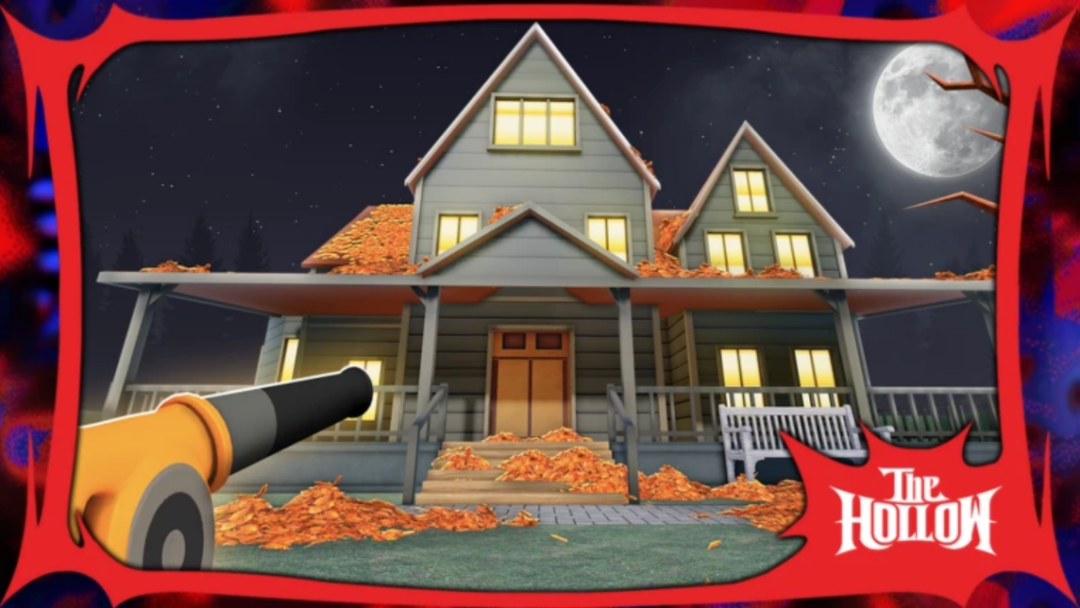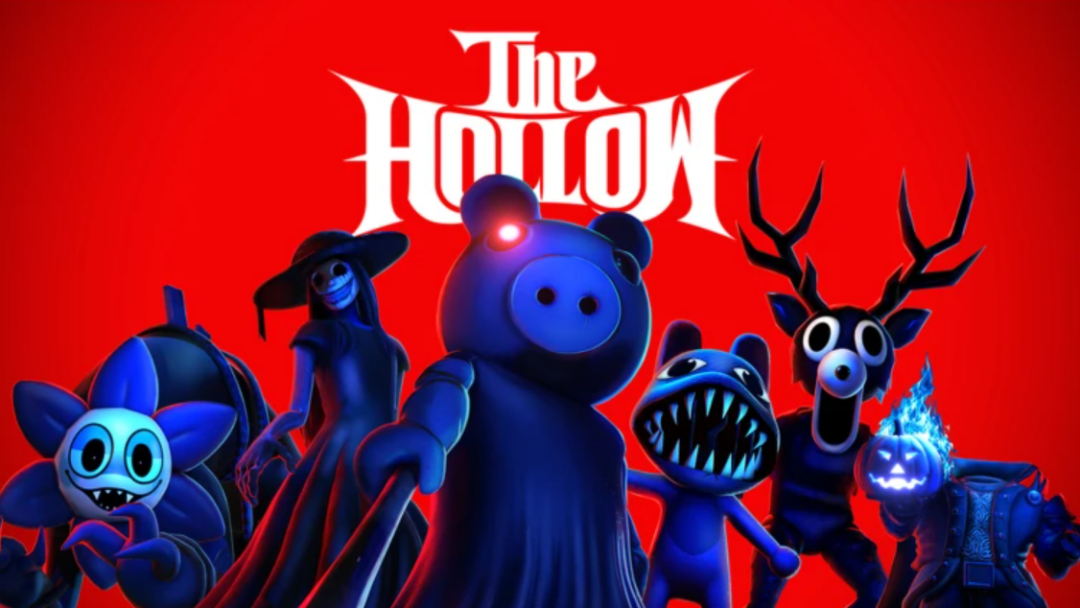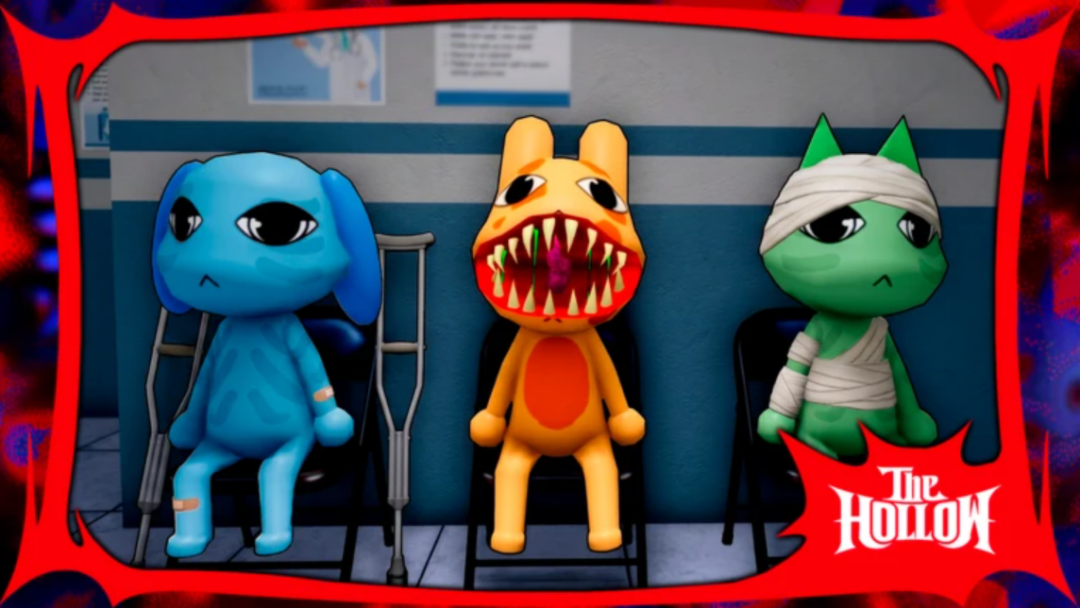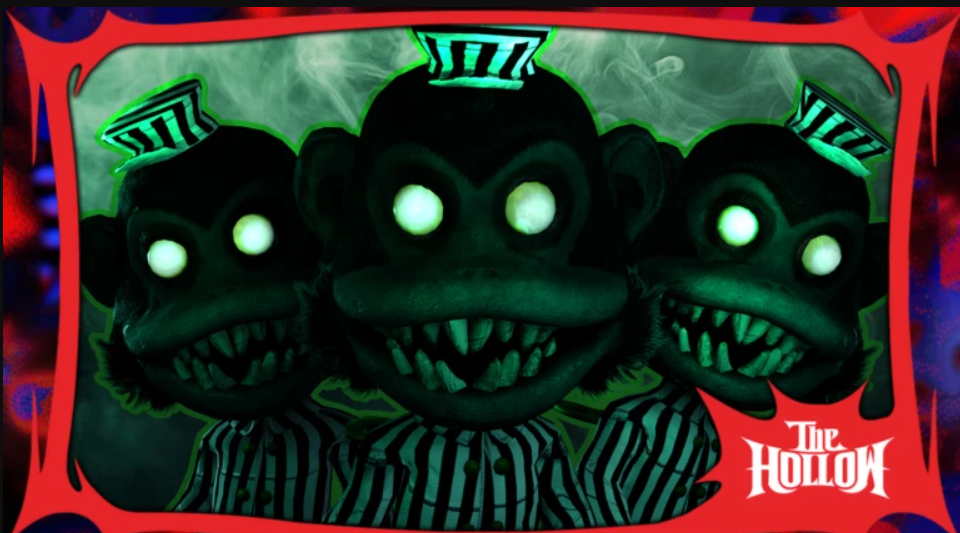
The Hollow is this year’s seasonal event for Halloween on Roblox that spans multiple games and offers players ways to earn exclusive rewards. You can claim rewards like in-game items, skins, badges, and more by completing event challenges while the event is live. Hunted is one of the titles where you can get a special badge by completing an event quest. To do so, you need to use the Event portals and collect a certain number of candy pieces. Here’s a quick guide explaining how you can do so easily.
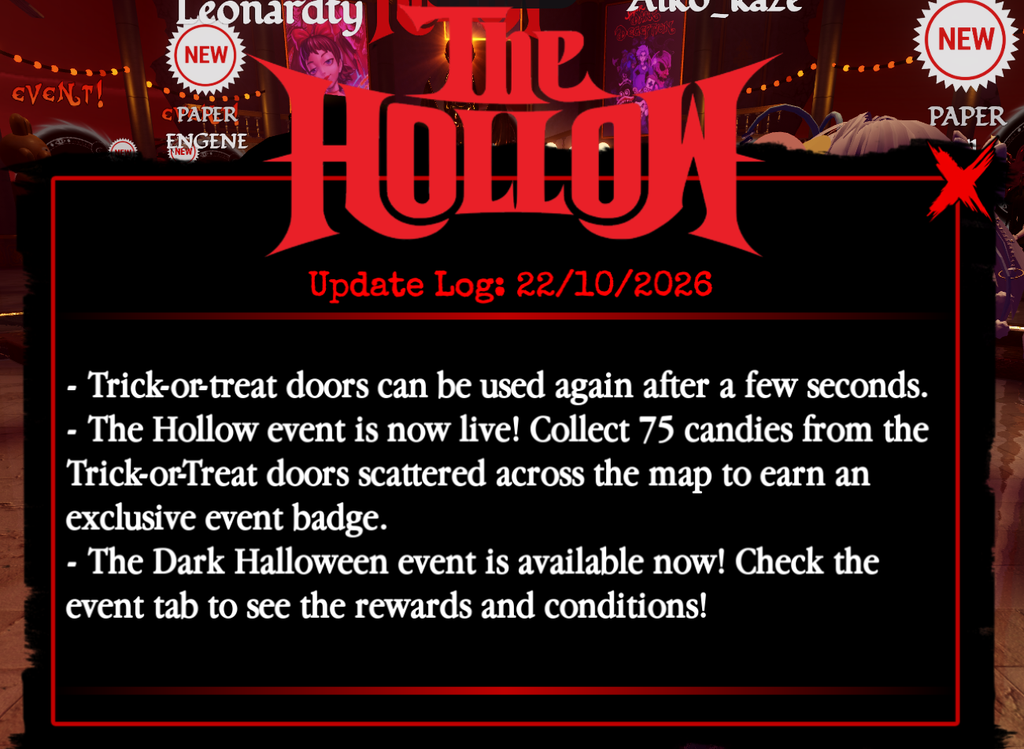
Reach the Event Map
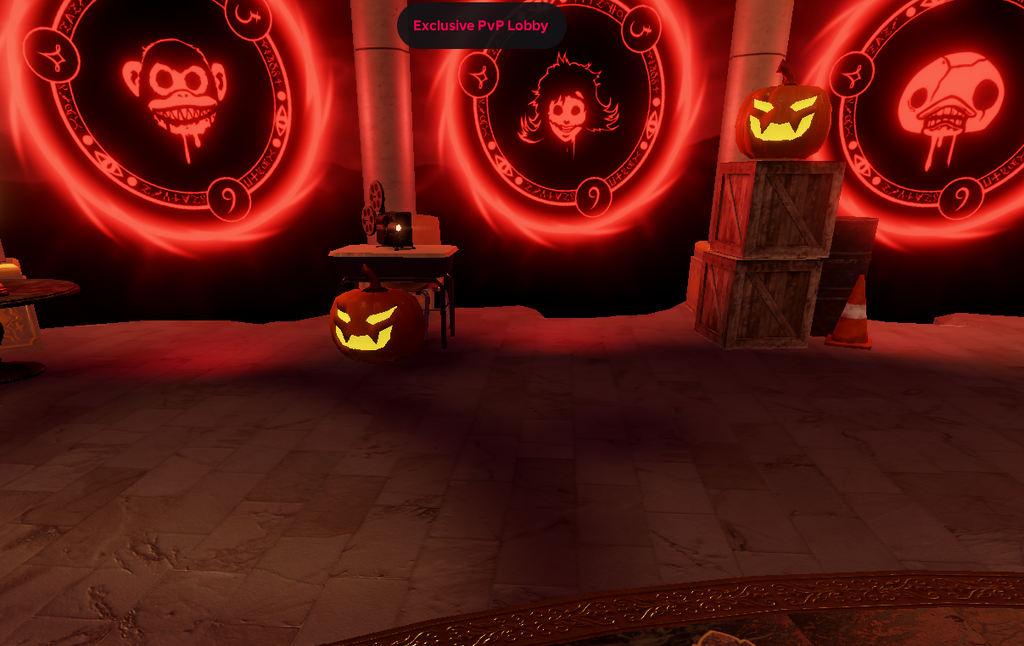
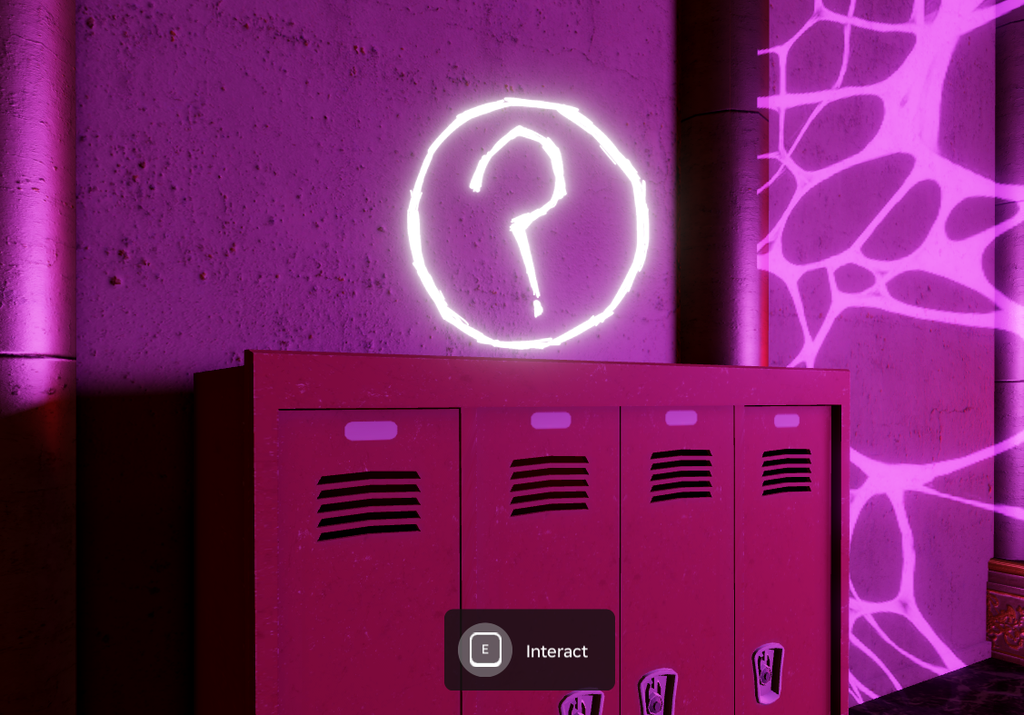
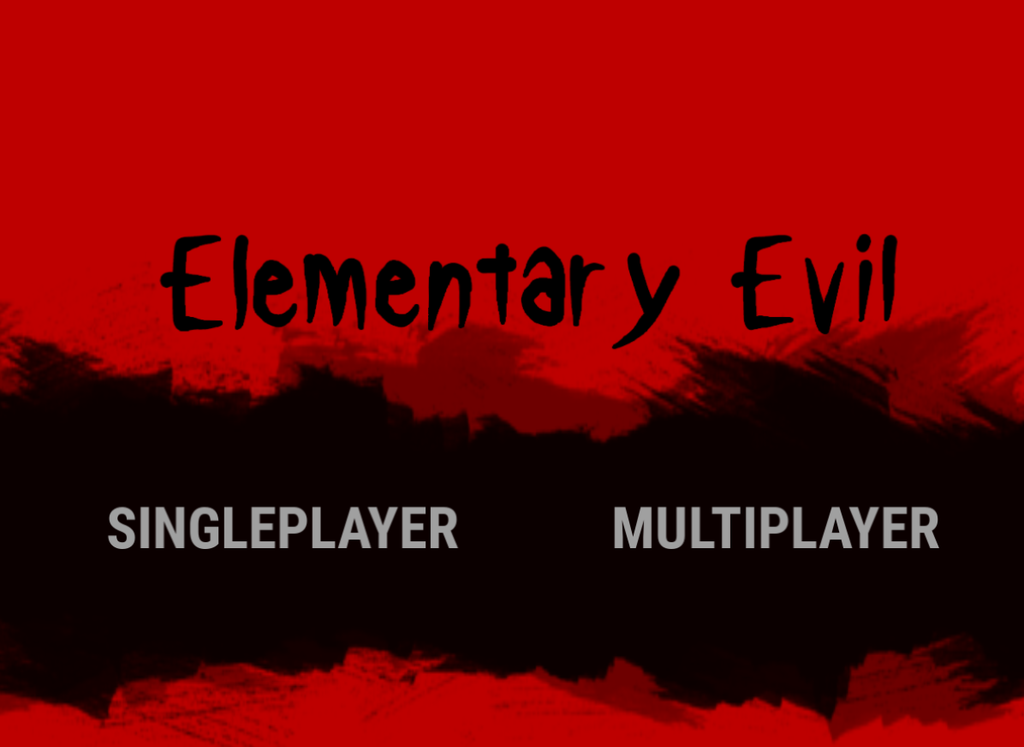
The Hollow quest is only active on the Event Map, which you can access through special portals.
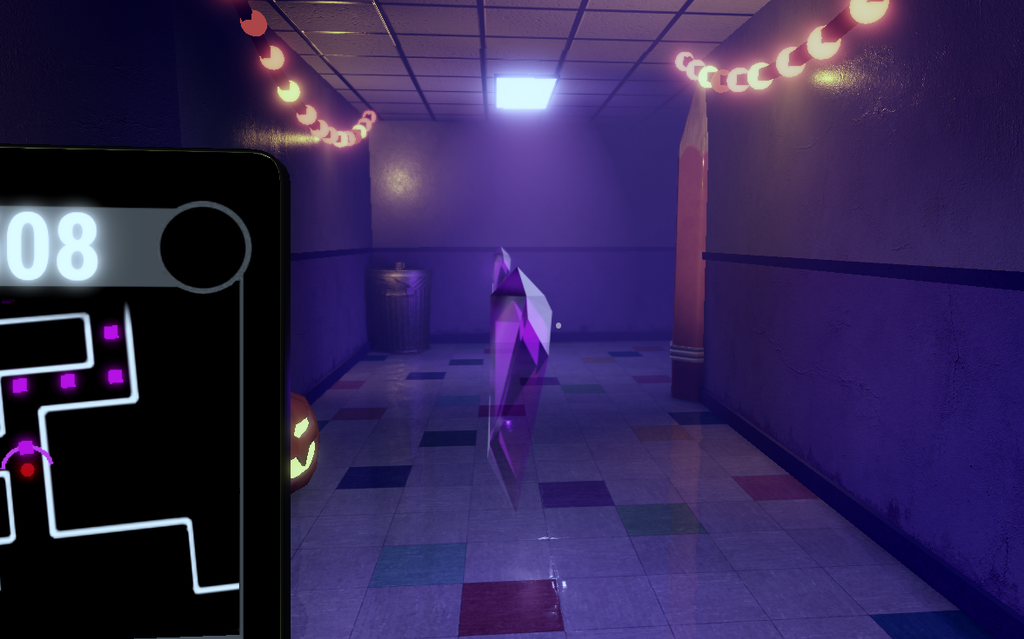
You need to collect 75 candy pieces to complete the challenge. However, avoid getting caught by monsters while you look for candy pieces. You have three lives, and a life is lost each time a monster catches you. Once all are gone, you will have to start from the beginning. After collecting all the candy pieces, interact with the altar in the lobby to get the Hollow quest badge.