The Crab Fishing Rod in How to Fish pulls crabs out of the water, but landing one is only half the job. A crab still has to be killed on land with melee before you can inspect it and read its value. Here is the precise sequence, the button inputs, and how to confirm each step worked.
Quick answer: Cast and reel the line in with Left Click until a creature bites, press Right Click to drop it on land, press X to unequip the rod, then punch it with Left Click until it dies. Hold the crab and press F to inspect its value and weight.
Crab Fishing Rod controls
Every action in the catch loop maps to a single input. Keep these in mind before you start, because the crab can escape if you give the line slack at the wrong moment.
| Action | Input |
|---|---|
| Release line | Hold (right mouse button) |
| Reel in | Left Click (hold or spam) |
| Drop creature | Right Click |
| Unequip rod | X |
| Melee / punch | Left Click |
| Inspect item | F |
| Radar | E ($10) |
Catch and kill a crab
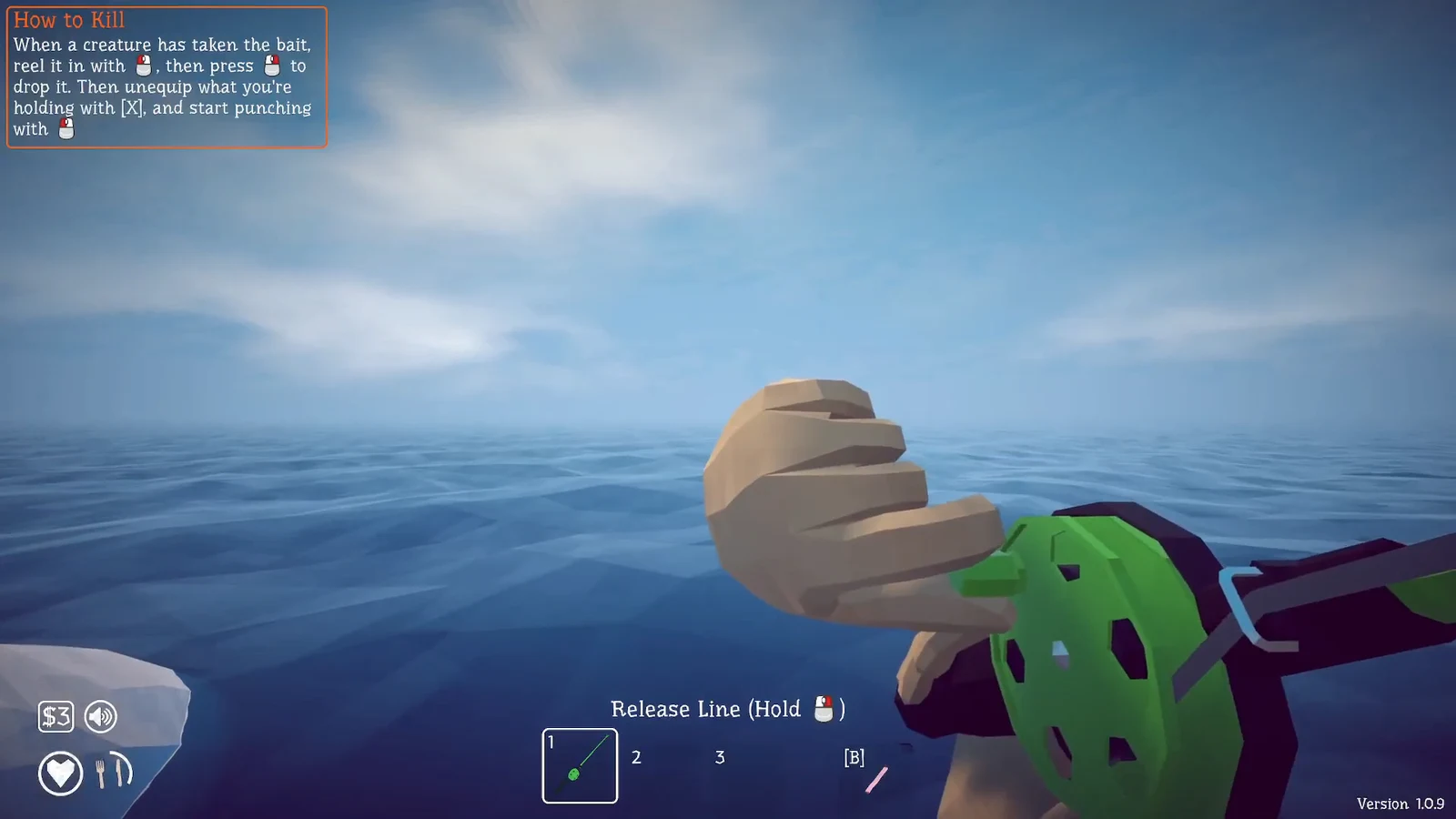
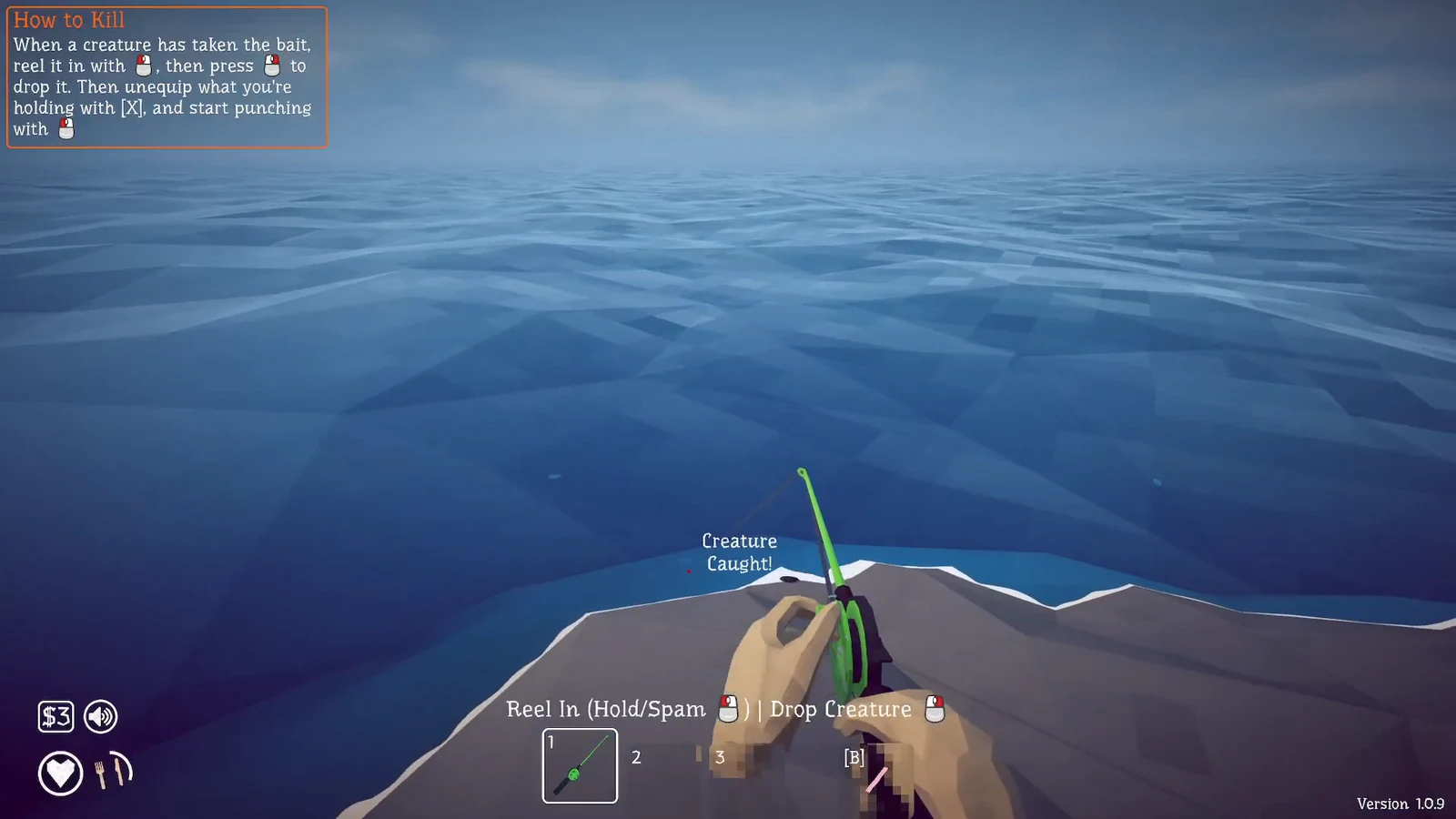
You will know it worked when the crab stops moving and the on-screen state changes to a caught, killed creature rather than a live one.
Inspect the crab to read its value
Pick the dead crab back up, then press F while holding it to inspect. The inspect panel shows what the creature is worth and how much it weighs, which is how you judge whether a catch is worth keeping.
![Holding the crab and using the "Inspect [F]" prompt to reveal its value and weight. Image credit: Dazed Games](https://static.allthings.how/wp-content/uploads/2026/08/how-to-catch-crabs-with-crab-fishing-rod-in-how-to-fish-1998071284.webp)
A caught Brown Crab reads out with the stats below. These are the numbers shown on the inspect screen for that catch.
| Stat | Value |
|---|---|
| Creature | Brown Crab |
| Value | 2 |
| Weight | 1.830 kg |
| Kills_core | 1.05x |
If the crab gets away
Two things break the loop. If you drop the crab (Right Click) before it is over land, it can slip back toward the water. And if you try to hit it with the rod still equipped, your Left Click keeps reeling instead of punching, so the crab stays alive. Unequip with X first, then attack.
Once you have the rhythm down, the whole cycle from cast to inspection takes under a minute, and every crab you land can be checked with F to see exactly what it is worth.