
“Driver download failed” errors in NVIDIA GeForce Experience typically occur when the application encounters connectivity issues, corrupted files, or conflicts with existing drivers. Resolving this error enables smooth driver installations and ensures optimal GPU performance.
Method 1: Restart NVIDIA Services
The most effective initial step is restarting the NVIDIA-related services, which often resolves temporary glitches preventing driver downloads.
Windows Key + R to open the Run dialog box. Type services.msc and hit Enter. This opens the Services window.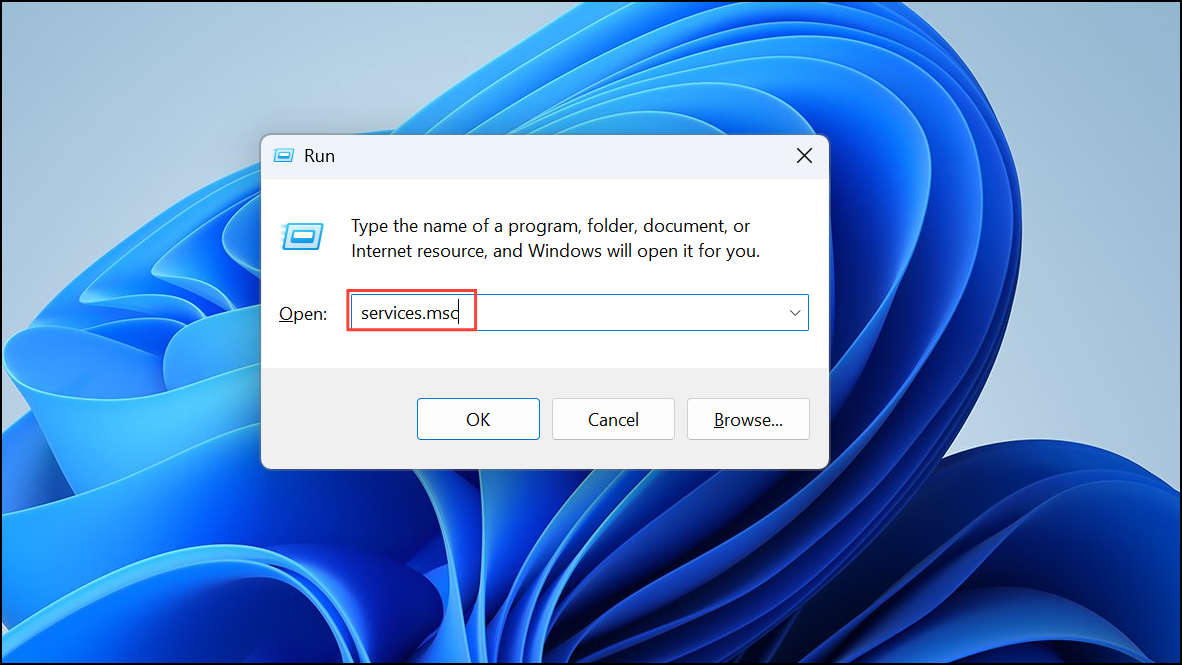
- NVIDIA Display Container LS.
- NVIDIA NetworkService Container.
- NVIDIA LocalSystem Container.
After restarting these services, launch GeForce Experience again and attempt to download the driver.
Method 2: Update GeForce Experience Application
Outdated versions of GeForce Experience can cause driver download issues. Updating the application to the latest version often resolves these problems.
After updating, restart GeForce Experience and attempt to download the driver again.
Method 3: Manually Download and Install NVIDIA Drivers
If GeForce Experience continues to fail, manually downloading drivers directly from NVIDIA’s official website is a reliable workaround.
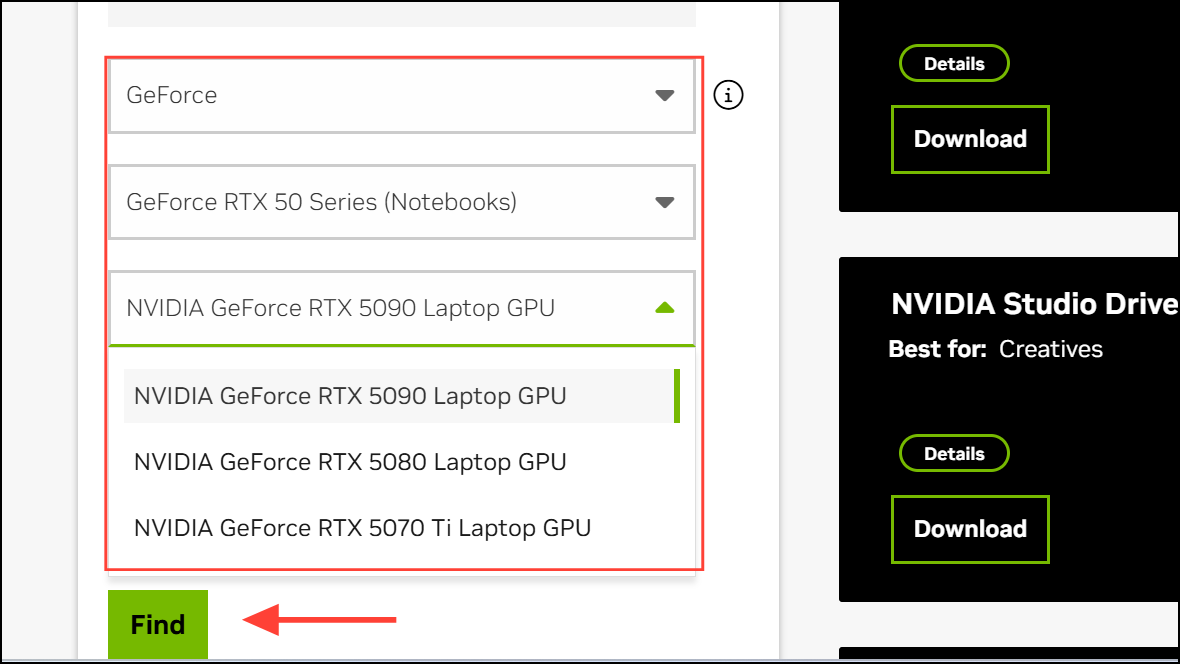
After installation, restart your computer to apply the new drivers.
Method 4: Disable Antivirus or Firewall Temporarily
Sometimes, antivirus software or firewall settings can block GeForce Experience from downloading drivers. Temporarily disabling these tools can help identify the issue.
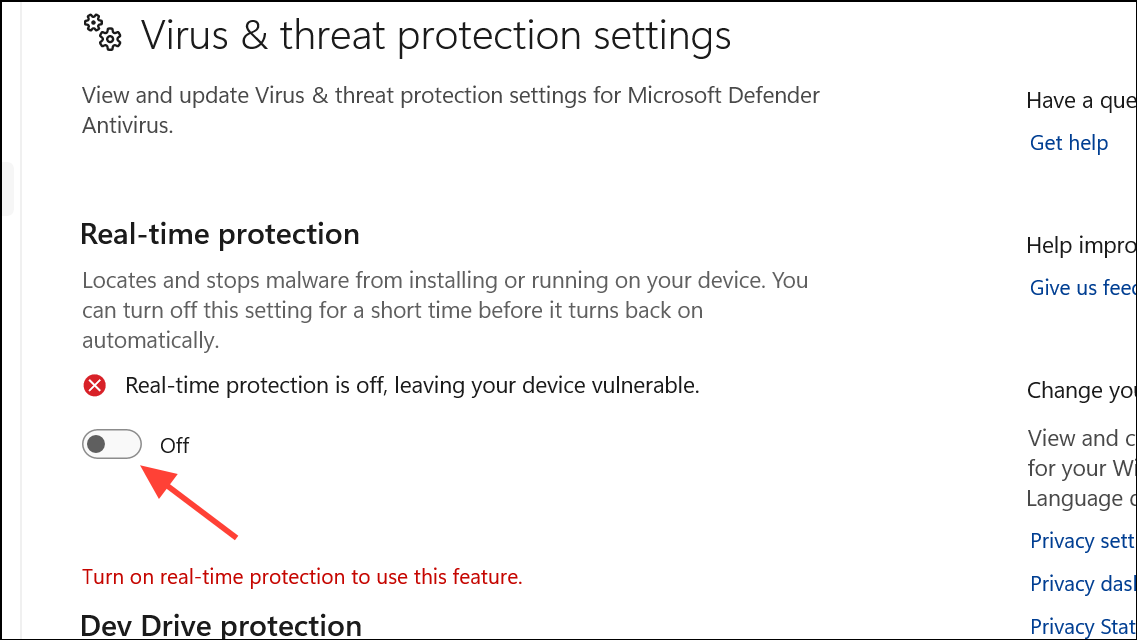
Method 5: Clean Reinstall GeForce Experience
If none of the previous methods resolve the issue, performing a clean reinstall of GeForce Experience removes corrupted files and restores the application’s functionality.
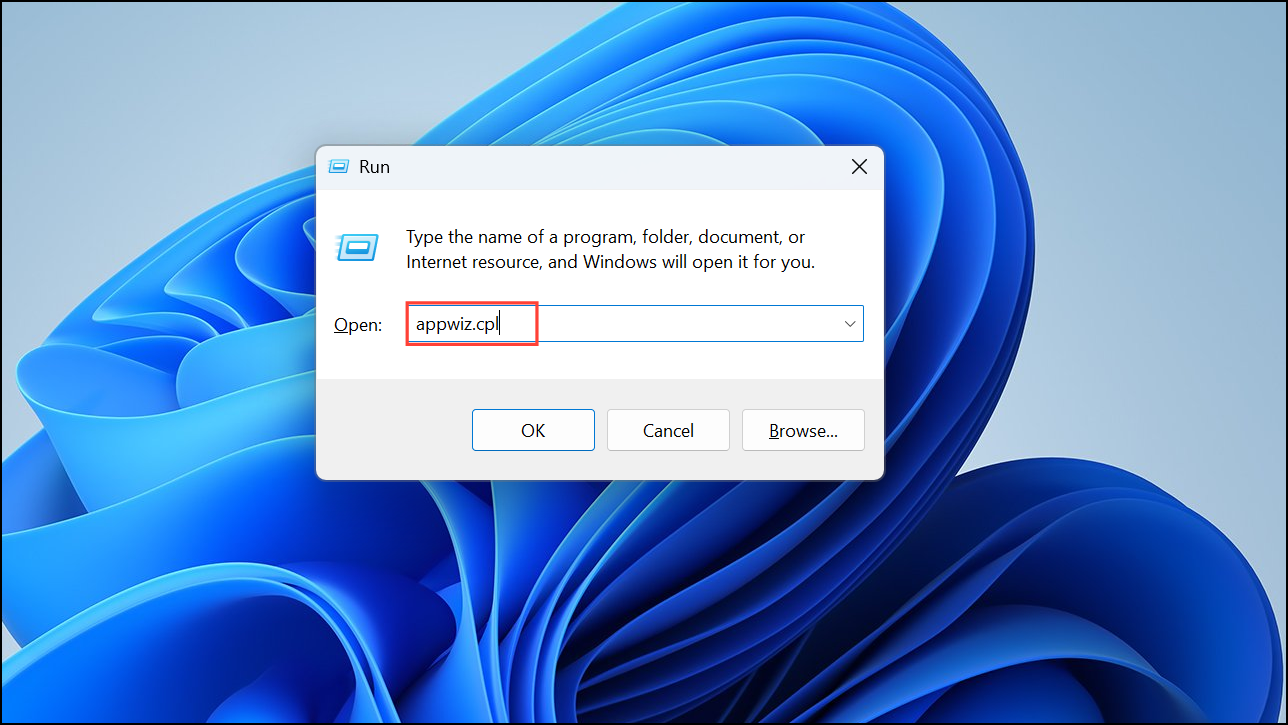
After installation, log in and try downloading the driver again.
Following these steps should resolve the “Driver download failed” error, allowing your NVIDIA drivers to update smoothly and your GPU to operate at peak performance.





