
Windows Update error 0x800705b4 occurs when the update process times out or encounters conflicts, preventing crucial updates from installing on your Windows system. This error often results from interference by antivirus software, corrupted system files, or misconfigured update settings. Follow the methods below to quickly resolve the issue and get your Windows updates back on track.
Run the Windows Update Troubleshooter
The built-in Windows Update troubleshooter diagnoses and automatically resolves common update problems, making it the simplest first step.
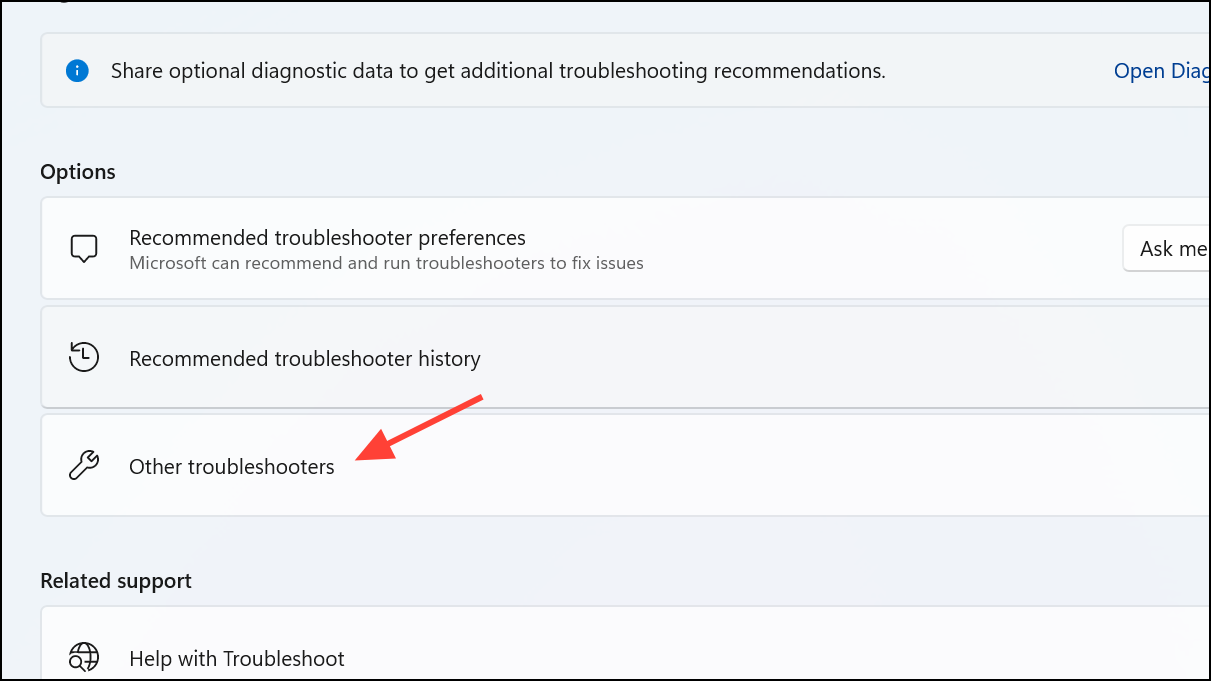
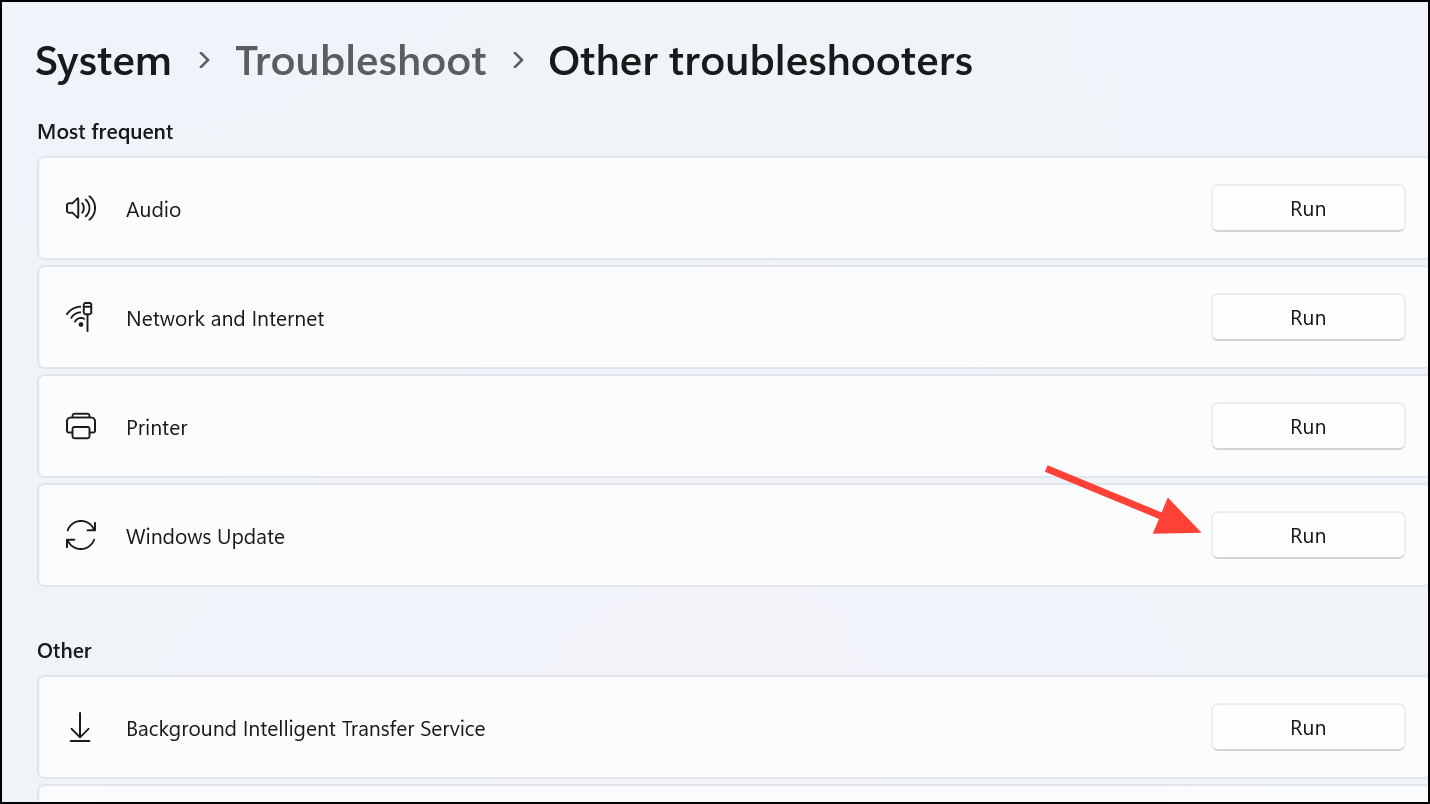
Windows + I to open Settings. Navigate to System and click Troubleshoot on the right.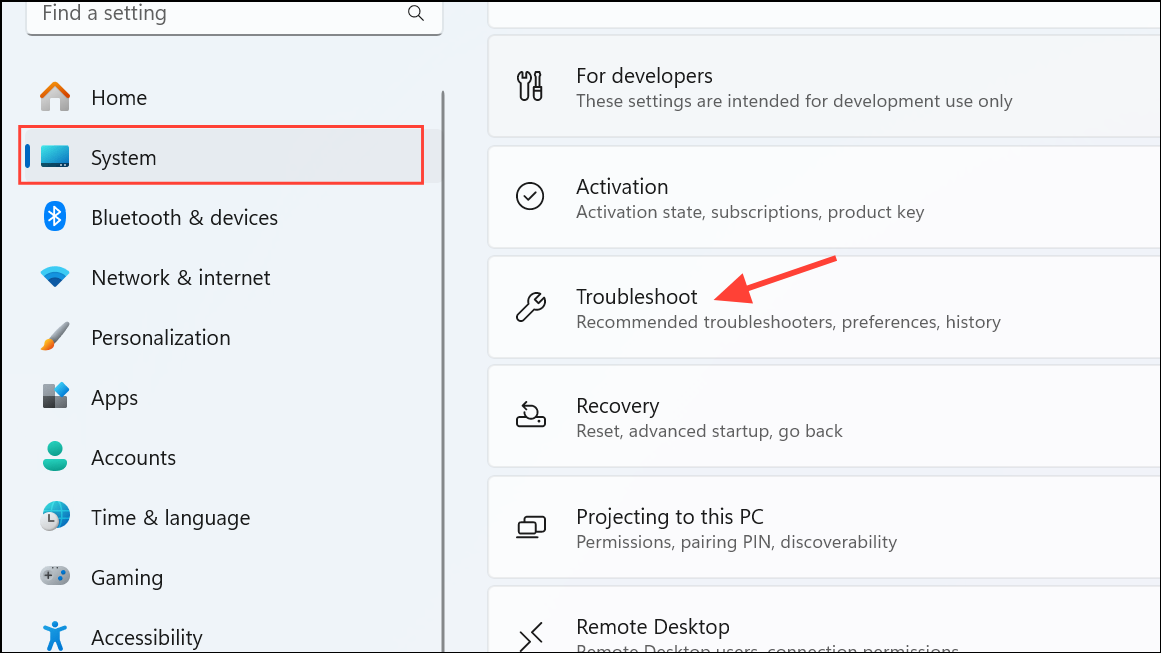
Temporarily Disable Your Third-Party Antivirus
Third-party antivirus software can sometimes block Windows updates. Temporarily disabling it can confirm whether it’s causing the issue.
Reset Windows Update Components
Corrupted update components can cause error 0x800705b4. Resetting these components often resolves the issue.
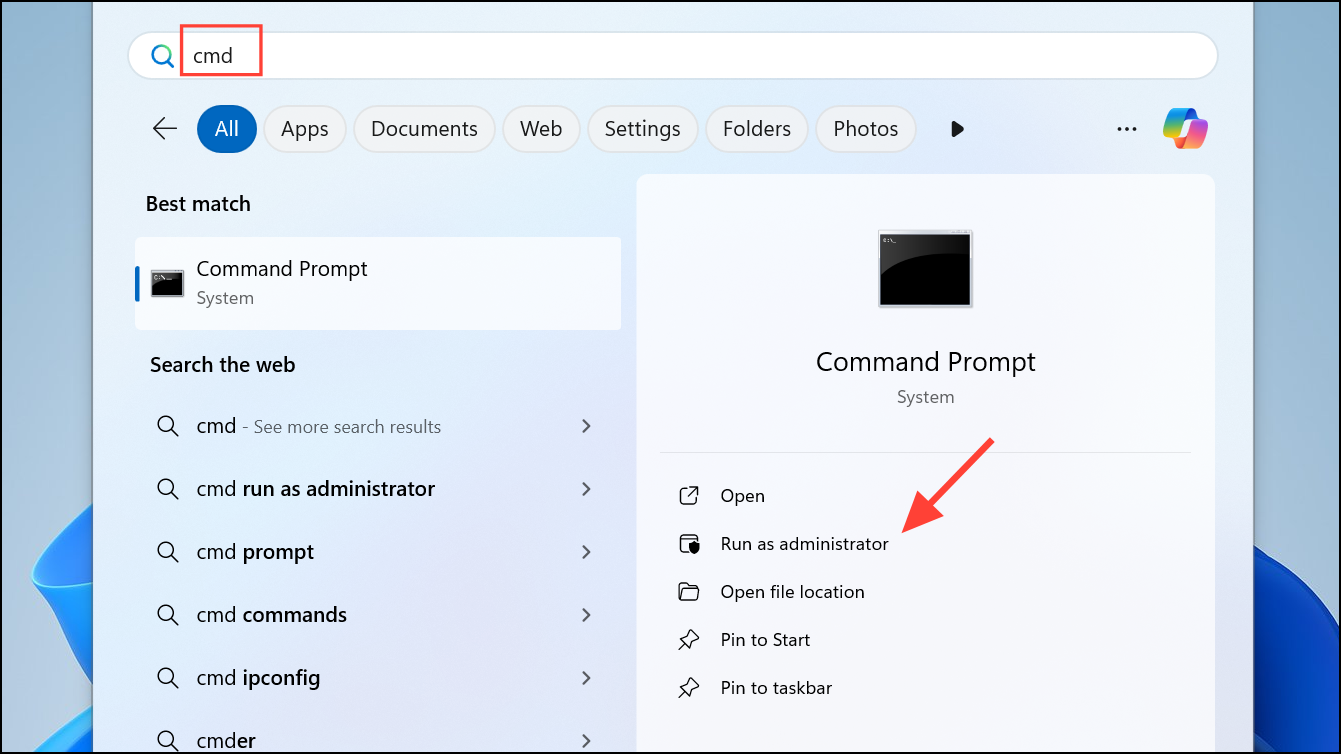
net stop wuauserv
net stop cryptSvc
net stop bits
net stop msiserver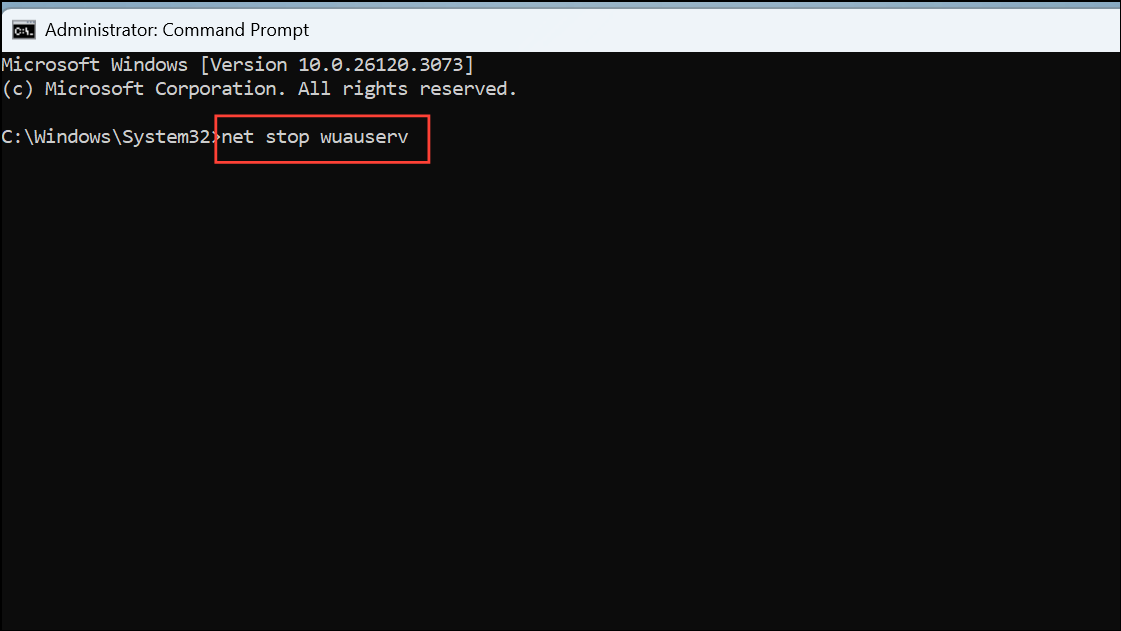
ren C:\Windows\SoftwareDistribution SoftwareDistribution.old
ren C:\Windows\System32\catroot2 Catroot2.old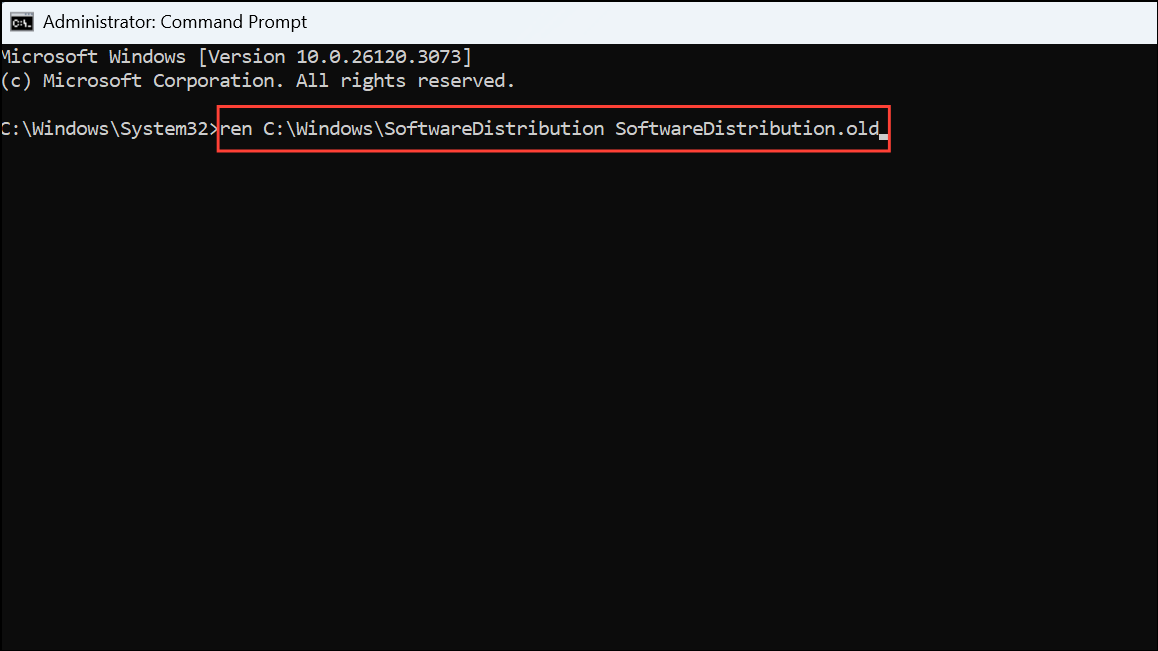
net start wuauserv
net start cryptSvc
net start bits
net start msiserver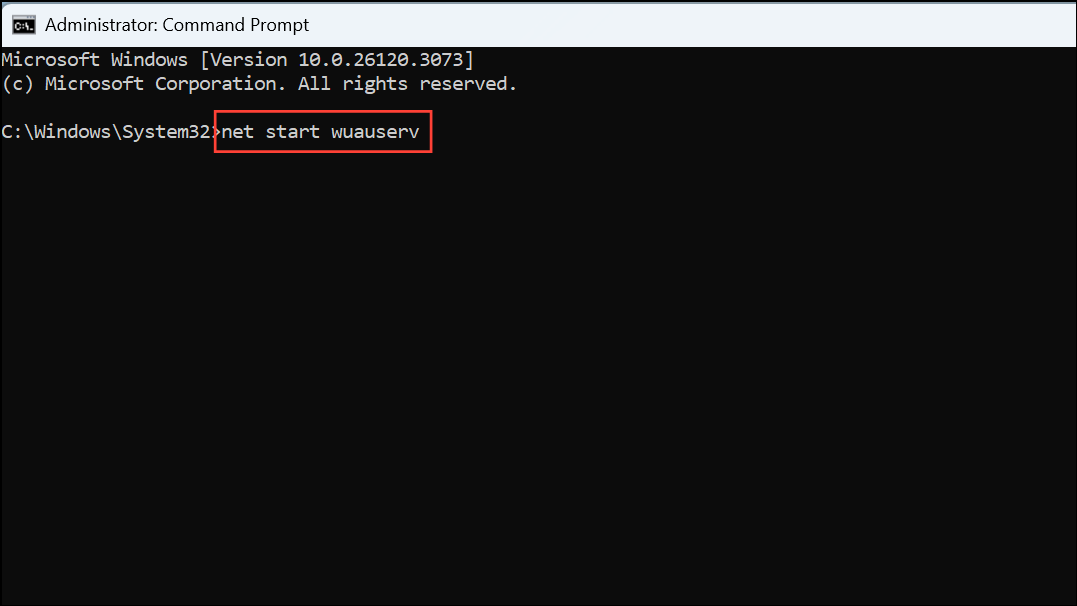
After executing these commands, restart your computer and attempt the update again.
Run System File Checker (SFC) and DISM Scans
Corrupted system files can block Windows updates. SFC and DISM scans repair these files automatically.
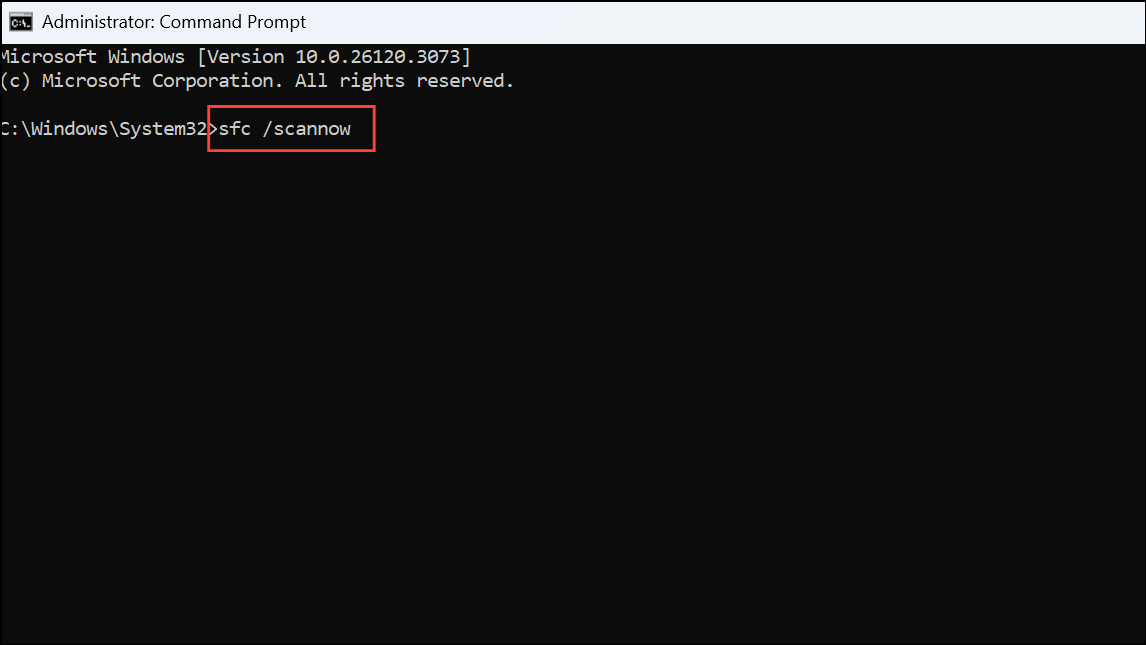
DISM /Online /Cleanup-Image /RestoreHealth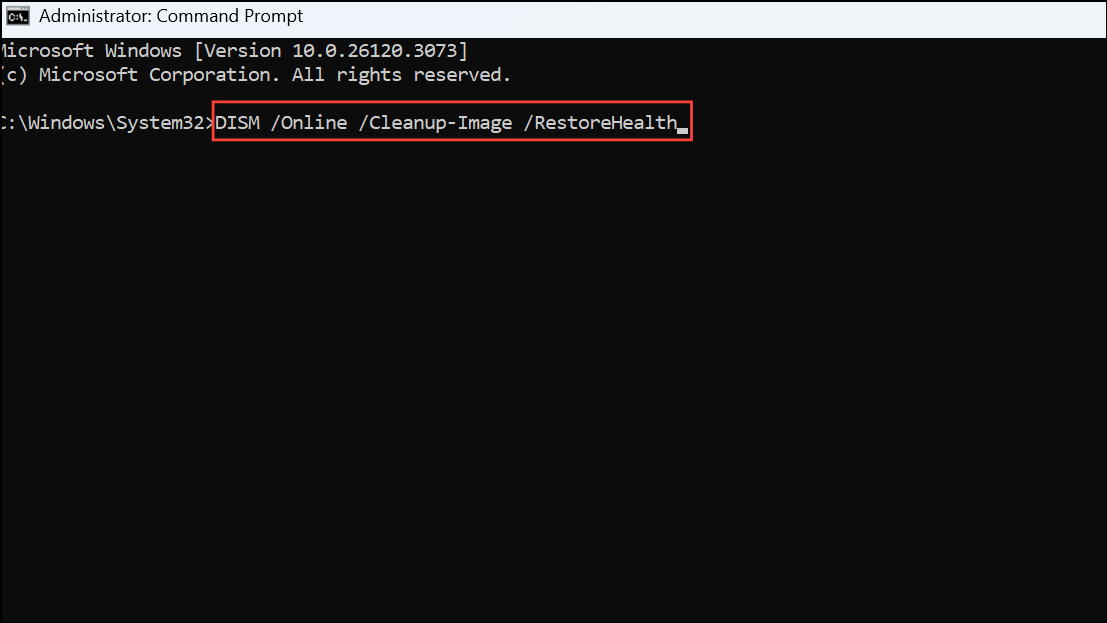
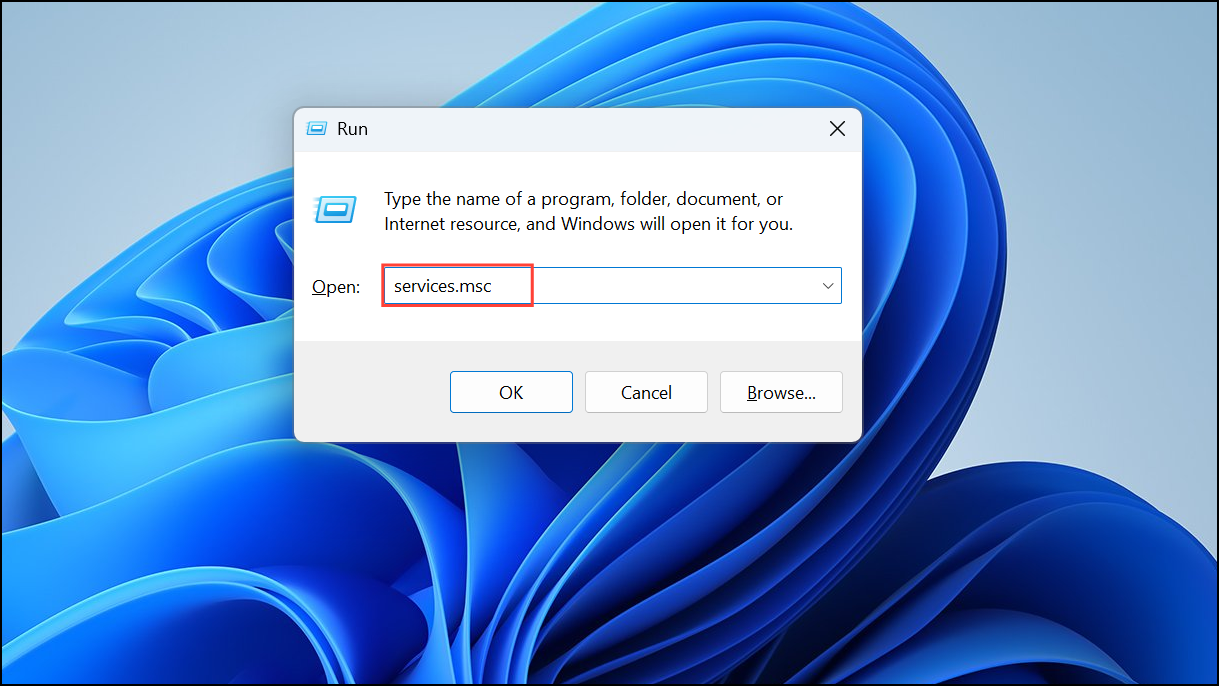
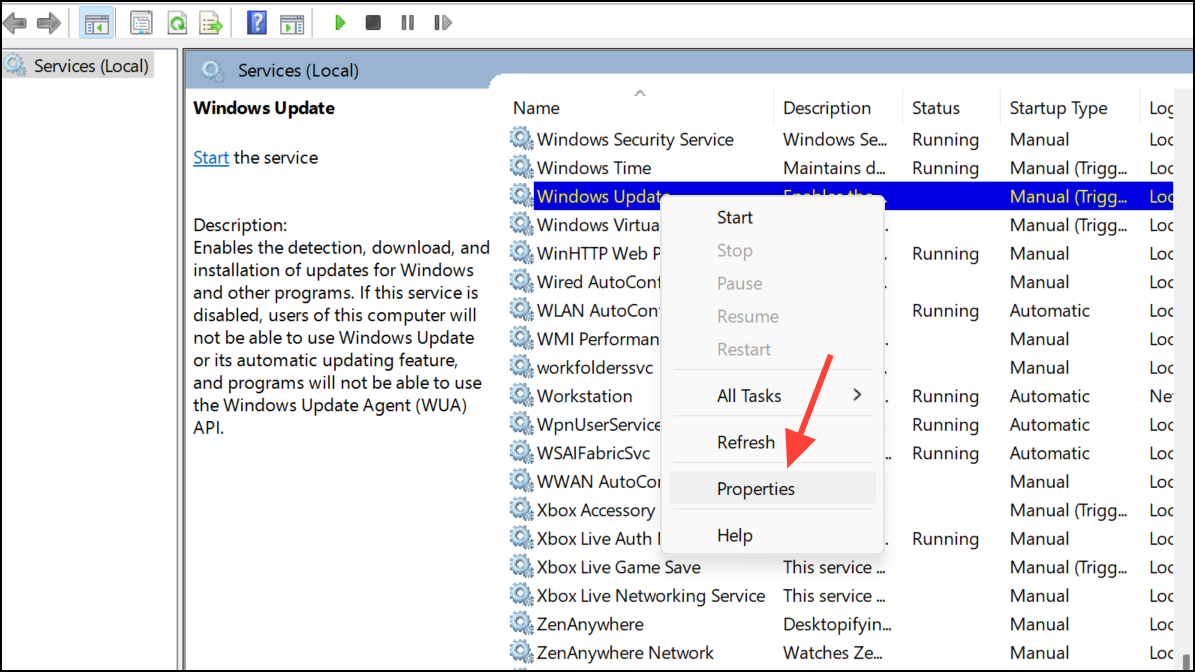
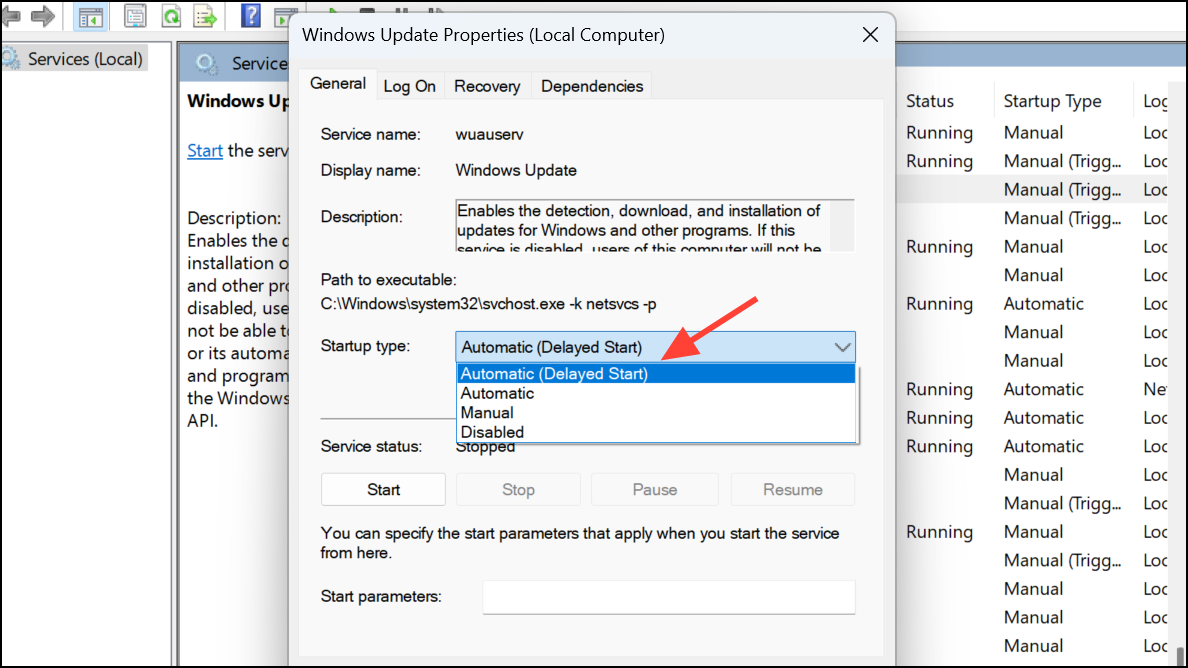
Change Windows Update Service Startup Type
Adjusting the Windows Update service’s startup type can resolve timing conflicts that lead to the 0x800705b4 error.
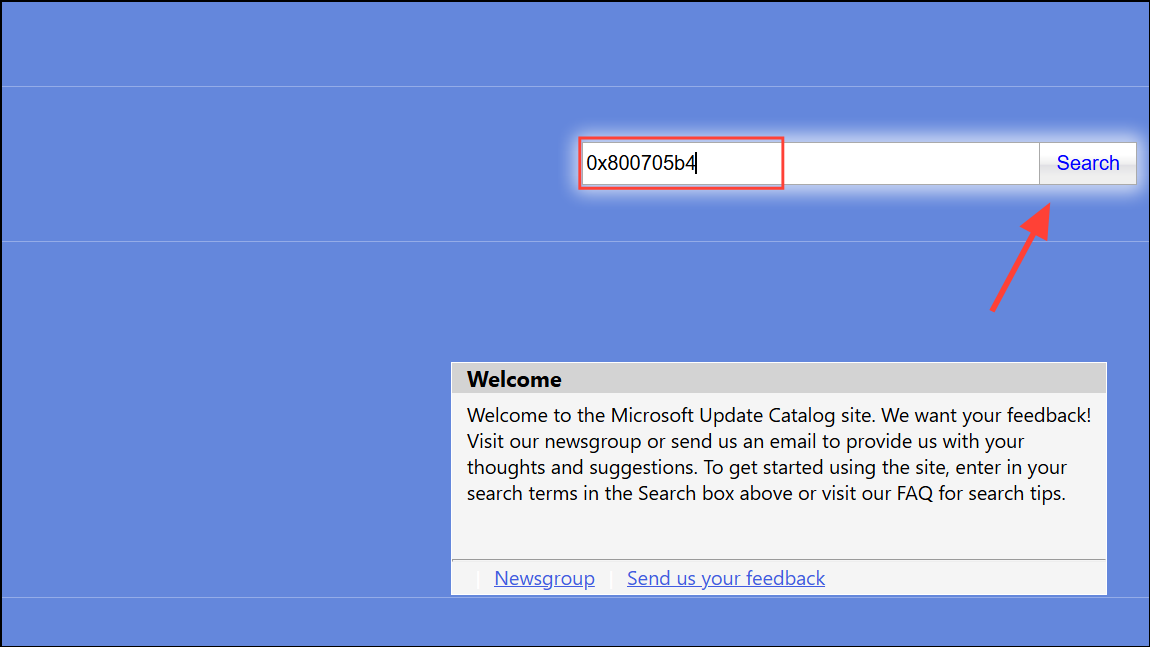
Manually Download and Install the Update
If automatic updates continue to fail, manually downloading and installing the update from Microsoft’s official catalog is a reliable alternative.
Following these steps should resolve the Windows Update error 0x800705b4 and allow your system to receive important updates again. Happy updating!





