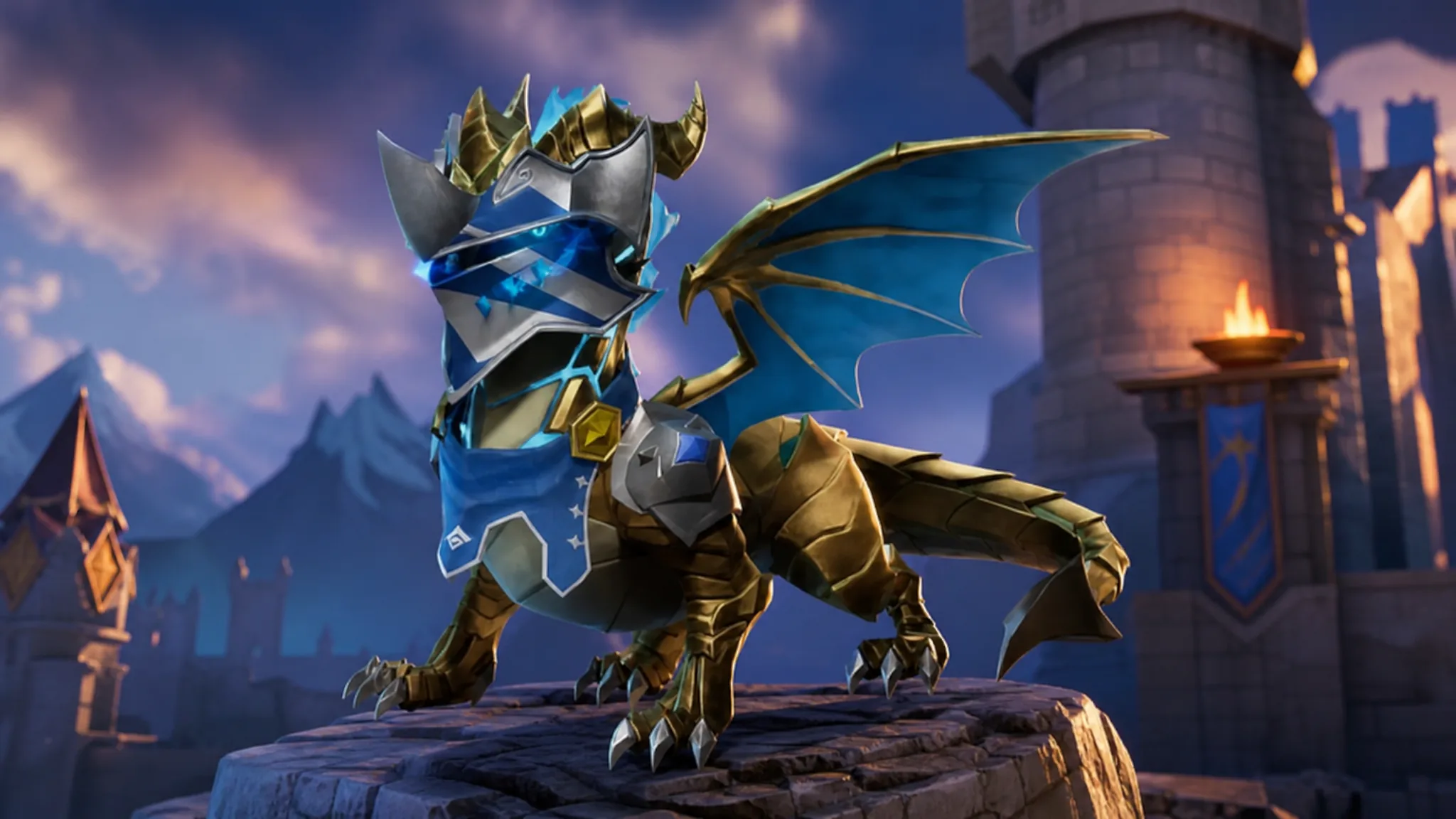
Sir Wyvern is a miniature, fire-breathing dragon sidekick that joins the Cuddles and Chaos lineup in Fortnite. It wears armor and comes as a customizable companion, and like every sidekick, it follows you around rather than fighting for you. Here is exactly how to add it to your locker and what you unlock alongside it.
Quick answer: Open the Fortnite Item Shop, scroll to the Cuddles and Chaos section, and buy Sir Wyvern for 1,200 V-Bucks. It is not part of any bundle, so you purchase it on its own.
Sir Wyvern price and availability window
Sir Wyvern arrived with the v41.30 update and went live in the Item Shop during the reset. It is an Uncommon sidekick and part of the Knight of Dragons set. Because it is sold as a single item, there is no discounted pack to grab it through.
| Detail | Value |
|---|---|
| Price | 1,200 V-Bucks |
| Section | Cuddles and Chaos |
| Set | Knight of Dragons |
| Released | August 1, 2026, 8 PM ET |
| Leaves Item Shop | August 8, 2026, 8 PM ET |
If you are short on currency, you have time to top up or redeem V-Bucks cards before the item cycles out at the end of its run.
How to buy Sir Wyvern in the Item Shop
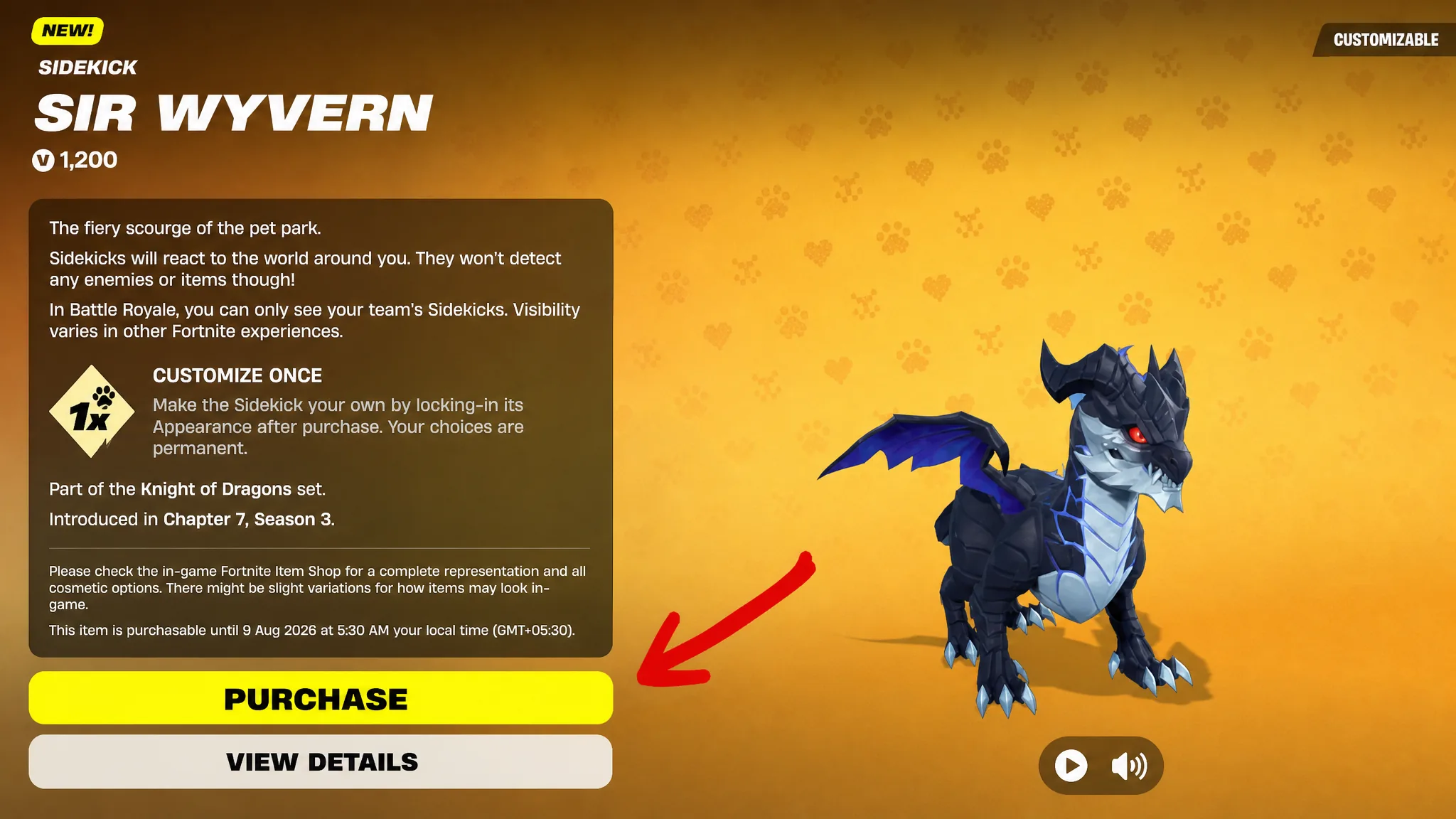
You know the purchase worked when the on-screen notification says the sidekick is in your locker and Sir Wyvern appears in your Sidekicks tab, ready to equip.
Bonus rewards from Sidekick Points
Owning Sir Wyvern opens a small set of extra cosmetics that you earn with Sidekick Points. You collect those points by playing compatible modes, then spend them to claim the styles, reaction, and emote below.
| Cosmetic | Type |
|---|---|
| Armor Black Knight | Style |
| Armor Rift Knight | Style |
| Black Burning Heart | Reaction |
| Flame Breath | Emote |
To track progress, open the Quests tab, press Escape once, and select the Sidekicks icon (the paw) on the left bar to view Sir Wyvern’s quests. You can also reach these from the locker by selecting the equipped sidekick, opening the three-dot menu, and choosing Go to Quest.
Note: Sir Wyvern does not help in combat and only appears for your own team in Battle Royale, so treat it as a cosmetic companion rather than a gameplay boost. If you would rather not spend V-Bucks on another pet, any sidekick you already own works just as well.