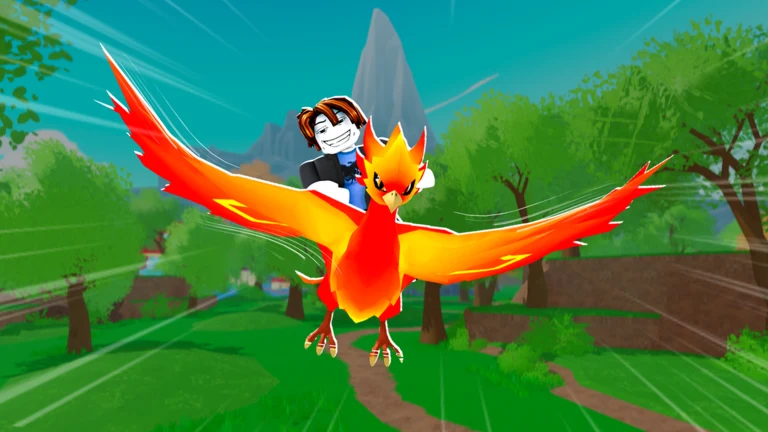
Ride A Pet puts every player on the same small map with their own fenced ranch, which makes it look like pets should move freely between friends. They don’t. The game has a gift control, but it lives inside the Shop, and the pets sitting in your roster are not part of it.
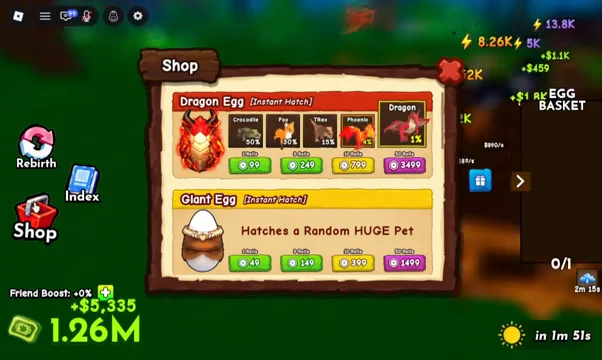
Quick answer: Open the Shop from the left sidebar, click the blue gift box icon, and pick a name from the Gift Player list. There is no trade menu and no way to transfer a pet you have already hatched.
Where the gift option is in Ride A Pet
The gift function is not on the ranch, not on the pet menu, and not on another player’s plot. It is a single icon inside the Shop interface, and it only recognises players who are in your session.
Why you can’t hand over a hatched pet
There is no trade window in Ride A Pet. You cannot send a trade request, there is no offer screen, and nothing in the pet menu lets you mark a mount as transferable. Riding across the map to a neighbour’s ranch does not change that.
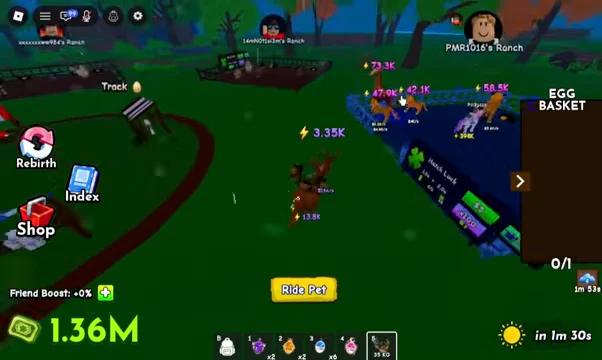
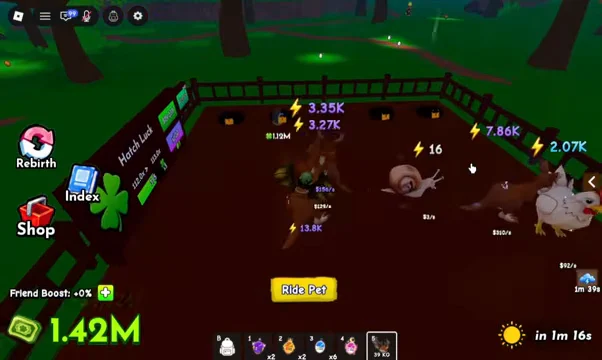
You can walk or dismount inside someone else’s fenced pen, and the game will let you stand there. Nothing prompts. The pets placed on that plot belong to that account, and there is no pickup, claim, or swap interaction attached to them.
Practically, that means every pet on your account has to come from an egg you found, carried home, and hatched at My Plot. A friend can show you where a rare egg spawned, but they cannot hand you the result.
What players can and can’t exchange
| Action | Supported | Where it happens |
|---|---|---|
| Gift a player from the store | Yes | Shop → blue gift box icon → Gift Player list |
| Trade a hatched pet | No | No trade interface exists |
| Take a pet from another ranch | No | Plots are not interactive for other players |
| Earn a bonus from friends | Yes | Friend Boost, shown on the HUD |
| Convert unwanted pets | Yes | Sell stall, after Index registration |
How to tell the gift went through, and why the list may be empty
The Gift Player list is the only confirmation that matters before you spend anything. If a name appears there, that player can receive a gift from you right now. If the name is missing, nothing you do on the map will make it appear.
Servers in Ride A Pet cap at six players, so the list is always short by design. A player who has left the session drops out of it, and anyone playing on a different server will not show up at all. Party up into the same server first, then open the Shop.
If you are waiting for a pet to land in your inventory after a “trade”, it will not. Your pet roster and your Index only update when you hatch something yourself, so an unchanged Index after a conversation with another player is the expected result, not a bug.
Better ways to help another player progress
Friend Boost is the closest thing to a cooperative reward in the game. Adding friends raises the bonus percentage shown on the HUD, and it stacks with your normal plot income, so two players in the same server both benefit without anything changing hands.
For your own roster, the useful habit is registering every new hatch in the Index before you sell duplicates. The Index tracks pets, eggs, and mutations, and it pays out milestone cash rewards, so selling a duplicate you never registered loses value permanently.
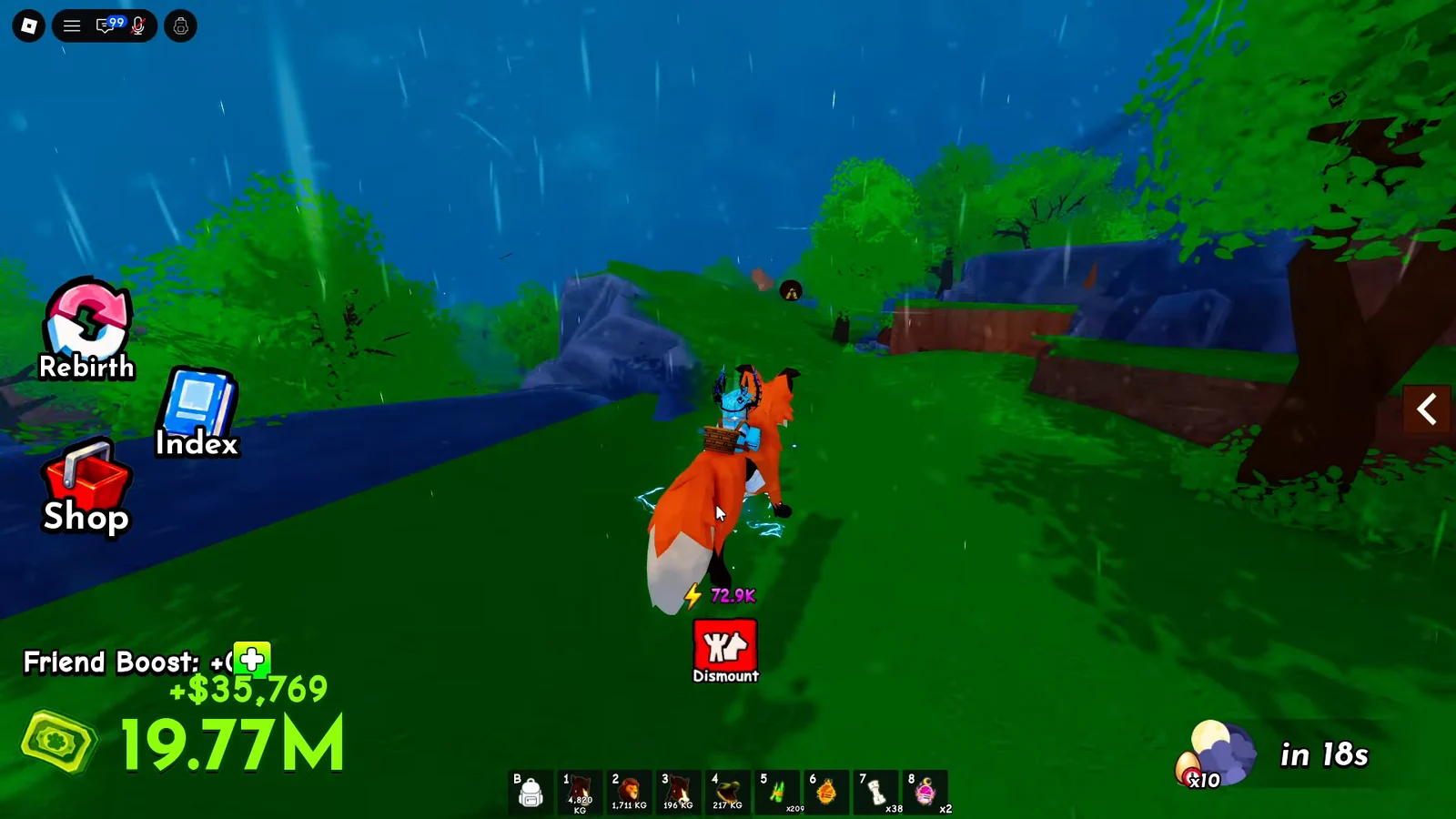
The other thing worth sharing is information. Egg routes, the timing on an Egg Will Break run, and which Radar tier to buy from the Gear Shop all transfer between players for free, and with only six people per server, a friend who knows the map is worth more than a gift.
Game passes are the one shop category that actually rotates. Instant Hatch, Infinite Radar, Infinite Backpack, and Auto Collect provide convenience without adding content, so test the free egg loop before buying one for yourself or someone else and identify what is truly slowing you down. Before spending Robux, check the current prices on the Ride A Pet experience page.